
Official statement
Other statements from this video 10 ▾
- □ Les snippets mal optimisés peuvent-ils vraiment faire chuter votre trafic organique ?
- □ Pourquoi vos requêtes de crawl tombent-elles à zéro dans Search Console ?
- □ Robots.txt en disallow bloque-t-il vraiment la génération de snippets dans les SERP ?
- □ Search Console suffit-elle vraiment pour diagnostiquer vos problèmes d'indexation ?
- □ Quels outils Google faut-il vraiment utiliser pour auditer correctement un site ?
- □ Lighthouse peut-il vraiment remplacer un audit SEO professionnel ?
- □ Un robots.txt mal configuré peut-il vraiment bloquer vos snippets et votre crawl ?
- □ Faut-il vraiment monitorer votre robots.txt en continu ?
- □ Faut-il vraiment tester son robots.txt avant chaque modification ?
- □ Faut-il bloquer certaines sections de votre site dans le robots.txt ?
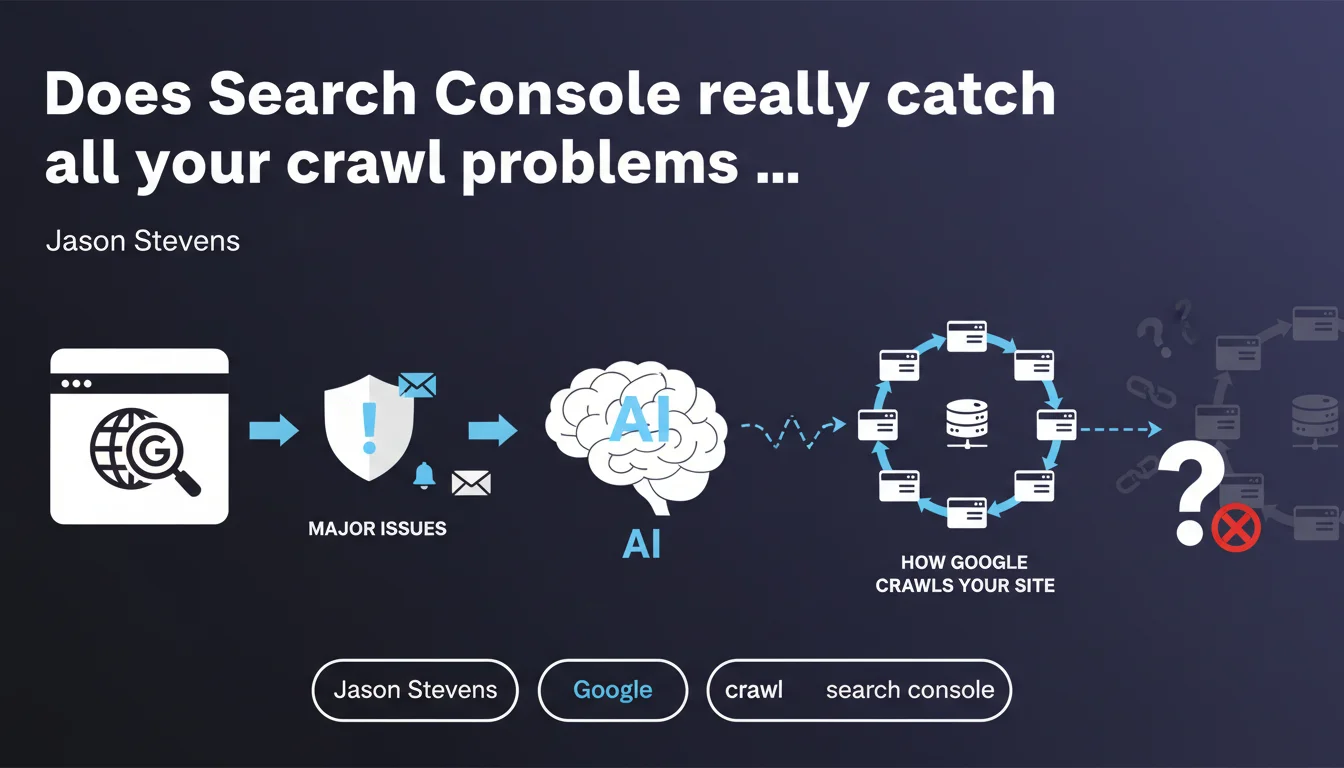
Google claims that Search Console automatically surfaces critical issues via the homepage and email notifications. The crawling section is supposed to help you understand how the bot explores your site. In practice, this idealized vision deserves some nuance — not all issues are reported with equal speed.
What you need to understand
What does Search Console actually prioritize in its reports?
The Search Console homepage displays alerts that Google deems critical: massive indexing errors, sudden coverage drops, manual penalties, security breaches. These notifications also appear via email if you've configured your preferences correctly.
The logic is straightforward: Google wants you to fix what blocks crawling or indexing at scale. A sitemap returning mass 404s, a robots.txt that denies access to your entire site, a sudden drop in indexed pages — that's what triggers a visible alert.
What is the crawling section actually useful for?
The Settings > Crawl Statistics tab (formerly "Crawl Stats") shows daily request volume, download times, file types being crawled. You can see if Googlebot suddenly slows down, if the number of crawled pages drops, if your server is responding poorly.
It's useful for diagnosing crawl budget issues or spotting server overload. But this data remains aggregated — you can't pinpoint exactly which URL is causing problems without cross-referencing with server logs.
Why is this vision still incomplete?
Google surfaces what it considers "important" — not necessarily what actually impacts you. An entire section of your site can be ignored by the bot without triggering any alert, simply because Google doesn't deem it a priority.
- Structural problems (duplication, chaotic canonicalization) often generate no direct notification
- Gradual declines in crawl activity fly under the radar if they don't cross an arbitrary alert threshold
- JavaScript errors or unrendered content aren't always clearly reported
- Email alerts can arrive several days late — too slow for high-velocity sites
SEO Expert opinion
Does this claim actually match what we see in the field?
Yes and no. Google does indeed surface visible disasters — a completely deindexed site, a manual penalty, massive hacking. On that front, the system works correctly.
However, claiming that Search Console "does a good job" catching all important issues is debatable. I've seen sites lose 30% of organic traffic due to a botched migration or internal structure change, without receiving a single alert. Because technically, Googlebot kept crawling — just differently.
What nuances need to be added?
Google's definition of "important problem" doesn't always match a SEO's definition. For the engine, an important problem = something that prevents it from doing its job. For you, it's what impacts traffic or conversions.
[To verify] — Google never specifies which thresholds trigger an alert. Does a site dropping from 10,000 crawled pages per day to 7,000 get notified? Nothing guarantees it. This opacity forces you to manually monitor crawl statistics trends.
In which cases does this approach fall short?
On large-scale sites (e-commerce, media), crawl problems are rarely binary. You typically see imbalances: some sections over-crawled, others ignored, budget wasted on useless facets. Search Console will never tell you "you're wasting 40% of your crawl budget on sorting pages".
Same thing for JavaScript rendering issues: you might see some URLs in error, but no way to know if it's a timeout, a script crash, or content never generated. You need third-party tools or manual testing.
Practical impact and recommendations
What should you actually do to avoid missing anything?
First, configure email notifications correctly in Search Console (Settings > Users and permissions > Email preferences). Make sure all critical alerts are enabled and recipients are up to date.
Next, never rely only on the homepage. Regularly visit Settings > Crawl Statistics and watch the trends: request volume, response time, file types. A gradual decline may never trigger an automatic alert.
What mistakes must you absolutely avoid?
Mistake #1: believing that no notification = no problem. Google only reports what it deems critical by its own standards. Your traffic can plummet without any alert reaching you.
Mistake #2: ignoring server logs. Search Console shows what Google says it crawled. Logs show what it actually did. Gaps between the two often reveal anomalies invisible in the interface.
- Enable all email notifications in Search Console
- Check crawl statistics at least once a week
- Cross-reference GSC data with your server logs (mandatory for large sites)
- Monitor indexed page count via the coverage tool
- Regularly test rendering on key pages using the URL inspection tool
- Audit site sections receiving low crawl despite strategic importance
- Document all major technical changes to correlate with crawl variations
How do you verify your site is being properly tracked?
Verify you have access to domain properties (not just URL prefix properties) in Search Console — this ensures complete visibility including all subdomains and protocols.
Manually test a few strategic URLs with the inspection tool: request indexing, observe if rendering matches your expectations. If elements are missing, dig deeper — the problem may never surface automatically.
❓ Frequently Asked Questions
Search Console envoie-t-il toujours un email en cas de problème critique ?
Les statistiques d'exploration suffisent-elles à diagnostiquer un problème de crawl budget ?
Pourquoi certaines pages disparaissent de l'index sans notification ?
À quelle fréquence faut-il consulter les statistiques d'exploration ?
Search Console détecte-t-il les problèmes de rendu JavaScript ?
🎥 From the same video 10
Other SEO insights extracted from this same Google Search Central video · published on 10/01/2023
🎥 Watch the full video on YouTube →
💬 Comments (0)
Be the first to comment.