
Official statement
Other statements from this video 10 ▾
- □ Les snippets mal optimisés peuvent-ils vraiment faire chuter votre trafic organique ?
- □ Robots.txt en disallow bloque-t-il vraiment la génération de snippets dans les SERP ?
- □ Search Console suffit-il vraiment à détecter tous vos problèmes de crawl ?
- □ Search Console suffit-elle vraiment pour diagnostiquer vos problèmes d'indexation ?
- □ Quels outils Google faut-il vraiment utiliser pour auditer correctement un site ?
- □ Lighthouse peut-il vraiment remplacer un audit SEO professionnel ?
- □ Un robots.txt mal configuré peut-il vraiment bloquer vos snippets et votre crawl ?
- □ Faut-il vraiment monitorer votre robots.txt en continu ?
- □ Faut-il vraiment tester son robots.txt avant chaque modification ?
- □ Faut-il bloquer certaines sections de votre site dans le robots.txt ?
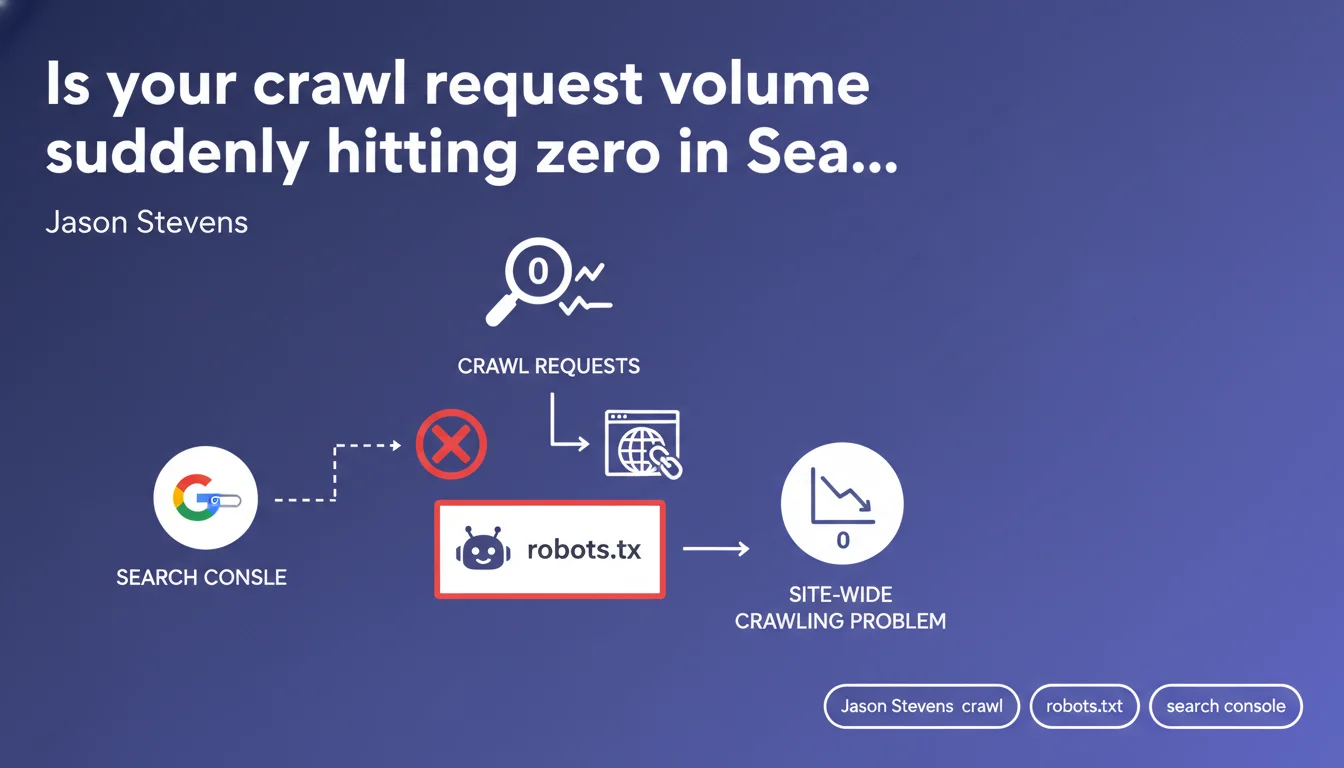
When crawl requests suddenly plummet to zero in Search Console, Google is signaling a site-wide crawling issue. Your robots.txt file is usually the culprit—a misconfigured rule can block Googlebot entirely. This is a red flag that demands immediate technical investigation.
What you need to understand
What does a sudden zero crawl request drop really mean?
A sudden plunge in crawl requests to zero in Search Console isn't just a slowdown. It's a complete halt.
Googlebot has stopped visiting your site entirely — no new pages are being indexed, no existing content is being refreshed. Your site gradually becomes invisible in search results, even though older cached pages may linger temporarily.
Why is robots.txt so often the culprit?
The robots.txt file is the first resource Googlebot consults before exploring anything. A single misplaced directive — an accidental Disallow: / or overly restrictive User-agent: * — instantly blocks all crawling.
This happens more often than you'd think: botched site migrations, staging environment files accidentally deployed to production, careless edits during routine maintenance. Pre-production robots.txt often contains complete blocking rules to prevent premature indexing — if that file goes live, it's total blackout.
What other issues can trigger this same symptom?
robots.txt isn't the only suspect. A broken .htaccess file could consistently return 403 or 500 errors to Googlebot, causing identical results. An overly aggressive WAF firewall might flag Googlebot as a threat and block its requests.
DNS problems — unreachable servers, repeated timeouts — can also cut off crawling. However, in these cases, Search Console will typically report explicit errors, not just a flat zero.
- Zero crawl drop equals complete crawling halt, not gradual slowdown
- robots.txt is checked first — an error here blocks everything
- Migrations and deployments are critical risk moments
- Other possible causes exist: .htaccess, WAF, DNS, but usually with visible GSC errors
SEO Expert opinion
Does this claim align with real-world observations?
Yes, and it's actually one of Google's most reliable diagnoses. In practice, whenever a client reports sudden zero crawl drops, the issue is found in robots.txt roughly 70% of the time.
The remainder splits between massive server errors (500/503), infrastructure-level blocks (WAF, firewalls), or — rarely — a severe manual penalty. But Google has a point: if you check robots.txt first, you'll solve the problem seven times out of ten.
What nuances should we add to this claim?
Google mentions a "site-wide" problem, but it needs clarification: a zero-crawl drop doesn't necessarily mean every page is blocked in robots.txt. Blocking critical sections — say Disallow: /blog/ on a site where 90% of content lives in /blog/ — can be enough to crater crawl stats dramatically.
Another consideration: timing. Even if you fix robots.txt immediately, crawling doesn't resume right away. Googlebot typically takes 24 to 48 hours to re-evaluate and restart normal exploration. [To verify] : Google has never published an official specific timeline for this recovery.
When does this rule not apply?
If your crawl gradually declines over weeks, robots.txt is probably not the cause. Slow decline points more to crawl budget loss: massive duplicate content, orphaned pages, explosive URL growth (filters, parameters), or deteriorating content quality.
Likewise, if Search Console shows massive 4xx or 5xx errors, the problem lies elsewhere. A blocked robots.txt rarely generates HTTP errors — it just generates silence.
Practical impact and recommendations
What should you check first when crawl drops?
Start by testing your robots.txt using the dedicated tool in Search Console (Settings > robots.txt). Verify that Googlebot can access your main URLs. If a block appears, fix it right away.
Next, inspect a URL directly with the URL Inspection tool. Check whether Googlebot can fetch the page. If you see a server error or timeout, the problem is at the infrastructure level.
What robots.txt errors must you avoid?
Never blindly copy a robots.txt from one environment to another. Staging files often contain Disallow: / to prevent indexing — if that file reaches production, you get total blackout.
Avoid overly broad directives: a Disallow: /*.pdf can block thousands of documents if your site contains many. Disallow: /admin/ causes no issues, but Disallow: /a (without final slash and unintentionally) could block every URL containing the letter "a".
How do you ensure crawling resumes normally after fixing robots.txt?
Once robots.txt is corrected, request manual indexing of a few critical URLs through Search Console. This accelerates crawl recovery on those pages.
Monitor the "Crawl Stats" report in Search Console over the following 7 days. You should see request counts climb gradually. If nothing changes after 72 hours, the problem lies elsewhere — dig into server logs.
- Test robots.txt immediately via the Search Console tool
- Inspect several key URLs to verify actual accessibility
- Compare production robots.txt against staging/dev versions
- Check server logs for massive 5xx error patterns
- Review WAF/firewall rules that might be blocking Googlebot
- Request manual reindexing of priority pages after fixing
- Monitor "Crawl Stats" for one week to confirm recovery
❓ Frequently Asked Questions
Combien de temps faut-il pour que le crawl reprenne après correction du robots.txt ?
Une chute du crawl signifie-t-elle que mes pages vont disparaître immédiatement des résultats ?
Est-ce qu'un blocage partiel dans robots.txt peut provoquer une chute totale du crawl ?
Comment distinguer un problème robots.txt d'un problème serveur ?
Peut-on récupérer complètement après une chute du crawl à zéro ?
🎥 From the same video 10
Other SEO insights extracted from this same Google Search Central video · published on 10/01/2023
🎥 Watch the full video on YouTube →
💬 Comments (0)
Be the first to comment.