
Official statement
Other statements from this video 9 ▾
- □ Should a technical SEO audit really go beyond crawlability and indexation?
- □ Is your technical SEO audit actually missing what really matters?
- □ Is your SEO audit doomed to fail before you even start?
- □ What are the technical priorities Google really wants you to audit first?
- □ Should you really worry about a spike in 404 errors in Google Search Console?
- □ Is your SEO audit actually helping you—or wasting resources on irrelevant checks?
- □ Should you really implement every recommendation your SEO audit tools suggest?
- □ How can you prioritize your SEO fixes without wasting endless time and resources?
- □ Why does your technical SEO audit fail without involving the dev team?
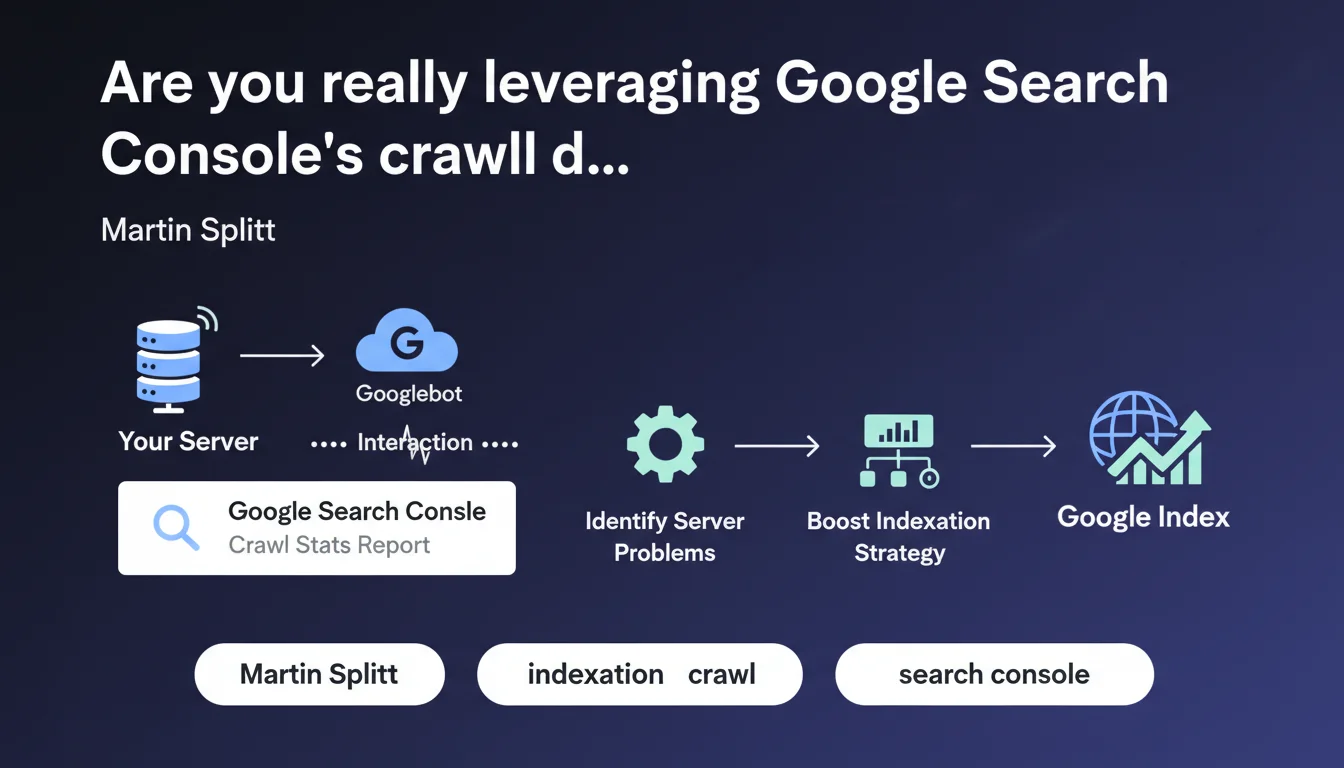
Google Search Console's Crawl Stats report reveals the exact interaction between Googlebot and your server. It enables you to diagnose technical issues hindering crawl efficiency and optimize your crawl budget consumption. An underutilized tool by most SEOs, yet it contains critical information for improving indexation performance.
What you need to understand
What does the Crawl Stats report really reveal?
The Crawl Stats report in Google Search Console exposes three essential dimensions: the number of crawl requests per day, the amount of data downloaded, and your server's average response time. These metrics tell the story of your technical relationship with Googlebot.
Unlike indexation data that shows what Google decided to keep, crawl stats reveal what happens upstream — when the robot knocks on your server's door. This is where the initial technical battles are fought.
Why does server interaction deserve so much attention?
Because a slow or unstable server directly limits the crawl budget Google allocates to you. If your response times spike, Googlebot slows its pace to avoid overloading your infrastructure — even if you have 10,000 pages waiting to be indexed.
Unusual spikes in request volume can also signal problems: redirect loops, infinite facets, poorly managed URL parameters. The report becomes a leak detector in your architecture.
What are the key metrics to monitor?
- Average response time: Beyond 500ms, you start constraining the crawl
- Request volume: Sudden drops often indicate server issues or technical penalties
- Types of HTTP responses: A high rate of 4xx or 5xx errors undermines Googlebot's trust
- Types of files crawled: Identifies if the bot is wasting time on non-priority resources
- Crawl purpose: Distinguishes discovery crawl from refresh crawl
SEO Expert opinion
Is this report really being utilized at its true value?
Let's be honest: most SEOs open Crawl Stats once every six months, notice that "it's crawling," and move on. That's a massive mistake. This report contains early warning signals you won't find anywhere else.
Crawl volume variations often precede organic traffic changes by several weeks. A crawl collapse today means a visibility drop in 3-4 weeks. But nobody makes the connection because nobody monitors this data systematically.
What are the limitations of this tool?
The Crawl Stats report aggregates data over 90-day periods, which can mask isolated incidents. Your server goes down for 6 hours on a Tuesday evening? Diluted in the monthly average, it barely shows up.
Another issue: the tool lacks context. A 300% crawl spike — is that good or bad? It depends. If you just launched a new section with 5,000 pages, that's normal. If nothing changed on the content side, Googlebot probably got lost in a poorly locked-down structure.
In what situations is this data truly critical?
On large-scale sites — e-commerce, marketplaces, classifieds — where crawl budget is a real limiting factor. If you have 500,000 URLs and Google crawls only 2,000 per day, you have a prioritization or server performance problem.
On sites where freshness is critical too: media outlets, news sites, deal aggregators. If your content has a 48-hour lifespan and Google takes 3 days to crawl it, you're out of the game. Crawl stats let you quantify this lag and justify infrastructure investments.
Practical impact and recommendations
How do you diagnose a problem through Crawl Stats?
Start by identifying temporal anomalies. Export your data over 90 days and look for unusual spikes or dips. Correlate them with your deployment history, content releases, and migrations.
If average response time suddenly spikes for no obvious reason, check your server logs during that specific period. Often it's an aggressive third-party bot, a misconfigured scraper, or a SQL query gone rogue that's tanking performance for everyone — including Googlebot.
Also analyze the breakdown by content type. If 40% of crawl activity focuses on PDFs or images while your value lies in HTML pages, you have a prioritization problem to solve via robots.txt or crawl rate limiting.
What concrete actions should you implement?
First, optimize server response time. Enable GZIP or Brotli compression, deploy a CDN for static resources, optimize your database queries. Every millisecond gained multiplies your crawl budget.
Next, clean up your architecture. Block in robots.txt anything that delivers no SEO value: redundant filter URLs, infinite pagination pages, print versions, session parameters. Make sure every Googlebot request counts.
- Monitor Crawl Stats at minimum weekly, ideally daily via API
- Cross-reference Search Console data with your raw server logs for complete visibility
- Set up alerts on critical metrics: response time > 800ms, crawl volume drops of 30%+
- Document every anomaly and its causes to build internal knowledge base
- Test the impact of infrastructure changes on crawl before deploying to production
- Optimize site structure to concentrate crawl on strategic pages
Should you get expert help with these optimizations?
Reading crawl data is one thing. Interpreting it correctly and orchestrating fixes across technical, editorial, and SEO teams is another. The interactions between server performance, site architecture, and crawl budget create complexity that often exceeds one person's scope.
If you notice recurring anomalies or your site exceeds 50,000 indexable pages, working with a specialized SEO agency can dramatically accelerate diagnosis and fix implementation. This allows you to mobilize cross-functional expertise — technical audit, server optimization, information architecture restructuring — without monopolizing your internal resources for months.
🎥 From the same video 9
Other SEO insights extracted from this same Google Search Central video · published on 06/11/2025
🎥 Watch the full video on YouTube →
💬 Comments (0)
Be the first to comment.