
Official statement
Other statements from this video 10 ▾
- □ Faut-il vraiment baliser son contenu payant avec la structured data 'paywall' ?
- □ Faut-il vraiment empêcher le contenu paywall de se charger dans le DOM ?
- □ Pourquoi robots.txt ne protège-t-il pas vos contenus privés de l'indexation Google ?
- □ Pourquoi robots.txt ne protège-t-il pas votre contenu privé ?
- □ Pourquoi vos pages privées n'apparaissent jamais dans Google malgré leur indexation ?
- □ Faut-il vraiment enrichir vos pages de login pour améliorer leur indexation ?
- □ Faut-il vraiment rediriger vos pages privées vers du contenu marketing plutôt qu'un simple login ?
- □ Pourquoi Google refuse-t-il d'indexer les intranets d'entreprise ?
- □ Pourquoi vos URLs peuvent trahir vos données privées malgré un contenu protégé ?
- □ Google donne-t-il vraiment des conseils SEO privilégiés à ses propres équipes ?
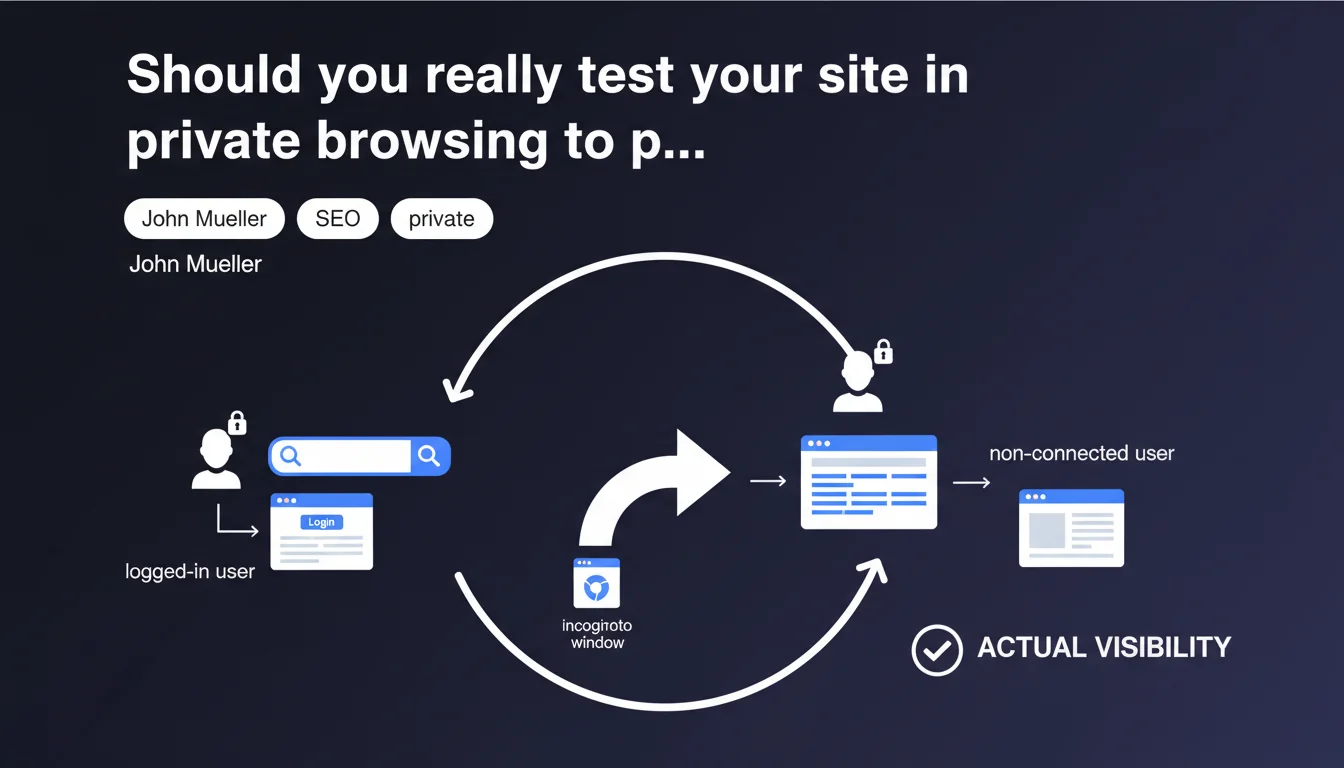
Google recommends opening an incognito window to check how your site actually appears to non-logged-in users. This simple approach helps detect display errors caused by authentication systems that sometimes block content access for anonymous visitors — and therefore for Googlebot.
What you need to understand
Why does Google insist on private browsing for this type of test?
Google doesn't see your site the way you do. When you're logged into your own service, you access a personalized version that can be radically different from what anonymous visitors see.
Login systems can hide content, display redirects to login pages, or worse — completely block access. In private browsing, you place yourself in the same position as an average user and, by extension, as Googlebot.
What does this statement reveal about indexing protected content?
Google indirectly reminds us that any content locked behind authentication creates indexing problems. If a login wall stands before the main content, Googlebot stops there.
Some sites make the mistake of believing that Google can 'guess' what's hidden behind it. No. What isn't accessible in anonymous mode generally isn't indexable — except for specific technical configurations like indexing content for logged-in users via dedicated tags, which remains marginal.
Does this recommendation apply only to sites with login?
No, and that's where it gets interesting. Even without an obvious login system, some sites trigger different behaviors depending on connection status: newsletter pop-ups, intrusive cookie banners, sections hidden for unidentified visitors.
Testing in incognito helps detect these display discrepancies that can impact the actual user experience — the one Google evaluates for ranking.
- Private browsing simulates a visitor without cookies or history
- It reveals access barriers that Googlebot may encounter
- It allows you to verify the consistency between what you think you're offering and what actually displays
- It's a basic test, but incredibly effective at detecting accessibility issues
SEO Expert opinion
Is this recommendation sufficient to diagnose indexing problems?
Let's be honest: it's a good starting point, but it remains superficial. Testing in incognito shows you what an anonymous user sees, not necessarily what Googlebot analyzes.
Googlebot doesn't behave exactly like a standard browser. It doesn't always execute JavaScript the same way, it respects crawl budgets, and it can be blocked by robots.txt rules or server errors invisible on the front-end. Incognito mode doesn't detect these issues.
What are the limitations of this approach for a complete audit?
The incognito test doesn't replace a rigorous technical SEO audit. It doesn't verify whether your canonical tags are correct, whether your content is accessible via server-side rendering (SSR), or whether 403/401 errors trigger specifically for certain user-agents.
Furthermore, Google can sometimes index partially accessible content — for example via featured snippets or structured extracts — even if the rest of the page is blocked. Incognito mode won't tell you whether Google exploits these gray areas.
Has this practice evolved with Google's recent updates?
Google continually refines its ability to interpret JavaScript and manage dynamic content, but the fundamentals remain: no anonymous access = no reliable indexing.
What has changed is that Google now places more weight on actual user experience, measured via Core Web Vitals and behavioral signals. If your site displays aggressive login walls or blocking interstitials, you risk an indirect penalty — even if the content is technically accessible.
Practical impact and recommendations
What specifically should you check in private browsing?
Open an incognito window and type your main search query into Google. Click on the top results pointing to your site. Watch what displays immediately: does the main content appear without obstruction? Or do you land on a login page, registration form, paywall?
Then navigate a few internal pages. Verify that essential elements (text, images, videos, action buttons) load correctly without requiring account creation.
What mistakes should you absolutely avoid?
Never block access to indexable content behind mandatory login. If your business model relies on a paywall, use appropriate HTML structures like schema.org/Article with publicly accessible sections.
Avoid automatic redirects to login pages on first visit. Google interprets this as an access barrier and may deindex your pages or rank them as less relevant for organic queries.
And this is where it gets tricky: some CMS or JavaScript frameworks create different experiences depending on session state, without your awareness. A quick incognito test can reveal these inconsistencies.
How should you integrate this test into a regular SEO audit process?
Add this test to your monthly SEO checklist. Every time you deploy a major update — new login system, UX redesign, technical migration — rerun the incognito test on your strategic pages.
Document the results. Take screenshots of what displays logged-in vs incognito. If discrepancies appear, dig deeper with Google Search Console tools and mobile rendering tests.
- Test your strategic pages in private browsing at least once a month
- Compare logged-in vs anonymous display to detect inconsistencies
- Verify that main content loads without access barriers
- Use the Google Search Console URL inspection tool to validate rendering from Google's perspective
- Document gaps and fix blockages before they impact your indexing
- Also test on mobile, where interstitials are more penalizing
🎥 From the same video 10
Other SEO insights extracted from this same Google Search Central video · published on 04/09/2025
🎥 Watch the full video on YouTube →
💬 Comments (0)
Be the first to comment.