
Official statement
Other statements from this video 10 ▾
- □ Faut-il vraiment empêcher le contenu paywall de se charger dans le DOM ?
- □ Pourquoi robots.txt ne protège-t-il pas vos contenus privés de l'indexation Google ?
- □ Pourquoi robots.txt ne protège-t-il pas votre contenu privé ?
- □ Pourquoi vos pages privées n'apparaissent jamais dans Google malgré leur indexation ?
- □ Faut-il vraiment enrichir vos pages de login pour améliorer leur indexation ?
- □ Faut-il vraiment rediriger vos pages privées vers du contenu marketing plutôt qu'un simple login ?
- □ Pourquoi Google refuse-t-il d'indexer les intranets d'entreprise ?
- □ Pourquoi vos URLs peuvent trahir vos données privées malgré un contenu protégé ?
- □ Faut-il vraiment tester son site en navigation privée pour évaluer sa visibilité SEO ?
- □ Google donne-t-il vraiment des conseils SEO privilégiés à ses propres équipes ?
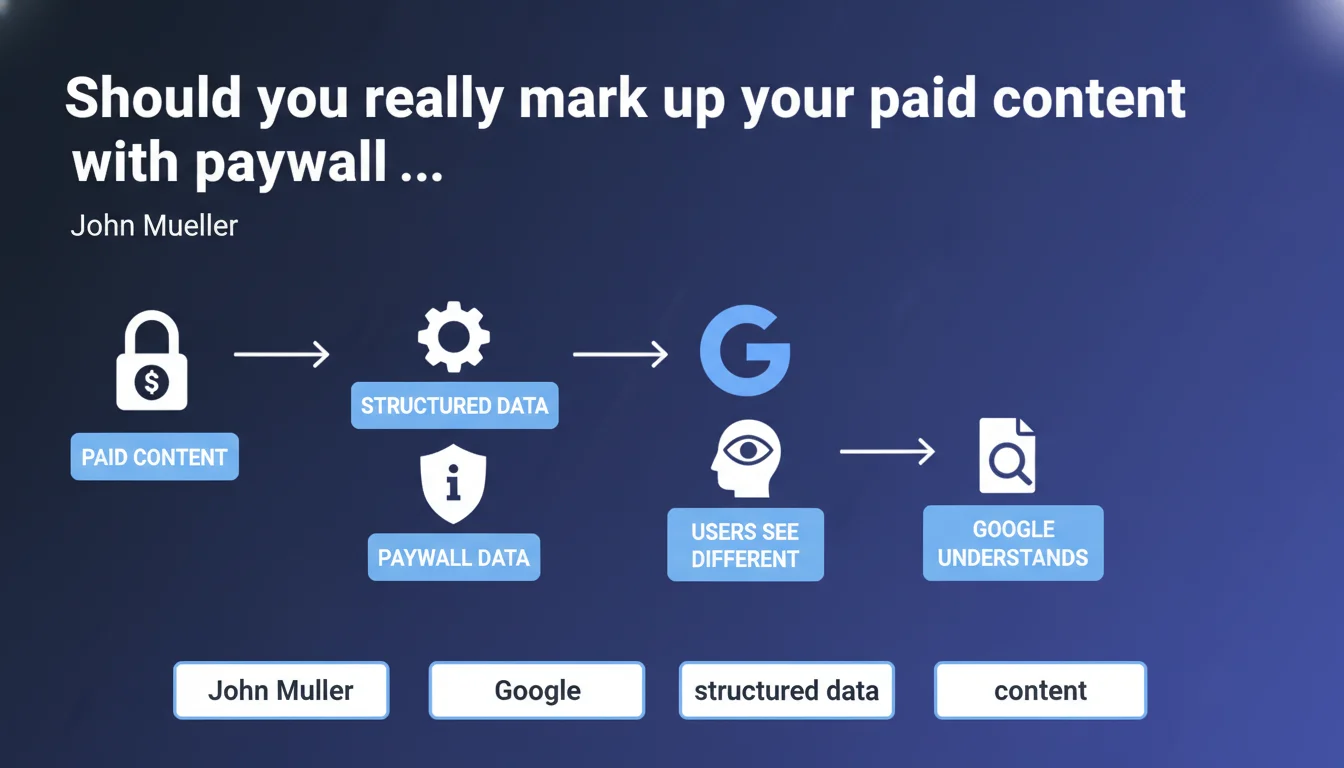
Google recommends using paywall structured data to explicitly signal content behind paywalls or logins. The goal: prevent the search engine from misinterpreting the gap between what it crawls and what average users see. It's more of a clarification precaution than a technical requirement.
What you need to understand
Why does Google insist on this specific structured data?
Because Google hates ambiguity. When its bot accesses complete content (via crawl budget, IP whitelisting, or access tokens) while the average user hits a login wall, the engine must decide: is this cloaking, a technical error, or a legitimate paywall?
The paywall structured data — whether we're talking CreativeWork with isAccessibleForFree or NewsArticle markup — serves as an explicit signal. It tells Google: "Yes, it's normal that you see more than the average user. This isn't manipulation."
Does this structured data actually change your ranking?
No. Let's be clear: it's not a ranking factor. It's a descriptor. Google uses it to understand context, potentially display labels in search results (like "Subscription" on certain news results), and avoid penalizing a site it might have suspected of cloaking.
The real benefit is defensive — you protect your site against misinterpretation. No magic boost, just a protocol clarification.
Are all restricted contents affected?
Technically, anything that imposes an access barrier should be signaled. Hard paywall, soft paywall (metered access), mandatory login to see the rest… even member-only zones with exclusive content fall under this logic.
But be careful — if your site uses login only for features (comments, bookmarks) and content remains accessible without an account, there's no need to mark it as paywall. That would be misleading to the engine.
- Clarification signal, not a ranking factor
- Protects against cloaking suspicions
- Applies to real access barriers (paywall, mandatory login)
- Enables display of specific labels in search results for certain sectors (notably news)
- Doesn't exempt you from proper paywall technical implementation on the crawl side
SEO Expert opinion
Is this directive actually applied by Google in practice?
Let's say Google is more tolerant than it claims. We regularly see paywalled sites ranking well without explicit paywall structured data. Why? Because the engine has other signals: OpenGraph metadata, user behavior, navigation patterns, bounce rates…
But this tolerance isn't a guarantee. If your site undergoes manual review (following a report, quality review, or because you're in a sensitive sector like news), the absence of markup can count against you. Why take that risk?
What pitfalls await those implementing this structured data?
First pitfall: marking completely open content as paywalled. It happens more often than you'd think, especially after a redesign or business model change. Google sees the markup, notices everything is accessible… and wonders if you're playing fair.
Second pitfall: using the markup as an excuse to serve radically different content to Googlebot. Structured data doesn't give you a free pass for cloaking. Google must see a representative version — title, content beginning, structure. If you serve it the complete article while users get three lines and an aggressive popup, you're still in the red zone.
In what cases does this structured data become optional?
If your site serves exactly the same content to Google and non-logged-in users — even if it's just an excerpt — the markup loses urgency. Google sees what the public sees, no ambiguity possible.
Another case: sites that give no special access to Googlebot, crawling like a regular visitor and thus hitting the same wall. Here again, no risk of misunderstanding. But you then lose the benefits of full crawl for indexing… which is another debate.
Practical impact and recommendations
How to implement this structured data correctly?
The cleanest format remains JSON-LD in your page head. You use the CreativeWork type (or NewsArticle if you're in news) with isAccessibleForFree: false and hasPart properties with a cssSelector pointing to the restricted zone.
Minimal example:
{"@type": "NewsArticle", "isAccessibleForFree": "False", "hasPart": {"@type": "WebPageElement", "isAccessibleForFree": "False", "cssSelector": ".paywall-content"}}
Next, add the .paywall and .paywalled-content CSS classes around your restricted content. Google recommends this double layer (structured data + CSS classes) to remove all ambiguity.
What mistakes to avoid during rollout?
Don't switch your entire site to paywall overnight if that's not the reality. Segment it: some premium articles, others freemium, others completely open. The markup must reflect this granularity.
Also avoid marking an article as paywalled when you offer free access via email or social sharing. Google can detect these alternative access points — if your markup says "closed" but 60% of organic traffic accesses the full content, you're creating inconsistency.
Last common mistake: forgetting to test the markup after each CMS update or template change. Regular monitoring via Search Console and a structured data validator are essential.
- Audit all content behind paywall or mandatory login
- Implement JSON-LD structured data with isAccessibleForFree: false
- Add .paywall and .paywalled-content CSS classes on affected zones
- Verify consistency between markup and actual access for each content type
- Test implementation with Google's structured data validator
- Check in Search Console that Google correctly interprets the markup
- Document the mapping between content models and applied markups
- Plan quarterly review of markup after editorial or technical changes
🎥 From the same video 10
Other SEO insights extracted from this same Google Search Central video · published on 04/09/2025
🎥 Watch the full video on YouTube →
💬 Comments (0)
Be the first to comment.