
Official statement
Other statements from this video 21 ▾
- □ Should you update the same page or create a new URL every day for frequently refreshed content?
- □ Should you stop using the manual submission tool in Google Search Console?
- □ Do H2 tags in your footer actually hurt your SEO rankings?
- □ Do HTML5 <header> and <footer> tags really boost your SEO rankings?
- □ Should you really rely on the schema.org validator to optimize your structured data?
- □ Does improving page speed really boost your rankings as fast as everyone claims?
- □ Does Google really crawl all your sitemaps at the same pace?
- □ Is Google really refusing to index your pages even though they're crawled regularly and have no technical issues?
- □ Can you safely use bidirectional canonicals between two site versions without any risk?
- □ Can structured data really replace traditional internal linking strategy?
- □ Why is one x-default enough for your entire multi-domain hreflang configuration?
- □ Should you really avoid product structured data on category pages?
- □ Do you really need to pick one primary language per page if you're targeting multiple markets?
- □ Why is Google completely ignoring your desktop version once mobile-first indexing kicks in?
- □ Can commodity content really survive in Google search results?
- □ Should you isolate your FAQs on separate pages to rank better?
- □ Is Google really cutting back on FAQ rich snippets in search results, and what does that mean for your SEO strategy?
- □ Is Google really ignoring 95% of your submitted URLs—and what does that say about your content?
- □ Can you host your XML sitemap on a different domain than your main website?
- □ Does the shift from 'Bad' to 'Medium' on Core Web Vitals really transform your Google rankings?
- □ Does server speed really impact the crawl budget of large websites?
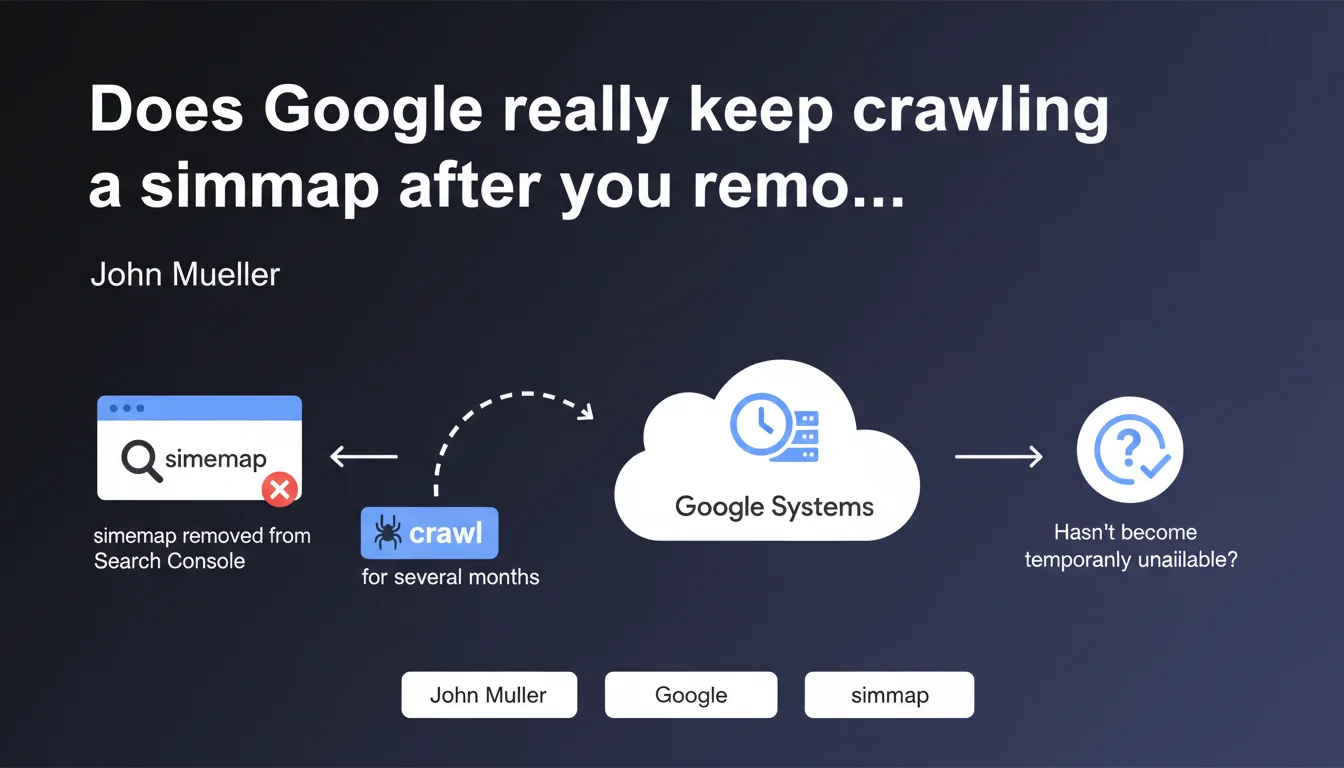
Removing a sitemap from Search Console isn't enough to stop Google from crawling it. The search engine retains this file in its internal systems and will continue attempting to fetch it for several months to verify it hasn't become temporarily unavailable. Effective deletion requires additional concrete technical actions.
What you need to understand
This Mueller statement reveals a fundamental distinction between what you see in Search Console and what Google actually does behind the scenes. Removing a sitemap from the interface doesn't trigger immediate deletion on Google's end — and this is where many practitioners go wrong.
Why does Google persist in crawling a deleted sitemap?
Google operates with a logic of preventive verification. The search engine assumes that a missing sitemap could result from temporary technical error rather than a deliberate decision.
This approach protects Google against false positives — imagine a sitemap disappearing due to a deployment bug or human mistake. If the search engine abandoned the file immediately, it could miss important updates for weeks.
How long does this persistence period last?
Mueller mentions "several months" without elaborating further. Based on real-world observations, this window typically ranges between 2 and 6 months depending on the site's historical crawl frequency.
The more frequently your sitemap was crawled before deletion, the longer Google will take to consider its disappearance permanent. It's a proportional inertia tied to the perceived importance of the file.
What actually happens during this period?
Google will continue sending HTTP requests to the old sitemap location. Each attempt consumes crawl budget, even if the file now returns a 404 or 410.
If you've redirected the old sitemap to a new one or another resource, Google will follow this redirect and interpret it as an intentional move rather than a deletion.
- Search Console and Google's internal systems are two distinct layers
- Removing from the interface doesn't equal effective deletion on Google's servers
- Google applies a grace period of several months to distinguish between technical error and deliberate decision
- Crawl attempts persist and consume budget even if the file returns HTTP errors
- A redirected sitemap will be interpreted as moved, not deleted
SEO Expert opinion
Is this persistence consistent with what we observe in the field?
Yes, and it's actually understated. I've seen sitemaps continue receiving Googlebot requests for over 8 months after deletion. Especially on sites with dense crawl history.
Mueller's "several months" is probably a conservative average. On high-authority sites or with large sitemaps crawled daily, Google's memory is far more persistent.
What nuances should we add to this statement?
Mueller is deliberately vague about exact duration. Saying "several months" without specifying 2, 4, or 6 months makes the information barely actionable for a practitioner planning a migration or cleanup.
[To verify]: the statement doesn't clarify whether this persistence varies by site size, industry, or publishing velocity. We can assume it does, but Google doesn't explicitly confirm it.
Another point: Mueller uses "probably" — a word that leaves room for doubt. This suggests that even at Google, exact behavior can vary depending on internal configurations or systems involved.
In which cases might this rule not apply?
If you block the old sitemap via robots.txt, Google should respect this blockage and cease crawl attempts more quickly. It's a way to force deletion without waiting out the inertia window.
Same if you return a 410 HTTP code (Gone) instead of 404. The 410 is an explicit signal of permanent deletion, and Google might shorten its verification period — but again, no official confirmation on the real impact of this HTTP status on persistence duration.
Practical impact and recommendations
What should you do if you truly want to stop sitemap crawling?
Removing the file from Search Console is insufficient. You must act at the server level to send clear signals to Google.
First option: return a 410 code instead of 404. The 410 indicates permanent, intentional deletion, which could accelerate Google's abandonment of the file.
Second option: block the sitemap via robots.txt. Add a Disallow directive targeting the old path. Google will respect this blockage and cease crawl attempts much faster.
Third option, often overlooked: remove any sitemap reference from robots.txt and HTTP headers if you had declared it via Link rel="sitemap". Google crawls these declarations and remembers them long-term.
What errors should you avoid when deleting a sitemap?
Never simply delete the file without checking for multiple declarations. A sitemap can be referenced in Search Console, robots.txt, HTTP headers, or even other index sitemaps.
Another trap: redirecting the old sitemap to the homepage or a custom 404 page. Google will interpret this as a move and continue following the redirect chain, which solves nothing.
Also avoid brutally deleting a sitemap during migration without planning a transition period. If URLs from the sitemap are still indexed and receiving traffic, their disappearance from the file can slow index updates.
How do you verify Google has actually stopped crawling your old sitemap?
Monitor your server logs — that's the single source of truth. Filter Googlebot requests to the old sitemap path over a rolling 30-day window.
If you see attempts persist beyond 3-4 months after deletion and despite robots.txt blocking or a 410 code, there may be a residual declaration somewhere (old sitemap index, external reference, Google's internal cache).
Also use the Search Console coverage report to verify that old sitemap URLs aren't still reported as "discovered via sitemap." If they are, Google is still using this file internally.
- Return a 410 (Gone) code on the old sitemap location
- Block the file via robots.txt with an explicit Disallow directive
- Remove all sitemap references from robots.txt, HTTP headers, and sitemap indexes
- Avoid redirects to other resources — prefer 410 or blocking
- Monitor server logs for at least 6 months to confirm crawl stops
- Check Search Console coverage report to track URLs "discovered via sitemap"
Sitemap deletion is more complex than it appears. It requires technical coordination across Search Console, server configuration, robots.txt, and log monitoring. If you manage multiple sites or complex sitemap architecture, this task can quickly become time-consuming and error-prone.
For high-traffic sites or those undergoing migration, specialized SEO technical expertise prevents pitfalls and optimizes the transition without crawl budget loss or Google confusion. Engaging an SEO agency experienced with these issues ensures clean execution and rigorous monitoring of signals sent to the search engine.
❓ Frequently Asked Questions
Combien de temps Google continue-t-il de crawler un sitemap supprimé ?
Suffit-il de supprimer un sitemap de Search Console pour que Google cesse de le crawler ?
Quelle différence entre un code 404 et un code 410 pour un sitemap supprimé ?
Peut-on forcer Google à oublier immédiatement un sitemap ?
Faut-il rediriger un ancien sitemap vers le nouveau lors d'une migration ?
🎥 From the same video 21
Other SEO insights extracted from this same Google Search Central video · published on 05/03/2022
🎥 Watch the full video on YouTube →
💬 Comments (0)
Be the first to comment.