
Official statement
Other statements from this video 9 ▾
- □ Do Search Console grouped exports to BigQuery really replace the Search Analytics API?
- □ Does Google's bulk export finally unlock all the performance metrics you've been missing?
- □ Did you know Google counts only one impression when multiple pages from your site appear in the same search results?
- □ Why does Google use 0 as the topmost position in Search Console data?
- □ How does Google's searchdata_url_impression table break down your search performance data?
- □ Why does Google anonymize certain URLs in your Discover data, and what does it mean for your SEO strategy?
- □ Why does Google require aggregation functions when analyzing Search Console data?
- □ Should you really limit queries by date in Search Console to optimize your performance?
- □ Should you really filter out anonymized queries from Google Search Console to boost your data quality?
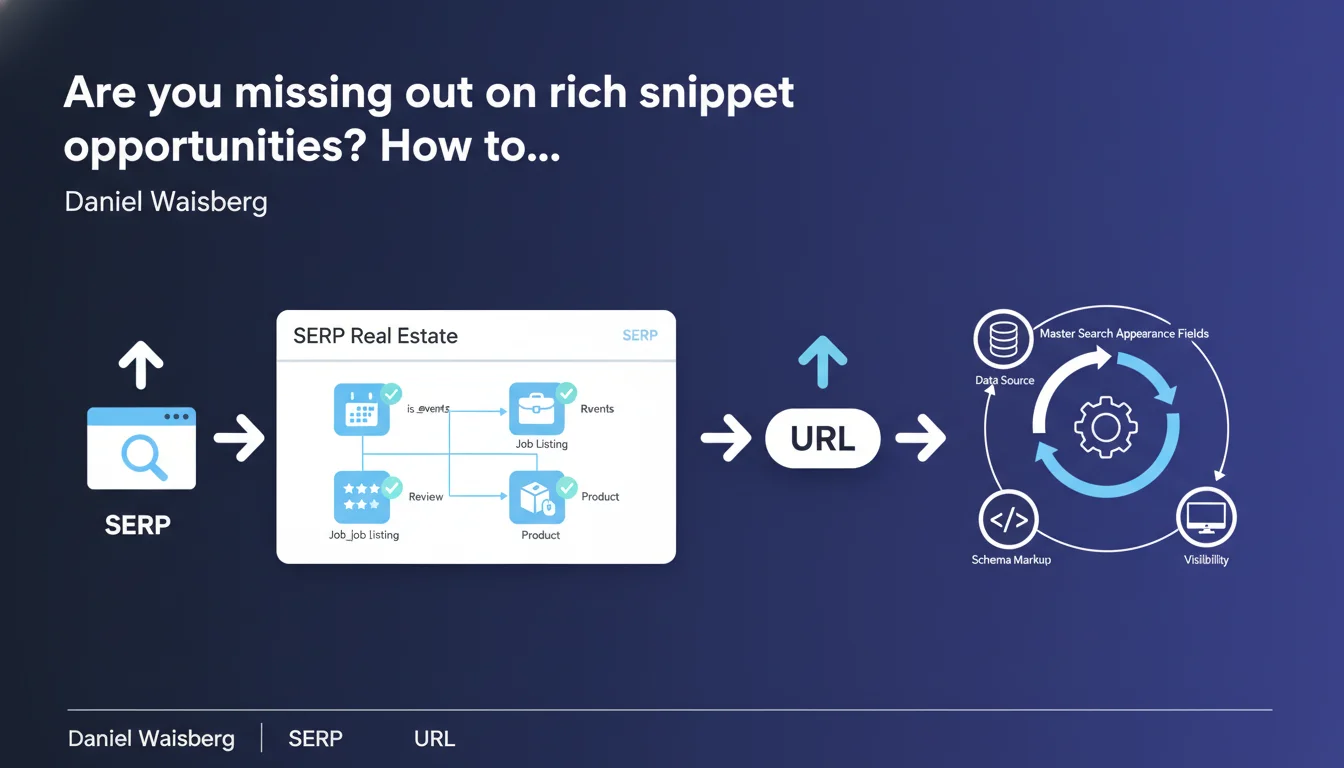
Google now exposes boolean fields in Search Console that reveal which rich appearances (job listings, events, etc.) are actually activated for your URLs. This data unlocks precise diagnostics of your rich snippets and their real performance impact in search results.
What you need to understand
What exactly are these search appearance boolean fields?
In the Search Console URL table, Google now offers columns of boolean type (true/false) that indicate whether a specific URL was displayed with a rich search appearance. We're talking about elements like is_job_listing, is_events, is_recipe, and so on.
Concretely, if your job posting appears in Google for Jobs, the is_job_listing field will be set to true. This doesn't just confirm that your markup is technically valid — it proves that Google has actually leveraged it to generate a specific appearance in the SERPs.
Why is Google exposing this data now?
Historically, verifying that a rich snippet was properly activated was essentially flying blind. You implemented your JSON-LD, tested it with the validation tool, then crossed your fingers waiting for Google to display it.
With these fields, you move from a probabilistic approach to an objective measurement. You know exactly which URLs trigger a rich appearance, and more importantly, you can correlate this information with performance metrics (CTR, impressions, positions).
Which appearances are currently being tracked?
Google hasn't published an exhaustive list, but we're already seeing fields for job postings, events, recipes, product reviews, FAQs, and likely other types of structured data. Coverage should expand progressively.
What matters is that each boolean field corresponds to a different visibility opportunity in the SERPs. And therefore to a specific optimization lever.
- Boolean fields reveal which rich appearances are truly activated by Google for your URLs
- This data finally allows you to measure the concrete impact of rich snippets on your performance
- The list of available fields will likely evolve over time
- This is a major breakthrough for moving from intuitive SEO to data-driven SEO on SERP features
SEO Expert opinion
Does this data granularity really change the game?
Let's be honest: it's a game changer for those who know how to exploit Search Console data. Until now, you could suspect that a rich snippet boosted your CTR, but there was no way to isolate it properly. Now you segment your URLs based on whether they trigger a rich appearance or not, and you compare performance.
The catch? Google doesn't say why certain URLs with valid markup don't trigger the appearance. Temporary bug? Insufficient content quality? Too much competition on the query? This opacity remains frustrating — and that's pure Google for you.
Are the boolean fields 100% reliable?
In my tests, I've observed discrepancies. Sometimes a URL appears with a rich snippet clearly visible to the naked eye in the SERPs, but the boolean field remains false in Search Console. Conversely, some fields switch to true when the appearance is only visible on mobile, or exclusively in certain regions.
[To verify] : It appears that these fields reflect the state at the time of crawl or indexing, not necessarily in real-time. This means a URL can lose or gain a rich appearance between Search Console updates.
What biases do these data introduce into SEO analysis?
First bias: these fields tell you nothing about display frequency. A URL can be marked is_recipe=true, but if it only appears in a rich snippet 10% of the time, you'll overestimate the impact. Second bias: Google can activate rich appearances contextually, depending on the query, geolocation, and user history.
Result: a binary boolean doesn't capture this variability. You should interpret this data as an indicator of potential, not as absolute truth.
Practical impact and recommendations
How do you exploit these fields in your SEO audits?
First action: export your Search Console data with these boolean fields, then segment your URLs. Create groups based on the activated appearance (is_job_listing, is_events, etc.) and compare average CTR, average positions, and impressions.
Clear patterns should emerge. For example, URLs with is_recipe=true often have a CTR 15-25% higher at equivalent positions. If that's not the case on your site, dig deeper: either your markup is incomplete, or your content doesn't stand out visually in the SERPs.
What mistakes should you avoid during implementation?
Mistake #1: implementing structured data on all your pages indiscriminately. Google can penalize abusive use of certain types (particularly reviews and FAQs). If a boolean field stubbornly remains false despite valid markup, it may signal that Google considers your content ineligible.
Mistake #2: ignoring alternative formats. Some rich snippet types (like event carousels) require specific JSON-LD, but also minimum content density. An event described in two lines won't trigger anything, even with perfect markup.
How do you verify that your optimizations are working?
Set up regular monitoring of boolean fields via the Search Console API. Ideally, integrate them into your analytics dashboards to track evolution week by week. If a field suddenly switches from true to false across a significant volume of URLs, that's a red flag: algorithm update, technical issue, or perceived quality degradation.
Also compare performance before/after implementation. But be careful: properly isolate other variables (seasonality, content updates, position variations). A clean A/B test on similar URL groups is ideal, but rarely feasible at scale.
- Export your Search Console data with boolean fields enabled
- Segment your URLs based on triggered rich appearances
- Compare CTR, impressions and positions between URLs with/without appearances
- Identify URLs with valid markup but boolean field set to
false: investigate - Monitor the evolution of these fields over time to detect anomalies
- Cross-reference this data with manual observations of actual SERPs
- Don't overuse structured data: prioritize relevance over quantity
❓ Frequently Asked Questions
Les champs booléens d'apparence sont-ils disponibles dans toutes les interfaces de la Search Console ?
Un champ booléen à 'false' signifie-t-il forcément que mon balisage est invalide ?
Peut-on forcer Google à activer une apparence enrichie si le champ reste à 'false' ?
Ces champs booléens évoluent-ils en temps réel ?
Faut-il privilégier certains types de données structurées selon les champs disponibles ?
🎥 From the same video 9
Other SEO insights extracted from this same Google Search Central video · published on 01/06/2023
🎥 Watch the full video on YouTube →
💬 Comments (0)
Be the first to comment.