
Official statement
Other statements from this video 9 ▾
- □ Do Search Console grouped exports to BigQuery really replace the Search Analytics API?
- □ Does Google's bulk export finally unlock all the performance metrics you've been missing?
- □ Did you know Google counts only one impression when multiple pages from your site appear in the same search results?
- □ How does Google's searchdata_url_impression table break down your search performance data?
- □ Why does Google anonymize certain URLs in your Discover data, and what does it mean for your SEO strategy?
- □ Are you missing out on rich snippet opportunities? How to master search appearance fields and dominate your SERP real estate?
- □ Why does Google require aggregation functions when analyzing Search Console data?
- □ Should you really limit queries by date in Search Console to optimize your performance?
- □ Should you really filter out anonymized queries from Google Search Console to boost your data quality?
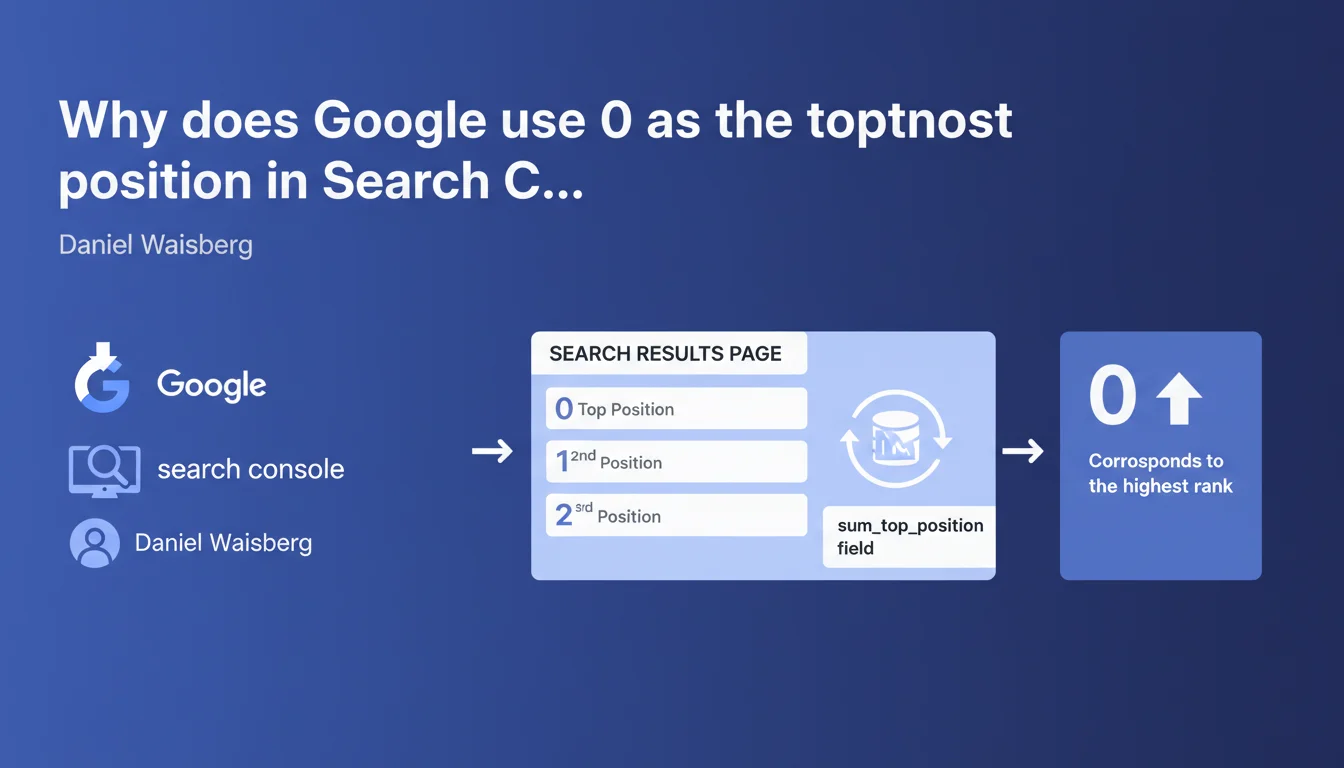
Google clarifies that in the sum_top_position field of Search Console, the value '0' corresponds to the top position in the search results page. This technical precision impacts how you read performance reports and interpret positioning data. Be careful not to confuse this notation with featured snippets, which are often incorrectly called 'position zero'.
What you need to understand
What does this value 0 really mean in your reports?
The sum_top_position field in the Search Console API aggregates the highest positions of your pages in search results. Google uses zero-based indexing, where 0 = position 1, 1 = position 2, and so on.
This technical convention can create confusion when exploiting data via the API. A site ranking in first position will show a value of 0 in this specific field, while the Search Console user interface correctly displays "1".
Why is there a difference between the API and the interface?
The public-facing Search Console interface normalizes data to make it intuitive — the first position displays as "1". But developers working with the API must handle this zero-based indexing in their extraction scripts.
This nuance doesn't directly affect your SEO strategy, but it can distort your custom dashboards if you don't apply the correction (+1) when importing raw data.
Which reports are affected by this notation?
The sum_top_position field appears mainly in extractions via the Search Console API, used to feed third-party tools or custom dashboards. The standard web interface doesn't expose this value directly.
- Search Console interface : positions displayed normally (1, 2, 3...)
- Search Console API : sum_top_position field with zero-based indexing
- Third-party tools : may display either notation depending on their processing
- CSV exports from the interface: use standard notation (1, 2, 3...)
SEO Expert opinion
Was this clarification really necessary?
Yes, and it reveals a recurring communication problem at Google. Many SEO professionals use the API to build dashboards, and this ambiguity in technical documentation has caused interpretation errors.
I've seen client reports where a position 0 was misinterpreted as a data error, or even confused with featured snippets. This clarification prevents these misunderstandings — but it came too late.
Should we worry about inconsistencies in Google's data?
No. The positioning data remains identical; only the display convention changes depending on how you access it (API vs interface). It's a formatting question, not a reliability issue.
Let's be honest: the real problem with position data in Search Console isn't this zero-based indexing, but rather sampling and sometimes inexplicable daily variations. [To verify] : Google has never clearly documented exactly how sum_top_position aggregates positions across multiple devices and locations.
Can this notation affect your automations?
Absolutely. If your API extraction scripts don't handle this indexing correctly, you create a permanent one-position shift in all your automated reports.
Practical impact and recommendations
How do I fix my existing dashboards?
If you're exploiting the Search Console API, simply add +1 to the sum_top_position value when transforming your data. In Google Sheets, for example: =A2+1 if A2 contains the raw API value.
For tools like Looker Studio or Power BI connected to the API, create a calculated field that automatically normalizes this value. This prevents any confusion in visualizations shared with clients.
Should I reprocess historical data?
It depends on your use case. If your monthly reports compare positions over time, yes — apply the correction retroactively to avoid artificial trend breaks.
If you only use the standard Search Console interface, no action is required. The problem only affects direct API extractions.
What errors should you avoid when interpreting this data?
- Don't confuse this position 0 with featured snippets (which truly appear above the first organic result)
- Verify that your third-party tools correctly apply the +1 correction when importing from the API
- Document this nuance in your internal processes to prevent misunderstandings with team members
- Test your scripts after any Search Console API update
- Occasionally compare API values with the interface to spot inconsistencies
❓ Frequently Asked Questions
La position 0 dans l'API correspond-elle aux featured snippets ?
Dois-je corriger manuellement toutes mes extractions API ?
Cette indexation à base zéro s'applique-t-elle à d'autres métriques Google ?
Mes données historiques sont-elles fausses si je n'ai pas appliqué la correction ?
Pourquoi Google n'uniformise-t-il pas cette notation partout ?
🎥 From the same video 9
Other SEO insights extracted from this same Google Search Central video · published on 01/06/2023
🎥 Watch the full video on YouTube →
💬 Comments (0)
Be the first to comment.