
Official statement
Other statements from this video 18 ▾
- □ Canonical seul ne suffit pas pour bloquer le contenu syndiqué dans Discover : faut-il vraiment ajouter noindex ?
- □ Deux domaines pour un même pays : où commence vraiment la manipulation ?
- □ Peut-on vraiment empêcher Google de crawler certaines parties d'une page HTML ?
- □ Faut-il encore perdre du temps à soumettre son sitemap XML ?
- □ Pourquoi les données structurées Schema.org ne suffisent-elles pas toujours pour obtenir des résultats enrichis Google ?
- □ Les en-têtes HSTS ont-ils vraiment un impact sur votre référencement ?
- □ Google retraite-t-il vraiment votre sitemap à chaque crawl ?
- □ Sitemap HTML vs XML : pourquoi Google insiste-t-il sur leur différence de fonction ?
- □ Les données structurées avec erreurs sont-elles vraiment ignorées par Google ?
- □ Les chiffres dans vos URLs pénalisent-ils vraiment votre référencement ?
- □ L'index bloat existe-t-il vraiment chez Google ?
- □ Comment bloquer définitivement Googlebot de votre site ?
- □ Google délivre-t-il vraiment des certifications SEO officielles ?
- □ Plusieurs menus de navigation nuisent-ils vraiment au SEO ?
- □ Les host groups indiquent-ils vraiment une cannibalisation à corriger ?
- □ Peut-on désavouer des backlinks toxiques en ciblant leur adresse IP ?
- □ Faut-il supprimer la balise meta NOODP de vos sites Blogger ?
- □ Comment obtenir une vignette vidéo dans les SERP : qu'entend Google par « contenu principal » ?
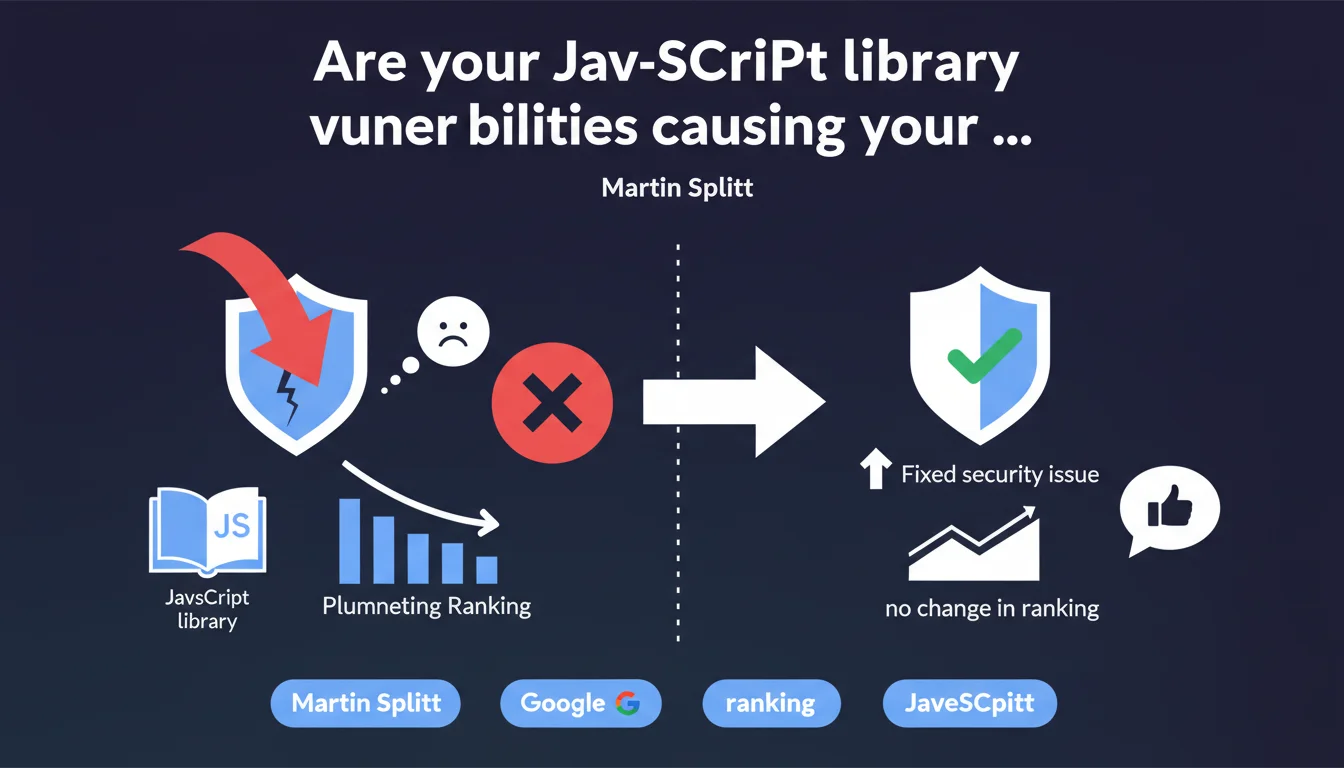
JavaScript vulnerabilities detected by Lighthouse in third-party libraries do not directly affect page ranking. Google clearly distinguishes between code security and ranking factors, even though fixing these flaws remains a best practice for protecting your users.
What you need to understand
Why does Google make this distinction about JavaScript vulnerabilities?
Martin Splitt clarifies a point that often creates confusion: Lighthouse flags vulnerabilities in JavaScript libraries (jQuery, Bootstrap, etc.), but these alerts have no impact on your rankings. Google strictly separates ranking criteria from security recommendations.
This statement addresses a recurring concern from technical teams who see these warnings in their audits. Many assumed that a poor Lighthouse score would penalize SEO. False.
What exactly does Lighthouse detect as vulnerabilities?
Lighthouse scans the JavaScript libraries loaded on your page and checks whether they match versions known to contain security flaws listed in CVE databases (Common Vulnerabilities and Exposures). An old version of jQuery, for example, may display a red warning.
These vulnerabilities could theoretically enable XSS (Cross-Site Scripting) attacks or other exploits — but in practice, many of these flaws are only exploitable in very specific contexts. Hence Google's position: important for security, with no link to ranking.
Does Google really separate security from ranking?
Yes, and this is consistent with other statements. HTTPS is a ranking factor, certainly, but this is a documented exception. JavaScript library vulnerabilities do not fall into this category.
Google prioritizes measurable and universal quality signals: loading speed, Core Web Vitals, relevant content. A theoretical flaw in a JavaScript library does not fit this framework — unless it tangibly degrades user experience.
- Lighthouse alerts about JavaScript vulnerabilities do not affect ranking
- Google clearly distinguishes technical security from SEO factors
- Fixing these flaws remains recommended to protect your users
- Only HTTPS explicitly appears among security-related ranking factors
- A vulnerability that would degrade Core Web Vitals would have an indirect impact
SEO Expert opinion
Is this statement consistent with real-world observations?
Completely. I have audited hundreds of sites ranking on the first page with Lighthouse alerts about obsolete libraries. No correlation between these warnings and actual SEO performance. Sites that fall have far more serious problems: weak content, nonexistent internal linking, catastrophic Core Web Vitals.
What's frustrating is that some SEO audit tools integrate these alerts into their overall score, creating confusion. A client sees red, panics, and mobilizes dev resources to fix something that won't impact their traffic.
What nuances should be applied to this rule?
Watch out for indirect effects. A buggy or poorly optimized JavaScript library can slow down rendering, increase render-blocking JavaScript, degrade Largest Contentful Paint. In this case, it's the measured performance — not the vulnerability itself — that penalizes ranking.
Another point: if a vulnerability is exploited and your site ends up hacked, injected with spam, or blacklisted by Safe Browsing, then you have an immediate SEO problem. But this is a consequence of the exploitation, not the latent flaw.
Should you still fix these vulnerabilities?
Yes, but for the right reasons. Protect your users, prevent future exploitation, maintain healthy technical hygiene — not to gain rankings. Prioritize based on real risk: a critical XSS flaw in an exposed library deserves attention, an alert on an internal library that's not exploitable can wait.
SEO should not be your only lens. A compromised site will lose visitor trust, even if Google doesn't penalize it directly. Reputation matters, conversions matter. A user who sees a security alert in their browser won't come back.
Practical impact and recommendations
What should you concretely do with these Lighthouse alerts?
First, don't panic. A red alert about a JavaScript vulnerability is not an SEO emergency. List the libraries involved, evaluate their real criticality — some CVE flaws are theoretical and require unlikely exploitation conditions.
Then prioritize by usage. A JavaScript library loaded on all your sensitive pages (payment, forms) deserves a quick update. A legacy library on a low-traffic section can wait for the next maintenance cycle.
What mistakes should you avoid in managing these vulnerabilities?
Don't sacrifice real SEO optimizations to fix alerts without impact. I've seen teams block entire sprints updating libraries while their site had crawl budget issues, duplicate content, or catastrophic structure.
Another trap: updating without testing. A new version of jQuery can break critical features, degrade UX, slow loading. The remedy can be worse than the disease, especially if the initial flaw was barely exploitable.
How do you integrate these fixes into a global SEO strategy?
Integrate them into your regular technical maintenance, just like plugin updates or performance audits. No need for a dedicated task force, just continuous vigilance. Check your dependencies every quarter, fix critical flaws, document your choices.
Focus your SEO energy on what really moves the needle: quality content, solid internal linking, optimized Core Web Vitals, flawless mobile experience. Theoretical JavaScript vulnerabilities are nice-to-have, not must-have.
- Audit JavaScript libraries via Lighthouse or npm audit
- Prioritize fixes based on real criticality and exposure
- Test all library updates on a staging environment
- Don't block critical SEO optimizations for alerts without ranking impact
- Integrate dependency maintenance into a quarterly cycle
- Monitor Safe Browsing and Search Console to detect any active exploitation
- Train teams to distinguish technical security from ranking factors
❓ Frequently Asked Questions
Lighthouse affiche des vulnérabilités JavaScript, dois-je les corriger en urgence pour mon SEO ?
Une bibliothèque JavaScript obsolète peut-elle indirectement nuire à mon référencement ?
Google pénalise-t-il les sites dont les vulnérabilités JavaScript sont exploitées ?
Comment savoir si mes bibliothèques JavaScript présentent des risques réels ?
Dois-je traiter les alertes Lighthouse avec la même priorité que les problèmes de Core Web Vitals ?
🎥 From the same video 18
Other SEO insights extracted from this same Google Search Central video · published on 07/06/2023
🎥 Watch the full video on YouTube →
💬 Comments (0)
Be the first to comment.