
Official statement
Other statements from this video 16 ▾
- □ Faut-il vraiment supprimer les balises meta keywords de votre site ?
- □ Faut-il modifier la date lastmod du sitemap à chaque mise à jour mineure ?
- □ Faut-il vraiment séparer les sitemaps news et généraux pour éviter les doublons d'URLs ?
- □ Pourquoi Google ignore-t-il votre meta description alors que vous l'avez soigneusement rédigée ?
- □ Faut-il vraiment nettoyer les backlinks spammés de votre profil de liens ?
- □ Faut-il encore optimiser la densité de mots-clés pour le SEO ?
- □ Le désaveu de liens suffit-il à récupérer vos positions perdues après une pénalité ?
- □ Pourquoi les redirections 301 restent-elles le nerf de la guerre lors d'un changement de domaine ?
- □ Un code 404 ciblé sur Googlebot peut-il bloquer l'indexation de vos pages ?
- □ Faut-il vraiment avoir le même contenu sur mobile et desktop pour l'indexation mobile-first ?
- □ Faut-il vraiment demander la suppression des URLs redirigées de l'index Google ?
- □ Pourquoi Google refuse-t-il le contenu multilingue dynamique sur une même URL ?
- □ Que se passe-t-il quand vos liens hreflang ne se valident pas tous ?
- □ Les liens footer « Made by X » sont-ils vraiment sans danger pour votre SEO ?
- □ Comment configurer correctement les balises canonical et alternate pour un site m-dot ?
- □ Les données EXIF des images sont-elles inutiles pour le SEO ?
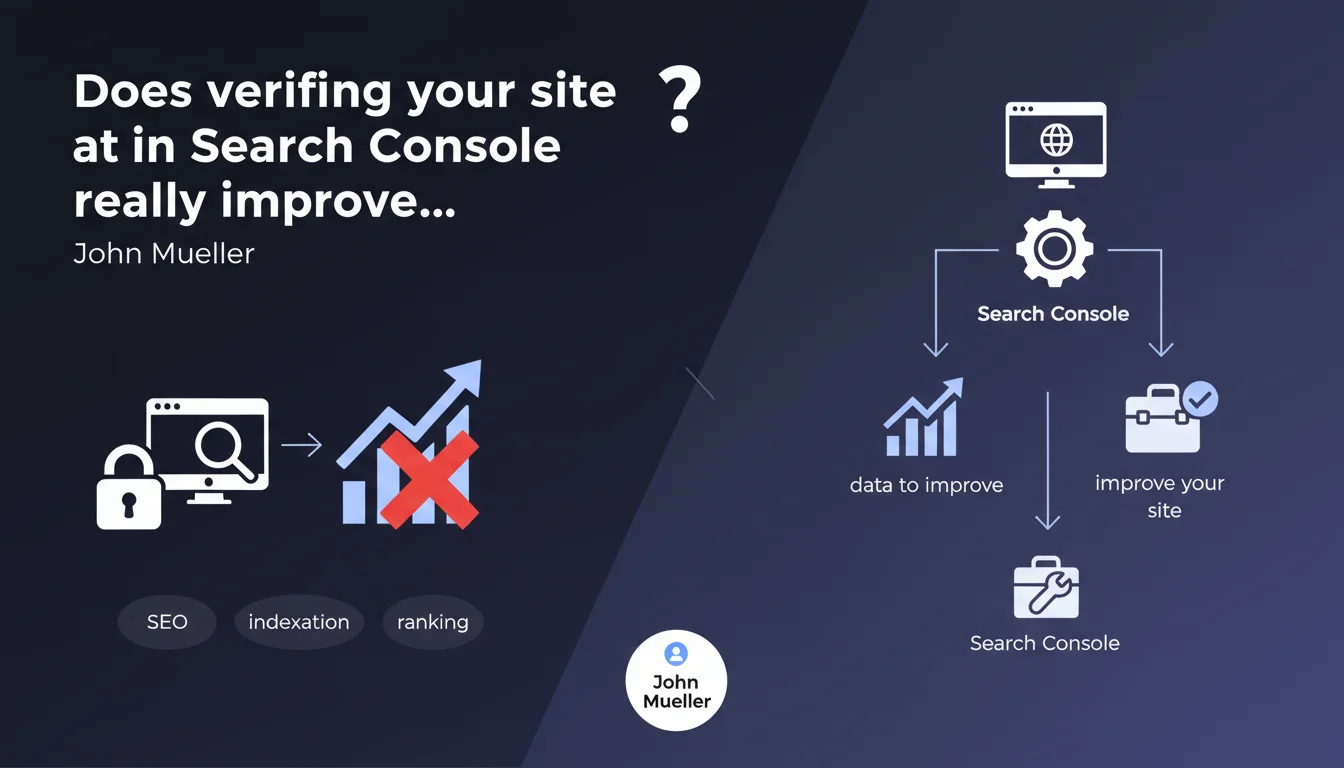
Verification in Search Console has absolutely no impact on the indexation or ranking of your site. Changing the verification method (HTML tag, DNS, file) changes nothing either. Search Console is solely a diagnostic and optimization tool, not a ranking signal.
What you need to understand
Why does Google clarify that Search Console verification doesn't affect SEO?
This clarification aims to dispel a persistent belief in the SEO community: the idea that a site verified in Search Console would receive preferential treatment from Google. Some professionals wrongly thought that having an active account signaled to Google that the site was being managed seriously.
In reality, verification is merely an authentication mechanism allowing Google to know that you are indeed the owner of the domain. Nothing more. The Googlebot crawler crawls, indexes, and ranks your site exactly the same way, whether or not you have configured Search Console.
What does this mean concretely for indexation?
Indexation depends on technical and qualitative factors: page accessibility, content quality, site architecture, relevance signals. The presence of a Search Console verification tag in your <head> or a specific DNS record is not part of these criteria.
Changing your verification method — switching from an HTML file to a meta tag or Google Analytics — triggers no re-evaluation of your site by the algorithm. It is purely administrative on the owner interface side.
What is the real value of Search Console then?
Search Console provides essential data for optimization: search performance, indexation errors, mobile usability issues, Core Web Vitals signals, sitemap coverage. This information allows you to identify and correct problems that actually impact SEO.
In other words, Search Console does not improve your rankings by its mere existence — but the corrective actions you take based on the data it provides can make all the difference.
- Search Console verification is an authentication mechanism, not a ranking signal
- Changing your verification method has no effect on indexation or ranking
- Search Console is a diagnostic tool whose value lies in the data it provides, not in its activation
- Indexation depends on technical and qualitative criteria, independent of your presence in Search Console
SEO Expert opinion
Is this statement consistent with field observations?
Yes, completely. I have verified this hypothesis on dozens of client sites: none has ever experienced a ranking variation following initial verification or a change in verification method. Traffic curves remain strictly identical before and after.
Some junior SEO professionals still worry about "losing their rankings" by removing an old verification tag. This is a baseless concern — the only consequence is that you lose access to Search Console data, nothing else.
Why does this confusion persist despite everything?
Two main reasons. First, many site owners create their Search Console account when they launch their SEO strategy — and then observe an improvement in their visibility. They wrongly associate the two events, when it is actually the content strategy and technical optimization that produces the results.
Second, some third-party tools display a higher "SEO score" when Search Console is configured. These tools actually measure the maturity of your SEO approach, not a real algorithmic advantage. Understandable confusion, but important to clarify.
In what cases might this rule seem not to apply?
If you actively submit URLs via the inspection tool or request reindexation, you may observe an indirect effect: certain pages are crawled faster than they would have been naturally. But it is not the verification that matters here — it is the manual action of requesting a crawl.
Similarly, correcting errors flagged by Search Console (misconfigured canonicals, mobile-friendliness issues) obviously improves your SEO. But again, it is the technical correction that counts, not the fact of having a verified account.
Practical impact and recommendations
Should you still verify your site in Search Console?
Absolutely. Even though it does not directly improve your rankings, Search Console remains the most accurate diagnostic tool for identifying what is blocking your visibility. Ignoring this tool means flying blind.
Verification takes a few minutes — there is no valid reason to skip it. Choose the method that works best for you: HTML tag, text file, DNS, Google Analytics, or Tag Manager. None is "better" from an SEO perspective.
What mistakes should you avoid regarding Search Console?
Do not believe that multiplying accounts or verification methods will give any boost. I have seen clients stack 3 different verification tags "just in case" — this is pointless and clutters the source code.
Another common mistake: neglecting Search Console after initial setup. The data is useless if you never consult it. Set up email alerts to be notified of critical indexation or security issues.
How to leverage Search Console to truly improve your SEO?
Focus on reports that reveal concrete opportunities: queries ranking 8-15 (optimization potential), pages excluded from the index without valid reason, mobile usability issues, degraded Core Web Vitals.
Use the URL inspection tool to understand how Googlebot actually sees your pages. Verify the JavaScript rendering, declared canonicals, detected structured data. This precise diagnosis allows you to identify invisible blockers otherwise.
- Verify your site in Search Console to access diagnostic data, not to "improve" indexation
- Choose a practical verification method and maintain it — changing has no SEO benefit
- Set up email alerts so you never miss any critical issue reported by Google
- Regularly consult coverage, performance, and Core Web Vitals reports
- Use the URL inspection tool to diagnose specific indexation issues
- Do not unnecessarily multiply verification tags — one is more than enough
❓ Frequently Asked Questions
Dois-je absolument vérifier mon site dans Search Console pour être indexé par Google ?
Quelle méthode de vérification Search Console est la meilleure pour le SEO ?
Si je supprime ma balise de vérification Search Console, vais-je perdre mon référencement ?
Vérifier mon site dans Search Console accélère-t-il l'indexation de nouvelles pages ?
Mes concurrents ont tous vérifié leur site dans Search Console, suis-je désavantagé si je ne le fais pas ?
🎥 From the same video 16
Other SEO insights extracted from this same Google Search Central video · published on 31/01/2023
🎥 Watch the full video on YouTube →
💬 Comments (0)
Be the first to comment.