
Official statement
Other statements from this video 12 ▾
- □ Should you really be concerned about crawl budget for your website?
- □ What's Google's real definition of crawl budget—and which levers can actually move the needle?
- □ Is crawl budget a concept invented by Google or by SEO professionals?
- □ Does Google really index only a fraction of the web because of storage costs?
- □ Are POST requests really eating up your crawl budget?
- □ Does a new section inherit its crawl budget from your main site's quality?
- □ Are HTTP 503 and 429 status codes really killing your crawl budget?
- □ Does HTTP/2 really boost your crawl budget?
- □ What does your "discovered but not crawled" URL status really reveal about your site?
- □ Are you wasting your crawl budget on JavaScript files that add no value?
- □ Are 404s and robots.txt Really Wasting Your Crawl Budget?
- □ Should you block your decorative JavaScript files to optimize your crawl budget?
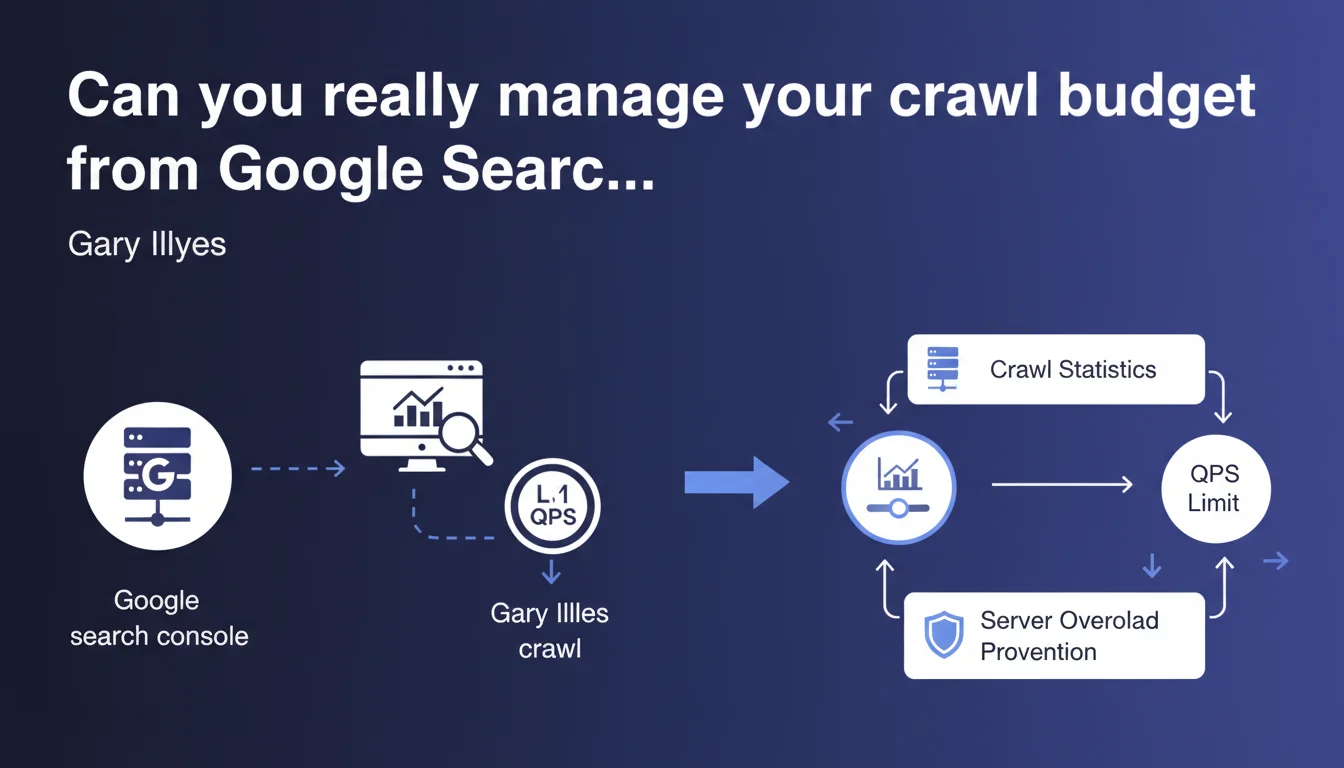
Google confirms that webmasters can indirectly control their crawl budget through the crawl statistics in Search Console. The main lever: limiting the maximum number of requests per second (QPS) that Googlebot makes to avoid overloading the server. Partial control then, not total.
What you need to understand
What does Google mean by "indirect" control of crawl budget?
Gary Illyes makes it clear: the control is indirect. You don't tell Google which pages to explore first, or how often to return to specific segments of your site. What you have at your disposal is a rate limiter — a ceiling for QPS (queries per second) that you set in Search Console to prevent Googlebot from bringing your servers to their knees.
Concretely, you protect your infrastructure. You don't manage Google's crawl strategy, you limit the technical damage. A significant nuance.
Why limit the number of Googlebot requests per second?
Because Googlebot can be resource-hungry. On a site with thousands (or millions) of URLs, crawl spikes can cause server slowdowns, or even 500 or 503 errors if your infrastructure isn't sized to handle the load.
Limiting QPS allows you to smooth out bot activity. It's especially useful if your server shares resources with other critical services — for example, an e-commerce site whose front-end must remain responsive at all times. Sacrificing some crawl speed to ensure availability: it's a legitimate trade-off.
What are the risks of too strict QPS limitation?
If you throttle Googlebot too much, you slow down the discovery and indexing of your content. On a site with a high publication rate — a media outlet, a large e-commerce site with thousands of product pages updated daily — this is a direct problem. Your new pages will take longer to appear in the index.
The balance is delicate. Too loose, you risk server saturation. Too tight, you slow down your own indexing. You need to test, monitor, and adjust based on your actual traffic spikes and server capacity.
- Indirect control: you limit load, not the crawl strategy itself
- Adjustable QPS in Search Console's crawl statistics
- Primary objective: protect the server during traffic spikes
- Risk: too strict limitation slows down indexing of new pages
- No fine-grained control over which URLs are crawled first or how often to revisit them
SEO Expert opinion
Is this statement consistent with what we observe in the field?
Yes, it is. SEOs managing complex infrastructure — heavy e-commerce platforms, high-volume media sites — know that crawl budget is a limited resource. Google neither wants to nor can crawl the entire web continuously at full speed. Limiting QPS is therefore a pragmatic compromise.
Now let's be honest: it's just one lever. If your architecture generates millions of useless URLs — sort parameters, filters, sessions — throttling QPS won't solve anything. You're just slowing down the bleeding. The real issue remains structural site optimization.
What nuances should be added to this statement?
Gary talks about "indirect control" and that's the key word. You don't pilot where Googlebot goes, or what it explores first. You simply cap its technical appetite. True crawl budget management happens elsewhere: quality of internal linking, URL depth, logical architecture, robots.txt, strategic noindex, clean canonicals, proper pagination, targeted XML sitemap.
Another point — [To verify] — Google provides no numerical guidance on what a "reasonable" QPS is, or the actual impact of limitation on indexing speed. Everything is left to the webmaster's discretion. No public data on the correlation between limited QPS and average indexing time for a new URL. We're flying blind.
In what cases is this setting useless?
If your site generates fewer than 50–100 pages per day and your server is holding up, limiting QPS will have no positive effect. Worse: you risk slowing down indexing for no good reason. This lever is relevant for high-volume sites, not for a WordPress blog or a small business website.
Practical impact and recommendations
What should you do concretely to adjust Googlebot's QPS?
Go to Google Search Console > Settings > Crawl stats. You'll find a graph of requests per day and, more importantly, an option to limit crawl rate. By default, Google manages it. If you enable manual limitation, you can set a ceiling for requests per second.
Before touching this setting, analyze your server logs to identify crawl spikes and cross-reference them with your actual traffic spikes. If Googlebot crawls heavily during your peak user traffic hours, you have legitimate grounds to set a limit. Otherwise, let it be.
What mistakes should you avoid when managing crawl budget?
Don't confuse QPS limitation with crawl budget optimization. Limiting throughput doesn't fix poor site architecture. If you have 10,000 unnecessary paginated URLs, infinite facets, un-canonicalized duplicates, throttling Googlebot will only slow down the discovery of your useful pages — without fixing the underlying problem.
Another common mistake: enabling limitation without monitoring impact. If you cap too low, you risk delaying indexing of new strategic pages — product launches, in-depth articles, SEO landing pages. Track your indexing curves in Search Console after each adjustment.
How do you verify if my site benefits (or suffers) from this setting?
Compare the average crawl rate before/after limitation in the crawl statistics. Also look at average page download time: if it drops after limiting QPS, that's a good sign — your server is breathing easier. Conversely, if download time doesn't change but indexing slows down, you've probably tightened the screws too much.
Cross-reference with your analytics tools: if you publish regularly and the delay between publication and appearance in the index increases significantly, that's a warning signal. Then adjust the limit upward.
- Analyze server logs to identify crawl spikes
- Cross-reference crawl spikes with actual user traffic spikes
- Enable QPS limitation only if server overload is confirmed
- Set a cautious limit and monitor impact on indexing
- Compare average download time before/after in Search Console
- Never limit QPS without first optimizing site architecture
- Track indexing curve for new pages after each adjustment
- Review the setting regularly as the site evolves
❓ Frequently Asked Questions
Limiter le QPS ralentit-il forcément l'indexation de mon site ?
Peut-on cibler quelles sections du site Googlebot doit crawler en priorité ?
Quel est le QPS "idéal" pour éviter de surcharger mon serveur ?
Faut-il limiter le QPS si mon site est hébergé sur une infrastructure cloud scalable ?
Cette limitation s'applique-t-elle aussi à Googlebot pour images, vidéos, ou news ?
🎥 From the same video 12
Other SEO insights extracted from this same Google Search Central video · published on 25/08/2022
🎥 Watch the full video on YouTube →
💬 Comments (0)
Be the first to comment.