
Official statement
What you need to understand
What exactly is crawl budget and why does this clarification from Google matter?
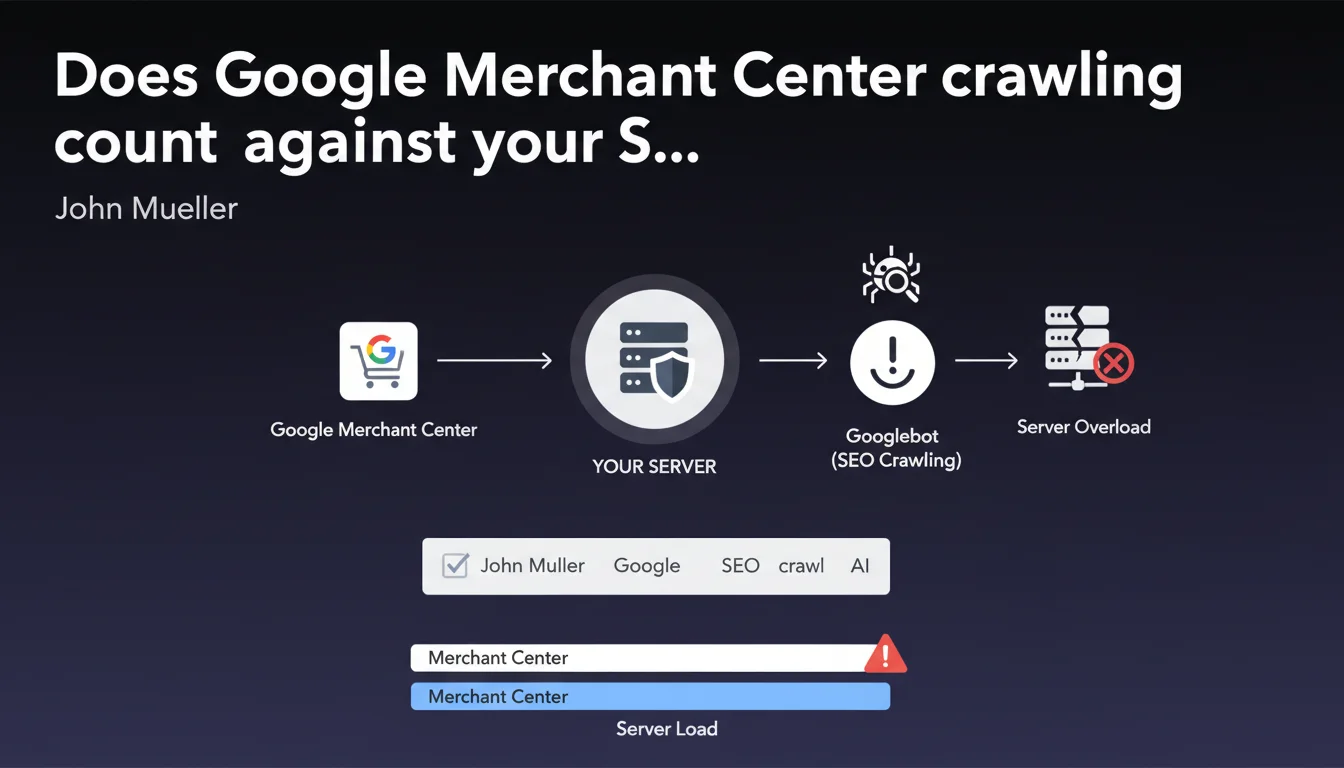
Crawl budget represents the amount of resources that Googlebot allocates to exploring a website. This statement from John Mueller clarifies an often overlooked point: all crawling activities count, including those related to Merchant Center for e-commerce product feeds.
The primary purpose of crawl budget isn't to impose an arbitrary limit, but to protect your servers from technical overload. Google adapts its crawling to avoid degrading your infrastructure's performance.
Which different types of crawling does this budget actually cover?
Crawl budget encompasses all Googlebot requests to your server. This includes standard web page exploration, but also automatic Merchant Center updates, AMP validation crawls, and JavaScript explorations.
Each request consumes server resources: bandwidth, CPU, memory. Google monitors your infrastructure's response capacity and adjusts its crawling pace accordingly.
Is crawl budget really limited in a strict way?
Contrary to the widespread idea of a fixed quota, the revelations from Gary Illyes and Dave Smart in 2024 nuanced this notion. Crawl budget isn't a rigid ceiling but a dynamic balance.
Search demand directly influences crawl volume: the more your pages are searched for and deemed relevant, the more resources Google will allocate to crawl them frequently. It's a system based on popularity and perceived content value.
- All forms of Googlebot crawling consume crawl budget, including Merchant Center
- The primary goal is to protect your server infrastructure from overload
- Crawl budget isn't a fixed limit but a dynamic balance adapted to demand
- The popularity and relevance of your content influences the allocated crawl volume
SEO Expert opinion
Does this statement align with what we actually observe in the field?
Absolutely, and this clarification confirms what technical SEOs have been observing for a long time in server logs. Product feed-related crawls for e-commerce indeed generate a significant load, particularly on sites with large catalogs.
I've observed across multiple e-commerce projects that automatic Merchant Center updates can represent 15 to 25% of total crawl volume. Ignoring this component leads to underestimating the actual load on infrastructure.
What essential nuances should we understand about this crawl budget concept?
The major nuance concerns the distinction between technical constraint and strategic priority. Crawl budget only becomes problematic for very large sites (several tens of thousands of pages) or those with limited infrastructure.
For the majority of sites, the real challenge isn't so much the quantity of crawl, but its quality and orientation toward strategic pages. A well-structured 5,000-page site will be fully crawled without issues.
When does this issue become truly critical?
Crawl budget becomes critical in three main situations: massive e-commerce sites (100,000+ products), sites generating dynamic or mass-duplicated content, and undersized server infrastructures.
For these cases, monitoring crawl distribution between strategic pages and secondary pages becomes essential. If Googlebot spends 80% of its time on low-value pages (filters, pagination, variants), that's a major warning signal.
Practical impact and recommendations
How can you effectively audit your crawl budget usage?
Start by analyzing your server logs over a minimum 30-day period. Identify different crawl types (standard Googlebot, Googlebot-Image, Merchant Center crawls) and their distribution.
Use Search Console to compare the volume of crawled pages versus indexed pages. A significant gap often reveals content quality or architecture issues.
Cross-reference this data with your traffic-generating pages: are they crawled regularly? If your best pages are only explored once a month, you have a prioritization problem.
What technical optimizations should you implement concretely?
For e-commerce sites using Merchant Center, optimize your product feed structure and avoid unnecessary updates. Configure appropriate delays between automatic synchronizations.
Implement a strategic robots.txt file to block sections without SEO value: user account pages, checkout funnel steps, non-optimized internal search results.
Improve your internal linking architecture to guide Googlebot toward your priority pages. Strategic pages should be accessible within 3 clicks maximum from the homepage.
What should you monitor to maintain optimal crawl budget over time?
- Analyze your server logs monthly to identify crawl patterns and anomalies
- Monitor the ratio of crawled pages / indexed pages in Search Console
- Verify that your strategic pages are crawled at least weekly
- Regularly audit your robots.txt and noindex tags to avoid accidental blocking
- Optimize server loading speed to enable more efficient crawling
- Systematically eliminate duplicate content and low-quality pages
- Configure segmented XML sitemaps by content type and priority
- Monitor server errors (5xx) that slow down Googlebot exploration
💬 Comments (0)
Be the first to comment.