
Official statement
Other statements from this video 11 ▾
- □ Does the H1 tag really have the SEO impact that Google claims?
- □ Is Google Search Console really the only source of truth about your actual performance?
- □ Is a sitemap really essential for Google to crawl your website effectively?
- □ Does Google really index JavaScript as well as traditional HTML?
- □ Do you really need to force server-side rendering for all JavaScript applications?
- □ Do you really need to migrate your microdata to JSON-LD for structured data?
- □ Does Google really expect developers and SEO teams to finally work together?
- □ Could testing your site across different browsers be the missing link to your SEO success?
- □ Are View Source and DevTools really enough to diagnose your SEO issues?
- □ Do you really need to wait a full year to evaluate SEO performance on a seasonal site?
- □ Should you really wait 6 months before evaluating your new website's performance?
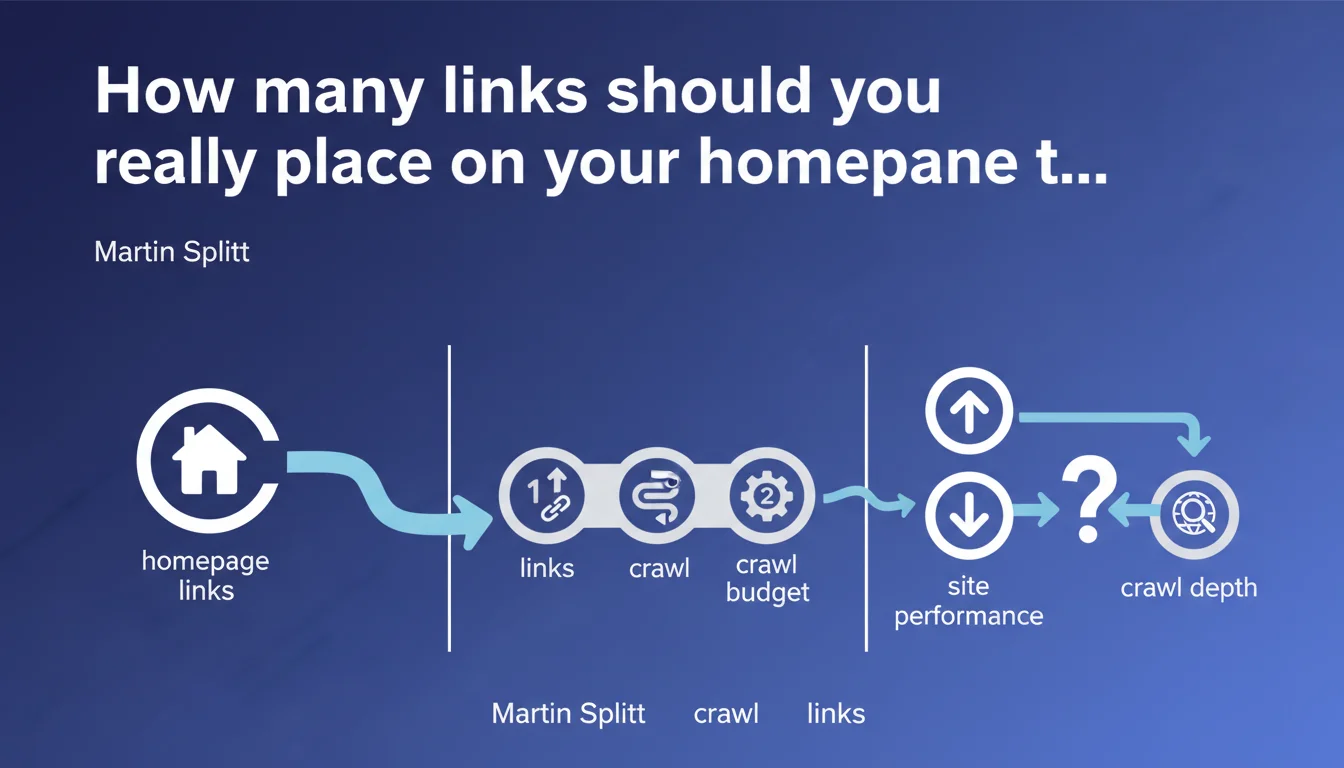
Google confirms that the number of links on your homepage directly influences crawl depth across your site. Adjusting this quantity can improve or degrade overall search performance. An underestimated lever for controlling your crawl budget.
What you need to understand
Why does the homepage hold such a central role in crawling?
The homepage is the primary entry point for Googlebot on most websites. It typically receives the most external backlinks and concentrates the bulk of direct traffic. Google crawls it far more frequently than other pages.
This privileged position makes it the initial distributor of internal PageRank. The links it contains define which second-level pages Googlebot will discover and prioritize. The more URLs your homepage links to, the more your crawl spreads out — and vice versa.
What exactly is crawl depth?
Crawl depth refers to the number of clicks needed from the homepage to reach a given page. A depth of 3 means you need to click 3 times from the homepage to arrive at that URL.
Google doesn't crawl infinitely. If your crawl budget is limited, pages sitting at 4, 5 clicks or deeper may never be explored — or too infrequently to be indexed effectively. Reducing average depth increases the odds that a page gets crawled and indexed quickly.
How does the number of links modify this depth?
Each link added to the homepage potentially shortens crawl depth for targeted pages. If you go from 20 to 50 homepage links, you're giving Googlebot 30 additional entry points into your site structure.
But be careful: multiplying links also dilutes the PageRank transmitted to each URL. The more SEO juice you distribute, the less each individual link receives. The gain in depth can be cancelled out by a loss of authority on key pages.
- The homepage is the main hub: it controls crawl and internal PageRank distribution.
- More links = broader but more diluted crawl: each link receives less weight.
- Fewer links = concentrated crawl: ideal for prioritizing a few strategic pages.
- Crawl depth is critical: beyond 3-4 clicks, indexation becomes uncertain.
SEO Expert opinion
Is this recommendation really applicable to every site?
No, and this is where Google's messaging becomes dangerously generic. On a small 50-page site, adding or removing 10 homepage links will likely have no measurable impact. Crawl budget isn't a problem for these sites — Google crawls them fully without difficulty.
However, on an e-commerce site with 100,000 products or a media outlet with hundreds of thousands of articles, the question becomes strategic. But even then, simply stuffing your homepage with links isn't the answer. Your overall internal linking structure — categories, pagination, facets — carries far more weight than a few dozen homepage links.
Does Google oversimplify the notion of "overall performance"?
Yes. Saying that changing link count "can affect overall performance" is bewilderingly imprecise. What performance exactly? Organic traffic? Indexation rate? Average crawl time? [To verify]: no quantified data accompanies this claim.
In practice, impact depends on multiple factors: the quality of linked pages, their content, their conversion potential, their freshness. Adding 30 links to zombie pages does nothing — or even hurts by dispersing crawl toward weak content.
In what cases doesn't this logic work?
Sites with complex JavaScript architecture may see Googlebot ignore certain links even if they're present on the homepage — especially if rendering is mishandled. Links generated dynamically without HTML fallback are a black hole for crawling.
Similarly, on sites with infinite pagination or AJAX loading, crawl depth no longer measures in standard clicks. Poorly managed filtering facets create crawl voids that a few homepage links will never solve.
Practical impact and recommendations
What should you actually do with this information?
Audit your homepage: how many links does it contain? What do they point to? Are they your strategic pages (bestselling products, pillar articles, priority landing pages) or secondary content (legal notices, corporate pages with no traffic)?
Use Screaming Frog or OnCrawl to identify buried pages at high depth (4 clicks and beyond). If any are important but poorly crawled, add them to the homepage or strengthen their internal linking from other already well-crawled pages.
Test the impact: modify your homepage link count and monitor Google Search Console — Crawl Statistics section. Observe whether the number of pages crawled per day increases or if average response time degrades.
What mistakes should you absolutely avoid?
Don't turn your homepage into a massive directory. Beyond 100-150 links, you degrade UX and risk sending a low editorial quality signal to Google. Links must remain readable, logical, user-oriented.
Avoid massive footer links to every category on your site. Google follows them, yes, but their SEO weight is low — and this uselessly dilutes transmitted juice. Prioritize contextual links in your homepage body.
Don't focus solely on the homepage. A well-crawled site rests on coherent overall internal linking: category pages, contextual links in articles, breadcrumbs, managed pagination. The homepage is just one lever among many.
- Audit the number and quality of links on your homepage
- Identify strategic pages buried at high depth
- Add homepage links to priority undercrawled pages
- Remove links to weak or non-strategic content
- Monitor crawl evolution in Google Search Console after modifications
- Test progressively: don't change everything at once
- Document each change to measure actual impact
The number of homepage links is an underexploited crawl lever, but it doesn't stand alone. Effectiveness depends on your site's overall structure: architecture, internal linking, pagination, quality of linked pages.
For complex or large-scale sites, managing these parameters requires pointed technical expertise. In-depth crawl diagnosis, site architecture overhaul, or internal linking optimization can't be improvised. Partnering with a specialized SEO agency provides precise auditing, tailored recommendations, and ongoing monitoring — especially if your crawl budget is constrained or if indexation of strategic pages is problematic.
❓ Frequently Asked Questions
Combien de liens maximum peut-on placer sur une page d'accueil sans pénalité ?
Les liens en footer comptent-ils autant que les liens dans le contenu principal ?
Modifier les liens homepage a-t-il un impact immédiat sur le crawl ?
Faut-il privilégier les liens vers les pages profondes ou vers les catégories principales ?
Un site avec peu de pages a-t-il besoin d'optimiser les liens homepage pour le crawl ?
🎥 From the same video 11
Other SEO insights extracted from this same Google Search Central video · published on 22/03/2022
🎥 Watch the full video on YouTube →
💬 Comments (0)
Be the first to comment.