
Official statement
Other statements from this video 11 ▾
- □ Is Google Search Console really the only source of truth about your actual performance?
- □ Is a sitemap really essential for Google to crawl your website effectively?
- □ Does Google really index JavaScript as well as traditional HTML?
- □ Do you really need to force server-side rendering for all JavaScript applications?
- □ Do you really need to migrate your microdata to JSON-LD for structured data?
- □ How many links should you really place on your homepage to optimize crawl budget?
- □ Does Google really expect developers and SEO teams to finally work together?
- □ Could testing your site across different browsers be the missing link to your SEO success?
- □ Are View Source and DevTools really enough to diagnose your SEO issues?
- □ Do you really need to wait a full year to evaluate SEO performance on a seasonal site?
- □ Should you really wait 6 months before evaluating your new website's performance?
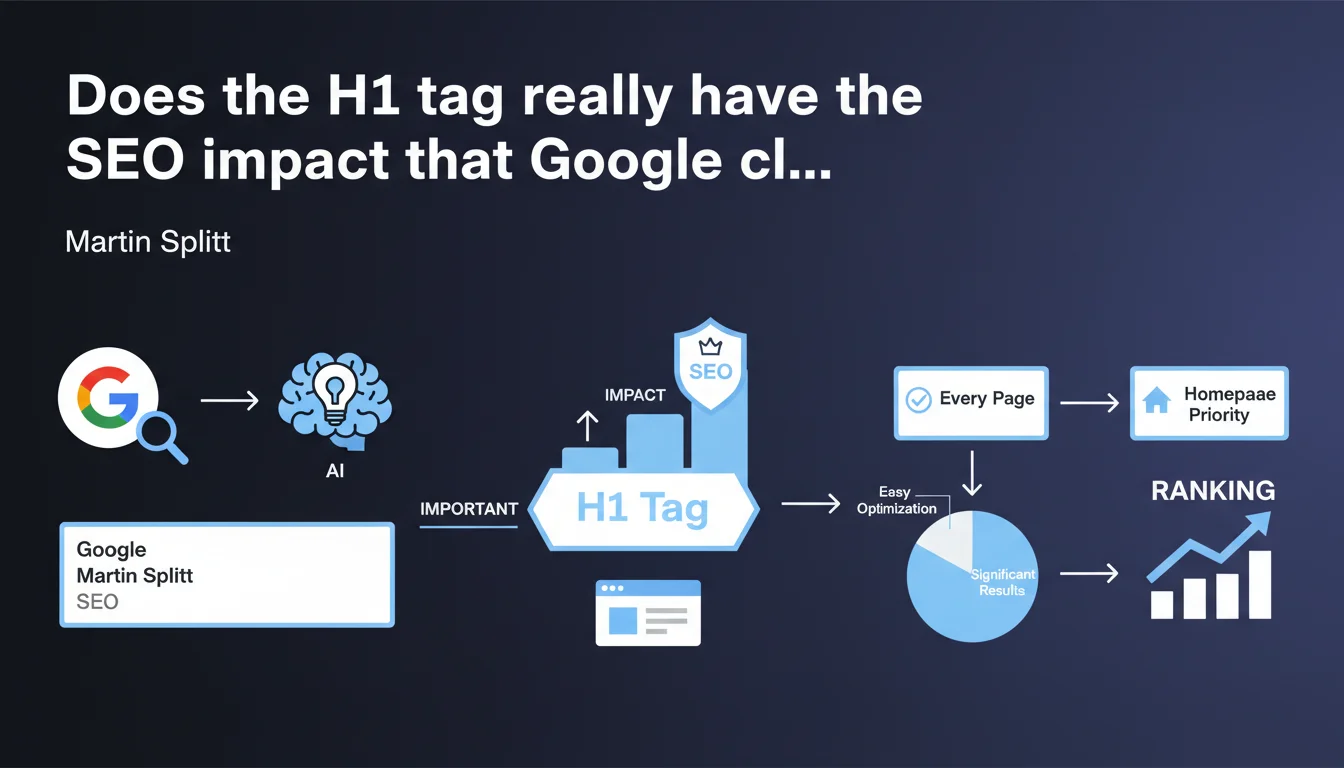
Google states that the H1 tag is crucial for SEO and recommends placing one on every page, especially the homepage. Martin Splitt emphasizes its "underestimated" nature and its significant impact, despite how simple it is to implement. A statement that stands out against some of the ambiguous messaging Google has delivered on this topic in the past.
What you need to understand
Why is Google pushing so hard on H1 now?
This stance marks a shift in tone. For years, Google maintained fuzzy messaging: H1s would be "not essential", multiple H1s per page would "cause no problem", and so on. Here, Martin Splitt breaks that ambiguity.
He describes the H1 as "extremely important" and "underestimated". This emphasis on the homepage is telling: it's often the only page where webmasters forget the H1, considering the logo sufficient. Google is setting the record straight.
What's the exact role of H1 in the algorithm?
The H1 helps Google understand the semantic structure of a page. It signals the main topic, contextualizes the content, and strengthens thematic relevance. It's not a massive direct ranking factor, but rather a signal of editorial coherence.
On a homepage, the H1 becomes critical: without it, Google must guess the site's intent by relying on less reliable signals (title tag, opening paragraphs, internal link anchors). That's an unnecessary risk when adding an H1 takes 2 minutes.
What does "significant impact" mean in this context?
Google never quantifies its recommendations — typical. "Significant impact" remains vague, but likely translates to an improvement in contextual understanding rather than a visible ranking boost.
For a site without an H1 on its homepage, adding one can clarify overall thematic positioning. For internal pages already well-structured, the effect will be marginal. Context matters.
- The H1 clarifies the main topic for Google and users
- The homepage is a critical case often neglected
- Google is adopting a more directive tone than before on this subject
- Impact depends on context — don't expect an SEO miracle
SEO Expert opinion
Does this recommendation contradict Google's past statements?
Partially. John Mueller has repeatedly stated that multiple H1s pose no problem, that Google can understand a page even without an H1. Technically, that's true: the algorithm doesn't break. But Martin Splitt is pushing a more prescriptive line here.
The nuance? Mueller spoke of technical tolerance, Splitt speaks of recommended optimization. Google can understand a page without an H1, but why make it harder for them? Let's be honest: this statement smells like a correction for poorly structured sites.
In what cases does this rule become secondary?
On highly specialized sites with already solid semantic architecture (advanced schema.org markup, robust internal linking, long-form content structured with H2-H3 tags), the absence of an H1 on a single page won't break things. But that's the exception, not the norm.
For most sites — e-commerce, blogs, corporate websites — the H1 remains a basic structural reference point. Ignoring it on the homepage amounts to sending a confused signal to Google right at the entrance. [To verify]: Google has never published a quantified correlation between H1 presence and ranking performance.
Should you believe in a measurable "significant impact"?
Be cautious. "Significant" is marketing language here, not a scientific measurement. In actual field practice, adding an H1 to a homepage missing one can improve thematic clarity, but won't boost your traffic by 30%.
The impact will be more visible on young or under-optimized sites, nearly null on already well-ranked sites with established authority. Google is selling basic optimization as a priority here — consistent with their "basics first" messaging, but don't overstate the isolated effect.
Practical impact and recommendations
What should you do concretely if your homepage has no H1?
Conduct an immediate audit: check your homepage's source code. If you see no <h1> tag, that needs priority correction. No panic — it's a trivial development change.
Choose an H1 that summarizes your site's identity in one clear sentence. Example: for an SEO agency based in Lyon, "Lyon SEO Agency: Technical Expertise and Custom-Tailored Strategies" beats a vague "Welcome". Avoid hollow phrases.
What mistakes should you avoid during implementation?
Don't turn your logo into an H1 via hidden CSS. Google hates manipulations that separate HTML from visual rendering. If your logo must remain the dominant visual element, place the H1 as visible text just below it.
Another pitfall: multiplying H1s "to be safe". One H1 per page. Google can handle multiple H1s since HTML5, but that dilutes the signal — the opposite of what you're after.
- Audit each strategic page to verify the presence of a single unique H1
- Write descriptive H1s rich in semantics, not vague slogans
- Avoid hidden H1s or those replaced by images without alt text
- Verify the H1 is the first heading tag (not an H2 before it)
- Test rendering on mobile: the H1 must remain readable and visually prioritized
- Integrate the H1 into a coherent heading structure (H2, H3 to hierarchize sections)
How do you measure impact after correction?
Let's be realistic: you won't see a spectacular spike in Search Console three days after adding an H1. The effect is cumulative and part of overall optimization.
Instead monitor the evolution of click-through rate on your homepage from SERPs (if it ranks on generic keywords), and improvements in thematic understanding via featured snippets or Google Discover. But isolating the H1's impact alone? Nearly impossible.
❓ Frequently Asked Questions
Peut-on utiliser plusieurs H1 sur une même page ?
Le H1 doit-il être identique à la balise title ?
Un H1 caché en CSS pénalise-t-il le site ?
Faut-il inclure des mots-clés dans le H1 ?
L'absence de H1 peut-elle empêcher l'indexation ?
🎥 From the same video 11
Other SEO insights extracted from this same Google Search Central video · published on 22/03/2022
🎥 Watch the full video on YouTube →
💬 Comments (0)
Be the first to comment.