
Official statement
Other statements from this video 11 ▾
- □ Le H1 a-t-il vraiment l'impact SEO que Google prétend ?
- □ Pourquoi la Search Console est-elle la seule source de vérité sur votre performance réelle ?
- □ Le sitemap est-il vraiment indispensable pour le crawl de Google ?
- □ Faut-il vraiment forcer le rendu côté serveur pour toutes les applications JavaScript ?
- □ Faut-il vraiment migrer ses microdata en JSON-LD pour les données structurées ?
- □ Combien de liens faut-il vraiment placer sur votre page d'accueil pour optimiser le crawl ?
- □ Pourquoi Google insiste-t-il sur la collaboration entre développeurs et SEO ?
- □ Pourquoi tester votre site sur différents navigateurs peut-il sauver votre SEO ?
- □ View Source et DevTools suffisent-ils vraiment pour diagnostiquer vos problèmes SEO ?
- □ Faut-il vraiment attendre un an avant d'évaluer les performances SEO d'un site saisonnier ?
- □ Faut-il vraiment attendre 6 mois avant de juger les performances d'un nouveau site ?
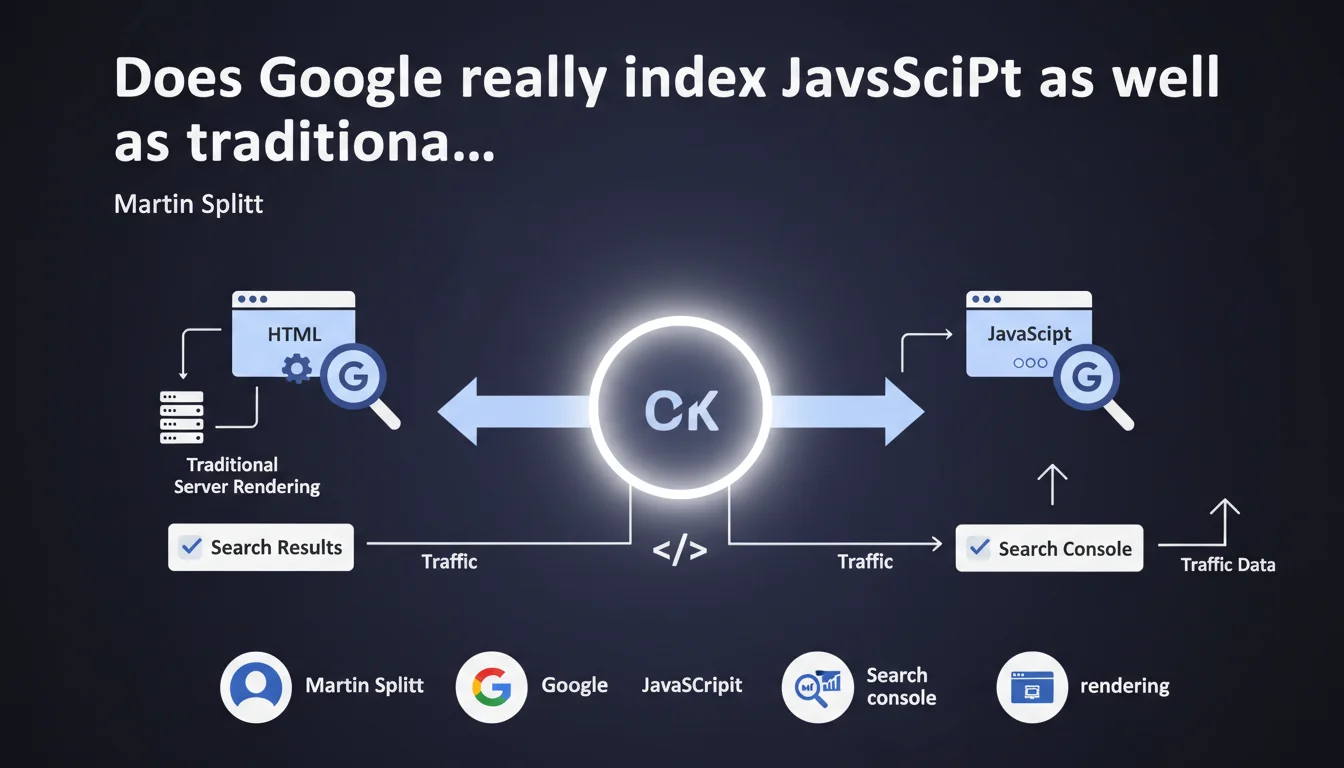
Google claims to perfectly index JavaScript-rendered client-side applications. If your page appears in search results and generates traffic in Search Console, dynamic rendering or server-side rendering would be unnecessary. A claim that deserves to be tested against real-world observations.
What you need to understand
What does Google mean by "understanding JavaScript"?
Google uses a Chromium rendering engine to execute JavaScript and access dynamically generated content. This process is called rendering, distinct from simple HTML crawling. In practice, Googlebot downloads the page, executes the JS, waits for the DOM to stabilize, then indexes the rendered content.
The catch? This process consumes significant resources. Google therefore places JS pages in a rendering queue that can delay indexation by several hours to several days compared to static HTML. Martin Splitt argues here that this delay doesn't prevent proper indexation.
What's the difference between "appearing in results" and "ranking well"?
The statement focuses on indexation, not ranking. A page can be indexed without benefiting from optimal crawl budget or ideal content freshness. Timing matters enormously in certain sectors — news, e-commerce, viral content.
If your page takes 48 hours to be rendered and indexed, your competitors with traditional HTML may have already captured the traffic. Google isn't saying JS is as performant as server-side rendering, just that it eventually gets processed.
Is Search Console proof of indexation a reliable indicator?
Martin Splitt proposes a simple test: presence in results + traffic in Search Console = successful indexation. That's true, but incomplete. Some pages can be partially indexed, with missing content or internal links not followed if JS fails or times out.
The URL inspection test in Search Console remains more accurate: it shows the rendered HTML as Googlebot sees it after JS execution. That's where you detect real issues.
- Google indexes JavaScript content via a Chromium-based rendering process
- Rendering is time-shifted compared to raw HTML crawling
- Successful indexation doesn't guarantee optimal crawl budget or instant freshness
- Search Console lets you verify indexation, but the URL inspection tool is more precise for diagnosing JS problems
- The statement focuses on indexation, not performance compared to server-side rendering
SEO Expert opinion
Is this statement consistent with real-world observations?
Partially. On well-structured sites with lightweight, modern JS, indexation does work effectively. But [To verify]: many sites still experience discrepancies between content visible to users and content indexed by Google, especially with heavy frameworks or complex dependencies.
The most common issues? Timeouts (Google abandons rendering after a few seconds), silent JS errors that break the DOM, and resources blocked by robots.txt. In these cases, the page may appear indexed but with incomplete or outdated content.
When is server-side rendering still essential?
For news sites, e-commerce with high stock rotation, or any content requiring near-instant indexation. SSR (Server-Side Rendering) or SSG (Static Site Generation) ensure that Googlebot sees complete HTML immediately, without waiting in the rendering queue.
Dynamic rendering (hybrid rendering) remains relevant for sites with many pages or very heavy JS. It allows serving pre-rendered HTML to bots while maintaining a client-side experience for users. Google says it's not "necessary", but doesn't say it's counterproductive.
What should you do if your page doesn't appear in results despite JS?
That's where the statement becomes problematic. Martin Splitt implies that if it doesn't index, it's because JS is poorly implemented. Except we observe cases where Google actively chooses not to render certain pages, due to crawl budget limits or algorithmic priority.
Practical impact and recommendations
What specifically should you check on your JS site?
Start with the URL inspection tool in Search Console. Compare raw HTML ("HTML" tab in network inspector) and rendered DOM ("Test live URL" tab). If content differs, you have a rendering problem.
Also check Core Web Vitals: heavy JS that degrades LCP or CLS hurts ranking, even if indexation works. Google's rendering and user experience are two distinct things, but both matter.
What JS SEO mistakes should you absolutely avoid?
Never block JS or CSS files in robots.txt — Googlebot needs them to render the page. Avoid Single Page Applications that don't update title/meta tags during client-side navigation.
Beware of frameworks that generate content after user interaction (infinite scroll, "see more" clicks). Google doesn't simulate these interactions — if content doesn't appear on first render, it gets ignored.
How do you optimize your JS architecture for Google?
Prioritize semantic lazy loading: load critical content in HTML first, then enhance with JS. Use techniques like progressive hydration or streaming SSR to speed up Time to First Byte and initial rendering.
Monitor your server logs: if Googlebot crawls your pages but organic traffic remains low, it might be a delayed rendering issue or content deemed non-relevant after JS execution.
- Test each page template with the URL inspection tool in Search Console
- Compare raw HTML and rendered DOM to detect discrepancies
- Verify that JS/CSS resources aren't blocked in robots.txt
- Implement dynamic title/meta tags correctly updated on the client side
- Avoid content hidden behind user interactions not simulated by Google
- Monitor the delay between crawl and indexation in server logs
- Consider SSR or SSG for critical pages requiring fast indexation
- Measure JS impact on Core Web Vitals and optimize accordingly
❓ Frequently Asked Questions
Google indexe-t-il le contenu chargé en AJAX après un scroll infini ?
Le rendu dynamique est-il considéré comme du cloaking par Google ?
Combien de temps Google met-il pour rendre une page JavaScript ?
Faut-il privilégier React, Vue ou Angular pour le SEO ?
Comment savoir si mon JS bloque l'indexation de certaines pages ?
🎥 From the same video 11
Other SEO insights extracted from this same Google Search Central video · published on 22/03/2022
🎥 Watch the full video on YouTube →
💬 Comments (0)
Be the first to comment.