
Official statement
Other statements from this video 7 ▾
- □ Why can your website be completely invisible to Googlebot even though it displays perfectly in your browser?
- □ Why Does Google Really Want You to Monitor Server Errors in Your Crawl Stats Report?
- □ Should you really panic about every single crawl error Google reports in Search Console?
- □ Should you really take action on every 500 error Google detects in your crawl report?
- □ How can analyzing your server logs unlock hidden crawling insights and optimize Google's site exploration?
- □ How can you spot the real Googlebot among the imposters in your server logs?
- □ Why aren't your pages showing up in Google Search despite all your SEO efforts?
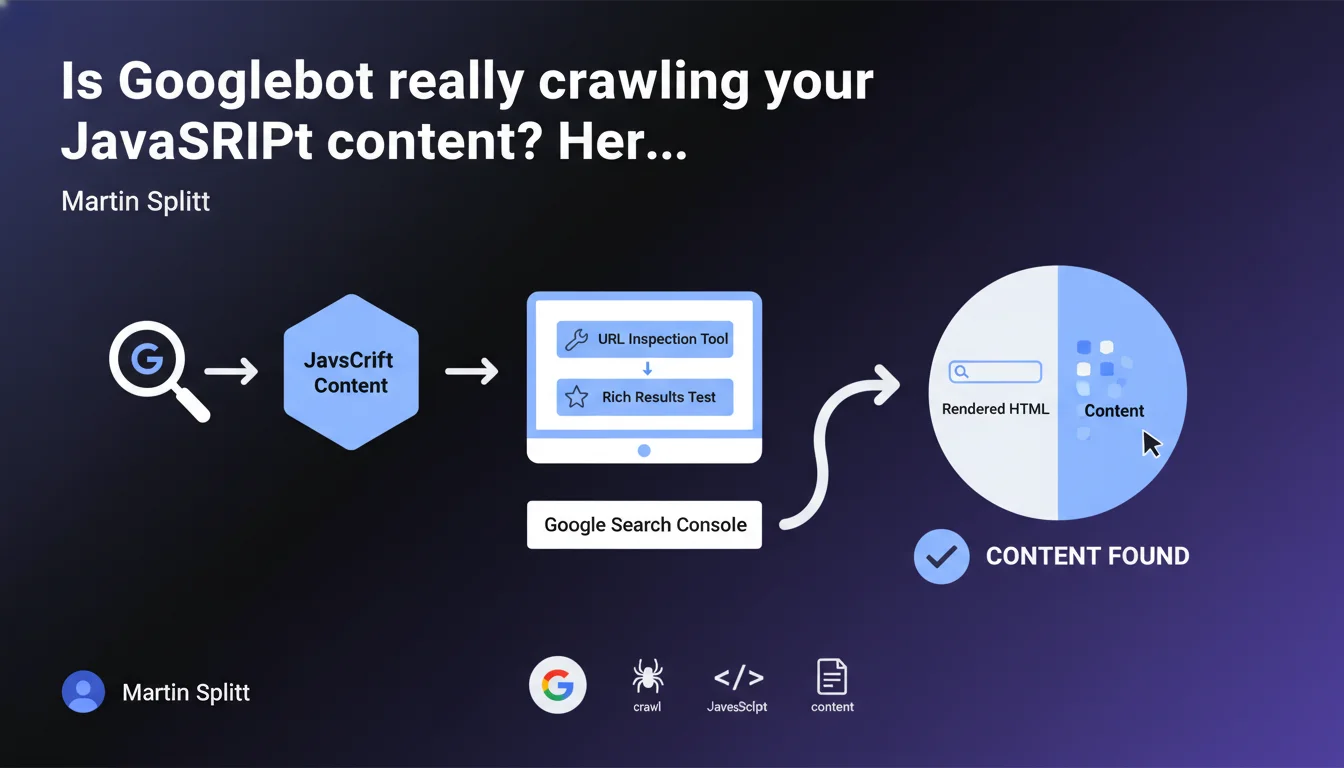
Martin Splitt reminds us that the URL Inspection tool in Search Console and the Rich Results test display the HTML rendered by Googlebot. If your content appears in this rendered HTML, the problem isn't crawl-related — you need to look elsewhere.
What you need to understand
Why is this distinction between raw HTML and rendered HTML so critical?
Google doesn't just read the static HTML source code of your pages. Googlebot executes JavaScript to generate a final render — this is what we call rendered HTML. If your critical content depends on client-side scripts, it will only appear in this rendered version.
The URL Inspection tool in Search Console and the Rich Results test show you exactly what Googlebot sees after executing JavaScript. This is your source of truth for diagnosing indexation issues related to rendering.
What should you do if the content appears properly in the rendered HTML?
If you find your text, meta tags, or structured data in the rendered HTML displayed by the tool, then Googlebot has proper access to that content. Crawl is working correctly from that perspective.
The problem likely lies elsewhere: content quality, cannibalization, insufficient crawl budget, robots.txt or meta directives blocking indexation, or lack of internal links to the page.
What pitfalls should you avoid when performing this verification?
First common mistake: relying solely on the source code displayed in your browser via "View Page Source". That is not what Googlebot renders — you must use the official tools.
Second trap: confusing "crawlability" with "indexability". Just because Googlebot can access content doesn't mean it will choose to index it. The URL Inspection tool only solves part of the diagnostic puzzle.
- The URL Inspection tool shows the final HTML after JavaScript execution — it's your reference for validating crawl
- If content is present in the render, crawl is not the issue: look instead at indexation or quality
- Never rely on raw source code to diagnose a JavaScript rendering problem
- Use the search function (Ctrl+F) in the tool to quickly verify the presence of a critical element
SEO Expert opinion
Is this statement consistent with real-world observations?
Yes, and it's even a much-needed reminder. Too many SEOs panic when they don't see their content in the raw HTML source code, when it actually appears fine after rendering. The inspection tool is reliable — if content appears there, it's accessible to Google.
However — and Martin Splitt knows this well — it's only a first step. I've seen dozens of cases where content was properly rendered but still not indexed. Crawl is not synonymous with indexation, and even less so with ranking.
What nuances should be added to this guidance?
Splitt is deliberately simplifying. He says "if you find the content, it's not a crawl problem". Fair enough. But he remains silent on rendering delays, which can be problematic for high-volume sites.
If your JavaScript takes 8 seconds to load critical content, Googlebot can theoretically wait — but in practice, on a site with 50,000 pages, that eats into your crawl budget. Rendering works, sure, but in a suboptimal way. [To verify]: Google has never published an official timeout threshold for JS rendering.
In what cases is this rule insufficient?
Imagine your content appears fine in the inspection tool, but it's generated client-side from an external API that fails 20% of the time. The tool performs a single crawl test — it doesn't reflect reliability over time.
Another scenario: your site uses aggressive lazy-loading or interaction events (clicks, scrolls) to load content. Googlebot may not trigger these events, and the inspection tool won't always simulate these complex behaviors.
Practical impact and recommendations
What concrete steps should you take to validate crawl on your pages?
First step: open Search Console, select the URL Inspection tool, paste the URL of your strategic page. Click "Test live URL" to get an up-to-date render. Wait for the result — it can take 30 seconds to 2 minutes.
Once the render is displayed, use Ctrl+F (or Cmd+F on Mac) to search for a unique text fragment present in your critical content: an H1 title, a key phrase, a meta description tag. If you find it, Googlebot has access to it. If not, you have a JavaScript rendering issue or resource blocking problem.
What mistakes should you avoid during this verification?
Don't stop at the cached version displayed by default in the tool — it may be outdated. Always use the "Test live URL" button for reliable diagnostics.
Also avoid jumping to conclusions too quickly. If content is missing from the render, first check whether JavaScript resources are being blocked by your robots.txt (go to the "Coverage" tab then "More info" to see which resources were loaded). A blocked script = no render.
How can you automate this verification on a large site?
For a site with 500+ pages, manually testing each URL via the inspection tool is impractical. Two solutions: use Google's Indexing API (limited to eligible content types like JobPosting) or a JavaScript crawler like Screaming Frog in render mode or OnCrawl.
Configure your crawler to compare raw HTML and rendered HTML. Then export the list of URLs where a critical element (title tag, H1, main content) is missing from the render. Prioritize these pages for manual investigation.
- Systematically test strategic pages via the URL Inspection tool in "Test live URL" mode
- Use Ctrl+F to search for a unique text fragment in the rendered HTML
- Verify that JavaScript resources are not blocked by robots.txt
- Never rely solely on raw HTML source code displayed by the browser
- Automate render vs. raw verification on large sites with a properly configured JavaScript crawler
- Regularly compare URL Inspection tool data with server logs to detect discrepancies
❓ Frequently Asked Questions
L'outil d'inspection d'URL remplace-t-il un crawl complet du site ?
Si mon contenu apparaît dans le HTML rendu mais que la page n'est pas indexée, où est le problème ?
Le test de résultats enrichis affiche-t-il exactement le même rendu que l'outil d'inspection d'URL ?
Peut-on faire confiance aux crawlers tiers pour simuler le rendu JavaScript de Googlebot ?
Combien de temps Googlebot attend-il avant de considérer qu'une page JavaScript a fini de charger ?
🎥 From the same video 7
Other SEO insights extracted from this same Google Search Central video · published on 13/12/2024
🎥 Watch the full video on YouTube →
💬 Comments (0)
Be the first to comment.