
Official statement
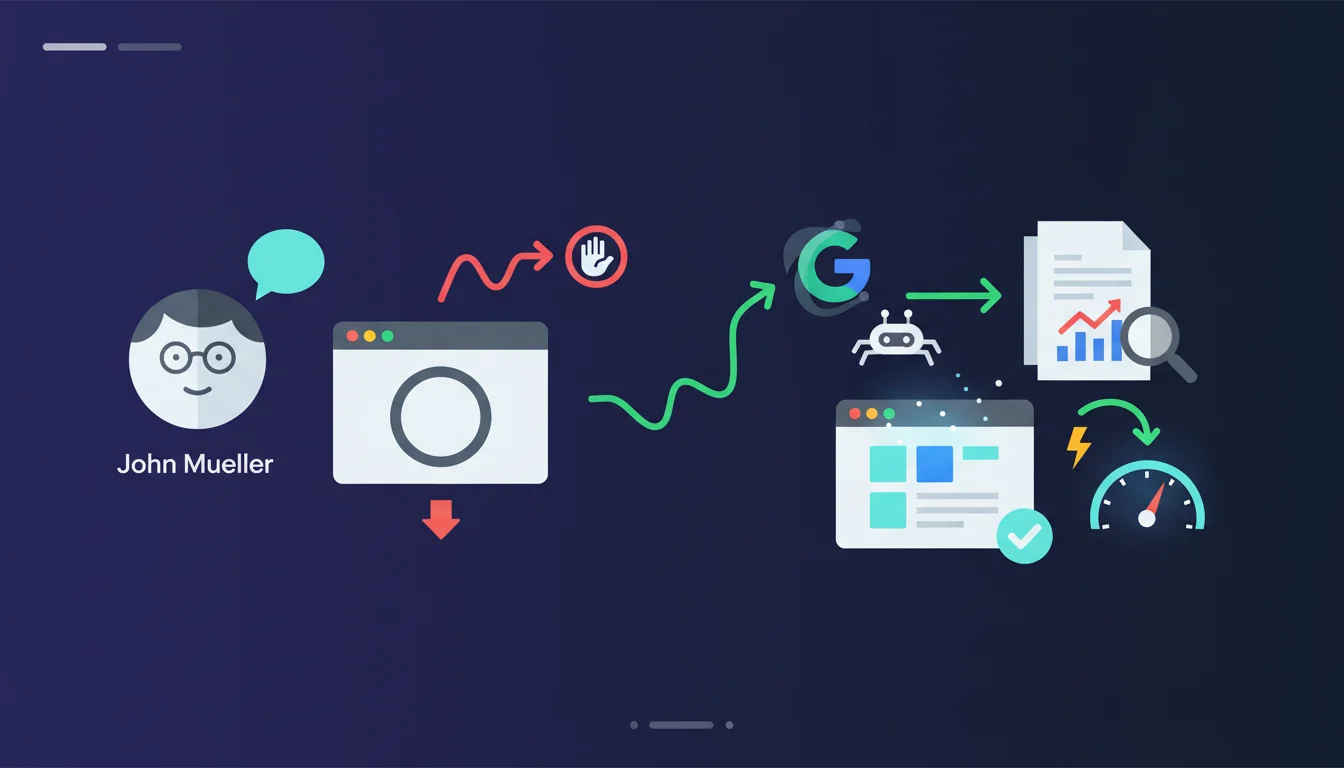
If a client (like Googlebot) doesn't execute JavaScript or only partially executes it, it will receive misleading information indicating that the content is not available. When Google crawls the page, it only sees the "not available" message and leaves, without waiting for another message to appear.
John Mueller compares this situation to Google's recommendation regarding noindex tags in JavaScript. Google advises against using JavaScript to change a meta robots tag from "noindex" to something else (there is no "index" tag anyway, only the absence of noindex).
What you need to understand
Google warns against a JavaScript loading practice that can seriously compromise the indexing of your pages. This involves displaying a temporary "not available" or "unavailable" message while the actual content loads via JavaScript.
The problem is simple but critical: Googlebot doesn't wait like a human user would. When the bot crawls your page, it analyzes the initially available content immediately. If this content indicates "not available," Google concludes that the page is empty or non-existent.
This situation is particularly dangerous for JavaScript-heavy sites using frameworks like React, Vue, or Angular. These technologies often load content asynchronously, which can create a delay between the initial display and the final content rendering.
- Googlebot executes JavaScript, but with time and resource limitations
- An initial "not available" message is interpreted as the definitive state of the page
- This practice completely prevents indexing and ranking in search results
- The recommendation is to load the complete content block directly via JavaScript, without a misleading intermediate state
- This logic is similar to the problem of noindex tags in JavaScript that Google also discourages
SEO Expert opinion
This recommendation perfectly reflects the reality of Googlebot's behavior that I've observed for years. Google's bot has certainly made tremendous progress in JavaScript rendering, but it remains fundamentally different from a human browser in its handling of time and resources.
The important nuance to understand is that Googlebot operates in two phases: an initial crawl where it retrieves the raw HTML, then JavaScript rendering that occurs later, sometimes with delays of several hours or days. If your content displays "not available" during the first phase, the damage is already done.
I've observed this phenomenon on numerous e-commerce sites using poorly implemented lazy loading or Single Page Applications (SPAs) with verbose loading states. The affected pages gradually disappeared from the index, without explicit error messages in Search Console.
Practical impact and recommendations
- Audit your JavaScript-heavy pages: Test them with Search Console's URL Inspection tool and check the rendering as Googlebot sees it
- Eliminate all negative temporary messages: Remove "not available," "loading," "content unavailable" displayed before actual content
- Implement Server-Side Rendering (SSR) or Static Site Generation (SSG) for critical content, particularly with Next.js, Nuxt.js, or Angular Universal
- Use dynamic rendering if necessary: Serve pre-rendered HTML specifically to Googlebot for complex pages
- Prefer neutral visual skeletons: If you must display a loading state, use graphical placeholders without text that could be misinterpreted
- Test with JavaScript disabled: Check what a crawler that doesn't execute or partially executes JavaScript sees
- Avoid dynamic meta robots tags: Never use JavaScript to add or remove a noindex tag, this modification won't be reliably taken into account
- Monitor indexing regularly: Watch for sudden drops in indexed pages that could indicate this type of problem
These technical optimizations, particularly transitioning to an SSR architecture or implementing dynamic rendering, require in-depth expertise in modern web development and technical SEO. Incorrect configuration of these systems can create new indexing or performance problems.
For sites with complex JavaScript architecture, it's often wise to collaborate with a specialized SEO agency that can precisely audit your implementation, identify issues specific to your technical stack, and guide you in implementing solutions adapted to your context.
💬 Comments (0)
Be the first to comment.