
Official statement
Other statements from this video 7 ▾
- □ Pourquoi votre site peut-il être invisible pour Googlebot alors qu'il s'affiche parfaitement dans votre navigateur ?
- □ Comment vérifier si Googlebot crawle vraiment votre contenu JavaScript ?
- □ Faut-il vraiment s'inquiéter de chaque erreur de crawl remontée dans la Search Console ?
- □ Faut-il vraiment agir sur chaque erreur 500 détectée par Google dans le rapport de crawl ?
- □ Comment analyser vos logs serveur pour optimiser le crawl de Google ?
- □ Comment distinguer le vrai Googlebot des imposteurs dans vos logs serveur ?
- □ Pourquoi vos pages n'entrent-elles pas dans Google Search malgré tous vos efforts SEO ?
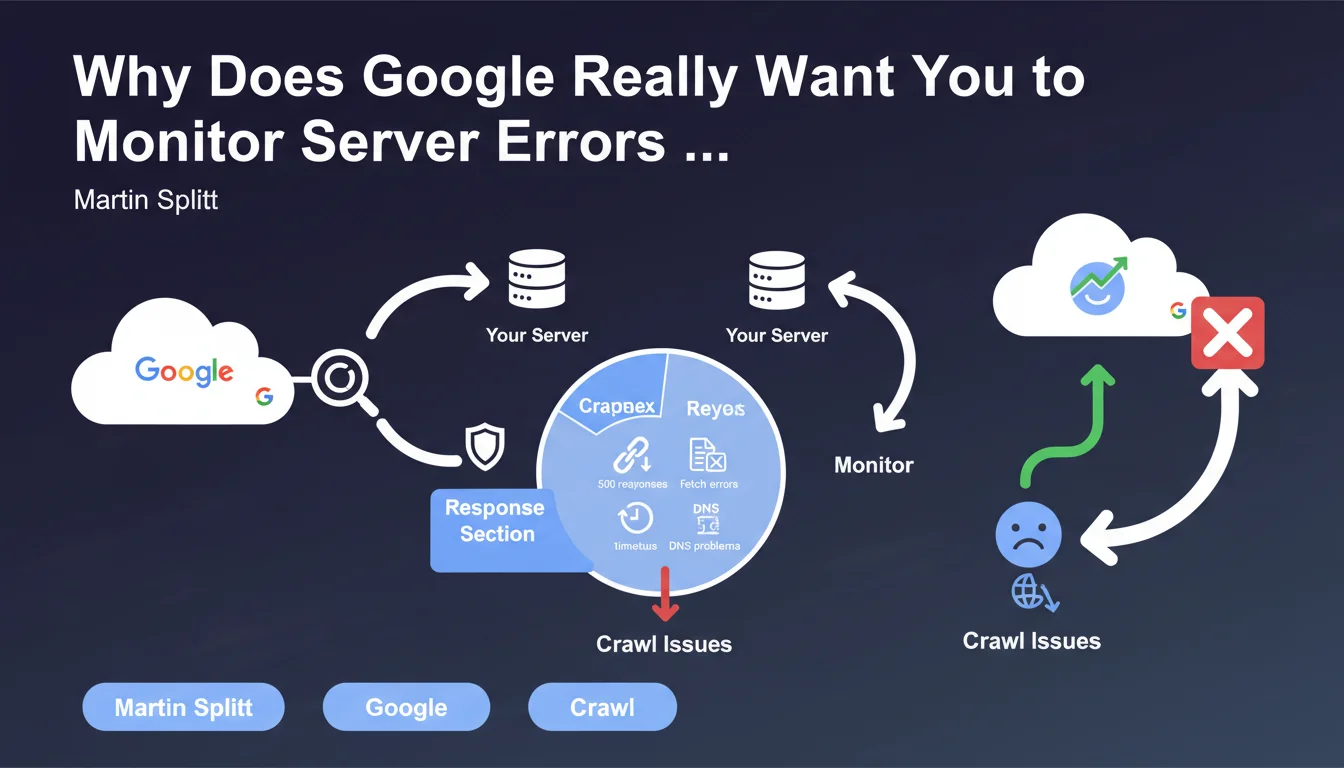
Martin Splitt emphasizes the importance of monitoring server errors through the Search Console's Crawl Stats report, particularly 500 errors, timeouts, and DNS issues. These signals reveal crawl problems that directly impact indexing. Without regular monitoring, content can disappear from the index without you even noticing.
What you need to understand
Does the Crawl Stats Report Really Reveal the True Health of Your Crawl?
The Crawl Stats report in Search Console displays how Googlebot interacts with your infrastructure. The HTTP responses section provides a precise view of successes (200), redirects (301/302), client errors (404), and especially server errors (500, 502, 503).
This data shows whether your server can handle the load from Google's requests. A spike in 500 errors for just a few hours can be enough to tank the indexation of critical pages. Timeouts and DNS errors signal even more serious failures — Google can't even reach your server.
Why Does Martin Splitt Put So Much Emphasis on 500 Errors?
500 errors indicate a server-side problem, not a content problem. Unlike a 404 that signals a missing page, a 500 tells Google: "The server is broken, try again later."
If these errors persist, Googlebot will reduce the crawl frequency to avoid overloading an already unstable server. The result: your new pages aren't discovered, your updates aren't picked up. Indexation stagnates or declines.
What Exactly Is a "Fetch Problem" or Timeout in This Context?
A fetch problem occurs when Googlebot can't retrieve the resource — unreachable server, interrupted connection, response too slow. Timeouts happen when the server takes too long to respond (often beyond 10-15 seconds).
DNS errors are even more critical: the domain name doesn't resolve, so Google can't even establish a connection. These incidents, even if isolated, leave traces in the report and affect the crawl budget allocated to your site.
- 500 errors persisting? Google reduces crawl to protect your server
- Timeouts accumulating? A sign of an undersized server or inefficient backend code
- Recurring DNS problems? Check your hosting provider and DNS zone configuration
- The report displays 90 days of history — monitor trends, not isolated incidents
SEO Expert opinion
Is This Recommendation Consistent with Real-World Observations?
Absolutely. Sites that neglect server error monitoring often wake up to unexplained drops in indexation. I've seen e-commerce businesses lose 30% of their organic traffic in two weeks due to 503 errors during a traffic spike — and nobody had checked Search Console.
The trap? These errors often appear during traffic spikes or marketing campaigns. Your tech team doesn't notice them because the site "works" for human visitors. But Googlebot multiplies its crawl attempts during those same spikes and hits walls.
What Nuances Should Be Added to This Statement?
Martin Splitt remains vague on the critical thresholds. At what number of 500 errors does Google reduce crawl? What timeout duration is acceptable? No hard numbers. [To verify] on your own projects by cross-referencing with server logs.
Another point: the Crawl Stats report only shows an sample of crawled URLs. If Google attempts to crawl 50,000 pages but only 10,000 appear in the report, you're getting a partial picture. Raw server logs remain the absolute source of truth.
Is the Report Enough to Diagnose All Crawl Problems?
No. It provides a macro view, useful for detecting anomalies, but it doesn't replace analysis of raw server logs. You won't see the specific URL patterns that cause problems, or the exact User-Agents that trigger errors.
Combine the Search Console report with a log analysis tool (Screaming Frog Log Analyzer, OnCrawl, Botify) to identify which sections of your site generate the most errors. That's where analysis becomes actionable.
Practical impact and recommendations
What Concrete Steps Should You Take to Monitor These Errors?
First step: check the Crawl Stats report in Search Console at least once a week. Set up an internal alert if your 500 error volume exceeds a threshold you define (for example, 5% of crawl requests).
Segment the data by response type and Googlebot type (Desktop, Mobile, Image, Video). A spike in errors on the Mobile bot might reveal a server configuration problem specific to mobile requests.
How Should You Respond to a Server Error Spike?
If you detect a sudden increase in 500 errors or timeouts, immediately cross-reference with your server logs. Identify the affected URLs and exact timestamps. Check whether a recent deployment, CMS update, or traffic spike coincides with the problem.
Temporarily increase server resources if needed. Optimize slow database queries, enable server caching (Varnish, Redis), or serve critical pages through a CDN to reduce load on your origin.
- Enable automatic alerts on your monitoring tool (Uptime Robot, Pingdom, New Relic) to detect 500 errors before Google does
- Export the Crawl Stats report weekly and compare error trends month-over-month
- Configure structured logging on the server side to correlate HTTP errors with application events
- Load-test your server with tools like Apache Bench or Loader.io to anticipate crawl spikes
- If you use a CMS (WordPress, Drupal), verify that plugins don't trigger timeouts during Googlebot requests
- Document each crawl incident in an internal log with corrective actions taken
What Mistakes Should You Avoid When Interpreting This Report?
Don't panic over an isolated 500 error. Google tolerates occasional incidents — it's the pattern that matters. A server can crash for 5 minutes during maintenance, that's not critical if it's truly exceptional.
Also avoid confusing 404 and 500 errors. A 404 says "this page doesn't exist", which is normal for deleted content. A 500 says "my server can't respond", which is a technical warning sign.
❓ Frequently Asked Questions
Quelle est la différence entre une erreur 500 et une erreur 503 pour Googlebot ?
À quelle fréquence Google crawle-t-il un site après avoir détecté des erreurs 500 ?
Les erreurs de timeout affectent-elles autant l'indexation que les erreurs 500 ?
Faut-il corriger les erreurs DNS en priorité absolue ?
Le rapport Statistiques d'exploration inclut-il toutes les URLs crawlées par Google ?
🎥 From the same video 7
Other SEO insights extracted from this same Google Search Central video · published on 13/12/2024
🎥 Watch the full video on YouTube →
💬 Comments (0)
Be the first to comment.