
Official statement
Other statements from this video 12 ▾
- □ Is mobile really driving more than half of all Google search traffic to websites?
- □ Is Google really crawling your entire site exclusively with a mobile user agent?
- □ Is it really necessary to use a sitemap and Google Merchant Center to get properly indexed by Google?
- □ Is mobile speed really the bottleneck that's killing your search rankings?
- □ Why Does PageSpeed Insights Combine Lab Data with Real-World Field Metrics?
- □ Is Google Search Console's mobile usability report really enough to fully optimize your site?
- □ Does the Mobile Friendly Test really catch the mobile SEO problems that matter for your rankings?
- □ Does a simplified mobile design really work just as well on larger screens?
- □ Are mobile and desktop content gaps killing your e-commerce SEO performance?
- □ Is responsive web design really still the best strategy for cross-device SEO?
- □ Is hiding critical content on mobile really worth the ranking penalty you'll pay?
- □ Is infinite scrolling really killing the crawlability of your product pages?
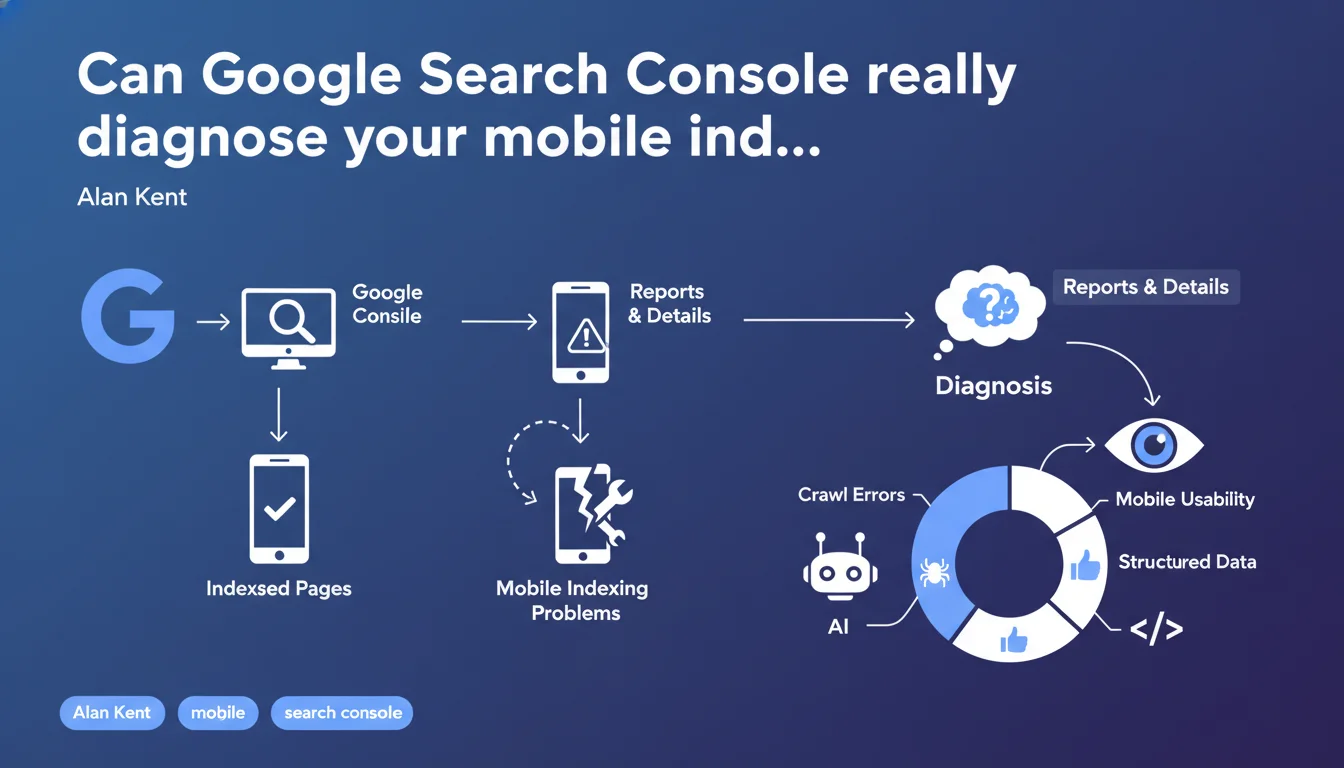
Google Search Console provides detailed reports on your site's mobile indexing, including specific errors encountered by Googlebot. These tools allow you to pinpoint exactly what's blocking your pages from being indexed on mobile — a major concern since the shift to mobile-first indexing.
What you need to understand
Why does Google insist on mobile detection tools in Search Console?
Since the shift to mobile-first indexing, Google crawls and indexes the mobile version of your pages as a priority. If your site has differences between desktop and mobile — hidden content, blocked resources, technical issues — it's the mobile version that determines your ranking.
Search Console centralizes specific alert signals for this indexing: non-indexed pages, rendering errors, mobile usability issues. Without these reports, you're flying blind.
What types of problems can the tool actually identify?
The reports cover a broad spectrum: server errors (5xx), incorrect redirects, content blocked by robots.txt, CSS/JS resources that are inaccessible and prevent correct rendering, mobile compatibility issues (text too small, clickable elements too close together).
The live URL testing tool allows you to diagnose a specific page in real time, simulating exactly what Googlebot mobile sees — including rendered HTML screenshot.
Does this statement bring anything new to the table?
No, it reinforces existing Search Console features. It's not an algorithm announcement or major technical update.
Rather, it's an educational reminder — Alan Kent, a Developer Relations expert at Google, reaffirms the importance of actively using these reports. Many sites still neglect these diagnostics, which likely explains this timely reminder.
- Mobile-first indexing is now the standard for all sites — ignoring the mobile version means ignoring Google
- Search Console offers dedicated reports for mobile indexing issues (coverage, usability, mobile Core Web Vitals)
- The live URL testing tool simulates actual mobile crawling, with JavaScript rendering and screenshot capture
- These diagnostics are free and accurate, but underutilized by many professionals
- Google doesn't provide an equivalent tool to diagnose reasons for non-ranking, only technical indexing issues
SEO Expert opinion
Is this statement consistent with practices observed in the field?
Absolutely. Search Console reports are reliable for identifying blocking technical errors: accidental noindex pages, redirect chains, servers that crash with the mobile bot.
But let's be honest — the tool has its limitations. It will never tell you why an indexed page doesn't rank, or why Google selects a different canonical URL than the one you suggest. Reports detect symptoms, rarely root causes.
What nuances should we add to Google's advice?
First point: Search Console has latency. Indexing data can lag several days behind. If you fix an error, don't expect an instant report update.
Second point: some mobile indexing issues are masked by editorial choices. Content that differs between mobile and desktop, for example, won't necessarily appear as an error — but can kill your SEO if the mobile content is degraded. [Verify manually] by comparing both versions.
Third point: the tool doesn't diagnose Core Web Vitals issues in real time. The integrated PageSpeed Insights report provides field data (CrUX), but with a minimum 28-day lag.
In what cases are these reports insufficient?
When you have a heavy JavaScript site (React, Angular, Vue), Search Console will tell you if rendering fails — but not why or how to fix it precisely. You need to cross-reference with third-party tools (Screaming Frog in JavaScript mode, OnCrawl, Botify).
Another limitation: sites with thousands of URL variants (e-commerce with facets, complex multilingual sites). Search Console samples errors — you'll never get an exhaustive list of all pages in error, just representative examples.
Practical impact and recommendations
What should you concretely do with these reports?
First, set up email alerts in Search Console to be notified immediately of any spike in indexing errors. Don't check reports once per quarter — automate monitoring.
Next, systematically cross-reference the coverage report with your server logs. If Google says a page returns a 500 error but your logs show no recent crawl, you probably have a Googlebot cache issue or an intermittent error that's hard to reproduce.
Use the URL inspection tool to test each important page template (product page, category, blog post). Check the rendered HTML, loaded resources, mobile screenshot. If JavaScript blocks critical content, you'll see it immediately.
What errors should you avoid when interpreting reports?
Don't panic over pages marked as "Excluded" that are intentionally set to noindex (terms, legal notices, thank-you pages). Search Console lists them, but it's not a problem.
Don't confuse "Discovered, currently not indexed" with a penalty. It simply means Google crawled the URL but decided not to index it — often due to insufficient content, low page authority, or limited crawl budget. It's not a technical error.
Another trap: focusing only on mobile while forgetting that some queries still occasionally trigger desktop crawls. Keep both versions consistent.
How do you verify that your site meets mobile indexing requirements?
Run a Screaming Frog crawl in mobile mode (Googlebot Smartphone user-agent) and compare it with a desktop crawl. Identify differences: missing content, unloaded images, missing links.
Test your site on actual mobile devices, not just responsive mode in Chrome. Some CSS or JavaScript bugs only appear on iOS Safari or Android Chrome.
Verify that your critical CSS and JavaScript files aren't blocked by robots.txt. This is still a common error that prevents Google from properly rendering your pages.
- Enable email alerts for critical indexing errors in Search Console
- Manually inspect strategic page templates with the live URL testing tool
- Cross-reference Search Console reports with server logs to detect inconsistencies
- Compare mobile and desktop crawls via Screaming Frog to identify content differences
- Verify that critical CSS and JavaScript are not blocked by robots.txt
- Test the site on actual mobile devices, not just browser emulation
- Monitor "Discovered, not indexed" pages — if they're strategic, strengthen their internal linking and content
- Don't neglect mobile usability reports (text too small, clickable elements too close)
❓ Frequently Asked Questions
Search Console détecte-t-elle tous les problèmes d'indexation mobile ?
Combien de temps faut-il pour qu'une correction apparaisse dans Search Console ?
Pourquoi certaines pages sont marquées 'Découverte, non indexée' sans erreur apparente ?
L'outil de test d'URL en direct remplace-t-il un crawl complet du site ?
Faut-il encore surveiller l'indexation desktop si Google utilise l'indexation mobile-first ?
🎥 From the same video 12
Other SEO insights extracted from this same Google Search Central video · published on 02/06/2022
🎥 Watch the full video on YouTube →
💬 Comments (0)
Be the first to comment.