
Official statement
Other statements from this video 12 ▾
- □ Pourquoi le mobile représente-t-il désormais plus de la moitié du trafic de recherche ?
- □ Pourquoi Google indexe-t-il uniquement avec un user agent mobile ?
- □ Comment Google Search Console peut-elle vraiment diagnostiquer vos problèmes d'indexation mobile ?
- □ Faut-il vraiment utiliser un sitemap et Google Merchant Center pour être correctement indexé ?
- □ Pourquoi la vitesse mobile reste-t-elle le talon d'Achille de la plupart des sites web ?
- □ Pourquoi PageSpeed Insights combine-t-il données de laboratoire et données terrain ?
- □ Le rapport d'utilisabilité mobile de la Search Console est-il vraiment suffisant pour optimiser son site ?
- □ Le Mobile Friendly Test détecte-t-il vraiment les problèmes qui impactent votre SEO mobile ?
- □ Un design mobile simplifié suffit-il vraiment pour tous les écrans ?
- □ Pourquoi les différences mobile/desktop ruinent-elles votre stratégie e-commerce ?
- □ Faut-il vraiment afficher tout son contenu en version mobile pour bien se positionner ?
- □ Le défilement infini tue-t-il vraiment l'exploration de vos pages produits ?
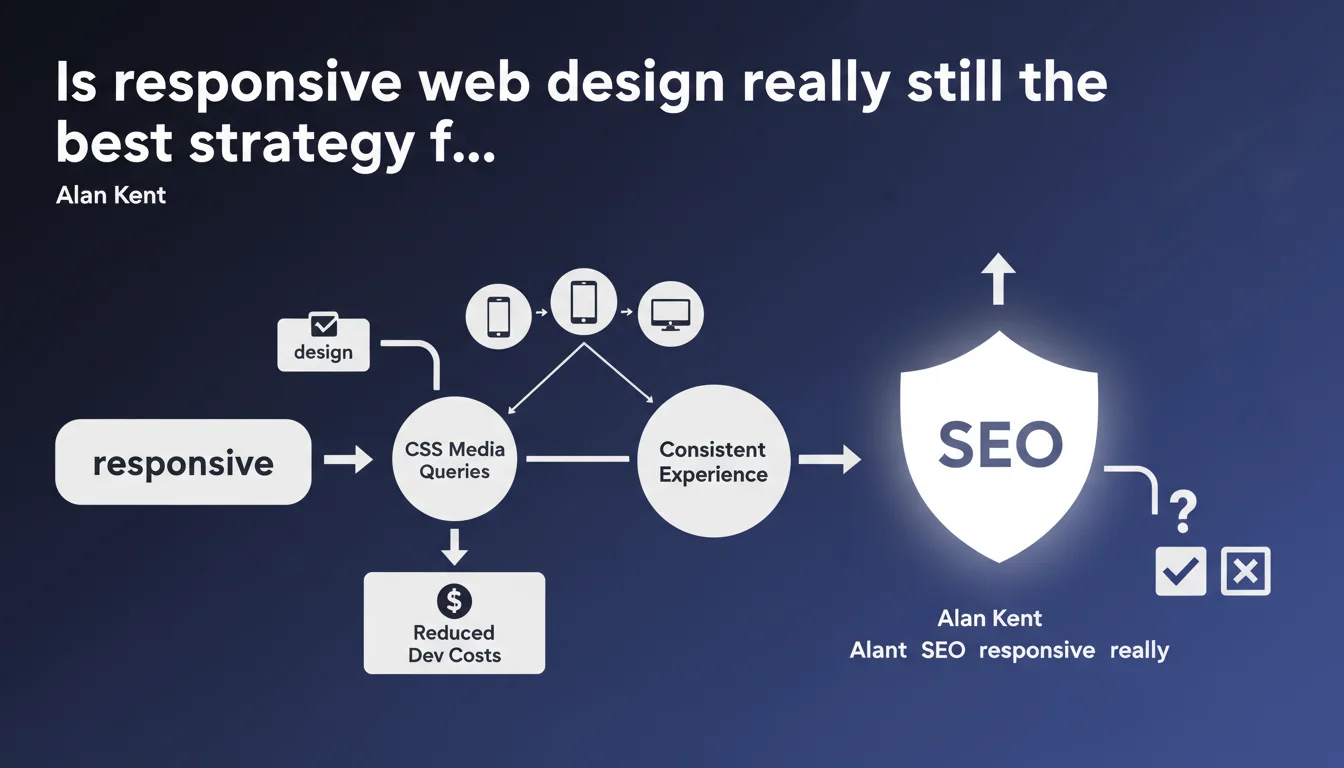
Google recommends responsive web design via CSS media queries as the preferred approach for serving consistent content across all devices. The main argument: a single URL, a single HTML, therefore less technical complexity and fewer SEO errors. For Google, it's also an opportunity to reduce maintenance costs for publishers.
What you need to understand
Why has Google been pushing responsive design for years?
Google has always preferred a single URL per piece of content, regardless of screen size. Responsive design perfectly matches this logic: same HTML, same CSS, only the layout adapts via media queries.
In terms of crawling, it's a time saver for Googlebot. No need to detect the user-agent, no mobile redirects, no risk of duplicate content between a desktop version and a mobile m.example.com version. Everything is centralized.
What does this actually change for indexing?
With responsive design, a single Googlebot crawls a single page. No separate mobile variant, so no risk of forgetting a canonical tag or misconfiguring a 301 redirect.
The shift to mobile-first indexing has further reinforced this position. Google now indexes the mobile version of your site first. If you have a well-designed responsive site, there's no difference between the two versions: you're covered.
What are the risks if you don't follow this recommendation?
Alternatives to responsive design (separate mobile URL, dynamic serving) aren't penalized, but they require flawless technical configuration. A misplaced canonical tag, a user-agent not properly detected, and you end up with orphaned pages or duplicate content.
Google doesn't directly penalize, but configuration errors can cost you visibility. Responsive limits this risk by eliminating these friction points.
- Responsive centralizes everything: one URL, one HTML, one crawl
- Less technical complexity = fewer SEO configuration errors
- Mobile-first indexing favors sites that deliver the same experience across all devices
- Alternatives (dynamic serving, m.example.com) aren't forbidden but require extreme precision
SEO Expert opinion
Is this statement consistent with real-world practices?
Yes, but with important nuances. Google is right: responsive reduces the risk of errors. Except that in real life, a poorly optimized responsive site can tank your Core Web Vitals faster than a well-designed dedicated mobile site.
Many responsive sites load the same DOM on mobile and desktop, then hide blocks with CSS. Result: bloated page weight, exploded load times, catastrophic CLS. Google won't tell you this in that statement, but a poorly done responsive site is worse than a well-optimized separate mobile site.
In what cases doesn't this rule apply?
Very large e-commerce sites or platforms with radically different user needs between mobile and desktop sometimes benefit from separating experiences. Not for SEO, but for conversion.
Amazon, for example, doesn't serve exactly the same user journey on mobile and desktop. Their priority isn't technical simplicity, it's conversion rate. If you have the resources to maintain two codebases without errors, nothing prevents you from doing so. [To verify]: Google has never published data showing that a perfect responsive site performs better than a perfect dedicated mobile site. It's a matter of risk, not ranking.
What are the limitations of this approach for complex sites?
Responsive design imposes design constraints that don't suit every project. If you want to offer a truly different mobile experience (simplified navigation, reduced features), you'll be limited by the responsive principle itself.
Some publishers get around this with client-side JavaScript to load different components based on device. But then you lose part of the responsive benefit: you reintroduce complexity, you can degrade performance, and you risk Googlebot not seeing what users see.
Practical impact and recommendations
What should you do concretely if your site isn't responsive yet?
If you still have a separate mobile site (m.example.com) or dynamic serving, migrating to responsive is a good idea, but it's not an absolute urgency. Google has never said these other methods are penalized.
Before you start, audit your current configurations: canonical tags, redirects, alternate annotations. If everything works without errors, you can stay as is. Migration to responsive is only a priority if you have recurring issues with duplicate content or crawling.
How do you verify that your responsive doesn't sabotage your performance?
A SEO-friendly responsive isn't limited to display:none on mobile. You need your HTML to be lightweight, your images to be adaptive (srcset, picture), your critical CSS to be inline, and the rest to load deferred.
Test your key pages with PageSpeed Insights in mobile mode. If your LCP exceeds 2.5 seconds, your CLS 0.1, or your FID 100 ms, your responsive has a problem. Google will never say it officially, but a slow responsive is worse than a fast mobile site.
What errors should you avoid when implementing responsive?
First mistake: loading the same amount of resources on mobile and desktop. Second mistake: hiding content with CSS without removing it from the DOM. Third mistake: not testing mobile rendering with Google Search Console's URL inspection tool.
Google crawls with mobile-first priority. If your responsive displays less content on mobile (hidden navigation, collapsed sections), make sure Google still sees everything. Use the mobile-friendly test tool and compare the rendered HTML with what you see in the source code.
- Audit canonical tags and redirects if you have a separate mobile site
- Test Core Web Vitals in mobile mode on PageSpeed Insights
- Verify that images use srcset and loading="lazy"
- Ensure that content hidden with CSS stays in the DOM accessible to Googlebot
- Compare mobile and desktop rendering with the URL inspection tool
- Avoid overly heavy CSS frameworks (full Bootstrap, etc.) if you're only using 20% of the styles
❓ Frequently Asked Questions
Le responsive design est-il obligatoire pour être bien classé sur Google ?
Un site responsive charge-t-il plus vite qu'un site mobile dédié ?
Google pénalise-t-il les sites qui utilisent du dynamic serving ?
Faut-il tout cacher en CSS sur mobile ou retirer du DOM ?
Comment savoir si Google voit bien mon site responsive comme prévu ?
🎥 From the same video 12
Other SEO insights extracted from this same Google Search Central video · published on 02/06/2022
🎥 Watch the full video on YouTube →
💬 Comments (0)
Be the first to comment.