
Official statement
Other statements from this video 12 ▾
- □ Pourquoi le mobile représente-t-il désormais plus de la moitié du trafic de recherche ?
- □ Pourquoi Google indexe-t-il uniquement avec un user agent mobile ?
- □ Comment Google Search Console peut-elle vraiment diagnostiquer vos problèmes d'indexation mobile ?
- □ Faut-il vraiment utiliser un sitemap et Google Merchant Center pour être correctement indexé ?
- □ Pourquoi la vitesse mobile reste-t-elle le talon d'Achille de la plupart des sites web ?
- □ Pourquoi PageSpeed Insights combine-t-il données de laboratoire et données terrain ?
- □ Le rapport d'utilisabilité mobile de la Search Console est-il vraiment suffisant pour optimiser son site ?
- □ Le Mobile Friendly Test détecte-t-il vraiment les problèmes qui impactent votre SEO mobile ?
- □ Un design mobile simplifié suffit-il vraiment pour tous les écrans ?
- □ Pourquoi les différences mobile/desktop ruinent-elles votre stratégie e-commerce ?
- □ Le responsive web design est-il toujours la meilleure stratégie pour le SEO cross-device ?
- □ Le défilement infini tue-t-il vraiment l'exploration de vos pages produits ?
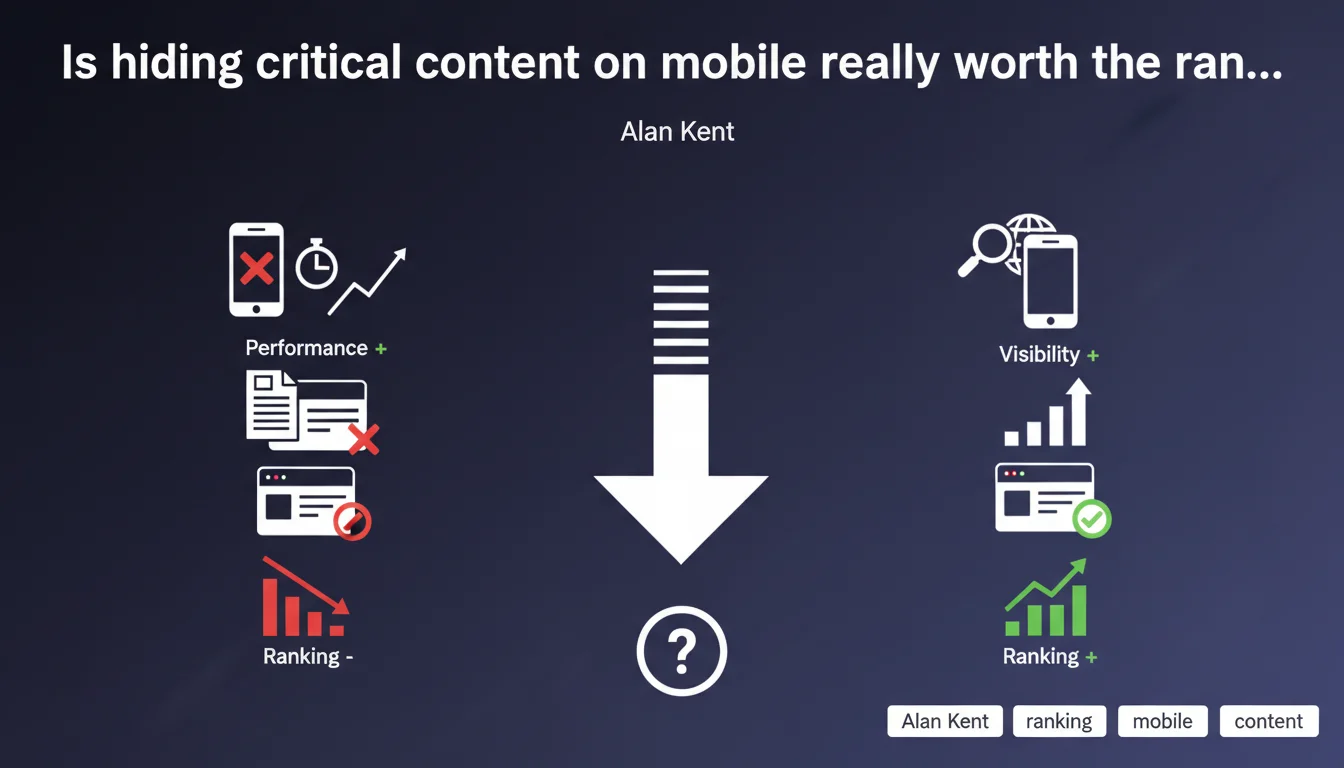
Google confirms that hiding or omitting important content on mobile to reduce page weight directly penalizes your rankings. Mobile-first indexing means what Googlebot sees on mobile determines your ability to rank. Optimizing performance at the expense of essential content is a losing strategy.
What you need to understand
Why does Google push so hard on mobile-desktop content parity?
Since the shift to mobile-first indexing, Googlebot crawls and indexes the mobile version of sites as a priority. If key elements — explanatory text, images with alt attributes, structuring internal links — are missing from this version, they simply don't exist for the algorithm.
Historically, many sites lightened their mobile versions by removing entire blocks: detailed descriptions, FAQs, comparison tables. The intent was good (reduce load time), but the effect on SEO is devastating.
What counts as "important content" in Google's eyes?
Google won't provide an exhaustive list — obviously. But you can reasonably include: paragraphs that structure and answer search intent, explanatory images and videos, structured data, contextual internal linking, calls-to-action.
What doesn't count as critical: decorative social widgets, secondary promotional banners, some redundant navigation elements. But be careful — the line is thin, and Google provides no tool to validate what is "important" or not.
Does this approach really impact site performance?
That's where it gets tricky. Reducing mobile-side HTML marginally improves Core Web Vitals (LCP especially), but not enough to offset the visibility loss if essential content disappears.
The equation is simple: a complete mobile site that loads in 2.5s beats an ultra-fast but incomplete site that never shows up in SERPs.
- Mobile-first indexing enforces content parity between desktop and mobile
- Omitting structural elements directly reduces your ability to rank
- Performance gains from removing content are marginal and never compensate for SEO loss
- Google provides no clear methodology to distinguish "important" from "secondary" content
SEO Expert opinion
Is this statement really new or just a reminder?
Let's be honest: it's a reminder. Alan Kent isn't revealing anything SEO practitioners haven't known since full mobile-first indexing rollout. The real problem is many sites continue ignoring this rule, often through ignorance or poor trade-offs between dev and SEO teams.
What's frustrating is the complete lack of operational guidance. Google says "don't remove important content" but gives no objective criteria to identify it. [To verify]: is there an acceptable threshold of content difference between mobile and desktop before a penalty kicks in?
In what cases does this rule allow exceptions?
Some mobile patterns — accordions, tabs hidden by default — are tolerated by Google as long as the content stays in the DOM and crawlable. The trap? Many JS frameworks load this content lazily, or only inject it on user click.
Another observed exception: e-commerce sites that hide secondary reassurance blocks (badges, redundant certifications) with no measurable ranking impact. But as soon as you touch product descriptions, customer reviews, technical specs, the impact is brutal.
What's the real priority: performance or content completeness?
False dilemma. Both are necessary, but completeness comes first. A fast site with no relevant content is useless. A complete but slow site gets fixed with smart lazy-loading, server optimization, CDN — not by gutting the HTML.
Concretely? Keep all essential content, but defer loading below-the-fold images, defer non-critical scripts, compress aggressively. Mobile-first demands reinventing your tech stack, not sacrificing substance.
Practical impact and recommendations
What should you audit first on your mobile site?
Step one: compare mobile vs desktop source HTML for strategic pages (homepage, categories, product pages, flagship articles). Use Search Console's URL inspection tool to see exactly what Googlebot gets on mobile.
Next, identify all blocks hidden via display:none, content loaded via deferred JavaScript that only executes on scroll or click, images without initial src attributes. If these elements carry meaning for search intent, it's a problem.
How do you fix content gaps without degrading performance?
Solution 1: pure responsive design with identical HTML for mobile and desktop, controlled only through CSS media queries. It's the safest approach, but demands strong technical rigor on performance.
Solution 2: intelligent lazy-loading with loading="lazy" for images, content-visibility: auto for below-the-fold blocks, but keep everything in the initial DOM. Googlebot crawls raw HTML — it doesn't matter if it loads deferred for users.
Solution 3: for accordions and tabs, use pure HTML/CSS patterns (checkbox hack, details/summary) rather than JavaScript that injects content on demand.
What mistakes must you absolutely avoid?
Never use cloaking — serving different HTML to Googlebot vs real users. It's detectable and punishable. Don't confuse "mobile optimization" with "brutal simplification": removing entire paragraphs to "air out" the page is suicidal.
Another common trap: AMP or poorly configured progressive web apps (PWAs) that serve empty shells initially. If content hydrates too late on the client side, Googlebot might miss it.
- Systematically compare mobile vs desktop source HTML via Search Console
- Verify all strategic texts, images, internal links are present in initial mobile DOM
- Test mobile rendering with JavaScript disabled to identify deferred critical content
- Prioritize CSS techniques for visual hiding over removing HTML
- Audit Core Web Vitals after fixes to verify no regression occurs
- Document performance vs completeness trade-offs for each template
❓ Frequently Asked Questions
Google pénalise-t-il automatiquement les sites qui ont moins de contenu en mobile ?
Les accordéons et onglets masqués sont-ils considérés comme du contenu absent ?
Comment savoir si mon site mobile manque de contenu par rapport au desktop ?
Un site AMP est-il automatiquement conforme à cette recommandation ?
Faut-il abandonner toute optimisation de performance mobile pour le SEO ?
🎥 From the same video 12
Other SEO insights extracted from this same Google Search Central video · published on 02/06/2022
🎥 Watch the full video on YouTube →
💬 Comments (0)
Be the first to comment.