
Official statement
Other statements from this video 12 ▾
- □ Pourquoi le mobile représente-t-il désormais plus de la moitié du trafic de recherche ?
- □ Pourquoi Google indexe-t-il uniquement avec un user agent mobile ?
- □ Comment Google Search Console peut-elle vraiment diagnostiquer vos problèmes d'indexation mobile ?
- □ Faut-il vraiment utiliser un sitemap et Google Merchant Center pour être correctement indexé ?
- □ Pourquoi la vitesse mobile reste-t-elle le talon d'Achille de la plupart des sites web ?
- □ Pourquoi PageSpeed Insights combine-t-il données de laboratoire et données terrain ?
- □ Le rapport d'utilisabilité mobile de la Search Console est-il vraiment suffisant pour optimiser son site ?
- □ Le Mobile Friendly Test détecte-t-il vraiment les problèmes qui impactent votre SEO mobile ?
- □ Un design mobile simplifié suffit-il vraiment pour tous les écrans ?
- □ Pourquoi les différences mobile/desktop ruinent-elles votre stratégie e-commerce ?
- □ Le responsive web design est-il toujours la meilleure stratégie pour le SEO cross-device ?
- □ Faut-il vraiment afficher tout son contenu en version mobile pour bien se positionner ?
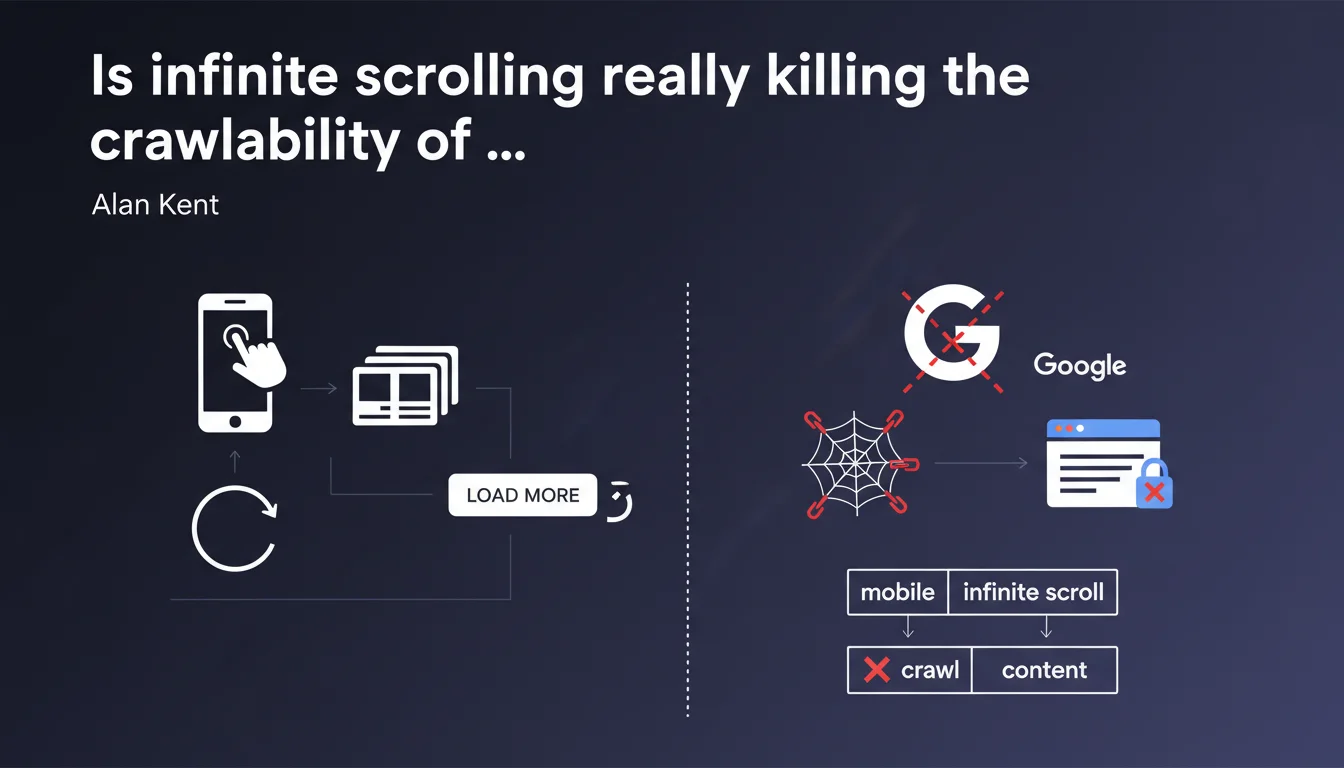
Google confirms that infinite scrolling and 'load more' buttons block the crawling of dynamically loaded content. If your product catalog or listings rely on these mobile patterns, Googlebot only sees a fraction of available content. Solution: implement classic pagination in parallel for bots.
What you need to understand
Why can't Google crawl dynamically loaded content?
Googlebot is capable of executing JavaScript, but its crawl budget limits the time and resources allocated to each page. When a page uses infinite scrolling or a 'load more' button, the additional content doesn't exist in the initial HTML — it requires a user action (scroll, click) that triggers an AJAX request.
The bot doesn't simulate these interactions systematically. Result: only the first series of results (the first 20-30 products from a list of 500, for example) is indexable. The rest disappears from the radar.
Which types of sites are most affected?
E-commerce sites with long category pages, content aggregators (blog articles, classifieds), job sites, image galleries. Any environment where mobile UX prioritizes progressive loading over traditional pagination.
Even news sites using infinite feeds to maximize time on page are impacted. If your recent articles only appear after multiple scrolls, they can remain invisible to Google for days.
Is this limitation technical or strategic?
Both. Technically, simulating scrolls or clicks for every crawled page would multiply exploration costs by a significant factor. Strategically, Google pushes sites to structure their content in an accessible way by default, without interaction gimmicks.
This is consistent with their doctrine: static HTML (or server-side rendered) remains the reference standard. JavaScript remains tolerated but never prioritized in their indexing pipeline.
- Infinite scrolling and 'load more' buttons block access to content loaded after the initial page state
- Googlebot doesn't interact systematically with elements triggering dynamic content
- Only the first portion of results (products, articles, listings) will be crawled and indexed
- Classic pagination with distinct URLs remains the most reliable solution to guarantee complete crawling
- Mobile optimization should not sacrifice accessibility for crawl bots
SEO Expert opinion
Is this statement consistent with field observations?
Absolutely. For years, we've observed that category pages with infinite scrolling show catastrophic indexation rates beyond the first series of results. Regular crawls show that Google systematically ignores products located "below the virtual waterline."
What's surprising is the unusual frankness of this statement. Usually, Google remains evasive about the limitations of JavaScript rendering. Here, Alan Kent — a senior engineer — confirms in black and white that the mobile-first UX model creates crawling blind spots.
What nuances should be added to this recommendation?
The technical solution exists: progressive pagination with distinct URLs for each result segment. Concretely, implementing rel="next" and rel="prev" links allows Googlebot to sequentially browse all result batches, even if mobile UX remains infinite scroll.
This dual system (pagination for bots, infinite scroll for users) is feasible but requires real implementation rigor. The risk: creating inconsistencies between the two paths or canonicalization errors if URL parameters aren't properly managed.
In what cases does this rule become critical for business?
When your catalog contains more than 100 products per category and high-margin products or new collections appear at the bottom of the list. If your sorting algorithm highlights best sellers but your new collections remain invisible to Google, you lose qualified traffic.
Same issue for editorial sites: if your recent articles are only accessible after 3-4 scrolls, Google can take several days to discover them while classic pagination would make them immediately crawlable. The indexation time gap can cause you to miss the peak traffic spike from news coverage.
Practical impact and recommendations
What should you do concretely to fix this issue?
Implement classic pagination with distinct URLs alongside infinite scroll UX. This involves standard HTML links (<a href="/category?page=2">) present in the source code, even if hidden or visually replaced for mobile users.
Use rel="next" and rel="prev" tags in the <head> to explicitly signal the paginated structure to Google. Even though Google declared it no longer uses these for consolidation, these signals still help the bot understand your site architecture.
Verify in Google Search Console that all pagination pages are properly crawled and indexed. If page=5 is never crawled, then your internal links or crawl budget is blocking deep exploration.
What mistakes should you absolutely avoid?
Never canonicalize all paginated pages to page 1. This is the classic mistake: you want to avoid duplicate content, so you force a canonical to the root URL. Result: Google deliberately ignores pages 2, 3, 4… and their unique content.
Avoid pagination systems that generate different URLs on each load (session tokens, timestamps). Google needs stable and reproducible URLs to index reliably.
Don't rely solely on the 'load more' button, even if it triggers a URL change via JavaScript. Googlebot doesn't click buttons systematically — it follows <a href> links present in the HTML source.
How do you verify that your implementation works?
Use the URL Inspection tool in Search Console on a category page and verify that the rendered HTML contains links to page=2, page=3, etc. If these links don't appear in the crawled version, your implementation won't work.
Run a crawl with Screaming Frog or Oncrawl in "Googlebot" mode and verify that the tool detects and explores all paginated pages. If the crawler only sees the first page, neither will Google.
- Implement classic pagination with distinct URLs (
/category?page=2) - Add
rel="next"andrel="prev"in the<head>of each paginated page - Ensure pagination links are present in the HTML source, not just in JavaScript
- Don't canonicalize paginated pages to page 1 (each page has its own unique content)
- Verify in Search Console that all pagination pages are crawled and indexed
- Test with a third-party crawler (Screaming Frog, Oncrawl) that all pages are discovered
- Avoid unstable pagination URLs (sessions, timestamps)
- Don't rely solely on 'load more' buttons to load content
❓ Frequently Asked Questions
Googlebot peut-il vraiment exécuter du JavaScript moderne ?
Les balises rel='next' et rel='prev' sont-elles encore utiles ?
Faut-il abandonner complètement le défilement infini pour le SEO ?
Un site en React ou Vue peut-il être correctement crawlé avec pagination ?
Comment gérer la canonicalisation des pages paginées ?
🎥 From the same video 12
Other SEO insights extracted from this same Google Search Central video · published on 02/06/2022
🎥 Watch the full video on YouTube →
💬 Comments (0)
Be the first to comment.