
Official statement
Other statements from this video 12 ▾
- □ Does the meta robots noindex tag really prevent your pages from being indexed in Google?
- □ Can you really control Googlebot News and Googlebot Search separately with distinct meta robots tags?
- □ Can you really stack multiple meta robots directives in just one tag?
- □ Where exactly should you place your robots.txt file for search engines to actually recognize it?
- □ Should you manage a separate robots.txt file for each subdomain?
- □ Does Google really respect robots.txt, or is it just a suggestion?
- □ Should you use wildcards in robots.txt to better control your crawl budget?
- □ Should you really declare your XML sitemap in the robots.txt file?
- □ Why should you never mix robots.txt blocking and meta noindex on the same page?
- □ Why is robots.txt preventing Google from deindexing your pages?
- □ Does robots.txt really block your pages from being indexed?
- □ Does Google's new robots.txt report really transform how you manage crawl access?
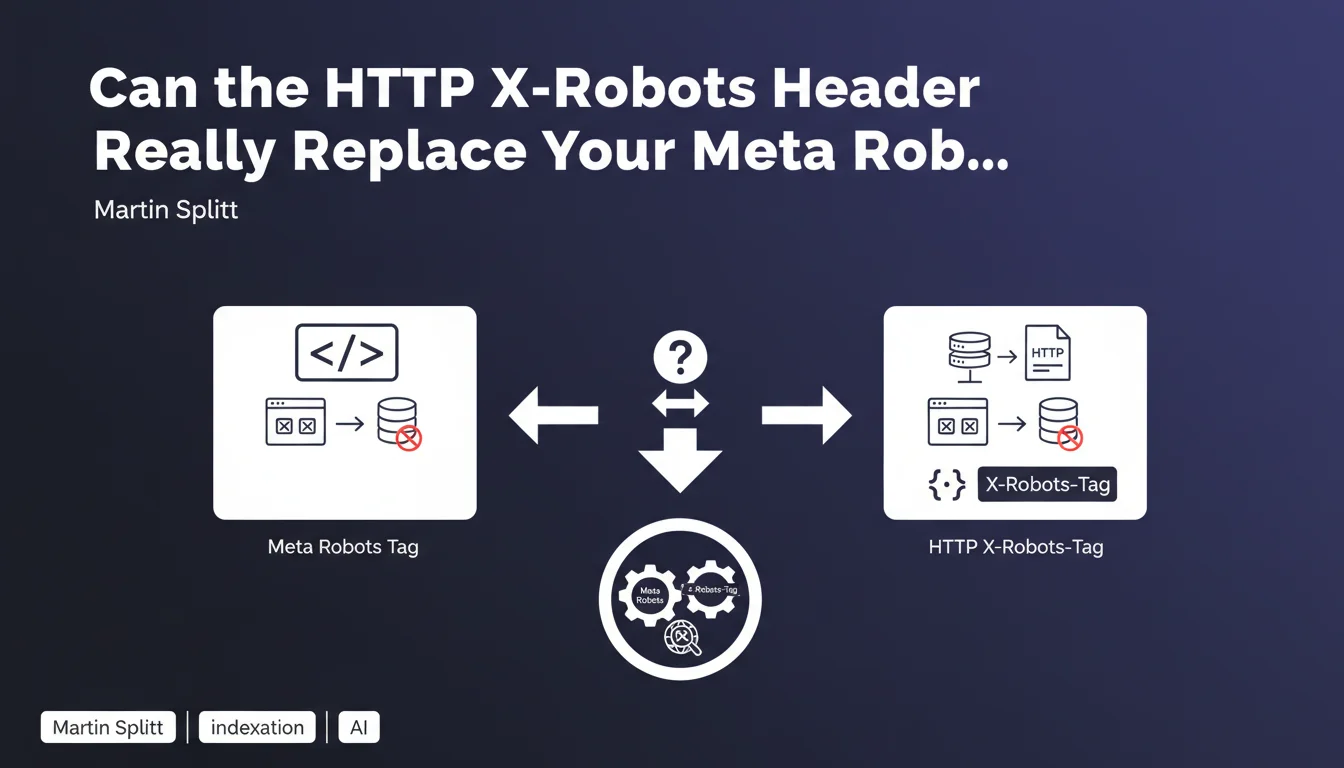
Google confirms that the X-Robots-Tag HTTP header accepts strictly the same values as the meta robots tag and constitutes a valid alternative for controlling indexation. This method offers interesting technical flexibility, particularly for non-HTML files, but remains less visible and more complex to audit than its HTML equivalent.
What you need to understand
Why does Google offer two methods for controlling indexation?
The meta robots tag is inserted in the <head> of an HTML page — it's the classic method, visible, easy to verify. But it has a limitation: it only works on HTML documents.
The X-Robots-Tag HTTP header operates at the server level, before even the browser or Googlebot processes the content. It applies to any type of file: PDFs, images, videos, XML feeds. This expanded reach is what justifies its existence.
What values can you use in X-Robots-Tag?
Martin Splitt is clear: exactly the same values as the meta robots tag. So noindex, nofollow, noarchive, nosnippet, max-snippet, max-image-preview, max-video-preview, unavailable_after.
Concretely, if you block indexation with <meta name="robots" content="noindex">, you'll get the same result with X-Robots-Tag: noindex in the HTTP response. No difference in how Google treats it.
When does this method become truly relevant?
Three main scenarios stand out. First, non-HTML files — you can't stick a meta tag in them, so the HTTP header is the only option.
Second, complex architectures where modifying HTML is laborious or risky, but where adjusting Apache/Nginx configuration remains straightforward. Finally, cases where you need to apply indexation rules by pattern or file type — a single line of server config saves you from editing hundreds of templates.
- The X-Robots-Tag header offers the same function as the meta robots tag
- It applies to all file types, not just HTML
- The accepted values are strictly identical
- The choice between the two depends on technical context and ease of implementation
SEO Expert opinion
Is this statement consistent with real-world observations?
Yes, without question. Testing shows that Googlebot respects the X-Robots-Tag header exactly like the meta tag. No documented behavioral differences between the two methods since their inception.
Where it sometimes gets sticky: detection. A standard SEO audit scans the DOM, not HTTP headers. Result: sites use X-Robots-Tag to block indexation without anyone noticing for months. Visibility remains the number one advantage of the meta tag.
What nuances should be added to this claim?
Martin Splitt speaks of strict equivalence, but he doesn't mention priority in case of conflict. If you have noindex in meta AND index in X-Robots-Tag — or vice versa —, which directive wins? [To verify] Field testing suggests Google applies the most restrictive directive, but no official documentation explicitly confirms this.
Another point: the HTTP header can target specific user-agents with the syntax X-Robots-Tag: googlebot: noindex. This granularity doesn't exist in the standard meta tag — you have to use <meta name="googlebot" content="noindex">, which remains less flexible.
In what cases does this method create problems?
Three classic pitfalls. First, auditability — it's hard to spot a configuration error buried in a .htaccess or nginx.conf file. Standard SEO tools don't surface these directives as clearly as an HTML tag.
Next, maintenance. A poorly configured header rule can block indexation of hundreds of pages without anyone noticing. With the meta tag, the error stays localized to one page or template.
Practical impact and recommendations
Should you prioritize the HTTP header or the meta tag?
It depends on context. For standard HTML content, the meta tag remains simpler to manage and audit. For PDFs, images, or feeds, the HTTP header is the only viable option.
If you manage a site with thousands of dynamically generated pages and modifying templates is a nightmare, a targeted server rule can save time. But this initial savings gets paid back in diagnostic complexity later.
How do you verify that the X-Robots-Tag header is working correctly?
Open your browser's DevTools, go to the Network tab, reload the page, and inspect the HTTP response headers. Look for X-Robots-Tag in the list. If you don't see it, test with curl or a tool like Screaming Frog that displays HTTP headers in its exports.
Also check Google Search Console. If pages disappear from the index without apparent reason, inspect the HTTP headers as a priority — it's often the invisible cause.
What mistakes should you avoid with this method?
- Never mix meta tags and HTTP headers with contradictory directives — stick to one method per resource
- Document any X-Robots-Tag rule in your server configs to prevent oversight during migrations
- Systematically test after a CDN or reverse proxy change — these services can filter or modify custom headers
- Use audit tools that inspect HTTP headers, not just the DOM (Screaming Frog, OnCrawl, Botify)
- For strategic PDF files or images, manually verify that the X-Robots-Tag header is present and properly configured
❓ Frequently Asked Questions
Peut-on utiliser X-Robots-Tag et meta robots en même temps sur une même page ?
L'en-tête X-Robots-Tag fonctionne-t-il pour Bing et les autres moteurs ?
Comment bloquer l'indexation d'un PDF avec X-Robots-Tag sur Apache ?
Les outils d'audit SEO détectent-ils automatiquement l'en-tête X-Robots-Tag ?
Peut-on cibler un moteur spécifique avec X-Robots-Tag ?
🎥 From the same video 12
Other SEO insights extracted from this same Google Search Central video · published on 04/12/2024
🎥 Watch the full video on YouTube →
💬 Comments (0)
Be the first to comment.