
Official statement
Other statements from this video 12 ▾
- □ La balise meta robots noindex suffit-elle vraiment à empêcher l'indexation d'une page ?
- □ Peut-on vraiment piloter Googlebot News et Googlebot Search avec des balises meta robots distinctes ?
- □ Peut-on vraiment empiler plusieurs directives meta robots dans une seule balise ?
- □ L'en-tête HTTP X-Robots peut-il remplacer la balise meta robots ?
- □ Où faut-il vraiment placer le fichier robots.txt pour qu'il soit pris en compte ?
- □ Faut-il gérer un robots.txt distinct pour chaque sous-domaine ?
- □ Le fichier robots.txt est-il vraiment respecté par tous les moteurs de recherche ?
- □ Faut-il utiliser les wildcards dans robots.txt pour mieux contrôler son crawl ?
- □ Faut-il vraiment déclarer son sitemap XML dans le fichier robots.txt ?
- □ Pourquoi ne faut-il jamais combiner robots.txt et meta noindex sur la même page ?
- □ Pourquoi robots.txt empêche-t-il Google de désindexer vos pages ?
- □ Robots.txt bloque-t-il vraiment l'indexation de vos pages ?
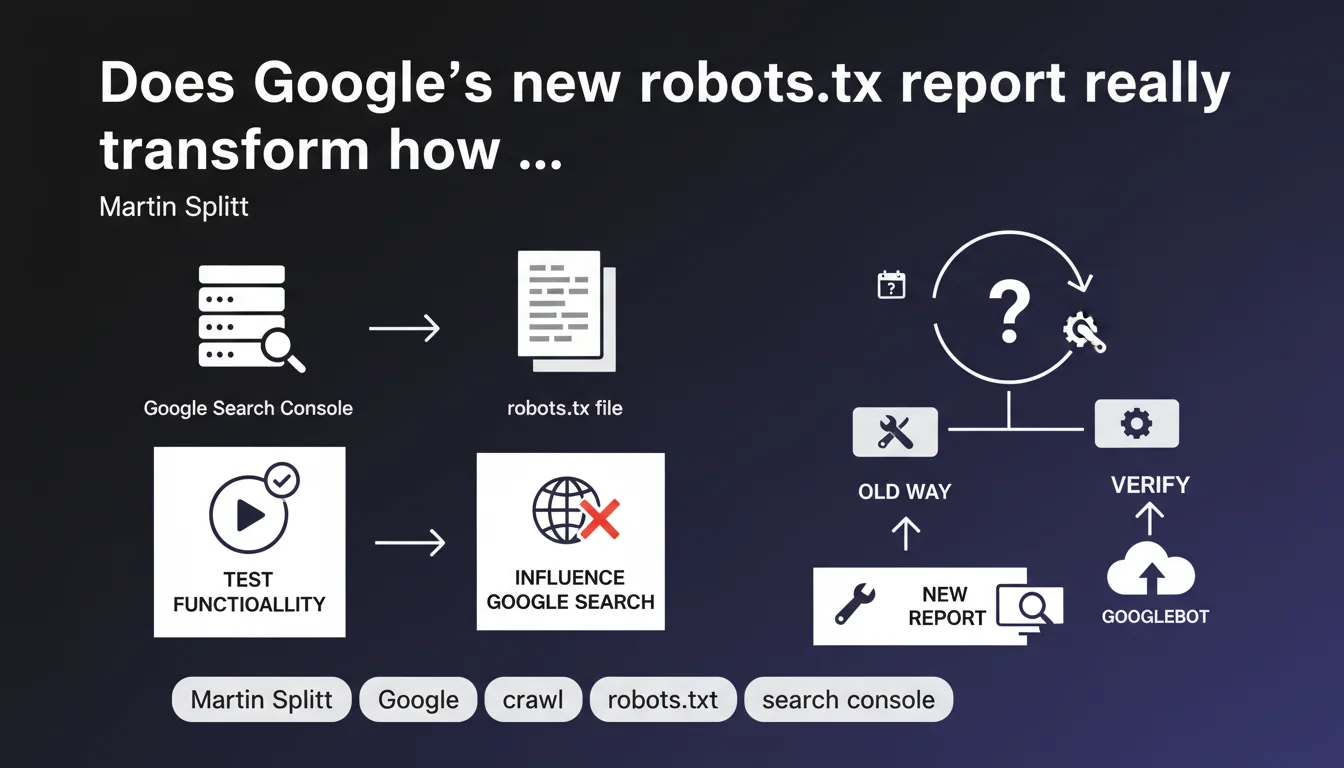
Google Search Console now offers a robots.txt report that lets you verify how this file influences Google Search crawling and test its functionality. The goal is to provide greater visibility into blocking directives and their actual impact on indexation.
What you need to understand
Why is Google launching a dedicated robots.txt report?
The robots.txt file remains one of the most common sources of technical SEO errors. Accidentally blocking Googlebot, restricting strategic site sections, or leaving obsolete directives lying around — this kind of mistake happens more often than you'd think.
Until now, diagnosing a robots.txt problem meant juggling between the online testing tool, server logs, and indexation reports. This new report centralizes the information and shows how Google actually interprets your directives.
What concrete features does this report offer?
The report lets you check your current robots.txt status as Google sees it, test specific URLs to know if they're blocked, and detect syntax errors or inconsistencies. Nothing revolutionary, but a much-needed centralization.
The main benefit? Cross-referencing this data with other Search Console reports — particularly indexation and crawl — to identify unintentional blocks preventing certain pages from being discovered.
Does this report replace the old robots.txt tester?
No. The classic robots.txt testing tool remains available in the legacy webmaster tools. This new report doesn't test a local file modification in real time; it displays the state deployed in production and its observed impact by Google.
The distinction is crucial: the tester validates syntax, the report shows the actual consequences on crawling. Two complementary uses, not redundant ones.
- Centralization: all robots.txt info accessible from Search Console
- Proactive detection: Google flags errors or inconsistencies it detects
- Data cross-referencing: possible correlation with indexation and coverage reports
- Built-in tester: quick verification of a directive's impact on a specific URL
SEO Expert opinion
Does this feature really change anything for an experienced SEO?
Let's be honest: if you already master your robots.txt and regularly monitor crawl logs, this report doesn't bring any revelations. It formalizes data you can already get elsewhere. But for quickly detecting a regression after deployment or auditing a new client, it speeds up diagnosis.
The real win is for less technical teams or sites managed by multiple stakeholders. Having a visual alert in Search Console when a directive accidentally blocks /blog/ or /products/ prevents silent disasters.
Can you really trust what Google displays in this report?
The question is legitimate. Google shows what it says it sees, but not necessarily what it actually crawls. Server logs remain the ultimate source of truth. [To verify]: does the report reflect the robots.txt state at the time of the last crawl, or the currently deployed state? The documentation doesn't clarify this clearly.
Another point: this report only covers Google Search. If you manage directives specific to Google Images, Google News, or third-party user-agents (Bing, Yandex, AI crawlers), you won't see their interpretation here.
What are the limitations Google doesn't mention?
The report only shows blocking directives, not complex patterns or interactions between Disallow, Allow, and precedence rules. If your robots.txt contains subtle regex or nested configurations, you'll still need to test manually.
And be aware: a clean robots.txt doesn't guarantee optimal crawling. Crawl budget, internal linking quality, and server speed matter just as much. This report will never tell you why Google crawls 10 pages/day when you publish 100.
Practical impact and recommendations
What should you verify immediately in this report?
First thing: compare what Search Console displays with your production robots.txt file. If Google sees a different version (CDN cache, wonky server config), that's an immediate red flag.
Next, test your strategic URLs: homepage, main categories, top product pages, flagship articles. Verify that no Disallow directive blocks them by mistake. It sounds obvious, but it's ultra-common after migration or redesign.
What errors can this report help you avoid?
The classics: blocking /wp-admin/ thinking you're blocking all of WordPress, when it also blocks /wp-admin/admin-ajax.php used by certain plugins. Or forbidding /*.pdf forgetting that Google needs to crawl PDFs to index them.
The report doesn't fix anything on its own, but it creates a visual alert. And for non-technical teams, that's often enough to trigger action before traffic crashes.
How do you integrate this report into a regular SEO workflow?
Add it to your post-deployment checklist. After every production release, verify that the Search Console report doesn't surface any errors. Set up automatic alerts if Search Console detects an unexpected change in your robots.txt.
For a client audit, cross-reference the report data with crawl logs and the coverage report. If Search Console says a section is blocked but logs show recent crawls, dig deeper — there's probably a configuration inconsistency somewhere.
- Verify that Search Console displays the production version of your robots.txt
- Test strategic URLs (homepage, categories, top products) in the report
- Cross-reference data with indexation and coverage reports
- Set up automatic alerts to detect unplanned changes
- Include this check in post-deployment checklists
- Compare with server logs to validate consistency
❓ Frequently Asked Questions
Le rapport robots.txt de Search Console remplace-t-il l'ancien testeur ?
Ce rapport couvre-t-il tous les user-agents Google (Images, News, etc.) ?
Puis-je me fier à 100% à ce que Google affiche dans ce rapport ?
Ce rapport aide-t-il à optimiser le crawl budget ?
Dois-je vérifier ce rapport après chaque déploiement ?
🎥 From the same video 12
Other SEO insights extracted from this same Google Search Central video · published on 04/12/2024
🎥 Watch the full video on YouTube →
💬 Comments (0)
Be the first to comment.