
Official statement
Other statements from this video 10 ▾
- □ Is faceted navigation really eating up half of your crawl budget?
- □ Should you really block faceted navigation in robots.txt?
- □ Are action parameters in your URLs sabotaging your crawl budget?
- □ Is Google really acting as a technical consultant for WordPress plugin developers?
- □ Are short URL parameters really draining your crawl budget?
- □ Are your WordPress calendar parameters secretly destroying your crawl budget?
- □ Is double URL encoding silently killing your crawl budget?
- □ Why does Googlebot need to crawl massive amounts of a new site before deciding if it's worth its attention?
- □ Do you really have to wait 24 hours for robots.txt changes to take effect with Google?
- □ Should you replace GET parameters with PUT requests to protect your crawl budget?
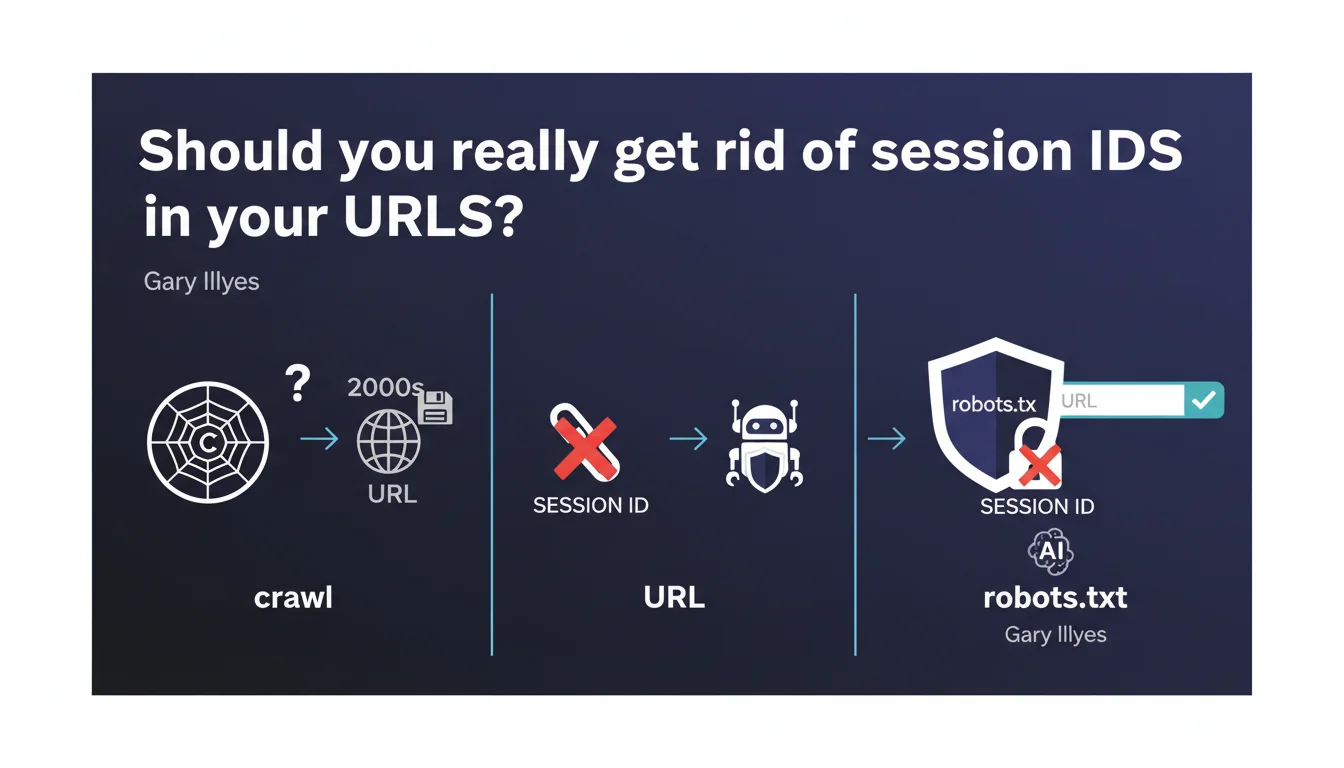
Google confirms that session IDs in URLs are an obsolete practice that no longer serves any purpose for crawlers. These parameters can and should be blocked via robots.txt to avoid polluting your index. The recommendation is clear: switch to cookies or server-side sessions.
What you need to understand
Why don't crawlers need session IDs?
Google's crawlers don't maintain session persistence between their requests. Unlike a human user who navigates from page to page while keeping their shopping cart or preferences, Googlebot treats each URL in isolation.
Session IDs in URLs (example: ?sessionid=abc123) were designed at a time when cookies weren't reliable. Today, they only create duplicate URLs for the same content, which dilutes your crawl budget and pollutes your index.
What's the difference between a session ID and a tracking parameter?
A session ID identifies a specific user session and changes with each visit. A tracking parameter (UTM, fbclid, etc.) is used to track traffic origin but typically remains stable for the same source.
Both create the same SEO problem: they generate unnecessary URL variations. But session IDs are worse because they multiply exponentially — each crawl can create a new session with a new identifier.
How exactly do these parameters pollute your index?
Each URL with a different session ID is technically a new URL for Google. If your site generates millions of combinations, you force Google to crawl and index identical content under different addresses.
The result? Your crawl budget is wasted on duplicates, truly important pages get overlooked, and you risk duplicate content issues.
- Crawlers don't store sessions — so these parameters are completely useless to them
- Session IDs create infinite duplicate URLs that dilute your authority
- Blocking these parameters via robots.txt or URL Parameters is the recommended solution
- Prioritize cookies or server-side sessions to manage user state
SEO Expert opinion
Is this recommendation consistent with observed practices?
Absolutely. In the field, sites that leave session IDs in their URLs regularly see their index explode with thousands of variations of the same page. Search Console reports these URLs as indexed, but with no traffic.
What Gary Illyes doesn't clarify is that blocking these parameters via robots.txt is only part of the solution. If your internal links point to URLs with session IDs, you create fragmented navigation even for users. [To verify]: Does Google follow these URLs even if they're blocked in robots.txt if they appear in your internal linking?
In what cases doesn't this rule apply?
Let's be honest: there are legacy architectures where migrating away from session IDs requires a complete overhaul. In these cases, the priority is to aggressively canonicalize toward the parameter-free version.
Also watch out for multi-currency or multi-language sites that use parameters to manage user preferences. If you mix session IDs with functional parameters (currency, language), you risk blocking more than intended. The solution: clearly separate these two types of parameters.
What's the best technical alternative?
HTTP-only cookies remain the cleanest solution for managing user sessions without polluting URLs. On the server side, store the session identifier in a secure cookie and manage state in a database.
For static sites or modern architectures (SPA, JAMstack), localStorage or JavaScript sessionStorage may be sufficient. The key is keeping your URL clean and identical for all visitors of the same page.
Practical impact and recommendations
What should you do concretely on your site?
Start with an audit of your indexed URLs in Search Console. Filter by suspicious parameters (sessionid, sid, phpsessid, etc.) and check how many variations are indexed.
If you find thousands of URLs with session IDs, two priority actions: block these parameters in robots.txt (or via the Search Console URL Parameters tool, though it's been less reliable since its redesign) and implement canonical tags pointing to the clean version.
And here's where it gets tricky. If your CMS or framework automatically generates these parameters, you'll need to intervene at the code level. That's not always straightforward, especially with custom platforms or aging CMS systems.
How do you verify your configuration is correct?
Test with the Google URL Inspection Tool: submit a URL with a session ID and check if Google crawls it despite your robots.txt block. If it does, the problem likely comes from internal links forcing the crawl.
Use a crawler like Screaming Frog to map all internal links containing session IDs. If your navigation generates these parameters, you have an architectural problem to solve as a priority.
- Audit indexed URLs in Search Console to spot session IDs
- Block these parameters via robots.txt (ex:
Disallow: /*?sessionid=) - Implement strict canonicals pointing to clean URLs
- Migrate session management to HTTP-only cookies or server-side storage
- Crawl your site to verify no internal links generate session IDs
- Monitor index evolution after blocking to confirm gradual purge
❓ Frequently Asked Questions
Bloquer les session IDs dans robots.txt suffit-il à résoudre le problème ?
Les session IDs affectent-ils le ranking ou seulement le crawl budget ?
Peut-on utiliser l'outil URL Parameters de la Search Console à la place de robots.txt ?
Les cookies sont-ils toujours la meilleure alternative aux session IDs dans les URLs ?
Faut-il aussi bloquer les paramètres de tracking type UTM ou fbclid ?
🎥 From the same video 10
Other SEO insights extracted from this same Google Search Central video · published on 03/02/2026
🎥 Watch the full video on YouTube →
💬 Comments (0)
Be the first to comment.