
Official statement
Other statements from this video 10 ▾
- □ Pourquoi la navigation à facettes cause-t-elle la moitié des problèmes de crawl ?
- □ Faut-il vraiment bloquer la navigation à facettes dans robots.txt ?
- □ Les paramètres d'action dans vos URLs sabotent-ils votre crawl budget ?
- □ Pourquoi Google intervient-il directement dans le code des plugins WordPress ?
- □ Les paramètres d'URL courts mettent-ils vraiment votre crawl budget en danger ?
- □ Faut-il vraiment se débarrasser des session IDs dans vos URLs ?
- □ Pourquoi vos paramètres de calendrier WordPress sabotent-ils votre crawl budget ?
- □ Le double encodage d'URLs tue-t-il vraiment votre crawl budget ?
- □ Pourquoi Googlebot doit-il crawler massivement un nouveau site avant de savoir s'il vaut le coup ?
- □ Faut-il abandonner les paramètres GET pour sécuriser son crawl budget ?
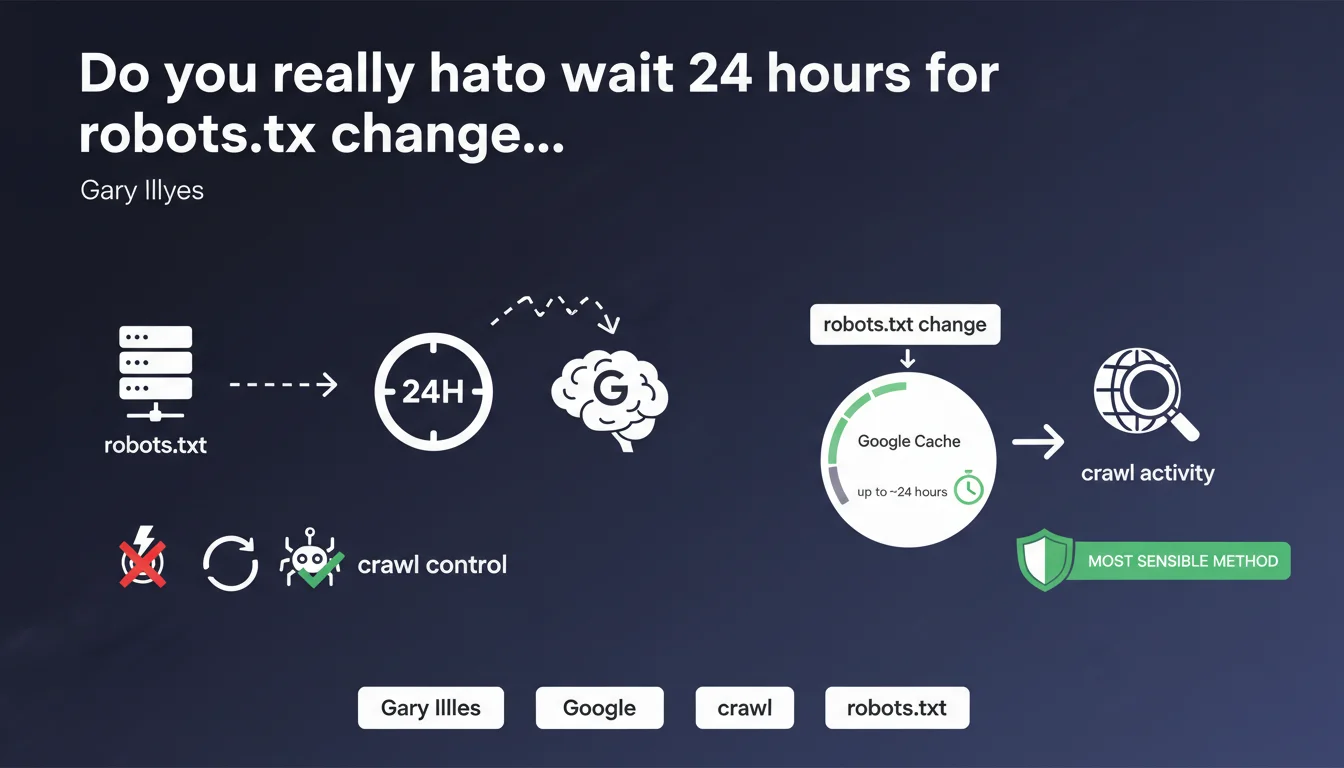
Google caches robots.txt files for a duration that can extend up to 24 hours. Any modifications made to this file are therefore not instantaneous and may require nearly a full day before becoming effective. Despite this delay, robots.txt remains the most reliable tool for controlling Googlebot's crawl behavior.
What you need to understand
Why does Google cache the robots.txt file?
Googlebot crawls billions of pages every single day. Checking the robots.txt file on every single request would generate considerable technical overhead, both for Google's servers and for the servers of crawled websites.
Caching allows Google to drastically reduce the number of HTTP requests while still maintaining exclusion directives. This mechanism prevents your servers from being overwhelmed with repeated calls to the same file.
What does "up to 24 hours" actually mean in practice?
The cache doesn't have a fixed 24-hour duration exactly. Gary Illyes uses the phrase "up to" — which means the delay can be shorter, but will probably not exceed this window.
In practice, the cache can refresh after just a few hours. Everything depends on your site's crawl frequency and how Google manages its own internal update cycles.
How does Google detect a robots.txt modification?
Google doesn't actively monitor your file for changes. It simply revalidates the cache according to its own crawl schedule.
If you modify robots.txt at 2 PM, Googlebot won't be notified instantly. It will discover the change during its next scheduled check — and that check could happen within minutes or up to 20 hours from now.
- robots.txt cache lasts up to 24 hours, not necessarily a full 24-hour period
- Modifications are never instantaneous — anticipating this delay is crucial during migrations or emergencies
- This mechanism protects your servers from excessive load caused by repeated verification requests
- robots.txt remains the most reliable method for controlling crawl despite this unavoidable delay
SEO Expert opinion
Is this statement consistent with real-world observations?
Yes, largely so. SEO professionals who have urgently blocked a section via robots.txt know that the effect is never immediate. The 24-hour delay is regularly observed, sometimes slightly less on sites with very frequent crawl activity.
What's missing here is clarification on variations based on crawl budget. A site crawled every hour will likely see its robots.txt refresh faster than a site crawled once per day. [To verify] whether Google applies different delays depending on a site's tier status.
What do you do when 24 hours is too long?
Let's be honest: in certain emergency scenarios (sensitive data leaks, accidental indexing of private content), 24 hours can feel like an eternity.
Google offers the URL removal tool in Search Console for these critical situations. It's faster — but temporary (90 days). For permanent blocking, robots.txt combined with a noindex tag remains essential.
The problem is that many people confuse speed with reliability. The removal tool acts quickly but doesn't replace a permanent robots.txt directive. These two tools don't operate in the same category.
Does this rule apply to all crawlers?
Gary Illyes is speaking about Googlebot exclusively here. Bing, Yandex, or third-party crawlers (SEMrush, Ahrefs, etc.) have their own cache policies.
Some third-party crawlers outright ignore robots.txt or cache it for much longer periods. Others respect it meticulously but with unpredictable delays. No guarantee of uniformity — and that's a blind spot in this statement.
Practical impact and recommendations
What should you actually do before modifying robots.txt?
Systematically anticipate a minimum 24-hour delay before your modifications are picked up by Google. If you're preparing a migration or structural change, integrate this window into your project timeline.
Always test your robots.txt file using the robots.txt tester in Search Console before deployment. A syntax error can block your entire site — and you might not discover it until 24 hours later.
How do you verify that modifications have been applied?
Use the URL inspection tool in Search Console after 24-48 hours. If Google indicates that the URL is blocked by robots.txt when you just unblocked it, the cache hasn't refreshed yet.
Also monitor your server logs. If Googlebot continues attempting to crawl URLs you recently blocked, that's normal during the caching period. Beyond 48 hours, there's probably an issue.
What mistakes must you absolutely avoid?
Never rely on robots.txt as a security method. It blocks crawling, not direct access. URLs remain accessible if someone types the full address or clicks a link.
Avoid blocking CSS/JS resources via robots.txt — Google needs these files to properly analyze page rendering. This classic mistake can degrade your Mobile-Friendly assessment.
- Systematically plan for 24-48 hours before a modification becomes effective
- Test your robots.txt file with the Search Console tool before any deployment
- Never use robots.txt as the sole protection for sensitive content
- Monitor server logs to confirm Googlebot respects the new directives
- Document every modification (date, reason, affected URLs) for easy tracking
- Combine robots.txt with noindex for definitive indexation blocking
❓ Frequently Asked Questions
Peut-on forcer Google à rafraîchir le cache robots.txt plus rapidement ?
Le délai de 24 heures s'applique-t-il aussi aux désactivations de directives ?
Si je bloque une URL via robots.txt, disparaît-elle immédiatement de l'index Google ?
Est-ce que tous les crawlers respectent ce délai de cache de 24 heures ?
Que faire si Google crawle encore des URLs bloquées après 48 heures ?
🎥 From the same video 10
Other SEO insights extracted from this same Google Search Central video · published on 03/02/2026
🎥 Watch the full video on YouTube →
💬 Comments (0)
Be the first to comment.