
Official statement
Other statements from this video 10 ▾
- □ Pourquoi la navigation à facettes cause-t-elle la moitié des problèmes de crawl ?
- □ Faut-il vraiment bloquer la navigation à facettes dans robots.txt ?
- □ Les paramètres d'action dans vos URLs sabotent-ils votre crawl budget ?
- □ Pourquoi Google intervient-il directement dans le code des plugins WordPress ?
- □ Les paramètres d'URL courts mettent-ils vraiment votre crawl budget en danger ?
- □ Faut-il vraiment se débarrasser des session IDs dans vos URLs ?
- □ Le double encodage d'URLs tue-t-il vraiment votre crawl budget ?
- □ Pourquoi Googlebot doit-il crawler massivement un nouveau site avant de savoir s'il vaut le coup ?
- □ Faut-il attendre 24 heures pour qu'une modification de robots.txt soit prise en compte ?
- □ Faut-il abandonner les paramètres GET pour sécuriser son crawl budget ?
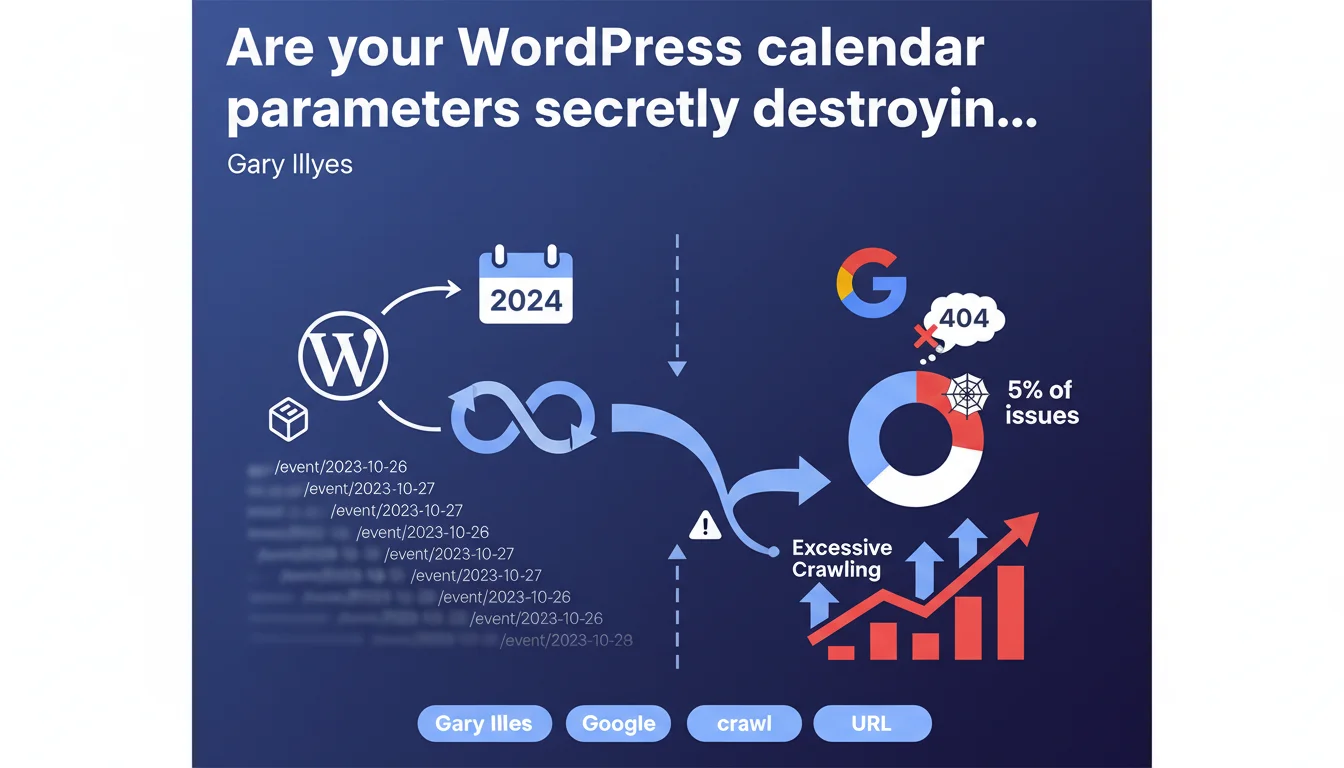
Some WordPress plugins generate infinite calendar URL spaces on every path of your site—an issue affecting 5% of cases Google encounters. This artificial inflation prevents the search engine from properly detecting soft 404s and causes massive crawl budget waste.
What you need to understand
What exactly is an infinite URL space?
An infinite URL space occurs when a system automatically generates unique addresses without logical limits. In the case of calendars, every combination of dates, months, and years can create a new URL: /events/2025/01/, /events/2025/02/, and so on infinitely.
The catch? These URLs are technically valid, often return a 200 status code, but generally contain no events at all—they're disguised soft 404s. Google crawls, indexes, and wastes resources on emptiness.
Why doesn't Google automatically detect these soft 404s?
The very structure of the problem bypasses detection mechanisms. When a plugin adds calendar parameters to every path on your site—not just a dedicated section—Google faces millions of seemingly legitimate variations.
An article /blog/seo-tips/ becomes /blog/seo-tips/?calendar=2025-03, then /blog/seo-tips/?calendar=2025-04... Multiply that by your site's number of pages and you get a combinatorial explosion that algorithms struggle to identify as empty content.
How does this problem concretely affect your SEO?
The impact is measurable at two critical levels. First, crawl budget: Googlebot spends its time on useless URLs instead of exploring your real content pages or detecting recent updates.
Second, authority dilution: your site potentially generates thousands of worthless indexed pages, degrading the overall quality signals sent to Google. Not to mention duplicate content risks if these pages reuse identical template elements.
- 5% of technical issues Google encounters involve this type of structure
- WordPress plugins for event management are the primary culprits
- Inflation occurs on all site paths, not just calendar sections
- Google cannot automatically detect soft 404s in this context
- Excessive crawling slows discovery of strategically relevant content
SEO Expert opinion
Does this statement match real-world observations?
Absolutely. On audits of WordPress sites using plugins like The Events Calendar or EventON, we regularly see indexes inflated by 200-300% with calendar pagination URLs that serve absolutely no purpose. Logs show Googlebot exhausting itself on these paths.
The 5% figure may seem modest, but it masks a reality: this problem massively affects event sites, associations, universities—sectors where WordPress dominates. On these specific verticals, the rate easily climbs to 30-40% of audited sites.
What nuances should we add to this alert?
Gary mentions "every path on the site," suggesting global misconfiguration of the plugin. Let's be precise: a well-implemented calendar should only generate URLs on a dedicated section (/events/, /calendar/), not inject parameters everywhere.
The problem isn't therefore the calendar concept itself, but how some plugins add their parameters through query strings or mismanaged rewrite rules. [To verify]: Google doesn't specify whether using rel="nofollow" on calendar navigation links is enough to mitigate the problem—our testing shows it's insufficient if URLs remain directly accessible.
In what cases does this problem not manifest?
If your calendar uses client-side JavaScript for date navigation (with AJAX content updates), you escape the trap: one server URL, no explosion of crawlable addresses. Same logic applies with React/Vue applications managing state in memory.
Another exception: sites that properly configured Google Search Console with parameter exclusion rules. But watch out—this approach requires rigorous tracking and can mask other issues if applied too broadly.
Practical impact and recommendations
How do you identify if your site is affected?
First instinct: analyze your server logs over 30 days. Look for repetitive patterns with date parameters (?month=, ?year=, /2025/01/, etc.). If Googlebot crawls hundreds of variations of the same page with only the date changing, you've found it.
Second verification: in Google Search Console, Coverage section, examine indexed URLs. Filter by path and spot infinite series. A site with 500 real pages showing 8,000 indexed URLs is an immediate red flag.
Quick third test: run site:yourdomain.com inurl:calendar or inurl:event in Google. If you get thousands of results when you publish 50 events per year, diagnosis confirmed.
What corrective actions should you deploy first?
Start by auditing your WordPress plugins. Temporarily disable calendar/event extensions and verify if parasitic URLs disappear. If yes, either switch plugins or reconfigure yours to limit URL generation.
Implement canonical tags: all calendar variations must point to the calendar root page or to the relevant event page if it exists. This doesn't stop crawling but prevents multiple indexing.
Block problematic paths in robots.txt:
Disallow: /*?month=
Disallow: /*?year=
Disallow: /*/calendar/
Caution: this method is heavy-handed. Ensure you don't block legitimate event URLs. Test with the robots.txt inspection tool in GSC.
How do you prevent the problem from returning?
Establish a validation checklist before installing any event plugin. Test in staging with Screaming Frog: if you detect more than 10x your real page count, stop everything.
Configure Search Console alerts: sudden increase in indexed pages, crawl budget explosion. Monthly monitoring is enough to detect regression.
Prefer solutions that clearly separate front-end display (JavaScript) and structured data (JSON-LD for events). Google understands Schema.org Event perfectly without needing to crawl 10,000 empty calendar URLs.
- Analyze server logs to spot repetitive crawl patterns on date parameters
- Check the ratio of real pages / indexed pages in Google Search Console
- Audit all WordPress plugins related to events and calendars
- Implement strict canonical tags pointing to root pages
- Block unnecessary calendar parameters via robots.txt (with caution)
- Test any new installation in staging environment with a crawler
- Configure GSC alerts on indexed page count evolution
- Prefer client-side JavaScript implementations for calendar navigation
- Actively clean the polluted index via updated sitemap and GSC removal requests
❓ Frequently Asked Questions
Les paramètres de calendrier affectent-ils uniquement WordPress ?
Faut-il supprimer complètement les fonctionnalités de calendrier pour résoudre le problème ?
Le blocage via robots.txt suffit-il à stopper le crawl excessif ?
Comment savoir si mon plugin de calendrier génère des espaces infinis ?
Les soft 404 générés par ces calendriers impactent-ils réellement le classement ?
🎥 From the same video 10
Other SEO insights extracted from this same Google Search Central video · published on 03/02/2026
🎥 Watch the full video on YouTube →
💬 Comments (0)
Be the first to comment.