
Official statement
Other statements from this video 11 ▾
- □ How can you leverage massive Search Console data exports to BigQuery to transform your SEO strategy?
- □ Does Google really reward content quality regardless of how it's produced?
- □ Is automation really considered spam by Google when it's used to boost rankings?
- □ Is using AI to generate SEO content spam or a legitimate opportunity?
- □ Does Google really treat AI-generated content the same as human-written content in rankings?
- □ Does Google really expect you to justify who, how, and why for every piece of content you create?
- □ Is Google's Status Dashboard Really a Game-Changer for SEO Professionals?
- □ Why is Google making Experience a core ranking factor alongside Expertise, Authority, and Trustworthiness?
- □ Does Google's Updated rel=canonical Documentation Change How You Should Handle Duplicate Content?
- □ Why is Google publishing a specific guide on links for web designers?
- □ Is Google's product review system expanding globally? Here's what's changing for your website and why it matters
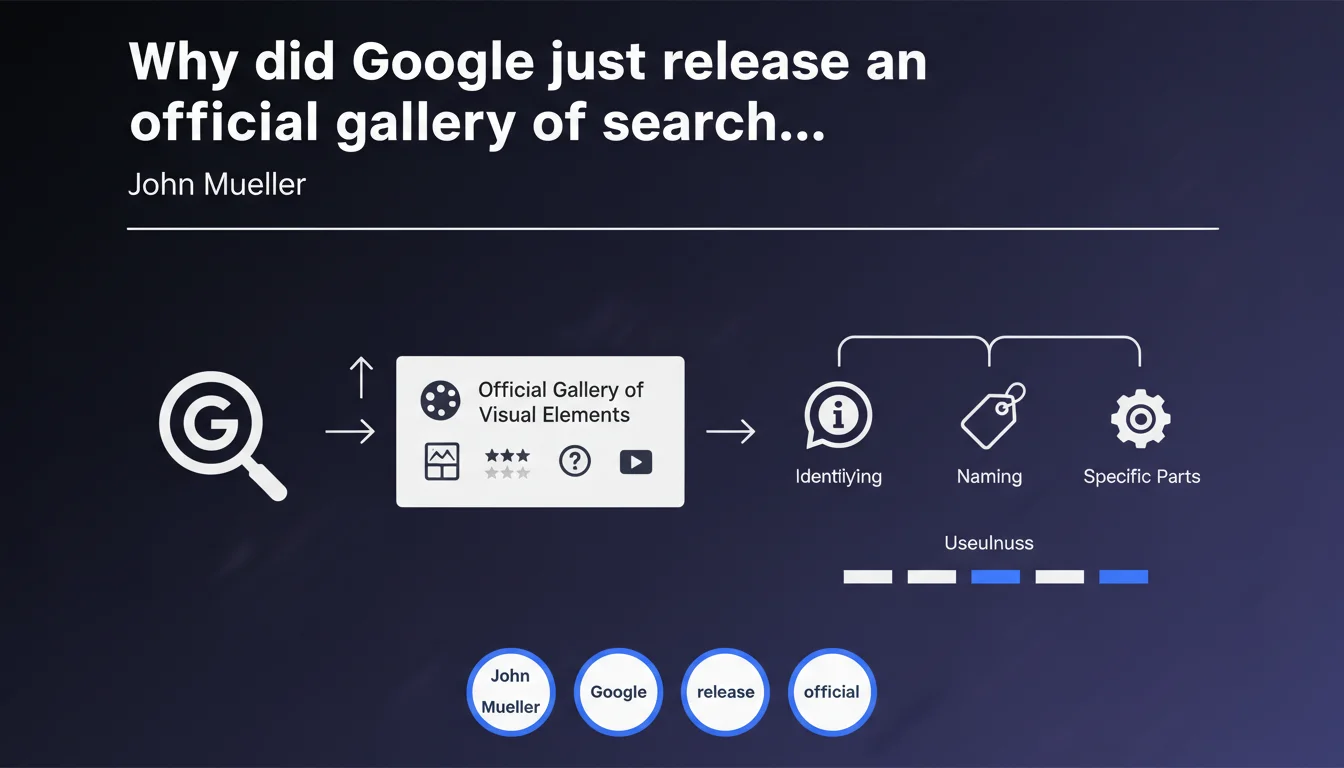
Google has made available a gallery cataloging the most common visual elements displayed in its search results pages. The goal: to make it easier to identify and precisely name the different components of the SERP. Concretely, this standardizes vocabulary between SEO practitioners and developers to better target optimizations.
What you need to understand
What is this visual gallery actually used for?
Google provides a standardized visual reference of SERP elements. You know those endless discussions where nobody is talking about the same thing when it comes to a "featured snippet" versus a "knowledge panel"? That's over now.
The gallery allows you to identify each component precisely: rich snippets, people also ask, local pack, image pack, etc. Each element is named according to Google's official terminology, with an associated visual representation.
Why is Google publishing this documentation now?
Several likely reasons. First, the ever-increasing complexity of SERPs — with enriched results, carousels, filters, and AI Overviews, the landscape has become a real terminological minefield.
Second, Google has every interest in webmasters properly optimizing their content for the right elements. If nobody really knows what a "rich result" is versus a "rich snippet," it's hard to implement the right data structures.
What visual elements are covered in this gallery?
The gallery lists the most frequent components in organic and paid search results. You'll notably find:
- Featured snippets: optimized excerpts positioned in position zero
- Knowledge panels: informational boxes displayed on the side
- Rich results: enriched results with images, stars, prices
- People Also Ask (PAA): expandable related questions
- Local packs: local search results with map
- Image packs and video carousels: integrated multimedia blocks
- Site links: secondary links under a main result
- Top stories: news carousel
SEO Expert opinion
Does this gallery really change anything for SEO practitioners?
Let's be honest: for an experienced SEO who has been following SERP evolution for years, this gallery brings nothing revolutionary. You already know these elements like the back of your hand.
The main value? Standardizing vocabulary in your client conversations, with developers, or in your reports. No more "you know, that thing at the top with the stars." You can now reference official documentation.
Are there any limitations or gray areas in this gallery?
Several points deserve attention. First, Google doesn't always specify the exact triggering criteria for each visual element. Knowing that a featured snippet exists is one thing — understanding why Google displays it for this query and not that one is another. [To be verified]
Next, the gallery captures a frozen state of SERPs, while Google is constantly experimenting with new formats. AI Overviews, for example, are continuously evolving. This documentation will likely need regular updates.
Does this initiative reflect a shift in Google's approach?
It's an interesting evolution. Google is publishing more and more educational resources aimed at webmasters — Search Central documentation, explanatory videos, testing tools. This gallery fits into this logic.
But — and this is where it gets tricky — Google remains vague on the essentials: selection algorithms, quality criteria, weightings. No matter how well you can name each SERP element, it won't tell you how to position your site there.
Practical impact and recommendations
How do you concretely use this gallery in your SEO audits?
First direct application: standardize your client reports. Systematically reference Google's official terminology in your SERP visibility analyses. This strengthens the credibility of your recommendations.
Second use: map your SERP opportunities. For each category of strategic queries, identify which visual elements are triggered, then analyze whether you're eligible (schema.org markup, content format, E-E-A-T criteria).
Which optimizations should you prioritize based on targeted visual elements?
Not all visual elements have the same impact on click-through rates. A featured snippet captures significantly more attention than a secondary site link.
Focus your efforts on high-visibility formats: featured snippets for informational queries, rich product results for e-commerce, local packs for location-based queries. Don't spread your resources on marginal optimizations.
What common mistakes should you avoid when implementing rich elements?
- Failing to test schema.org markup with official tools (Rich Results Test, Schema Markup Validator) before going live
- Implementing misleading or non-representative structured data that doesn't match the actual page content
- Neglecting semantic consistency between markup and visible content
- Using multiple schema.org types on the same page without a clear logic
- Forgetting to monitor enrichment errors in Google Search Console
- Ignoring the specific guidelines for each rich result type (Google publishes detailed specs for each format)
This visual gallery is a practical reference tool for standardizing SEO vocabulary and identifying SERP optimization opportunities. Its real value lies less in discovering new formats than in professionalizing your analyses.
Implementing structured data to capture these visual elements can prove complex and time-consuming, particularly on high-volume sites or with custom CMS platforms. If your internal technical team lacks the bandwidth or schema.org expertise, working with an SEO agency specialized in semantic markup can significantly accelerate your SERP visibility gains.
❓ Frequently Asked Questions
Cette galerie est-elle exhaustive ou Google y ajoute-t-il régulièrement de nouveaux éléments ?
L'implémentation correcte du schema.org garantit-elle l'affichage du rich result correspondant ?
Peut-on forcer l'apparition d'un featured snippet sur une requête donnée ?
Les éléments visuels sont-ils identiques sur mobile et desktop ?
Cette galerie remplace-t-elle la documentation Search Central existante ?
🎥 From the same video 11
Other SEO insights extracted from this same Google Search Central video · published on 18/04/2023
🎥 Watch the full video on YouTube →
💬 Comments (0)
Be the first to comment.