
Official statement
Other statements from this video 11 ▾
- □ How can you leverage massive Search Console data exports to BigQuery to transform your SEO strategy?
- □ Does Google really reward content quality regardless of how it's produced?
- □ Is automation really considered spam by Google when it's used to boost rankings?
- □ Is using AI to generate SEO content spam or a legitimate opportunity?
- □ Does Google really treat AI-generated content the same as human-written content in rankings?
- □ Does Google really expect you to justify who, how, and why for every piece of content you create?
- □ Is Google's Status Dashboard Really a Game-Changer for SEO Professionals?
- □ Why is Google making Experience a core ranking factor alongside Expertise, Authority, and Trustworthiness?
- □ Does Google's Updated rel=canonical Documentation Change How You Should Handle Duplicate Content?
- □ Why did Google just release an official gallery of search visual elements?
- □ Is Google's product review system expanding globally? Here's what's changing for your website and why it matters
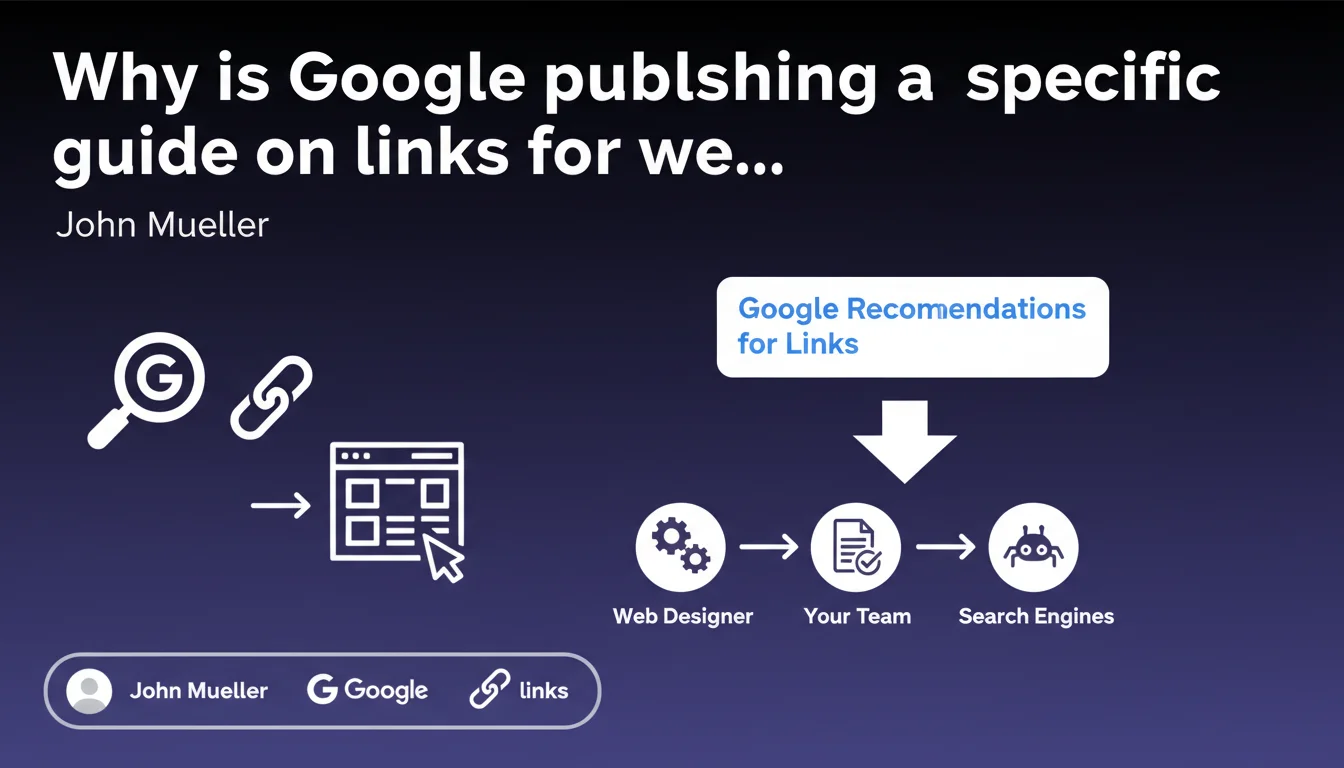
Google is releasing a document with recommendations on links targeted at web designers, suggesting that creative teams are missing critical SEO fundamentals. The underlying message: poorly implemented links hinder crawling, PageRank distribution, and indexation — and it's often due to design choices, not strategy.
What you need to understand
Why is Google specifically targeting web designers?
Google doesn't publish this type of document by accident. If Mountain View takes the time to write a guide for web designers, it's because there's a recurring problem in how links are implemented on the front-end.
Designers often prioritize aesthetics and user experience — accordions, hidden menus, JavaScript animations, CSS-styled buttons. The catch? These choices regularly override SEO best practices without anyone noticing until the crawl happens.
What are the concrete risks of poor link implementation?
A poorly coded link is a direct blocker for Googlebot. If the crawler can't follow a link, the target page isn't discovered, not crawled, not indexed. Your internal PageRank distribution collapses.
Classic mistakes: links rendered in JavaScript without HTML fallback, onclick attributes without an <a> tag, pseudo-links styled with CSS that lead nowhere for a bot. The designer sees a clickable button, Google sees nothing.
What does Google's guide probably contain?
Without the complete document in front of us, we can anticipate the fundamentals Google has been hammering for years: use valid <a href> tags, avoid unnecessary nofollow attributes, ensure links are crawlable without JavaScript.
Google probably also emphasizes semantic HTML structure, accessible navigation, and the distinction between strategic internal links and secondary navigation elements. In short, technical best practices often sacrificed for visual creativity.
- A valid link =
<a href>tag with a clean absolute or relative URL - Link accessibility without JavaScript: Googlebot must not depend on a JS event to discover the URL
- Avoid blocking attributes:
nofollow,noindexvia meta robots, or incorrect directives - Clear hierarchy: primary navigation links vs. footer vs. related content
- Descriptive anchor text: no generic "Click here", contextual and relevant text
SEO Expert opinion
Is this initiative consistent with real-world observations?
Absolutely. SEO audits regularly reveal silent catastrophes related to links: orphaned pages, entire site sections invisible to Google, disorganized internal linking. And often, the root cause comes from a poorly configured modern front-end framework or a designer who coded a menu as a clickable <div>.
SEO agencies spend enormous amounts of time fixing these errors after the fact. Google is clearly trying to shift awareness upstream, toward design teams. It's pragmatic, even if effectiveness remains to be seen.
What nuances should we add to this discourse?
Google tends to simplify to reach a broad audience. The problem is that edge cases are never addressed: what about lazy-loaded links? Conditional dropdown menus? Complex SPAs with client-side rendering?
The guide will probably be oriented toward "general best practices" — useful for 80% of cases, but [To verify] for modern architectures. If you're working with React or Vue with partial SSR, don't take these recommendations as gospel without testing.
In what cases could these rules cause problems?
Some rich interfaces require JavaScript to function. Think SaaS dashboards, complex web applications, product configurators. Imposing classic HTML links everywhere can break the user experience or unnecessarily bloat the DOM.
The real challenge? Distinguishing between public pages meant for SEO (blog, product sheets, categories) and private application interfaces. On the former, no compromises: clean HTML, crawlable links. On the latter, Google has no business there — optimize for the logged-in user.
Practical impact and recommendations
What should you do concretely with this guide?
First, get the document and share it with your front-end and design teams. Not just an email — organize a working session to align everyone on the SEO issues related to links.
Next, audit your current site. Crawl it with Screaming Frog or Oncrawl, enable the "Render JavaScript" option, and compare results with a pure HTML crawl. Any major difference signals a discoverability problem for Google.
What mistakes should you absolutely avoid?
Don't assume that "it works for the user so it works for Google". Googlebot doesn't click, it parses HTML. If your link requires a mouseOver, infinite scroll, or a JavaScript event to appear, it doesn't exist for the bot.
Another classic mistake: diluting internal PageRank with hundreds of pointless footer links, multi-level menus exposing your entire structure on every page, or poorly managed pagination links. Fewer links = more weight per link. Concentrate power where it matters.
How can you verify your site is compliant?
Test your key pages in Google Search Console using the URL inspection tool. Look at the "rendered" version: are critical links visible? Is internal linking complete?
Also validate HTML structure with the W3C Validator. Clean code makes Googlebot's job easier. Finally, check rel attributes: no nofollow on strategic internal links, no sponsored or ugc placed incorrectly.
- Crawl your site with and without JavaScript enabled to detect discoverability gaps
- Verify that all strategic internal links use valid
<a href>tags - Remove or
nofollowfooter/sidebar links that dilute PageRank without SEO value - Test key pages in Google Search Console (rendered version) to validate link visibility
- Audit
relattributes: nonofollowon important internal linking - Train design and dev teams on SEO issues related to links starting from the mockup phase
- Document technical standards in a shared internal guide between SEO, dev, and design
❓ Frequently Asked Questions
Pourquoi les designers web sont-ils une cible prioritaire pour Google sur les questions de liens ?
Un lien stylisé en CSS sans balise <a> est-il vraiment invisible pour Google ?
Les frameworks JavaScript modernes (React, Vue, Next.js) posent-ils problème avec ces recommandations ?
Faut-il supprimer tous les liens en nofollow interne ?
Comment convaincre un designer de respecter ces contraintes SEO ?
🎥 From the same video 11
Other SEO insights extracted from this same Google Search Central video · published on 18/04/2023
🎥 Watch the full video on YouTube →
💬 Comments (0)
Be the first to comment.