
Official statement
Other statements from this video 11 ▾
- □ Is the 1,000-row limit in Search Console really hindering your SEO analysis?
- □ Is the 50,000-row limit in Search Console really crippling your SEO analysis?
- □ How can you unlock all your Search Console data without row limits using BigQuery?
- □ Does Google's BigQuery export from Search Console really give you access to ALL the data?
- □ What access rights do you need to export your Search Console data to BigQuery?
- □ How long does it actually take for Google Search Console to start exporting data to BigQuery?
- □ Why is your BigQuery dataset location in Search Console permanently locked after the first export?
- □ Why does Google notify all owners whenever a bulk export is set up in Search Console?
- □ Does your BigQuery Search Console data really pile up forever without limits?
- □ What actually stops your Search Console bulk export—and why Google won't do it for you?
- □ Does Google really notify you when Search Console exports fail, and how long does it keep retrying?
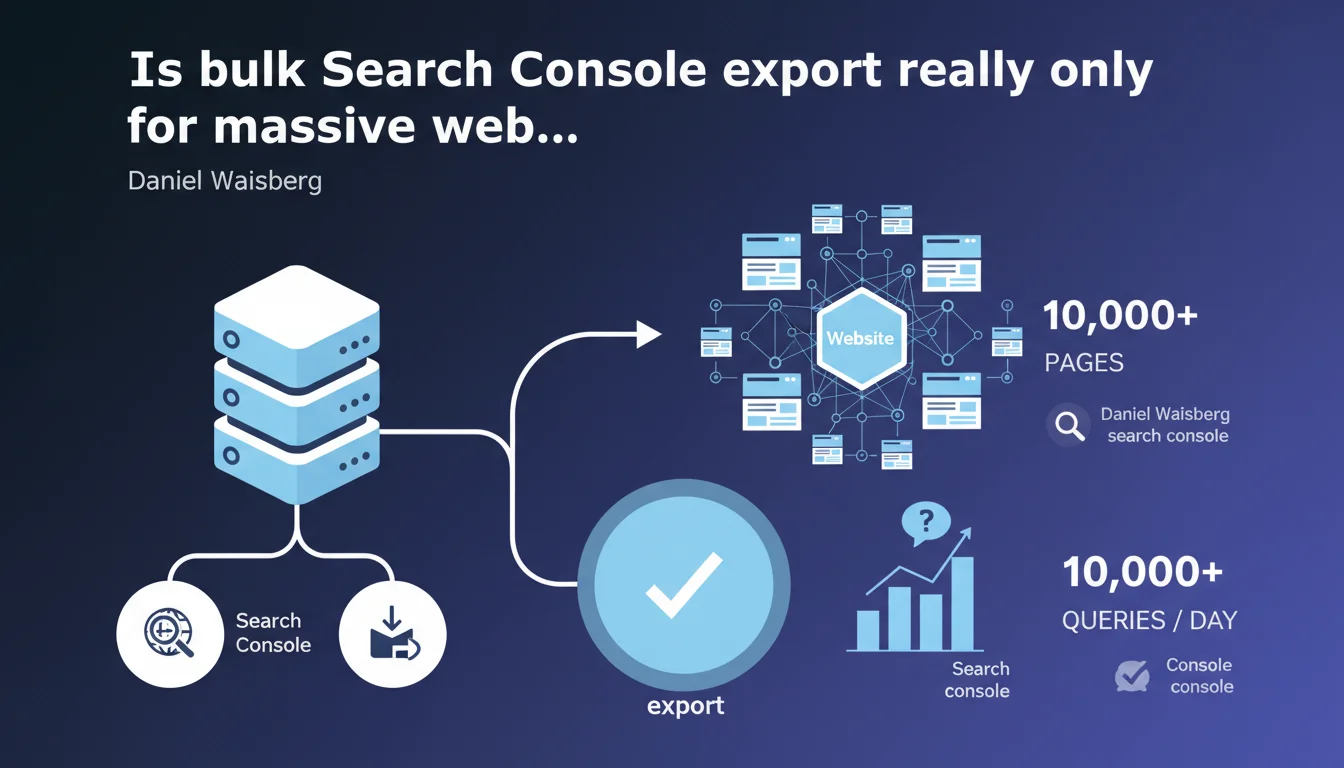
Google clarifies that bulk Search Console export is primarily aimed at sites with tens of thousands of pages or daily queries. For more modest sites, the standard interface or Search Console API is more than sufficient. The underlying message: don't overcomplicate things with oversized tools if your volume doesn't justify it.
What you need to understand
What is bulk export and who is it really designed for?
Bulk export allows you to extract Search Console data via BigQuery, bypassing the limitations of the standard interface (1,000 lines) and the API (25,000 lines per request). Google explicitly targets sites with "tens of thousands of pages" or receiving traffic from "tens of thousands of unique queries per day".
In concrete terms, if you manage an e-commerce site with 50,000 product listings or a media outlet receiving 100,000 unique queries daily, bulk export becomes essential. Below these thresholds, you risk mainly overcomplicating your workflows without real benefit.
Why is Google drawing this line now?
This statement comes in a context where more and more SEOs are adopting BigQuery by mimicry, without assessing whether their data volume justifies the investment. Google is therefore clarifying its recommended use case to prevent smaller sites from launching into disproportionate technical architecture.
The subtext? The Search Console interface and API remain the reference tools for the majority of sites. Bulk export is not a mandatory "upgrade" — it's a niche solution.
What are the concrete limitations of other methods?
The standard interface maxes out at 1,000 lines per export, which becomes unmanageable beyond a few thousand monthly queries. The Search Console API allows 25,000 lines per request, but imposes quotas (200 requests per day) and requires development to automate extractions.
- Web interface: suited for sites < 5,000 pages with occasional monitoring
- API: ideal between 5,000 and 50,000 pages, with automation scripts
- BigQuery export: essential beyond 50,000 pages or 50,000 queries/day
- BigQuery cost: factor this in if you're heavily cross-referencing data (analytics, server logs)
SEO Expert opinion
Is this "tens of thousands" threshold really relevant?
Google's wording remains intentionally vague. "Tens of thousands" could mean 20,000 or 90,000 — a range that drastically changes the cost/benefit equation. In practice, I observe that BigQuery export starts making sense at around 30,000 indexable pages or 40,000 distinct daily queries.
But be careful — the real trigger isn't just raw volume. It's rather the complexity of analyses you want to perform: cross-referencing Search Console with your server logs, segmenting by product category, tracking cannibalizations at scale. If you don't have these needs, even with 100,000 pages, the API might suffice.
Is Google underestimating the needs of mid-sized sites?
Let's be honest: many sites between 10,000 and 30,000 pages are already struggling with API limitations. Exporting 25,000 lines per request forces you to artificially segment (by date, device, page), which quickly becomes time-consuming and error-prone.
Google presents BigQuery export as a "premium" tool, but for certain sectors (marketplaces, job boards, real estate), it has become an operational prerequisite well before reaching the "tens of thousands" mentioned. [To verify] whether this position reflects a desire to limit massive BigQuery adoption for infrastructure reasons on Google's side.
What are the risks of premature adoption?
I've seen sites with 5,000 pages deploy BigQuery "because that's what the pros do," only to never actually analyze the data. The main pitfall: the learning curve. BigQuery requires SQL, a minimum of rigor on data schemas, and often a budget for a data analyst.
Practical impact and recommendations
How do you know if your site justifies bulk export?
Ask yourself three simple questions. First: do you have more than 30,000 indexable pages or do you receive traffic from more than 40,000 unique daily queries? Second: are you regularly hitting API limits (25,000 lines) in your daily exports? Third: do you need to cross-reference Search Console with other sources (analytics, CRM, logs) for advanced analysis?
If you answer "yes" to all three, BigQuery export becomes relevant. If you're hesitant on two answers, stick with the API with automation scripts — you'll gain simplicity and cost savings.
What mistakes should you avoid when moving to BigQuery?
The classic mistake: enabling BigQuery without a querying strategy. You'll store terabytes of data… and query it randomly, exploding your costs. First define your critical KPIs: what metrics do you need to monitor daily? What segments require long-term historical data?
Another trap: neglecting SQL query optimization. A poorly constructed query can scan unnecessary gigabytes and charge you several dollars for basic analysis. Partition your tables by date, limit SELECT *, use WHERE clauses efficiently.
- Verify your actual volume: indexable pages + distinct daily queries
- Test the Search Console API first with Python/PHP scripts before BigQuery
- Estimate BigQuery costs (storage + querying) over 12 months before committing
- Train at least one person internally in SQL and BigQuery best practices
- Document your data schemas and typical queries from the start
- Set up cost alerts to avoid unpleasant surprises
❓ Frequently Asked Questions
À partir de combien de pages faut-il envisager BigQuery pour la Search Console ?
L'export BigQuery remplace-t-il complètement l'interface Search Console ?
Quels sont les coûts réels de BigQuery pour un site moyen ?
Peut-on revenir en arrière après avoir activé l'export BigQuery ?
L'export BigQuery donne-t-il accès à plus de données que l'API ?
🎥 From the same video 11
Other SEO insights extracted from this same Google Search Central video · published on 18/05/2023
🎥 Watch the full video on YouTube →
💬 Comments (0)
Be the first to comment.