
Official statement
Other statements from this video 11 ▾
- □ Pourquoi la limite des 1 000 lignes dans Search Console pose-t-elle un vrai problème d'analyse ?
- □ Pourquoi la limite de 50 000 lignes dans Search Console peut-elle fausser vos analyses SEO ?
- □ Comment exploiter toutes vos données Search Console sans limite de lignes grâce à BigQuery ?
- □ L'export en masse de la Search Console est-il réservé aux très gros sites ?
- □ Quels droits d'accès faut-il pour exporter vos données Search Console vers BigQuery ?
- □ Combien de temps faut-il attendre avant que l'export Search Console vers BigQuery démarre réellement ?
- □ Pourquoi l'emplacement BigQuery de Search Console est-il définitivement figé ?
- □ Pourquoi Google notifie-t-il tous les propriétaires lors de la configuration d'un export Search Console ?
- □ Les exports BigQuery Search Console s'accumulent-ils vraiment sans limite ?
- □ Comment arrêter ou relancer l'export en masse des données Search Console ?
- □ Comment Google gère-t-il réellement les erreurs d'export dans Search Console ?
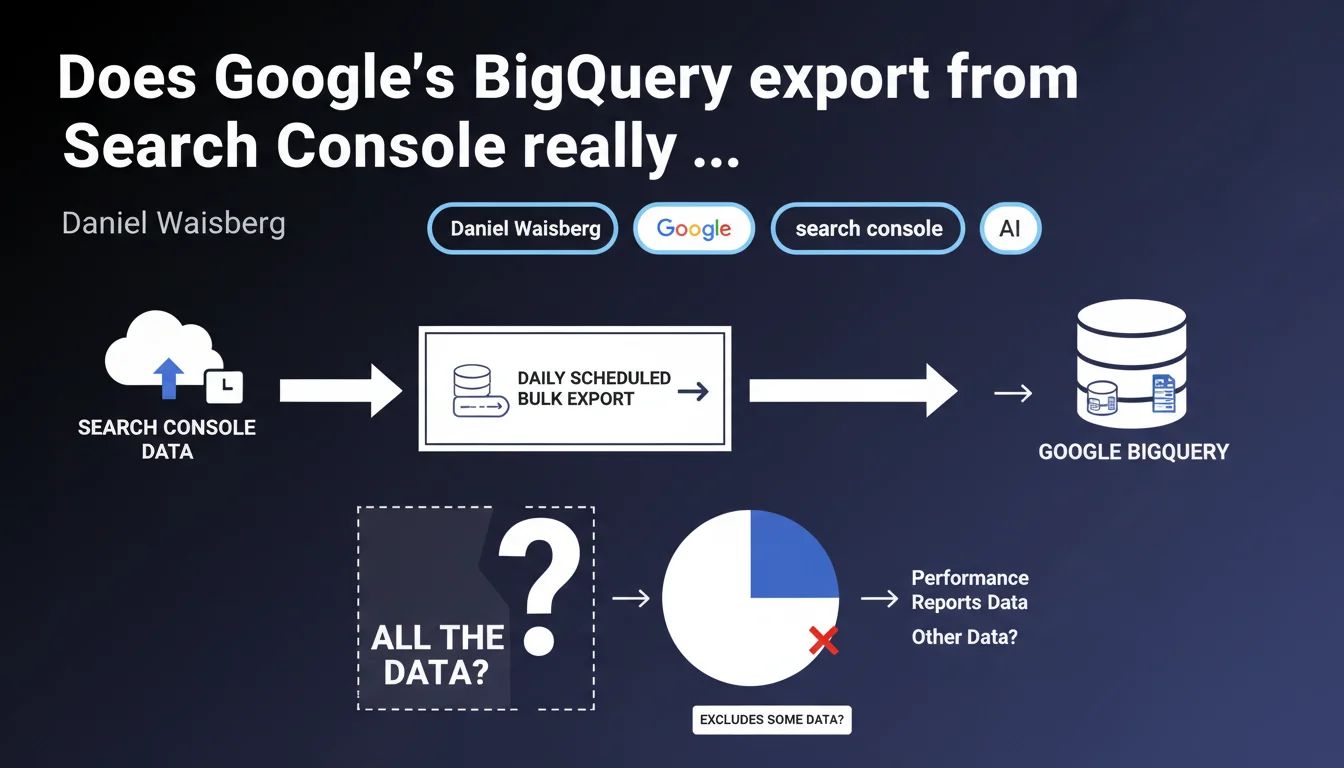
Google confirms that the daily scheduled export to BigQuery contains all the data that Search Console uses to generate performance reports. This feature finally provides complete access to raw metrics, without the display limitations of the classic interface.
What you need to understand
What exactly does this BigQuery export change?
The classic Search Console interface imposes display constraints that frustrate every professional: a 1000-line export cap, forced aggregation beyond a certain volume, implicit sampling on certain queries. Exporting to BigQuery eliminates these barriers.
You get the complete raw data that Google uses to generate the reports. Every impression, every click, every query — without any filter or imposed aggregation. This radically transforms analytical capability, especially for high-traffic sites.
Which data exactly is exported?
The export includes the standard performance metrics: impressions, clicks, average position, CTR. But also the dimensions: queries, pages, countries, devices, appearance in search results.
Concretely, each row represents a unique combination of dimensions with its associated metrics. The level of granularity exceeds what the web interface can comfortably display.
- Complete access to long-tail queries hidden in the classic interface
- Extended history beyond the 16-month interface limit
- Absence of anonymization thresholds on aggregated data
- Ability to cross this data with other sources (Analytics, server logs)
Why is Google offering this feature now?
The Search Console API has existed for a long time, but it requires development and remains limited by quotas. BigQuery export dramatically simplifies the process for anyone who wants to analyze their data seriously.
Google is pushing BigQuery as a central infrastructure for data analysis. This export fits into that logic — and incidentally, generates storage costs billed by Google Cloud.
SEO Expert opinion
Is this promise of 'all the data' really credible?
Let's be honest: Google has a complex history with data transparency. The term 'all the data' deserves rigorous testing. What definition of 'all'?
It's all the data that Search Console uses to generate performance reports. Important distinction: this doesn't mean 'all queries that drive traffic to your site'. Search Console already applies filters upstream — queries anonymized for privacy reasons, minimum impression thresholds, etc.
What you gain is access to the unfiltered set of what Search Console considers usable. But there remains a gray area around data that Google chooses to never make accessible. [To verify]: how do ultra-sensitive or personalized queries behave in the data?
What limitations remain despite this export?
First limitation: the availability delay. The export is daily, with a 24 to 48-hour lag. For real-time monitoring, the API remains necessary.
Second limitation: technical complexity. BigQuery is not a mainstream interface. Querying this data effectively requires SQL competency and an understanding of the structure of exported tables.
Does this statement change the game for advanced SEO analysis?
Absolutely. For sites with more than 1000 active URLs in Search Console — which means practically all serious sites — the classic interface quickly becomes frustrating. BigQuery export opens up analysis possibilities that could previously only be obtained by tinkering with the API.
Cross-referencing Search Console data with server logs, Analytics 4, CRM data, or third-party tools finally becomes viable. You can build custom dashboards, automate alerts on specific KPIs, detect patterns invisible in the standard interface.
Practical impact and recommendations
Should you migrate to BigQuery export right now?
It depends on your data volume and analytical needs. If your site generates fewer than 1000 indexed URLs with organic traffic, the classic interface is still largely sufficient.
For e-commerce sites, media outlets, marketplaces — anything exceeding 10,000 active pages — BigQuery export becomes a strategic tool. The gain in granularity and analytical capability justifies the technical investment.
How do you set up this export correctly?
Initial configuration is done directly in Search Console, in the 'Settings' section. Google provides a configuration wizard that automatically creates the BigQuery dataset and configures the daily export.
Once activated, the export starts within 24 hours. Historical data is not retroactively exported — the export only collects data from its activation onwards. Plan this setup as soon as possible if you're considering future analyses.
- Verify that you have an active Google Cloud Platform project with billing configured
- Enable the export in Search Console for each relevant property
- Define a structure of SQL queries for recurring analyses (positions, CTR changes, new queries)
- Set up alerts on BigQuery costs to avoid unexpected surprises
- Document the structure of exported tables to facilitate team collaboration
- Automate the export of results to Google Sheets or Data Studio for non-technical stakeholders
What errors should you avoid when exploiting this data?
First common mistake: querying without limits. BigQuery charges by volume of data scanned. A poorly written query on a large dataset can be expensive and take forever. Always use WHERE clauses on dates and limit SELECTs to necessary columns.
Second mistake: neglecting temporal granularity. Data is aggregated by day. Comparing periods requires good calendar offset management, holidays, seasonal variations.
❓ Frequently Asked Questions
L'export BigQuery remplace-t-il l'API Search Console ?
Combien coûte l'export BigQuery de Search Console ?
Peut-on récupérer l'historique des données antérieures à l'activation de l'export ?
Les données exportées incluent-elles les informations de Google Discover et Google News ?
Faut-il des compétences techniques pour exploiter ces données ?
🎥 From the same video 11
Other SEO insights extracted from this same Google Search Central video · published on 18/05/2023
🎥 Watch the full video on YouTube →
💬 Comments (0)
Be the first to comment.