
Official statement
Other statements from this video 14 ▾
- □ Google réécrit-il vraiment vos balises title à sa guise ?
- □ Faut-il vraiment bannir les prix et stocks des balises title ?
- □ Comment vérifier efficacement l'affichage réel de vos title links dans les SERP Google ?
- □ Faut-il vraiment utiliser la balise Max Image Preview pour contrôler l'affichage de vos images dans Google ?
- □ Les données structurées sont-elles vraiment indispensables pour éviter de passer à côté des rich snippets ?
- □ Pourquoi Google insiste-t-il sur 6 champs minimaux dans les données structurées produits ?
- □ Pourquoi vos rich snippets n'apparaissent-ils pas malgré un balisage Schema.org en place ?
- □ Faut-il vraiment combiner données structurées et flux Merchant Center pour le SEO produit ?
- □ Comment Google calcule-t-il réellement les baisses de prix affichées dans les résultats enrichis ?
- □ Pourquoi Google refuse-t-il les fourchettes de prix dans les données structurées produit ?
- □ Pourquoi Google n'affiche-t-il pas toutes les baisses de prix que vous balisez ?
- □ Les GTIN boostent-ils vraiment l'exposition produit sur Google ?
- □ Google Business Profile : pourquoi les entreprises 100% en ligne sont-elles exclues ?
- □ Les données structurées et Merchant Center sont-elles vraiment la stratégie SEO la plus rentable sur le long terme ?
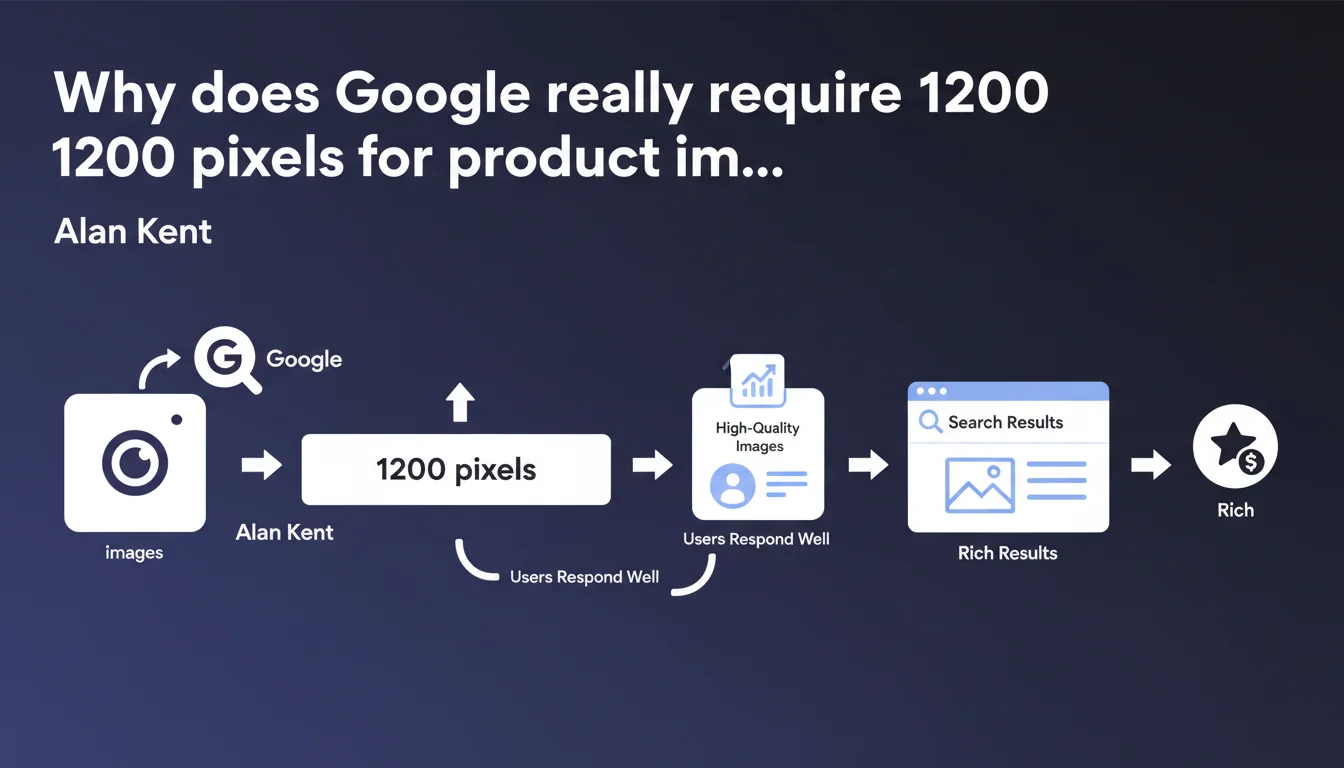
Google officially recommends product images of at least 1200 pixels wide to improve direct display in search results. This directive aims to optimize user experience by enabling quality zoom without loss of detail. In practice, e-commerce sites that respect this threshold increase their chances of appearing in rich results and Google Images.
What you need to understand
What's the logic behind this 1200-pixel threshold?
Google wants to display usable visuals directly in SERPs, particularly through enriched product cards and Google Shopping. A 1200px visual allows comfortable zooming without pixelation — a decisive element for user engagement on both mobile and desktop.
This threshold isn't arbitrary. It corresponds to the balance point between perceived quality and acceptable loading time. Below it, the user cannot examine product details. Above it, visual gains are marginal against the file weight generated.
Does this recommendation apply to all product images?
No. Google specifically refers to "key images" — typically the main image and important close-up views. Secondary or contextual images can get by with lower dimensions without observable penalty.
The nuance matters: loading a gallery of 8 images at 1200px can kill your Largest Contentful Paint if you don't master lazy loading and modern compression (WebP, AVIF). It's a technical trade-off to make case by case.
How does Google detect and leverage these images?
Through Schema.org Product structured markup with image and offers properties. Google crawls this metadata, verifies the actual file dimensions, then decides whether the image can be displayed in rich snippets or Google Images.
Without proper Schema.org, even a 4K image won't be leveraged. Alan Kent's statement implicitly assumes you've already implemented the markup — otherwise, you're optimizing in a vacuum.
- 1200px minimum for primary product images only
- Enables display in rich results and Google Shopping
- Requires proper Schema.org Product markup
- Must be balanced with Core Web Vitals (LCP, CLS)
- Modern formats (WebP, AVIF) strongly recommended for file size
SEO Expert opinion
Is this directive consistent with real-world observed practices?
Absolutely. A/B tests conducted on e-commerce sites show a clear correlation between high-resolution images and click-through rates from Google Images. Merchants who migrated to 1200px+ visuals report measurable visibility gains in enriched SERPs.
But — and this is where it gets tricky — this correlation collapses if loading time explodes. I've seen sites lose traffic after applying this recommendation without optimizing delivery (CDN, compression, responsive images with srcset). Google says "1200px" but forgets to mention "with WebP and native lazy loading."
What nuances should be applied to this recommendation?
First nuance: 1200px is a floor, not a target. In some sectors (jewelry, high-end fashion), 2000px+ visuals perform better in terms of engagement. In others (industrial parts, consumables), 1200px is more than sufficient.
Second critical point: Google says nothing about quality-to-compression ratio. A 1200px JPEG at 30% quality will be technically compliant but visually mediocre. [To verify]: there is no official directive on optimal compression rate — it's empirical testing.
In which cases does this rule not apply?
On sites with massive catalogs (20,000+ SKUs), applying 1200px everywhere can be technically and economically prohibitive. In that case, segment: bestsellers and new arrivals in high resolution, the rest at 800-1000px.
Downloadable products or services (software, training, subscriptions) benefit far less from this directive. Google rarely displays their images in large format in SERPs — the production effort isn't justified.
Practical impact and recommendations
What should you concretely do on an existing e-commerce site?
Start with a primary images audit: crawl your site (Screaming Frog, Sitebulb) and extract actual dimensions of visuals linked to product pages via Schema.org. Identify strategic products below the 1200px threshold.
Next, establish a progressive migration roadmap: don't try to redo everything at once. Prioritize high organic traffic categories and high-conversion products. For each image migrated, verify the impact on LCP via Chrome DevTools or PageSpeed Insights.
What mistakes should you avoid during implementation?
Classic mistake: artificially upscaling 800px images to 1200px. Google detects actual quality — you gain nothing and you bloat the site for nothing. If your sources are too small, redo product shoots or request new assets from suppliers.
Another trap: neglecting format and compression. A 1200px PNG at 2 MB is technically compliant but catastrophic for performance. Convert to WebP (or AVIF if your browser support allows) with a compression rate tested visually — generally between 75% and 85% depending on content.
Finally, don't skip structured markup. Without properly completed Schema.org Product, Google won't leverage your high-resolution images in rich results. Validate your markup with Google's Rich Results Test in Search Console.
How do you measure the impact of these optimizations?
Track three key metrics in Google Search Console: impressions from Google Images, CTR on transactional queries ("buy X", "price Y"), and appearances in position zero or rich snippets. Compare before/after migration over equivalent periods.
On the performance side, monitor LCP on mobile via PageSpeed Insights and Core Web Vitals in Search Console. If LCP exceeds 2.5s after migration, you have a delivery problem to solve — CDN, lazy loading, or preload of above-the-fold images.
- Crawl the site to identify product images below 1200px
- Prioritize strategic products and high-traffic categories
- Convert images to WebP or AVIF with optimal compression (75-85%)
- Implement srcset to serve versions adapted to screen sizes
- Verify Schema.org Product markup with Rich Results Test
- Enable native lazy loading on all images outside initial viewport
- Measure LCP impact before/after via PageSpeed Insights
- Track Google Images impressions and CTR in Search Console
❓ Frequently Asked Questions
Les images de 1200px sont-elles obligatoires pour ranker sur Google Shopping ?
Faut-il appliquer cette règle aux images secondaires d'une fiche produit ?
Un JPEG 1200px compressé à 30% est-il acceptable pour Google ?
Cette directive s'applique-t-elle aux sites hors e-commerce ?
Comment éviter de dégrader le LCP en passant à 1200px ?
🎥 From the same video 14
Other SEO insights extracted from this same Google Search Central video · published on 28/07/2022
🎥 Watch the full video on YouTube →
💬 Comments (0)
Be the first to comment.