
Official statement
Other statements from this video 16 ▾
- □ Le SEO Starter Guide de Google est-il vraiment le meilleur point de départ pour apprendre le référencement ?
- □ Faut-il vraiment définir objectifs et conversions avant d'optimiser son SEO ?
- □ Faut-il vraiment adapter sa stratégie SEO à l'audience avant d'optimiser techniquement ?
- □ Faut-il vraiment tester l'indexation d'un site en cherchant son nom de domaine sur Google ?
- □ Faut-il vraiment interroger vos clients pour bâtir votre stratégie SEO ?
- □ Faut-il vraiment renoncer aux requêtes génériques quand on est une petite entreprise ?
- □ Les petits sites peuvent-ils vraiment tester librement sans risque SEO ?
- □ Pourquoi Martin Splitt insiste-t-il autant sur l'installation de Search Console et d'outils de mesure ?
- □ Combien de temps faut-il vraiment pour qu'une modification de contenu soit visible dans Google ?
- □ Peut-on vraiment rechercher son propre site sur Google sans risque ?
- □ Pourquoi les environnements de staging sont-ils inefficaces pour tester vos optimisations SEO ?
- □ Faut-il embaucher un expert SEO uniquement quand on peut mesurer son ROI ?
- □ Les promesses de classement #1 sont-elles toutes des arnaques SEO ?
- □ Les Search Essentials de Google sont-elles vraiment le mode d'emploi du SEO ?
- □ Pourquoi certaines optimisations SEO prennent-elles des mois à produire des résultats ?
- □ Votre site web est-il toujours indispensable à l'ère de l'IA générative ?
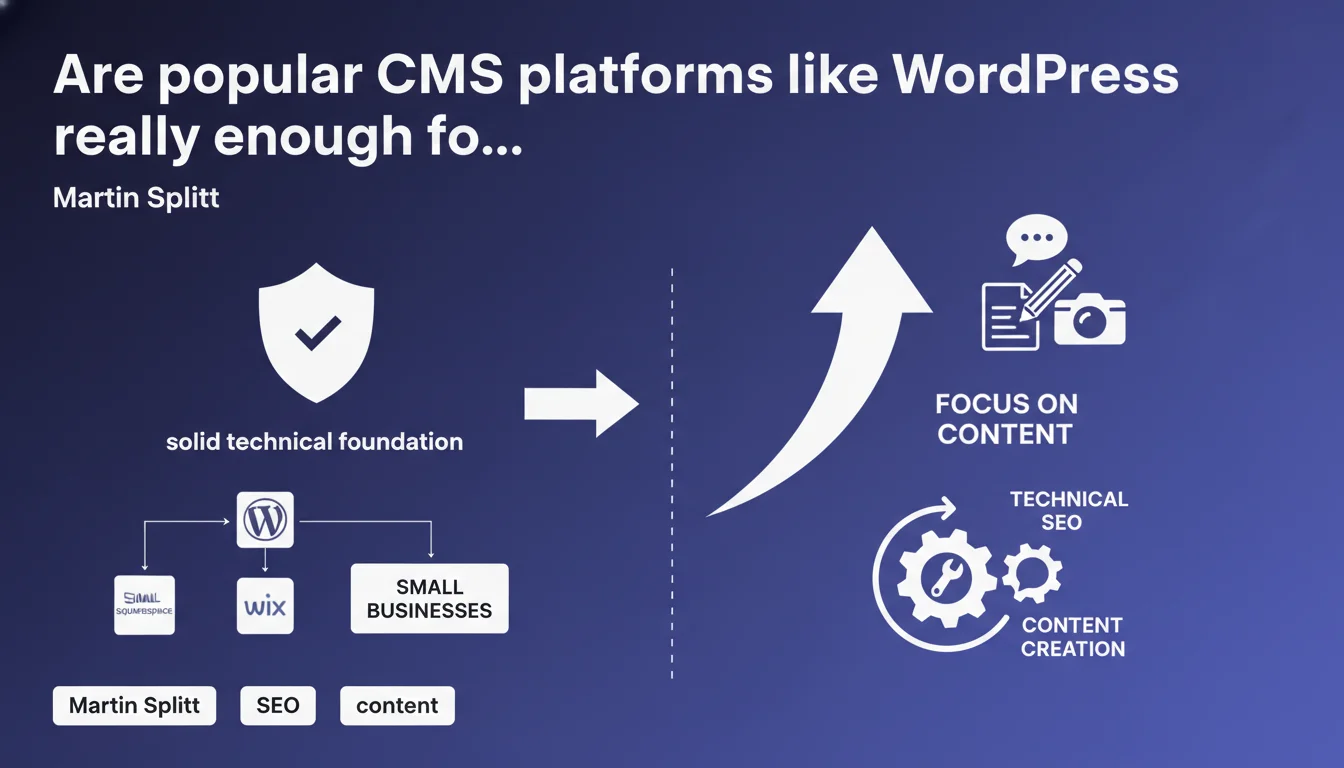
Martin Splitt claims that WordPress, Wix, and Squarespace offer a technically sound SEO foundation for small businesses. According to Google, these platforms allow you to focus on content rather than technical issues. However, this assertion deserves nuance depending on your ambitions and industry competition.
What you need to understand
What does Google really mean by a "solid technical foundation"?
Google doesn't specify the exact criteria that define a solid technical foundation. We can assume this refers to Googlebot accessibility, minimal HTML markup, URL structure, and mobile compatibility.
Common CMS platforms do generate code that search engines can crawl effectively. They include automatic sitemaps, basic meta tags, and generally respect web standards. For a simple business website or blog, this is often sufficient.
Why does this statement specifically target small businesses?
Splitt's message addresses small organizations that lack both the budget and advanced technical expertise. For them, starting with a common CMS avoids the catastrophic errors of poorly executed custom development.
But this recommendation doesn't apply uniformly. An e-commerce site with 10,000 products or a media outlet with high volume will quickly hit the structural limitations of these platforms — loading times, crawl budget, selective indexation.
Does content really become the absolute priority?
Google consistently pushes the "content first" narrative, and this statement follows that line. The idea: if the technical foundation is sound by default, focus on user intent and editorial relevance.
In practice? Yes, quality content well-targeted can offset certain minor technical weaknesses. Conversely, average content on optimized architecture will often outrank excellent content on a misconfigured platform.
- Common CMS platforms automate technical fundamentals (sitemap, robots.txt, HTML markup)
- They don't guarantee advanced optimization (response time, complex information architecture, intelligent pagination)
- Content remains central, but advanced technical optimization makes the difference in competitive environments
- This statement mainly aims to reassure small businesses that lack dedicated technical resources
SEO Expert opinion
Is this claim consistent with real-world experience?
Yes and no. For a small business site with 20 pages, WordPress or Wix absolutely work without major issues. Popular SEO plugins add missing functionality, and Google indexes correctly.
The problem emerges as you scale up. WordPress sites with thousands of pages experience server slowdowns, crawl budget issues, and internal duplication problems that plugins only solve superficially. [To verify]: Google claims the technical foundation is "solid," but never quantifies the performance gap with custom architecture.
What are the limitations Google doesn't mention?
Splitt doesn't address page load speed, scalability, or advanced customization. Generic CMS platforms often load unnecessary code — bloated themes, multiple plugins, poorly optimized SQL queries.
In competitive sectors — travel, finance, fashion e-commerce — this "solid" technical foundation becomes a structural handicap. Sites dominating these SERPs are rarely using off-the-shelf generic solutions. They either use custom development or highly tuned configurations with CDN, advanced lazy loading, and fine-tuned server optimization.
In which cases does this logic fail?
High-volume e-commerce sites, media outlets with intensive publishing, marketplaces, multilingual international sites — all require architecture designed for performance and intelligent crawling. Generic CMS platforms quickly hit their ceilings.
Another blind spot: Core Web Vitals. A WordPress overloaded with plugins often fails LCP and CLS thresholds. Google says the technical foundation is solid, but never mentions actual performance metrics.
Practical impact and recommendations
What should you do concretely if you use a common CMS?
Starting with a popular CMS isn't inherently a problem — but you must audit what comes out of the box. Verify Googlebot accessibility (Search Console), canonical tags, URL structure, and mobile compatibility.
Install a serious SEO plugin (Yoast, Rank Math, SEOPress), but don't rely solely on it. These tools add useful functionality, but don't fix server performance issues or poorly thought-out architecture.
What errors should you avoid with these platforms?
Don't multiply unnecessary plugins — each extension adds weight, requests, and potential failure points. Prioritize lightweight and well-maintained solutions.
Don't neglect hosting. An "SEO-friendly" CMS on an undersized shared server will kill your performance. Opt for appropriate hosting (VPS, optimized cloud) and enable server-side caching.
How do you verify your configuration is genuinely optimized?
- Audit loading speed (PageSpeed Insights, GTmetrix) and target LCP < 2.5s
- Monitor indexation in Search Console: pages discovered vs. indexed, crawl errors
- Verify URL structure: clean, descriptive, without unnecessary parameters
- Test mobile compatibility with Google's Mobile-Friendly tool
- Analyze internal linking: are strategic pages getting enough internal links?
- Review meta tags (title, description, canonicals) to prevent duplication
- Enable a CDN if your audience is international or the server is geographically distant
- Monitor Core Web Vitals in Search Console and fix problematic pages
Common CMS platforms do offer a technically viable foundation to start with. But as soon as your ambitions or competitive landscape intensify, this foundation alone isn't enough — you need fine-tuned optimization.
If you notice performance ceilings, indexation issues, or SERP stagnation despite quality content, your technical configuration likely has hit its limits. These advanced optimizations — architecture, server, crawl budget, speed — require specialized expertise and personalized diagnosis. Consulting a specialized SEO agency can be worthwhile to identify bottlenecks and implement custom solutions adapted to your specific situation.
❓ Frequently Asked Questions
WordPress est-il vraiment suffisant pour un site e-commerce compétitif ?
Faut-il obligatoirement utiliser un plugin SEO sur WordPress ?
Wix et Squarespace sont-ils aussi performants que WordPress pour le SEO ?
Les CMS courants peuvent-ils gérer correctement le SEO multilingue ?
Google pénalise-t-il les sites sur CMS généralistes par rapport aux développements custom ?
🎥 From the same video 16
Other SEO insights extracted from this same Google Search Central video · published on 10/07/2025
🎥 Watch the full video on YouTube →
💬 Comments (0)
Be the first to comment.