
Official statement
Other statements from this video 23 ▾
- □ Google compte-t-il vraiment tous les liens visibles dans Search Console ?
- □ Faut-il vraiment concentrer son contenu sur moins de pages pour ranker ?
- □ Les critères d'avis produits Google s'appliquent-ils même si votre site n'est pas classé comme site d'avis ?
- □ L'API Indexing de Google fonctionne-t-elle vraiment pour tous les contenus ?
- □ L'E-A-T influence-t-il vraiment le classement Google ou n'est-ce qu'un mythe ?
- □ Les mentions de marque sans lien ont-elles un impact sur votre référencement ?
- □ Les commentaires d'utilisateurs améliorent-ils vraiment le classement dans Google ?
- □ Les certificats SSL premium influencent-ils vraiment le référencement Google ?
- □ PDF et HTML avec le même contenu : faut-il craindre une cannibalisation dans les SERPs ?
- □ Peut-on vraiment piloter l'indexation des PDF via les headers HTTP ?
- □ Faut-il encore utiliser rel=next et rel=prev pour la pagination ?
- □ Googlebot peut-il vraiment indexer vos contenus en défilement infini ?
- □ Faut-il vraiment indexer toutes les pages de son site ?
- □ Faut-il s'inquiéter de la page référente affichée dans Google Search Console ?
- □ Faut-il vraiment rediriger l'ancien sitemap en 301 ou soumettre le nouveau directement ?
- □ Pourquoi 97% de crawl refresh est-il un signal positif pour votre site ?
- □ Comment Google détermine-t-il réellement la vitesse de crawl de votre site ?
- □ Vitesse de crawl et Core Web Vitals : pourquoi Google fait-il la distinction ?
- □ Pourquoi Google ralentit-il son crawl après un changement d'hébergement ?
- □ Le CTR peut-il vraiment pénaliser le reste de votre site ?
- □ Le maillage interne est-il vraiment l'élément le plus déterminant pour le SEO ?
- □ Le linking interne agit-il vraiment instantanément après recrawl ?
- □ Faut-il s'inquiéter si Google ne crawle pas toutes vos pages ?
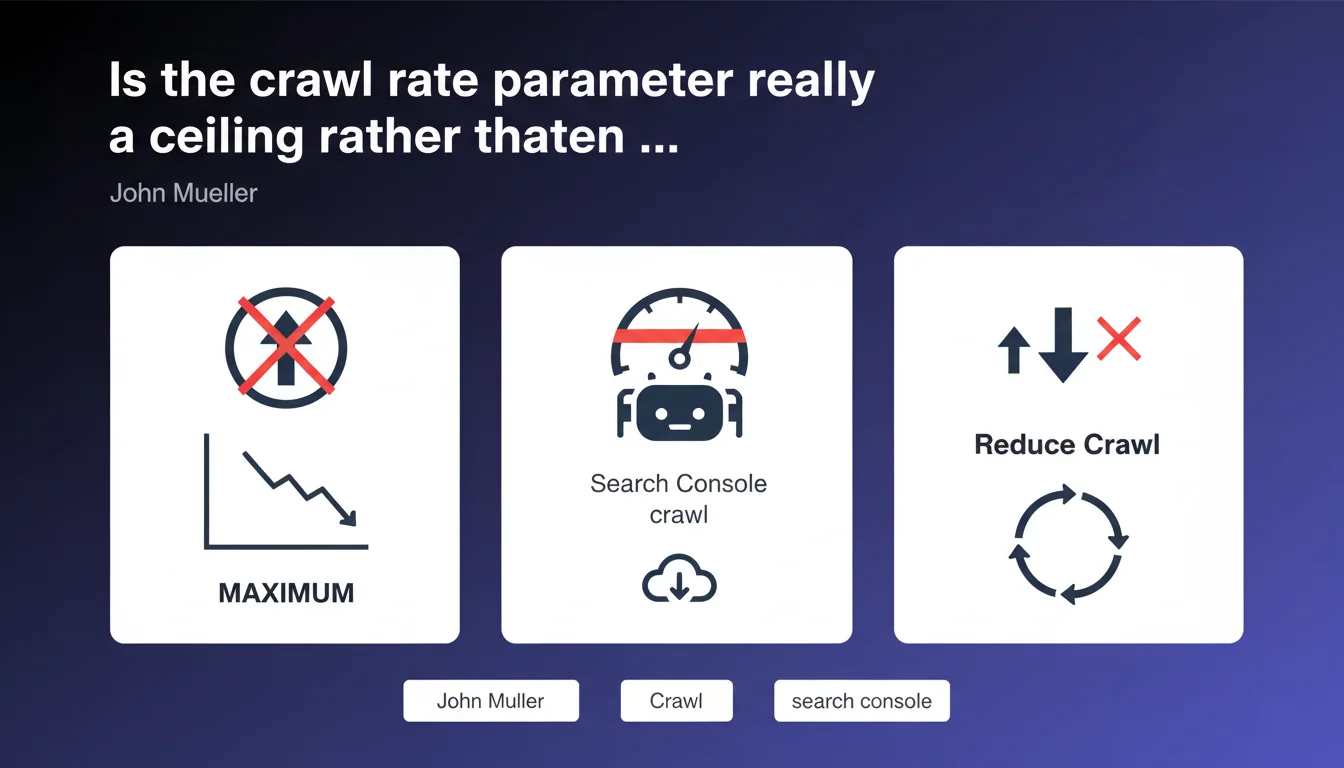
The crawl rate parameter in Search Console functions as a limiter, not as a target to achieve. Google does not commit to crawling more if you increase this ceiling — it serves only to protect your infrastructure against excessive load. Increasing this parameter therefore does not improve your crawl budget.
What you need to understand
What is the real function of the crawl rate parameter?
This parameter acts as a technical safeguard, not as an optimization lever. Concretely, it limits the number of requests per second that Googlebot can send to your server. If you set 10 requests/second, the bot will never exceed this threshold — but nothing compels it to reach this limit.
The common misconception is that by increasing this parameter, you encourage Google to crawl more actively. This is false. Google determines for itself the optimal crawl intensity according to its own criteria: content freshness, page popularity, technical quality of the site. The parameter merely caps this intensity if it threatens your server resources.
Why does this confusion persist among SEO professionals?
The Search Console interface can be misleading. When you see a slider that lets you increase or decrease a value, the reflex is to think that you are actively controlling the bot's behavior. In reality, you only control the upper end of the range.
Many under-crawled sites desperately seek levers to speed up indexation. Tweaking this parameter gives the illusion of taking action, when in reality the real bottlenecks lie elsewhere: poor architecture, duplicate content, slow servers, crawl budget wasted on useless URLs.
In which cases does this parameter become truly useful?
It mainly serves sites that suffer from excessive Googlebot pressure — typically during massive migrations, redesigns, or on fragile infrastructure. If your server is saturated due to crawling, reducing this ceiling protects your availability.
Conversely, increasing it only makes sense if Google is already knocking at the door with intensity close to the current ceiling AND your infrastructure can handle more. In other words, it is a rare scenario. Most sites never reach the configured limit.
- Maximum, not target — Google does not seek to reach the limit you set
- Server protection — The parameter prevents overload, it does not improve indexation
- Real crawl budget — Determined by Google according to its own criteria (popularity, freshness, quality)
- Legitimate use case — Reduce the ceiling if the server is struggling under Googlebot load
- Illusion of control — Increasing the limit does not force Google to crawl more
SEO Expert opinion
Is this statement consistent with field observations?
Absolutely. Across hundreds of audits, increasing this parameter has never triggered a measurable rise in crawl. Conversely, reducing it has sometimes stabilized saturated servers — which validates the logic of one-way limiter.
The real lever of crawl budget remains architectural quality: eliminating redirect chains, blocking unnecessary facets, optimizing internal linking, fixing server errors. These actions have direct and measurable impact. Playing with the Search Console slider? Zero observable effect.
Why doesn't Google communicate more clearly on this point?
Because opacity around crawl budget serves its interests. If Google detailed precisely how it allocates its resources, every site would seek to aggressively optimize these criteria — and the system would quickly be saturated with manipulations.
Mueller's formulation remains deliberately vague about how to actually increase crawl. He states what the parameter does not do, but does not explain what positively influences budget allocation. [To verify] — no public data details the exact weightings between popularity, freshness, and technical quality in the crawl budget equation.
In what cases might this rule not apply?
On giant platforms with millions of pages and ultra-performant elastic infrastructure, there exists a gray zone. If your server can handle 50 requests/second without breaking a sweat and Google is currently crawling at 30 req/s, increasing the ceiling to 60 could — theoretically — give it more room to intensify its crawl occasionally during specific events (large batch of new pages, for example).
But even in this scenario, nothing guarantees that Google will use this extra margin. It remains in control. Let's be honest: for 99% of sites, this debate is purely academic — the ceiling is never reached.
Practical impact and recommendations
What should you actually do with this parameter?
Don't touch it in 95% of cases. The default value is suitable for the majority of sites. If your server is not under duress and your crawl is not reaching the configured ceiling, modifying this parameter is a waste of time.
Instead, focus on the levers that actually influence crawl: clean up parasitic URLs, optimize server response times, intelligently structure your internal linking to guide Googlebot toward your strategic pages.
What mistakes should you absolutely avoid?
Never increase this parameter hoping to speed up the indexation of new pages. It won't work. If your pages are not being crawled, the problem lies elsewhere: depth in the site structure, lack of internal links, overly restrictive robots.txt, duplicate content diluting the budget.
Conversely, do not aggressively reduce the ceiling without valid reason. If Google is currently crawling at 5 req/s and you throttle to 2 req/s "as a precaution", you artificially create a bottleneck that will actually slow your indexation — there, in that case, you will have a measurable negative impact.
How do you verify that your configuration is optimal?
Check the "Crawl statistics" report in Search Console. Look at the number of requests per day and the curve over several weeks. If this curve is stable and well below the configured ceiling, all is well — no need to change anything.
If you observe crawl peaks that coincide with server slowdowns (verify your server logs or monitoring), then yes, reducing the ceiling might make sense. But document the correlation precisely before acting.
- Check the "Crawl statistics" report in Search Console regularly
- Compare actual crawl volume with the configured ceiling — if there is a large gap, the parameter is not the problem
- Monitor server load during Googlebot crawl peaks (server logs, response times)
- Reduce the ceiling only if the server is saturating AND crawl regularly reaches the limit
- Never increase the ceiling hoping to improve indexation — instead work on architecture and content quality
- Regularly audit crawled URLs to identify those wasting budget (facets, unnecessary parameters, duplicates)
- Optimize server response times to maximize the efficiency of allocated crawl
❓ Frequently Asked Questions
Augmenter le paramètre de taux de crawl va-t-il accélérer l'indexation de mes nouvelles pages ?
Dans quel cas dois-je réduire le taux de crawl maximum ?
Comment savoir si mon crawl budget est bien utilisé ?
Google peut-il crawler plus si j'ai un serveur très performant ?
Y a-t-il une valeur de taux de crawl idéale ?
🎥 From the same video 23
Other SEO insights extracted from this same Google Search Central video · published on 18/02/2022
🎥 Watch the full video on YouTube →
💬 Comments (0)
Be the first to comment.