
Official statement
Other statements from this video 23 ▾
- □ Google compte-t-il vraiment tous les liens visibles dans Search Console ?
- □ Faut-il vraiment concentrer son contenu sur moins de pages pour ranker ?
- □ Les critères d'avis produits Google s'appliquent-ils même si votre site n'est pas classé comme site d'avis ?
- □ L'API Indexing de Google fonctionne-t-elle vraiment pour tous les contenus ?
- □ L'E-A-T influence-t-il vraiment le classement Google ou n'est-ce qu'un mythe ?
- □ Les mentions de marque sans lien ont-elles un impact sur votre référencement ?
- □ Les commentaires d'utilisateurs améliorent-ils vraiment le classement dans Google ?
- □ Les certificats SSL premium influencent-ils vraiment le référencement Google ?
- □ PDF et HTML avec le même contenu : faut-il craindre une cannibalisation dans les SERPs ?
- □ Faut-il encore utiliser rel=next et rel=prev pour la pagination ?
- □ Googlebot peut-il vraiment indexer vos contenus en défilement infini ?
- □ Faut-il vraiment indexer toutes les pages de son site ?
- □ Faut-il s'inquiéter de la page référente affichée dans Google Search Console ?
- □ Faut-il vraiment rediriger l'ancien sitemap en 301 ou soumettre le nouveau directement ?
- □ Pourquoi 97% de crawl refresh est-il un signal positif pour votre site ?
- □ Comment Google détermine-t-il réellement la vitesse de crawl de votre site ?
- □ Vitesse de crawl et Core Web Vitals : pourquoi Google fait-il la distinction ?
- □ Pourquoi Google ralentit-il son crawl après un changement d'hébergement ?
- □ Le paramètre de taux de crawl est-il vraiment un plafond et non un objectif ?
- □ Le CTR peut-il vraiment pénaliser le reste de votre site ?
- □ Le maillage interne est-il vraiment l'élément le plus déterminant pour le SEO ?
- □ Le linking interne agit-il vraiment instantanément après recrawl ?
- □ Faut-il s'inquiéter si Google ne crawle pas toutes vos pages ?
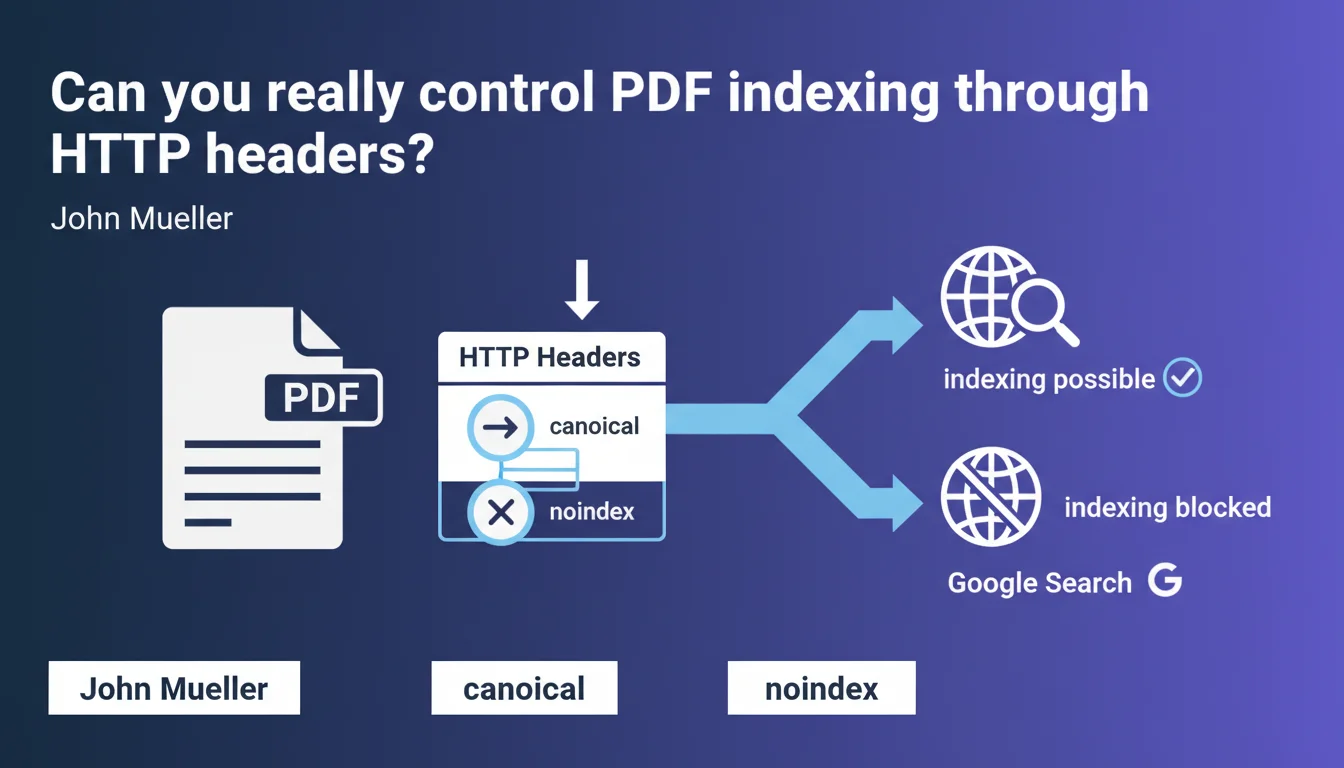
Google confirms that canonical tags and noindex work via HTTP headers for PDF files. In practice, you can control indexing and avoid duplicate content on your PDFs without modifying the file itself, directly at the server level. A technical flexibility that is often overlooked but remarkably effective.
What you need to understand
Why is this precision about PDFs so important?
PDF files pose a recurring SEO problem: they are crawled and indexed by Google, but their optimization remains complex. Unlike HTML pages, you cannot insert meta tags directly into their source code.
Mueller's statement clears up the ambiguity: HTTP headers can transmit these directives. This means a PDF file can receive a canonical or noindex instruction without modifying the original file, solely through server configuration.
How do these headers work concretely for PDFs?
When Googlebot crawls a PDF, it first reads the HTTP response headers from the server. If you configure a header Link: <URL>; rel="canonical", Google will interpret it as a regular canonical tag.
Same logic for noindex: an X-Robots-Tag: noindex header will tell Google not to index the document. This mechanism works exactly the same as for HTML pages — the only difference is the transmission channel.
What are the concrete use cases?
First case: you have a PDF accessible through multiple URLs (with/without parameters, mirror versions). The canonical header prevents duplication by consolidating signals toward a master URL.
Second case: some PDFs must remain accessible to users but don't deserve to be indexed (internal documents, draft versions, overly technical spec sheets). The noindex header handles this cleanly.
- HTTP headers allow you to control PDF indexation without modifying files
- The
Linkheader transmits a canonical directive - The
X-Robots-Tagheader manages noindex/nofollow - This method also works for other file types (images, videos, etc.)
- Configuration is done at the server level (Apache, Nginx, CDN...)
SEO Expert opinion
Does this statement really change the game?
Not really. X-Robots-Tag headers have been documented for years in Google's official documentation. What is interesting is that Mueller explicitly confirms it also works for PDFs — some SEOs still had doubts.
However — and this is where it gets tricky — this technique remains underutilized in practice. Why? Because it requires access to server configuration and technical understanding that many teams don't have. CMS platforms don't offer an interface for this by default.
What limitations should you be aware of?
First point: Google must crawl the PDF to read the headers. If your file is never crawled (robots.txt blocking, insufficient crawl budget), the headers are useless. Obvious, but too often forgotten.
Second point: canonical headers don't guarantee that Google will follow the directive 100%. Just like with HTML pages, it's a strong signal, not an absolute directive. Google may decide to index a variant if it seems more relevant to it. [To verify] in your edge cases — monitor Search Console.
Third point: some CDNs or proxy servers may modify or strip headers in transit. Always test with curl or a headers diagnostic tool to verify that directives are actually reaching Googlebot.
In which cases is this technique truly essential?
Let's be honest: if you only have a few PDFs and they don't cause duplication issues, you probably don't need it. The real use cases involve sites with large document volumes: e-commerce with PDF catalogs, B2B sites with technical documentation, publishing platforms.
In these contexts, header management becomes strategic. It allows you to centralize indexation rules at the infrastructure level rather than tweaking file by file. It's scalable, maintainable, and avoids human error.
Practical impact and recommendations
How to configure these headers on your server?
On Apache, use an .htaccess file or server configuration. To add a canonical: Header set Link "<https://example.com/main-document.pdf>; rel=\"canonical\"". For noindex: Header set X-Robots-Tag "noindex".
On Nginx, add to your location block: add_header Link "<https://example.com/main-document.pdf>; rel=\"canonical\""; or add_header X-Robots-Tag "noindex";. Don't forget to reload configuration after modifications.
If you use a CDN (Cloudflare, Fastly, AWS CloudFront), verify that your custom headers are not being overwritten. Most allow you to define specific rules by file type.
What mistakes should you absolutely avoid?
Classic mistake: applying a global noindex on /pdf/ when some documents deserve to be indexed. Refine your rules by subdirectory or URL pattern. The devil is in the details.
Another trap: forgetting that canonical headers require an absolute URL, not a relative one. Google won't guess your domain. Systematically test with a tool to validate the exact syntax received by the bot.
Last point: don't mix headers and meta tags if you generate dynamic PDFs with embedded metadata. In case of conflict, Google generally follows headers, but [To verify] — better to avoid ambiguity.
How to verify that your directives are being taken into account?
Use Search Console to monitor your PDF indexation. If you've applied noindex, verify that URLs progressively disappear from the index (this takes a few weeks).
For canonicals, inspect the URL in Search Console: Google indicates which URL it considers canonical. If it's not the one you defined, investigate — misconfigured header problem, conflict with other signals, or Google's editorial decision.
Also test with curl -I https://yoursite.com/document.pdf to see the headers returned by the server. If you don't see your directives, they're not reaching Googlebot either.
- Identify PDFs causing duplication issues or not deserving indexation
- Choose the configuration method appropriate for your tech stack (Apache, Nginx, CDN)
- Test first on a restricted sample before global deployment
- Verify headers actually sent with curl or a diagnostic tool
- Monitor impact in Search Console (indexation, detected canonical)
- Document your rules to facilitate future maintenance
❓ Frequently Asked Questions
Les headers HTTP canonical fonctionnent-ils uniquement pour les PDF ou aussi pour d'autres types de fichiers ?
Que se passe-t-il si j'ai à la fois un header canonical et un sitemap pointant vers une URL différente ?
Puis-je utiliser X-Robots-Tag pour d'autres directives que noindex ?
Combien de temps faut-il pour que Google prenne en compte un header noindex sur un PDF déjà indexé ?
Les headers canonical consomment-ils du crawl budget ?
🎥 From the same video 23
Other SEO insights extracted from this same Google Search Central video · published on 18/02/2022
🎥 Watch the full video on YouTube →
💬 Comments (0)
Be the first to comment.