
Official statement
Other statements from this video 19 ▾
- □ Should you panic if your hreflang disappears temporarily during a migration?
- □ Should you block GoogleOther or risk disrupting your Google services?
- □ Do local domains (ccTLD) really offer an SEO advantage for local search rankings?
- □ Does Google really treat a site after massive expansion as a brand new website?
- □ Why does Google keep displaying your old site name in search results long after a rebrand?
- □ Should you really fix every single indexation error Google reports in Search Console?
- □ How can you leverage the Google Search Status Dashboard API to supercharge your SEO tools?
- □ Why aren't your product structured data appearing in Google's rich results?
- □ Why does Google refuse to grant unlimited indexation request quotas in Search Console?
- □ Is your brand really stuck being confused with a common word? How long does Google actually need to figure it out?
- □ What's the only way to hide text from Google without using HTML tags?
- □ Is Schema Recipe really restricted to food recipes only, or can you use it creatively?
- □ Can Google actually transfer your SEO rankings during a domain migration?
- □ Does the noindex tag really only affect individual pages, or can it impact your entire site?
- □ Do you really need to fill in every single field of structured data for Google to actually use it?
- □ Does Google really use RSS feeds to discover and index new content on your site?
- □ Does the order of H1, H2, H3 tags really affect your Google rankings?
- □ Do links on crawl-blocked pages really lose all their SEO value?
- □ Does Google really require a specific sitemap structure, or can you organize them however you want?
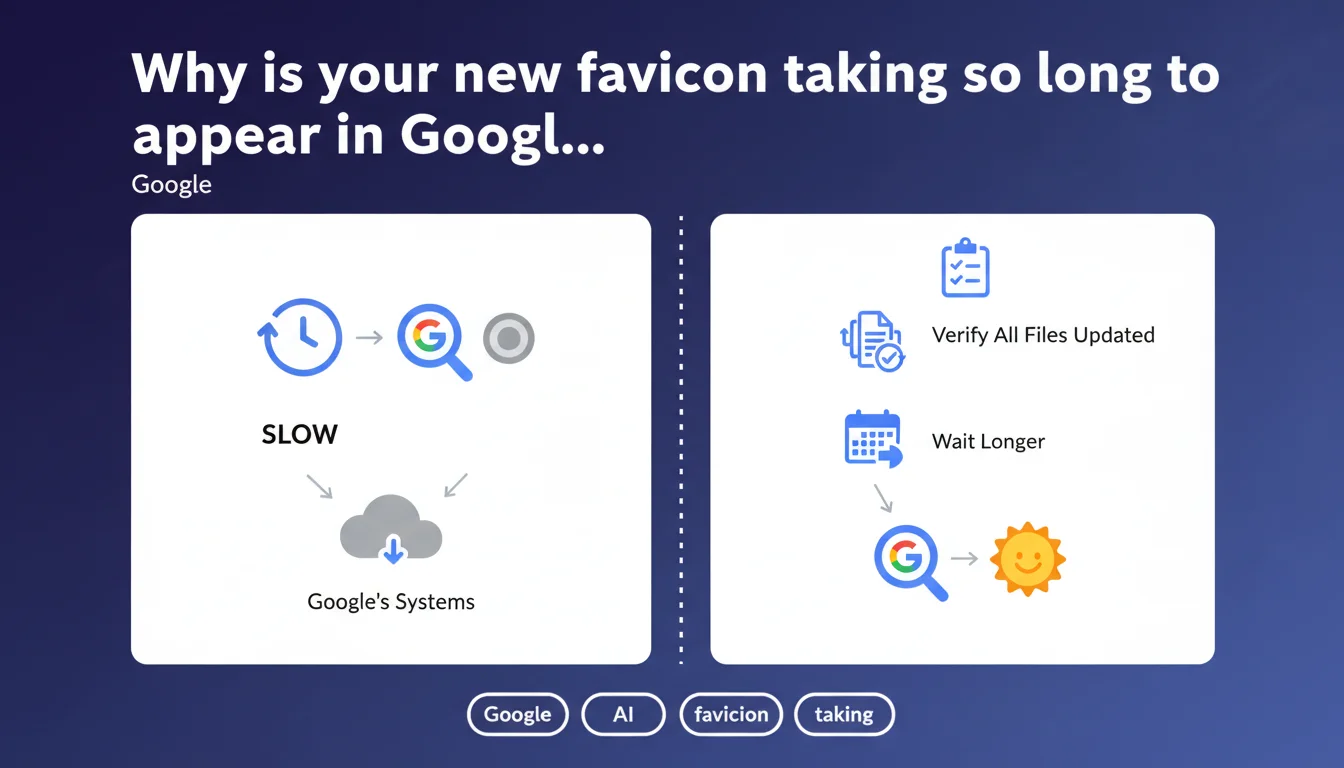
Google doesn't refresh favicons frequently because they rarely change. After an update, you need to verify that all relevant files are properly modified and simply wait. The delay can be lengthy without indicating a technical problem.
What you need to understand
Why doesn't Google refresh favicons in real time?
Google's systems prioritize their crawl and processing resources on elements that directly impact ranking and user experience. Favicons fall into the category of cosmetic resources: their change affects neither content, relevance, nor site performance.
Concretely, Google has implemented a differentiated refresh frequency depending on resource type. Editorial content can be re-crawled multiple times per day on news sites. Favicons, on the other hand, enter a much more spaced verification loop — likely monthly, or even quarterly for infrequently visited sites.
What files might be blocking your favicon update?
A website can declare multiple favicons in its code. The classic <link rel="icon"> tag, but also <link rel="apple-touch-icon"> for iOS, <link rel="shortcut icon"> (older syntax), and even declarations in the manifest.json file for PWAs.
If you update only the favicon.ico file at the root without touching other declarations, Google may continue displaying an old version referenced elsewhere. The engine doesn't seek to reconcile inconsistencies — it takes what it finds according to its internal prioritization logic.
How long do you really need to wait?
Google remains deliberately vague. The phrase "wait longer" is typical of their communication: no numbers, no SLA. Based on field observations, expect between 2 weeks and 2 months for a complete update.
The delay varies depending on your site's crawl budget, its overall update frequency, and probably other signals that Google doesn't spell out. A site crawled daily will see its favicon updated more quickly than a dormant site.
- Favicons are not a priority in Google's crawl and processing algorithm
- Multiple files can coexist: verify all declarations in the source code
- The normal delay is measured in weeks, not days — no technical intervention can speed it up
- Don't panic: an outdated favicon won't impact your ranking or organic traffic
SEO Expert opinion
Is this statement consistent with what we observe in the field?
Yes, completely. All SEO professionals have already encountered this incompressible delay. It's frustrating, but documented by collective experience. No manipulation — neither reindexing request, sitemap modification, nor cache clearing — seems to accelerate the process.
What's more interesting is what this statement doesn't say. Google doesn't explain why some sites see their favicon updated in a few days, while others wait months. There are probably prioritization criteria related to domain authority, perceived site freshness, or other trust metrics.
What are the limitations of this official explanation?
Google presents this delay as simply a matter of technical refresh frequency. Let's be honest: it's mainly a question of resource allocation. Refreshing millions of favicons daily would cost in bandwidth and storage, for marginal user benefit.
The recommendation to "simply wait" is correct, but frustrating for clients who just completed a visual identity overhaul. [To verify]: is there an internal prioritization mechanism we could trigger via Search Console? Officially no, but some practitioners report results after multiple URL inspection requests. Anecdotal at best.
Should you really worry about your favicon for SEO?
No. The favicon is not a ranking factor. Its role is purely cosmetic: improving visual brand recognition in browser tabs and search results. An outdated or missing favicon will never penalize your positioning.
On the other hand, on mobile, where space is precious, a professional and recognizable favicon can slightly improve click-through rate. It's marginal, but on competitive queries, every detail counts. Don't spend hours debugging a favicon — but don't completely neglect it either.
Practical impact and recommendations
What should you do concretely during a favicon update?
First step: audit all favicon declarations in your source code. Open your homepage, inspect the <head>, and list each <link rel="icon"> tag or variant. Also check the /favicon.ico file at the root, often forgotten.
Replace all files simultaneously. If you miss one, Google could continue displaying the old version depending on which file it chooses to use. Also remember specific declarations: Apple Touch Icon, icons of different sizes for Android, manifest.json file for PWAs.
Next, test the display in multiple contexts. Open your site in different browsers, clear the cache, verify that the correct favicon appears. Use tools like RealFaviconGenerator to validate technical compliance.
What mistakes should you avoid during the transition?
Don't block favicon resources in your robots.txt. Some sites ban crawling of static files to save crawl budget — that's counterproductive here. Google needs to access favicons to refresh them.
Avoid changing the favicon file URL if possible. If your old favicon was /favicon.ico and you're switching to /assets/favicon-v2.png, update all references AND maintain a 301 redirect from the old URL. Google may have cached the old reference.
Don't request URL inspection 15 times in Search Console hoping to speed up the process. It won't work. One inspection request can help Google discover the change, but the actual update will follow its own schedule.
How do you verify that the update is complete?
Type site:yourdomain.com in Google and look at the favicon displayed next to your results. Also test in private browsing to avoid local caches. Check on mobile, where display may differ.
If nothing has changed after 8 weeks, inspect your favicon URL in Chrome DevTools (Network tab) to verify it doesn't return an error. Also check that the file meets Google's technical recommendations: ICO, PNG, or SVG format, maximum size of 100 KB, dimensions that are multiples of 48 pixels.
- List all favicon declarations in source code (link rel, manifest.json, root file)
- Replace all files simultaneously and verify their accessibility
- Test display in multiple browsers and devices after cache clearing
- Don't block favicon files in robots.txt
- Maintain a 301 redirect if the file URL changes
- Wait at least 2 to 4 weeks before worrying
- Check display in SERPs via a
site:search in private browsing
Favicon management may seem anecdotal, but it fits into a broader approach to technical consistency on your site. If you're managing a visual identity overhaul or migration, these details — favicons, Open Graph tags, structured data — pile up quickly.
For high-stakes sites or complex projects involving multiple resource declarations, a complete technical audit helps identify these friction points before they become visible. Many SEO agencies specializing in this area offer support on these cross-cutting optimizations, ensuring comprehensive compliance without risk of oversight.
❓ Frequently Asked Questions
Peut-on forcer Google à mettre à jour un favicon plus rapidement ?
Un favicon obsolète peut-il nuire au référencement ?
Combien de temps faut-il attendre en moyenne pour voir le changement ?
Pourquoi Google affiche-t-il un favicon différent sur mobile et desktop ?
Faut-il soumettre le favicon dans le sitemap XML ?
🎥 From the same video 19
Other SEO insights extracted from this same Google Search Central video · published on 18/07/2024
🎥 Watch the full video on YouTube →
💬 Comments (0)
Be the first to comment.