
Official statement
Other statements from this video 10 ▾
- □ Why does Google force you to juggle three separate performance reports in Search Console?
- □ Are you really missing a significant chunk of your traffic by not filtering by search type in Search Console?
- □ Are your key pages missing from Google's search results? Here's how to fix your indexation issues
- □ Is internal navigation really enough to guarantee that your strategic pages get indexed?
- □ Does a low CTR really mean your search snippets are failing to attract clicks?
- □ Why aren't your Google News metrics showing up in Search Console?
- □ Why doesn't Google Search Console show search queries in the Google News report?
- □ Why does Google recommend analyzing your SEO performance over at least 16 months?
- □ Does the Most Recent Date option really allow you to detect trends in real time?
- □ How can comparing Search, News, and Discover reports transform your content strategy?
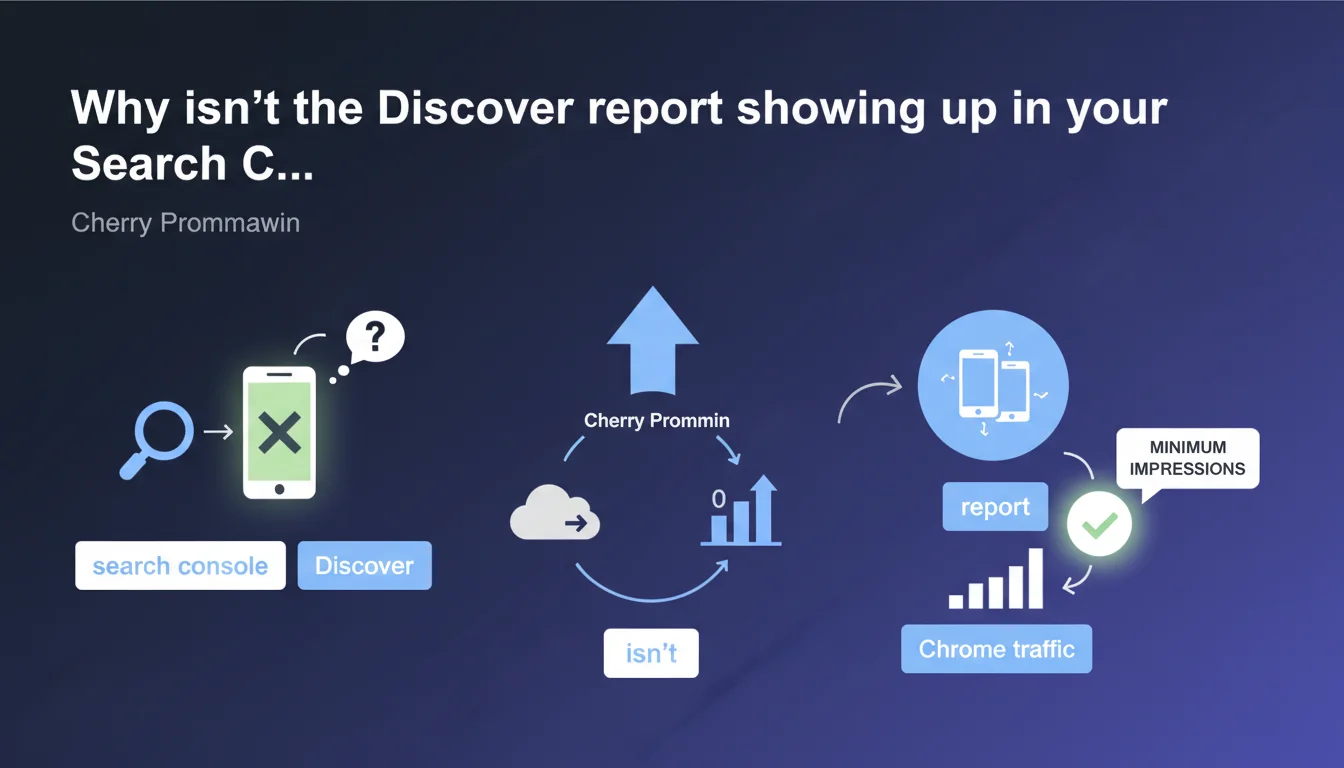
The Discover Performance report in Google Search Console is only visible if your property reaches a minimum threshold of impressions in Discover. This statement also confirms that Discover traffic includes all interaction surfaces, including Chrome. Google does not specify the exact threshold required.
What you need to understand
What is the impression threshold to see the Discover report?
Google imposes a minimum number of impressions for the Discover Performance report to appear in Search Console. In practical terms, if your site doesn't generate enough traffic from Discover, you simply won't have access to the report — even if you receive a few sporadic impressions.
The problem? Google doesn't disclose the exact figure. This opacity can be frustrating for growing sites that would like to track their initial Discover impressions to optimize their content strategy. Without data, it's difficult to steer the ship.
What does Google mean by "all surfaces"?
The statement clarifies that Discover traffic is counted across all surfaces where users interact with it, including Chrome. This means impressions and clicks from the Discover feed in the Google app, on Android, iOS, and in Chrome (via the integrated feed) are aggregated in this same report.
This is a useful clarification: you won't see a distinction between different Discover traffic sources. Everything is consolidated. For an SEO practitioner, this implies that you're working blind on the exact performance breakdown by platform.
What are the key takeaways?
- The Discover Performance report requires a minimum impression threshold that is not publicly disclosed
- Discover traffic aggregates all surfaces: Google app, Chrome, iOS, Android
- No visibility without sufficient volume — small sites may remain in the dark
- No distinction by platform in the data returned by Search Console
SEO Expert opinion
Is this statement consistent with real-world observations?
Yes and no. On the consistency side, we do indeed observe that many sites have never seen the Discover report appear, even while regularly producing content. The minimum impression threshold definitely exists — it's a reality experienced by thousands of site owners.
On the other hand, Google remains deliberately vague about the exact figure. Is it 1,000 impressions? 10,000? Over what period? This lack of transparency makes strategic planning difficult. [To verify]: some field reports suggest a threshold around 1,000 impressions over 28 days, but nothing official confirms this.
What nuances should be added about surface aggregation?
Aggregating all Discover surfaces into a single report simplifies readability, but it masks important behavioral differences. Desktop Chrome traffic, for example, doesn't have the same user profile as mobile Discover feed traffic on Android. Read times, bounce rates, consultation times — everything differs.
Let's be honest: this consolidation benefits Google by avoiding fragmented reports. For us, SEO practitioners, it means we need to cross-reference data with Google Analytics 4 to identify behaviors by device or source. Search Console alone isn't enough.
In what cases does this rule cause problems?
The main issue concerns emerging or niche sites. Imagine a specialized media outlet starting to produce Discover-focused content: no visible report for weeks, even months. Impossible to validate that the strategy is working, identify which topics trigger impressions, or optimize visuals.
The result? You optimize blind, relying solely on indirect signals (traffic spikes in GA4, referrals from google.com). It's not ideal. For high-volume sites, on the other hand, the threshold is exceeded quickly — they never encounter this problem.
Practical impact and recommendations
How can I tell if my site can access the Discover report?
The answer is simple: log into Search Console and check if the "Discover" tab appears in the "Performance" section. If it's not visible, you're not reaching the minimum impression threshold. No error message, no explanation — the tab is simply absent.
To work around this lack of visibility, set up a custom segment in GA4 filtering traffic from referral domains related to Discover (such as google.com with specific parameters). This way, you can track your initial impressions and clicks even without access to the official report.
What should you do concretely to maximize your chances of appearing in Discover?
Discover favors fresh, visual, and engaging content. Focus on topics with current relevance or evergreen value with a strong angle, high-quality images (minimum 1200px wide), and titles that spark curiosity without veering into clickbait. Formats like "guides," "analysis," and "in-depth breakdown" work well.
Technically, ensure your pages are crawlable, fast (Core Web Vitals), and your images are properly tagged with descriptive alt text. Discover relies on Google's standard index — if you're not well-indexed, you won't appear in Discover either.
What mistakes should you avoid to not compromise your Discover visibility?
- Don't publish content without quality images: Discover is ultra-visual; a mediocre image kills your chances
- Avoid misleading or sensational titles: Google penalizes aggressive clickbait
- Don't neglect content freshness: Discover favors recent publications or regularly updated content
- Don't overlook Core Web Vitals: degraded user experience reduces your chances of appearing
- Don't rely solely on Search Console to measure your early progress: use GA4 in parallel
❓ Frequently Asked Questions
Quel est le seuil minimum d'impressions pour voir le rapport Discover ?
Peut-on suivre le trafic Discover sans accès au rapport Search Console ?
Le trafic Discover depuis Chrome est-il comptabilisé différemment ?
Si le rapport Discover n'apparaît pas, est-ce que mon contenu est quand même éligible ?
Comment augmenter mes chances d'atteindre le seuil Discover ?
🎥 From the same video 10
Other SEO insights extracted from this same Google Search Central video · published on 23/05/2023
🎥 Watch the full video on YouTube →
💬 Comments (0)
Be the first to comment.