
Official statement
Other statements from this video 11 ▾
- □ Does broken HTML really hurt your search rankings?
- □ Are broken metadata silently sabotaging your SEO without triggering indexation failures?
- □ Should you still use the meta keywords tag for SEO in 2025?
- □ Do HTML comments really have any impact on your Google rankings?
- □ Is your WordPress theme silently destroying your SEO without you knowing it?
- □ Are Core Web Vitals Really a Ranking Factor in Google?
- □ Is your JavaScript content actually being indexed by Google, or is it invisible to Googlebot?
- □ Why does Google's Indexing API remain locked down to only two content types?
- □ Does Google really give Angular special treatment in search rankings?
- □ Are you really leaving all those Google scripts slowing down your site?
- □ Does semantic HTML structure really matter for Google's content understanding?
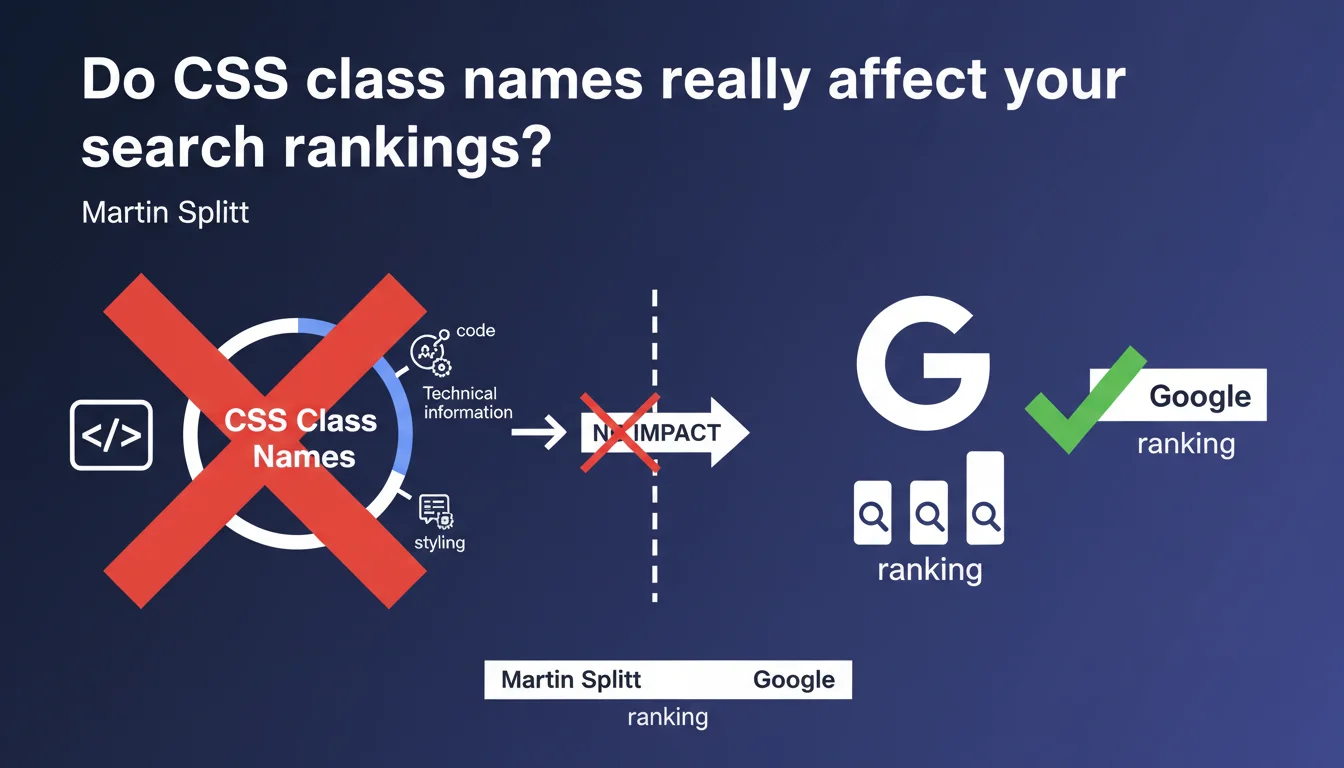
Google confirms that CSS class names have zero SEO impact and there's no point stuffing keywords into them. These attributes are purely technical with no semantic value for the algorithm. A welcome clarification that should put an end to this obsolete practice that's still surprisingly common.
What you need to understand
Why does this confusion still persist today?
The temptation to optimize CSS class names with keywords dates back to early SEO days, when every piece of text in HTML code seemed potentially exploitable. Some practitioners believed that Google analyzed these attributes to better understand the semantic context of a page.
This belief perpetuated itself through mimicry and lack of clear documentation. For years, no official statement explicitly settled the question — until Martin Splitt's clarification.
What's Google's technical stance on CSS classes?
Google treats class names as purely technical information, just like IDs or developer comments. Their function is limited to visual styling and client-side JavaScript manipulation.
The ranking algorithm doesn't crawl these attributes to extract semantic meaning. Replacing class="product-title" with class="abc123" will have absolutely no impact on your rankings.
Can developers completely ignore SEO in their naming conventions?
Absolutely. Front-end teams are free to adopt any methodology — BEM, Atomic CSS, Tailwind, CSS-in-JS — without worrying about any SEO repercussions. Code maintainability and internal consistency take priority.
That said, clean CSS architecture indirectly benefits SEO by enabling better HTML organization, clear hierarchy, and optimized load times. But this is a side effect, not a direct correlation.
- CSS class names are not indexed or analyzed by Google for ranking
- No SEO advantage to stuffing keywords into your
classattributes - Focus your optimization efforts on HTML5 semantic tags and visible content
- Modern CSS methodologies (BEM, Tailwind) are fully compatible with SEO best practices
- Indirect impact is limited to overall code quality and rendering performance
SEO Expert opinion
Is this statement consistent with real-world observations?
Completely. No serious A/B test has ever shown that optimizing class names impacts rankings. Isolated cases where correlation seemed to appear actually stemmed from other factors — overall HTML redesign, improved semantic structure, better heading hierarchy.
SEO audit tools that still flag CSS classes as optimization opportunities are simply outdated. They apply dated heuristics with no technical foundation anymore.
Should we completely neglect CSS architecture then?
No, and here's where nuance matters. While class names have no direct impact, terrible CSS architecture can cause measurable side effects: bloated CSS files that slow rendering, proliferation of inline styles that bloat HTML, JavaScript overkill compensating for poor structure.
These problems degrade Core Web Vitals (LCP, CLS) and user experience — two factors that genuinely matter. Clean CSS therefore indirectly contributes to better technical SEO, even though attribute names remain neutral.
Are there exceptions where CSS classes might play a role?
In theory, no. In practice, one situation deserves attention: structured data injected via classes. Some JavaScript frameworks use class names to trigger rich snippet injection or client-side JSON-LD generation.
In this specific case, it's not the class name itself that matters to Google, but the JavaScript it triggers and the structured data it generates. The real issue remains the final render seen by Googlebot. [To verify]: Google hasn't provided detailed documentation about crawling classes used as selectors for dynamic content hydration.
Practical impact and recommendations
What should you actually do with your current CSS conventions?
Nothing. If your team already uses a consistent methodology (BEM, SMACSS, Tailwind), don't change anything under the guise of SEO optimization. You'd waste time for zero measurable gain.
If, on the other hand, you'd adopted heavy conventions specifically for SEO — like prefixing every class with a target keyword — you can drastically simplify your code without worry. This will lighten your CSS files, improve readability for developers, and potentially reduce page weight.
What mistakes should you avoid going forward?
Stop wasting time optimizing class names for Google. This is SEO cargo cult — a inherited practice with no real foundation.
Also avoid confusing CSS classes with HTML5 semantic tags. Replacing <article> with <div class="article"> remains a major SEO error, even though the class itself isn't analyzed. Google understands native tags, not your naming conventions.
How do you verify your CSS architecture isn't indirectly harming SEO?
Focus on metrics that actually matter: CSS load times, number of HTTP requests, total stylesheet weight, impact on Core Web Vitals. These elements have measurable ranking effects.
Use standard tools — Google PageSpeed Insights, Chrome DevTools, WebPageTest — to identify bottlenecks. If your CSS blocks rendering or generates high CLS, you have a real SEO problem to fix.
- Continue using your usual CSS conventions without SEO afterthought
- Remove unnecessary keyword prefixes if you'd implemented them
- Favor lightweight and maintainable CSS architecture (fewer files, better compression)
- Audit your CSS's impact on Core Web Vitals, not on attribute names
- Ensure critical content displays even if CSS fails to load (progressive enhancement)
- Verify Googlebot receives complete rendering if you use JavaScript relying on classes
- Clearly document your conventions for teams — internal consistency beats phantom optimization
❓ Frequently Asked Questions
Puis-je utiliser Tailwind CSS sans craindre un impact SEO négatif ?
Les classes CSS jouent-elles un rôle pour l'accessibilité détectée par Google ?
Faut-il supprimer les anciennes classes optimisées pour le SEO ?
Les data-attributes ont-ils le même statut que les classes CSS ?
Une refonte CSS peut-elle indirectement améliorer mon SEO ?
🎥 From the same video 11
Other SEO insights extracted from this same Google Search Central video · published on 26/06/2025
🎥 Watch the full video on YouTube →
💬 Comments (0)
Be the first to comment.