
Official statement
Other statements from this video 11 ▾
- □ Le HTML invalide nuit-il vraiment au référencement naturel ?
- □ Pourquoi vos métadonnées cassées sabotent-elles votre SEO sans bloquer l'indexation ?
- □ Faut-il encore utiliser la balise meta keywords en SEO ?
- □ Les commentaires HTML ont-ils un impact sur le référencement Google ?
- □ Les noms de classes CSS influencent-ils vraiment votre référencement naturel ?
- □ Votre thème WordPress sabote-t-il votre référencement sans que vous le sachiez ?
- □ Les Core Web Vitals sont-ils vraiment un levier de classement dans Google ?
- □ Comment vérifier que JavaScript ne bloque pas l'indexation de votre contenu ?
- □ Pourquoi l'API d'indexation Google reste-t-elle bloquée sur deux types de contenus ?
- □ Angular bénéficie-t-il d'un traitement de faveur chez Google ?
- □ La structure HTML sémantique est-elle vraiment un facteur de compréhension pour Google ?
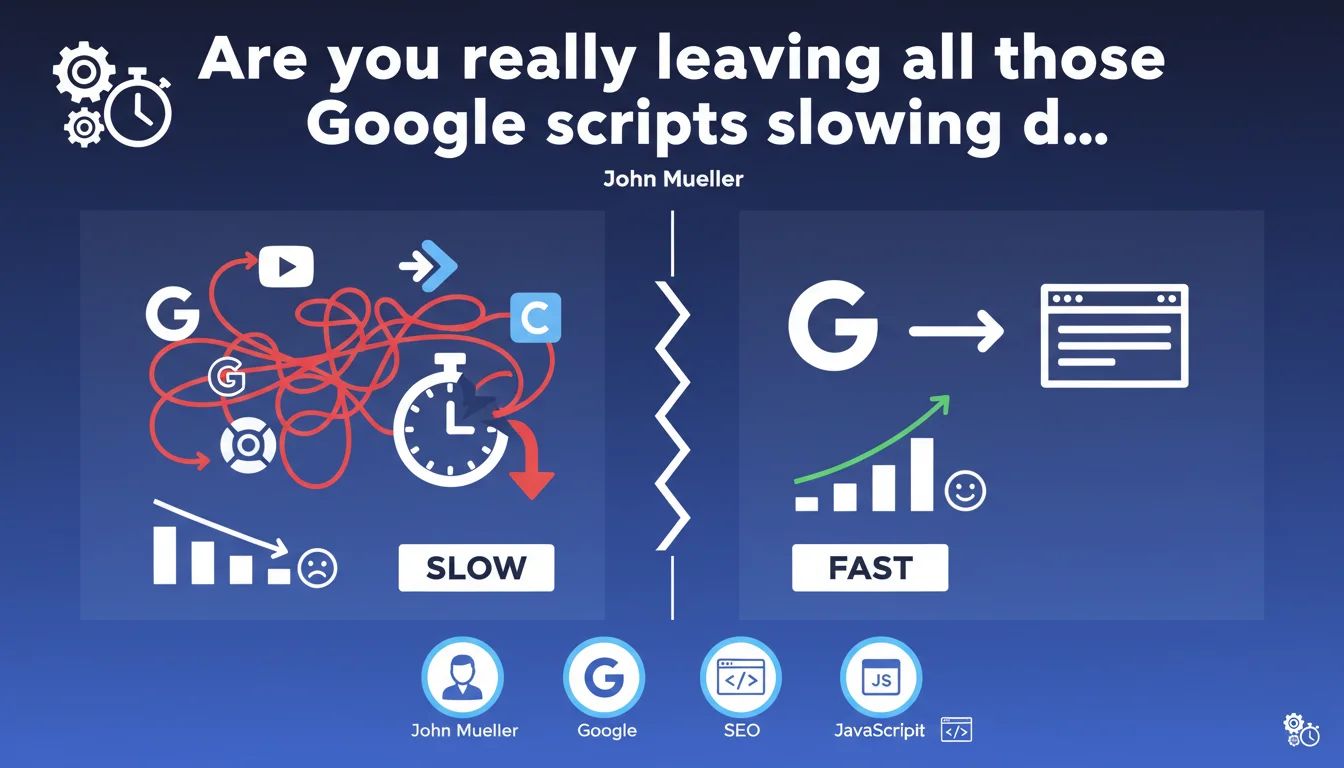
John Mueller confirms that accumulating JavaScript snippets from Google (Analytics, Tag Manager, Ads, etc.) can seriously degrade a site's performance and impact its SEO. Rendering becomes sluggish, Core Web Vitals collapse, and Google itself suffers the consequences. The solution? Be ruthless about auditing and load only what actually serves a purpose.
What you need to understand
Why is Google sounding the alarm about its own tools?
The irony is delicious: Google officially acknowledges that its own scripts can crush a site's performance. We're talking about Tag Manager, Analytics, Google Ads, Optimize, reCAPTCHA, Maps, Fonts... The list goes on, and many sites pile them on without thinking.
The problem is that each script loads its dependencies, executes code, consumes bandwidth and CPU time. Result: rendering slows down, interactivity degrades, and Core Web Vitals (LCP, FID, CLS) spiral out of control. This isn't theoretical — it's measurable and documented.
What's the direct connection to SEO?
Since the introduction of Page Experience as a ranking signal, Core Web Vitals officially count. A site loading 8 different Google scripts can easily blow up its Time to Interactive and Cumulative Layout Shift.
Google says it straight: these slowdowns can have negative effects on SEO. It's not a threat — it's a fact. Sites that don't manage their JavaScript load are penalized, whether they use Google scripts or not.
Do all Google scripts have the same performance impact?
No. Not all scripts weigh the same. Google Tag Manager, when properly configured, can even improve performance by centralizing loading. But a badly configured GTM with 15 tags executing on initial load is a dead weight.
Google Analytics 4 is lighter than Universal Analytics, but still resource-hungry. Google Ads Remarketing, Google Optimize in visible A/B test mode, reCAPTCHA v2 with iframe... each layer adds its own latency. You need to weigh the ROI of each script — don't just install them by default.
- Google scripts are not exempt from performance constraints — Mueller states this explicitly
- The cumulative effect makes the difference: 1 or 2 scripts are fine, 6 or 8 kill Core Web Vitals
- Render-blocking is the real enemy — an asynchronously-loaded script in the wrong place can slow everything down
- Core Web Vitals remain a ranking signal, even though Google often downplays their actual weight
- Google's transparency here is rare — they admit a conflict of interest between monetization (Ads, Analytics) and user experience
SEO Expert opinion
Is this statement consistent with real-world observations?
Absolutely. In concrete audits, we regularly see 6 to 10 different Google scripts on sites that display catastrophic PageSpeed scores. FID explodes, LCP exceeds 4 seconds, and CLS bounces with every script load.
What's interesting here is that Mueller provides no precise figures. How many scripts is too many? What threshold should you avoid? No answer. [To verify]: we'd need Google's internal case studies to quantify the real impact script by script.
What nuance should be added to this warning?
The impact heavily depends on how the scripts are loaded. A properly configured GTM with deferred loading of non-critical tags can be nearly invisible. But a GTM triggering 8 tags synchronously on first pixel painted is a disaster.
There's also the matter of business priorities. An e-commerce site needs conversion tracking, remarketing, A/B testing. Removing these tools can cost more in lost revenue than you'd gain in SEO. The real challenge is technical optimization — not blind removal.
When does this rule not apply?
On a purely informational site with no conversion goals, you can afford to strip out 80% of Google scripts without business impact. But on a transactional site, the math changes. A Google Ads script that slows the site by 200ms but generates €50k/month in revenue shouldn't be removed — it should be optimized.
Another case: sites with solid technical infrastructure (performant CDN, powerful server, aggressive caching) can absorb more scripts without visible degradation. The issue primarily affects mid-market sites with average hosting and fragile development.
Practical impact and recommendations
What concrete steps should you take to minimize damage?
First reflex: audit all Google scripts present on your site. GTM, Analytics, Ads, Optimize, Fonts, Maps, reCAPTCHA, Search Console, YouTube embeds... list them all. Then ask yourself the simple question: does this script actually serve a purpose? Are we actively using it?
Second step: configure asynchronous and deferred loading. Use async/defer attributes intelligently. GTM should be async, non-critical tags should trigger after user interaction or after full page load.
Third action: measure the real impact in PageSpeed Insights and Chrome User Experience Report. Look at Core Web Vitals before and after removing each script. Sometimes a single script accounts for 70% of load time — that's the one to prioritize removing.
What mistakes must you absolutely avoid?
Never load all scripts synchronously in the head. It's the best way to block rendering for 2 to 3 seconds. Even Google scripts should be asynchronous or deferred, except in exceptional cases (like critical fraud protection).
Also avoid duplicating scripts. We regularly see Analytics loaded twice (once directly, once via GTM), or Google Fonts called from 3 different locations. Consolidate everything into GTM if possible and disable duplicates.
Last common mistake: installing scripts "just in case". Google Optimize on a site that never runs A/B tests. Google Ads Remarketing on a site with no Ads budget. reCAPTCHA v2 on a form receiving 3 submissions per month. Each useless script costs performance points for zero ROI.
How can you verify your site meets best practices?
Use PageSpeed Insights and Lighthouse to identify scripts blocking render. The "Reduce the impact of third-party code" section will give you the exact list of Google scripts weighing heavily.
Install Chrome DevTools Coverage to see what percentage of loaded JavaScript code is actually executed. Often, 60% of loaded Google code never runs on the current page — pure waste.
Finally, monitor Core Web Vitals in real conditions via Google Search Console. If your real-world metrics are poor despite good Lighthouse scores, your scripts are likely causing problems on mobile or slow connections.
- List all Google scripts present on the site (GTM, Analytics, Ads, Fonts, Maps, etc.)
- Verify that each script has active, measurable usage — remove "just in case" scripts
- Configure GTM to load non-critical tags with deferred loading or after user interaction
- Use async/defer on all scripts, except when justified otherwise
- Eliminate script duplicates (Analytics loaded twice, Fonts three times, etc.)
- Measure each script's impact in PageSpeed Insights before/after removal
- Monitor actual Core Web Vitals in Search Console and adjust continuously
- Disable Google Optimize, reCAPTCHA v2, or other heavy scripts if their ROI is low
❓ Frequently Asked Questions
Combien de scripts Google maximum peut-on installer sans risque SEO ?
Google Tag Manager ralentit-il forcément un site ?
Faut-il supprimer Google Analytics pour améliorer les Core Web Vitals ?
Les scripts Google sont-ils traités différemment par Googlebot en termes de performance ?
Peut-on charger tous les scripts Google via un seul GTM pour optimiser les performances ?
🎥 From the same video 11
Other SEO insights extracted from this same Google Search Central video · published on 26/06/2025
🎥 Watch the full video on YouTube →
💬 Comments (0)
Be the first to comment.