
Official statement
Other statements from this video 9 ▾
- □ Why does Google require your CSS files to be crawlable?
- □ Is CSS ::before and ::after content really invisible to Google?
- □ Why does Google fail to recognize hashtags generated through CSS ::before?
- □ Why aren't your CSS background images ever showing up in Google Images?
- □ Could strict HTML and CSS separation be the missing piece in your indexation strategy?
- □ Does 100vh really cause indexation problems for your hero images?
- □ Why can Google Search Console screenshots mislead you about your site's indexation?
- □ Why does Google require <img> tags for stock images instead of CSS?
- □ Can CSS Harm Your SEO Just Like JavaScript Does?
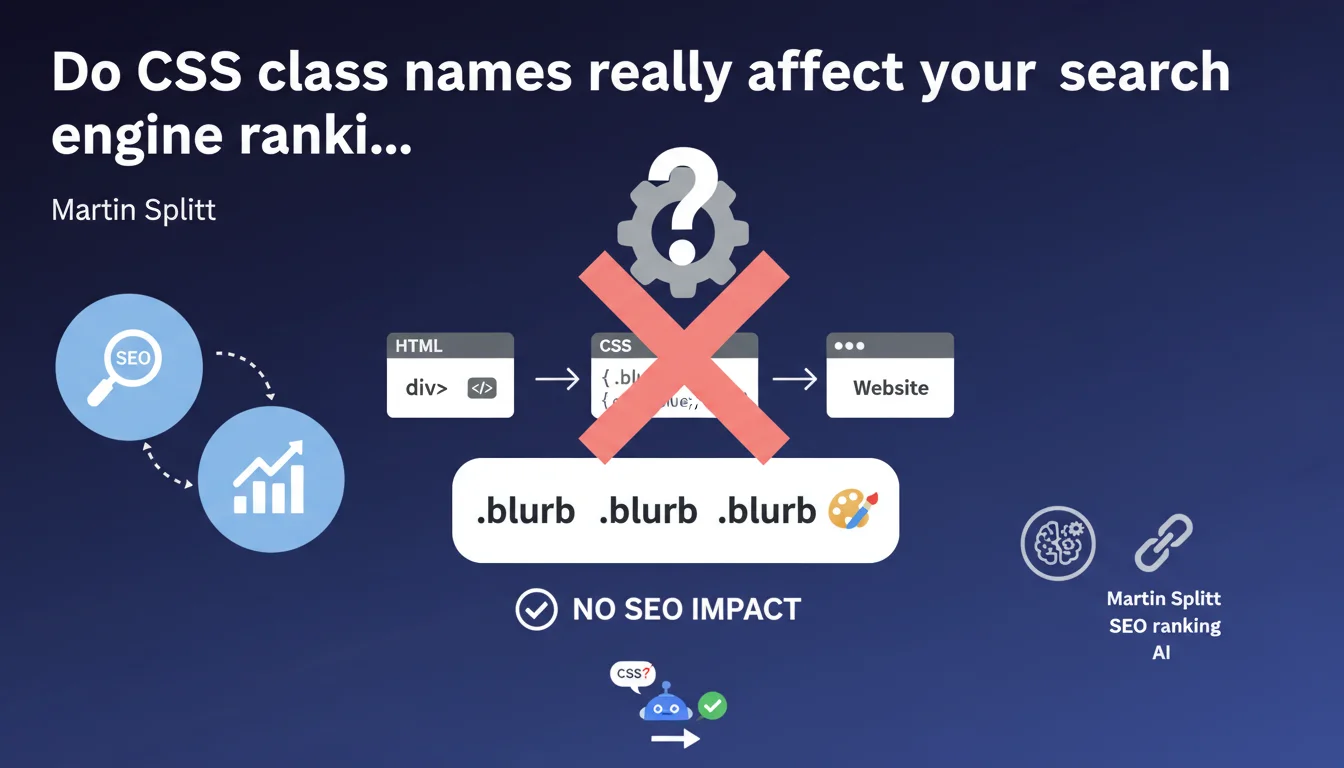
Google confirms that CSS class names have no influence whatsoever on search rankings. Whether you use BEM conventions, descriptive names, or simply 'a', 'b', 'c', your SEO remains completely unaffected. The only constraint is code maintainability for your developers.
What you need to understand
Why does Google specifically clarify that CSS classes don't impact SEO?
This clarification addresses a persistent misconception in the SEO community: some practitioners still believe that semantic class names ('header-main', 'product-title') help Google better understand a page's structure.
This is incorrect. Google analyzes semantic HTML (h1 tags, article, nav, etc.) and text content, not your CSS conventions. Classes serve only to apply styles — their naming is completely transparent to search engines.
Does Google exploit CSS classes in any way?
No. Google's crawlers completely ignore class attributes when evaluating page relevance. They don't use them for indexing, ranking, or understanding content.
Even if you name all your classes 'x' or use random hashes generated by webpack, your organic visibility won't budge one bit. What matters: the HTML tag where your text sits, not the class decorating it.
What confusion is this statement trying to clear up?
Some SEO tools analyze source code and flag « issues » when classes lack consistency or seem non-semantic. Result: marketers waste time refactoring CSS hoping for SEO gains.
Others confuse CSS classes with structured data (schema.org), which do have real impact. Martin Splitt cuts through it: your CSS conventions are about code organization, not search rankings.
- CSS classes don't affect crawling, indexation, or ranking
- Google relies on semantic HTML and text content to understand a page
- Naming your classes 'header' or 'xyz123' produces exactly the same SEO result
- Don't confuse CSS classes with structured attributes (microdata, JSON-LD)
- Dedicate your time to optimizations that truly matter: HTML structure, content quality, performance
SEO Expert opinion
Is this position consistent with real-world observations?
Completely. In fifteen years of practice, no correlation has ever been established between CSS naming conventions and organic performance. Sites using auto-generated classes (CSS Modules, Tailwind with purge, etc.) face no penalties.
However, be careful: if your CSS classes hide content via display:none or visibility:hidden excessively, it's the hidden content that's problematic, not the class name. An important nuance that Splitt doesn't detail here.
Are there edge cases where classes could have indirect impact?
One scenario deserves attention: heavy CSS frameworks that bloat file size. If your CSS weighs 2 MB because you kept all Bootstrap classes without purging, your load time suffers — and yes, SEO gets hit.
But it's not the class names causing the problem, it's their volume and weight. Same logic for critical CSS: no matter how you name your above-the-fold classes, what matters is they load fast.
Should you completely ignore classes in an SEO audit?
Almost. Just verify that your classes aren't being used to hide strategic content suspiciously or create CSS cloaking (showing content to bots, different content to users). Beyond that, let your developers organize their CSS as they see fit.
If an SEO tool alerts you to « non-semantic classes », ignore this recommendation. Focus on HTML semantics (h1-h6, nav, article, main) which actually matter.
Practical impact and recommendations
What exactly should you verify on your site?
Stop wasting time auditing your CSS naming conventions for SEO purposes. Instead, verify that your HTML structure follows best practices: single h1, logical heading hierarchy, appropriate semantic tags.
If you use an auto-generated class generator (styled-components, CSS Modules), keep it. No reason to revert to « readable » classes for Google — it doesn't read them.
What mistakes should you stop making immediately?
Stop refactoring your CSS classes thinking it will improve your SEO. That time should go toward content quality, loading speed, or Core Web Vitals.
Don't rely on tools that penalize « bad class names » in their SEO score. These alerts relate to code quality, not search rankings. Two separate universes.
How should you redirect your efforts toward what actually matters?
Focus on elements Google actually analyzes: title and meta tags, heading structure, structured data (JSON-LD), internal linking, editorial quality, loading time.
If you must optimize your CSS, do it for performance (minification, purging unused classes, critical CSS) and user experience, not for a hypothetical SEO gain from class names.
- Audit your semantic HTML markup, not your CSS classes
- Verify that your classes don't hide strategic content via excessive display:none
- Ensure essential content isn't injected via CSS (::before/::after)
- Optimize your CSS file weight for Core Web Vitals, not for class naming
- Ignore SEO tool alerts about « non-semantic classes »
- Invest your time in real levers: content, HTML structure, internal linking, structured data
- Let your developers use whatever CSS conventions they prefer (BEM, OOCSS, Atomic CSS, random hashes)
🎥 From the same video 9
Other SEO insights extracted from this same Google Search Central video · published on 24/07/2025
🎥 Watch the full video on YouTube →
💬 Comments (0)
Be the first to comment.