
Official statement
Other statements from this video 9 ▾
- □ Les noms de classes CSS ont-ils un impact sur votre référencement naturel ?
- □ Le contenu CSS ::before et ::after est-il vraiment invisible pour Google ?
- □ Pourquoi Google ignore-t-il les hashtags ajoutés en CSS ::before ?
- □ Pourquoi vos images en background CSS ne sont-elles jamais indexées par Google Images ?
- □ Pourquoi séparer strictement HTML et CSS peut-il sauver votre indexation ?
- □ Le 100vh pose-t-il vraiment un problème d'indexation pour vos images hero ?
- □ Pourquoi la capture d'écran de Google Search Console peut-elle vous induire en erreur ?
- □ Pourquoi Google exige-t-il des balises <img> pour les images de stock ?
- □ Le CSS peut-il nuire au SEO comme JavaScript ?
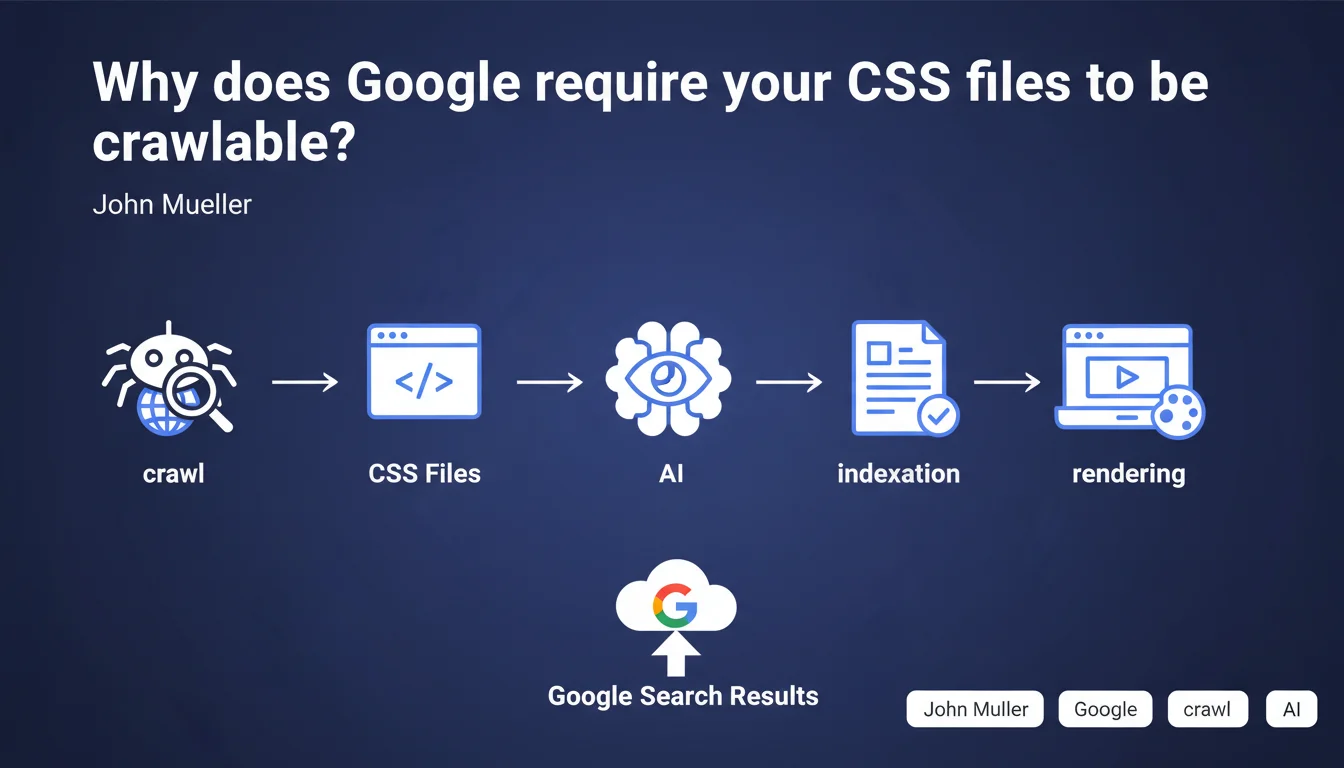
Google officially states that CSS files must be accessible to crawlers. This requirement is far from trivial: it confirms that Googlebot needs to analyze your styles to understand the actual rendering of your pages. Blocking your CSS via robots.txt can directly impact your indexation and quality assessment.
What you need to understand
Does Google really analyze the content of my CSS?
The answer is yes, and it has since at least 2014. When Google introduced generalized JavaScript rendering, it simultaneously began to load CSS resources to simulate the behavior of a real browser.
Concretely? Googlebot downloads your stylesheets to evaluate whether your content is visible, whether elements are hidden, whether the layout is consistent. Text hidden with display:none or positioned off-screen via CSS will be detected — and potentially devalued.
What's the difference between crawlable and mandatory?
Mueller says that CSS "must be crawlable," not that it must exist or be perfect. A subtle but crucial nuance.
This means that if you block your CSS in robots.txt, you deprive Google of an analysis layer. But if your CSS is accessible and Googlebot fails to load it (500 error, timeout), it will attempt to compensate with other signals. It's not binary: no crawlable CSS = no indexation. It's more progressive.
What's the link between CSS and Core Web Vitals?
The Core Web Vitals measure real user experience, and CSS plays a direct role in Cumulative Layout Shift (CLS) and Largest Contentful Paint (LCP).
Google uses CSS to anticipate rendering issues: images that cause shifts, fonts that load late, blocks that resize. If your styles are not accessible, Google loses this predictive ability — and you lose points on the overall evaluation of your page.
- Allowing CSS crawling in robots.txt has been a technical obligation for years
- Google uses CSS to detect hidden content and manipulative practices
- Full page rendering influences quality assessment and user experience
- CSS indirectly impacts performance signals (CLS, LCP)
SEO Expert opinion
Is this statement consistent with what we observe in the field?
Absolutely. Since 2015-2016, we've observed that sites blocking their CSS in robots.txt suffer from indexation anomalies: pages indexed without formatting, content misinterpreted, Rich Snippets disappearing.
Laboratory tests confirm it: when Googlebot cannot access CSS, it falls back on purely textual analysis — and misses crucial signals like visual hierarchy, main content areas, or interactive elements.
Should you go as far as optimizing your CSS for SEO?
This is where it gets interesting. Allowing crawling is the bare minimum. But actively optimizing your CSS for Googlebot? That's another story.
Some practitioners push the logic further by inlining critical CSS to speed up First Contentful Paint, or by removing unused styles to reduce weight. These optimizations have a measurable impact on Core Web Vitals — and thus indirectly on rankings.
But beware: don't fall into excessive optimization. Clean, well-structured CSS is plenty. Googlebot doesn't need perfect CSS to understand your page, just accessible and functional CSS.
What are the risks if you ignore this recommendation?
Blocking your CSS is a calculated risk — and often poorly calibrated. You won't be deindexed overnight, but you create blind spots in Google's analysis.
The real danger? False positives. Google might interpret an element as cloaking when it's simply a CSS accordion. Or miss a key content area because it's positioned via Flexbox. Why take that risk to save a few server requests?
Practical impact and recommendations
How do you verify that your CSS is accessible to Googlebot?
First reflex: open your robots.txt file and search for any Disallow directive pointing to your CSS folders (/css/, /styles/, /assets/). If you find a blocking rule, remove it immediately.
Next, use the URL Inspection tool in Google Search Console. Request a live test, then check the "Resources" tab: your CSS files should appear in green, with no 403 or 404 errors.
What critical errors must you absolutely avoid?
Classic mistake: blocking CSS to "save crawl budget." Let's be honest, unless you manage a site with millions of pages, crawl budget is probably not your main concern.
Another trap: using X-Robots-Tag directives on your CSS files. Some developers add noindex to static resources to "clean" the index. Result? Googlebot can no longer load them for rendering.
Last common error — CSS loaded dynamically via JavaScript without a fallback. If your main CSS is injected by a React bundle without a static version, Googlebot might miss it on the first crawl pass.
What should you do concretely right now?
Audit your robots.txt and remove any directive blocking CSS or JavaScript files. This is non-negotiable in 2025.
Next, check the loading performance of your CSS: a file that takes 10 seconds to load will be abandoned by Googlebot, even if technically accessible.
Finally, test the rendering of your key pages with the Rich Results test tool or URL inspector. Compare Googlebot rendering with real user rendering. Discrepancies often reveal underlying CSS issues.
- Check robots.txt: no Disallow directives on /css/ or /styles/
- Test CSS access via URL Inspection tool (Google Search Console)
- Control HTTP headers of CSS files: no X-Robots-Tag noindex
- Audit CSS file response time (goal < 500ms)
- Compare Googlebot rendering vs browser rendering to detect gaps
- Verify that CDN-hosted CSS is accessible without geo-blocking
- Remove unused CSS to improve Core Web Vitals
🎥 From the same video 9
Other SEO insights extracted from this same Google Search Central video · published on 24/07/2025
🎥 Watch the full video on YouTube →
💬 Comments (0)
Be the first to comment.