
Official statement
Other statements from this video 9 ▾
- □ Les noms de classes CSS ont-ils un impact sur votre référencement naturel ?
- □ Pourquoi Google exige-t-il que vos fichiers CSS soient crawlables ?
- □ Le contenu CSS ::before et ::after est-il vraiment invisible pour Google ?
- □ Pourquoi Google ignore-t-il les hashtags ajoutés en CSS ::before ?
- □ Pourquoi vos images en background CSS ne sont-elles jamais indexées par Google Images ?
- □ Pourquoi séparer strictement HTML et CSS peut-il sauver votre indexation ?
- □ Le 100vh pose-t-il vraiment un problème d'indexation pour vos images hero ?
- □ Pourquoi la capture d'écran de Google Search Console peut-elle vous induire en erreur ?
- □ Pourquoi Google exige-t-il des balises <img> pour les images de stock ?
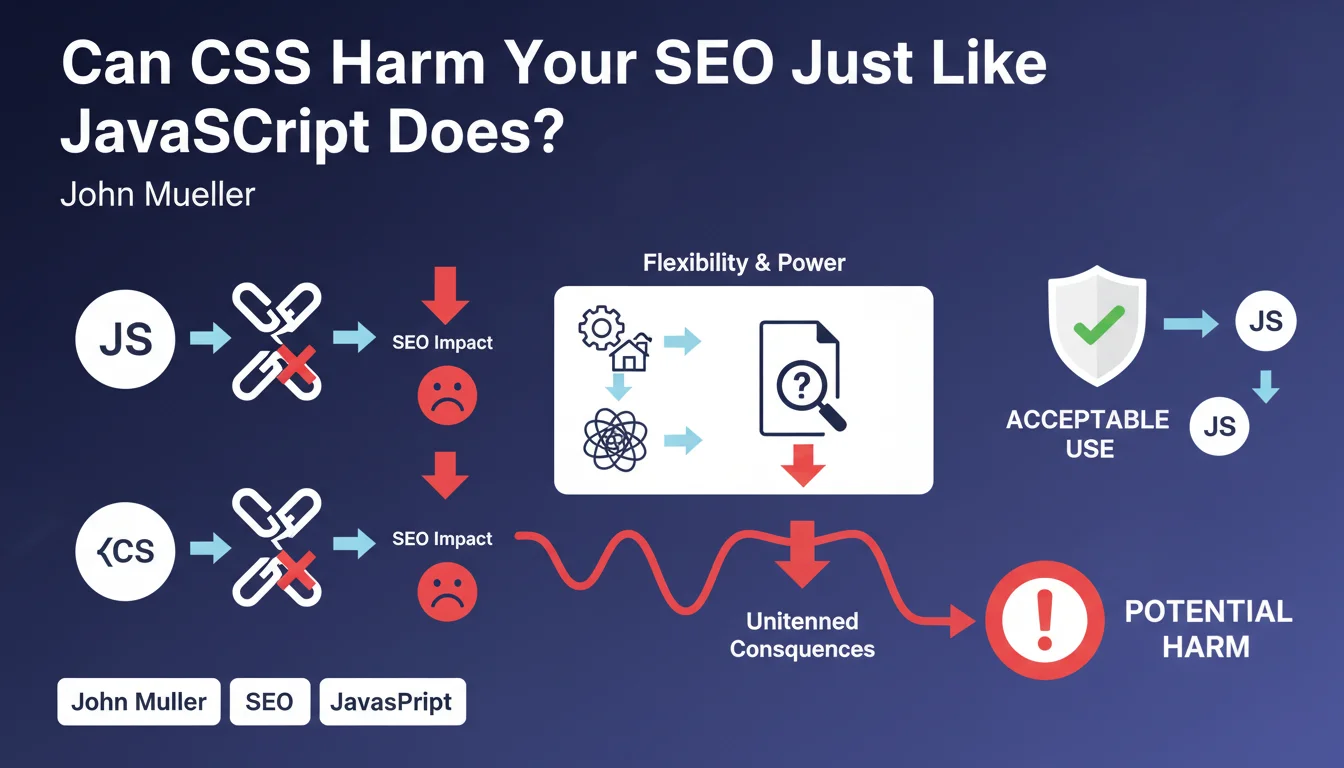
John Mueller compares CSS and JavaScript: both are acceptable but powerful enough to create SEO problems if misused. CSS flexibility can lead to implementations that don't work as intended for SEO, just like JS.
What you need to understand
Why Does Google Compare CSS and JavaScript?
Mueller's statement repositions CSS in the same risk category as JavaScript. That's not insignificant.
For years, JS was the big bad wolf of SEO — client-side rendering, crawl issues, invisible content. CSS, on the other hand, flew under the radar. Yet both technologies offer flexibility that can hide content, alter reading order, or create different experiences based on conditions.
Mueller signals that technical complexity isn't limited to JavaScript. Modern CSS (Grid, Flexbox, conditional animations) can generate structures that Googlebot interprets differently from the browser.
- CSS and JS share the same potential for SEO dysfunction
- Technical flexibility isn't synonymous with crawler compatibility
- Google encourages usage but warns against unanticipated side effects
- Complex implementations require systematic rendering verification
What CSS Problems Can Impact SEO?
Several CSS patterns create gaps between what users see and what Googlebot understands.
Content hidden via display:none or visibility:hidden remains a classic, but that's just the tip of the iceberg. Modern techniques create more subtle issues: position:absolute that removes elements from the flow, order in Flexbox that inverts DOM hierarchy, transforms that shift elements visually without changing HTML structure.
Complex media queries can also create desktop/mobile experiences so different that Googlebot mobile and desktop index divergent content. And that's where it gets sticky.
Is This Warning New?
No. Google has always said not to hide content via CSS, but the wording is changing.
Mueller no longer speaks only of accidental cloaking. He expands to any CSS implementation that "doesn't work as intended for SEO." This vague wording covers a broad spectrum: rendering performance, loading priorities, differentiated user experience.
It's consistent with Google's current approach to Core Web Vitals and user experience. CSS impacts CLS, LCP, INP — and these metrics are ranking signals.
SEO Expert opinion
Does This Statement Reflect Reality on the Ground?
Yes, and it's actually overdue. CSS problems in SEO have been documented for years, but rarely with this official clarity.
We regularly observe sites with complex CSS architectures that generate indexing inconsistencies. Typical case: a mobile menu in position:fixed with high z-index that partially obscures the main content in Googlebot's mobile viewport. Result: content accessible but poorly interpreted.
Another frequent example: conditional CSS lazy loading that loads critical styles after initial render. Googlebot may capture a partially styled version, misinterpret visual hierarchy, and undervalue certain sections. [To verify] whether Google waits for asynchronous CSS loading to complete before indexing.
What Nuances Should We Add?
Mueller deliberately stays vague about "doesn't work as intended." This catch-all formulation lets everyone interpret it their own way.
Concretely? Google won't penalize using Flexbox or Grid. The problem arises when these techniques create a degraded or misleading user experience. If your mobile CSS hides 80% of above-the-fold content behind closed accordions by default, that's problematic — not because it's CSS, but because UX is poor.
The distinction matters. Google isn't saying "CSS = risk." It's saying "CSS misused = problem," just like JavaScript. Let's be honest: the vast majority of standard CSS implementations pose no issues.
When Does This Rule Not Apply?
If your CSS is limited to basic styling (colors, typography, spacing), this statement doesn't really concern you.
Sites with simple, linear CSS architectures — semantic HTML + vanilla CSS without flow manipulation — have no reason to worry. Risk increases with complexity: SPA with CSS-in-JS, conditional animations, dynamic class manipulation, progressive hydration.
And that's where the parallel with JavaScript makes full sense. The more sophisticated your front-end stack, the more you need to test rendering on search engine crawlers.
Practical impact and recommendations
What Should You Check First?
First action: compare user rendering and Googlebot rendering. Use the URL inspection tool in Search Console to capture what the crawler actually sees.
Look for gaps: content visible in browser but absent in the capture, inverted visual hierarchy, critical elements outside viewport in the crawled version. These inconsistencies signal a potential CSS problem.
Then audit your at-risk CSS patterns: display:none on important content, position:absolute that removes elements from flow, Flexbox order that inverts DOM reading, opacity:0 combined with pointer-events:none. All these patterns aren't forbidden, but they require validation.
- Test each important page via Search Console URL inspection tool
- Compare mobile/desktop viewport in captured renderings
- Identify critical styles and verify they load before initial render
- Audit complex media queries that create divergent experiences
- Remove unused CSS (tools: PurgeCSS, UnCSS) to reduce file size
- Check Core Web Vitals: CLS caused by CSS shifts, LCP delayed by blocking CSS
- Test accordions, tabs, and other interactive patterns to ensure content remains crawlable
What Mistakes Should You Avoid at All Costs?
Never hide main content by default via CSS. Closed accordions, inactive tabs, invisible modals are acceptable for secondary content — not for your page's main editorial content.
Avoid CSS that loads different content based on user-agent. That's technical cloaking, even if unintentional. If your CSS detects a bot and modifies display, you're in the red zone.
Watch out for frameworks that inject critical CSS via JS. If your critical CSS depends on JavaScript execution, Googlebot may capture an unstyled version and misinterpret the hierarchy. Prefer inline critical CSS in the head for above-the-fold elements.
How Do You Secure Your CSS Implementation?
Adopt a defensive approach: assume Googlebot can capture your page at any point in the loading cycle.
Structure your HTML in semantically logical fashion without CSS. If your page remains understandable with an empty stylesheet (correct heading hierarchy, coherent reading order), you're safe. CSS becomes an enhancement layer, not a structural crutch.
Monitor regularly. Captured renderings in Search Console should be part of your tracking KPIs. A rendering degradation can signal a CSS regression introduced by an update.
Modern CSS offers power comparable to JavaScript, and Google now treats it with the same vigilance. The issue isn't avoiding CSS, but avoiding implementations that create gaps between user experience and crawler understanding.
These technical optimizations — rendering audits, viewport comparison, CSS cleanup, continuous monitoring — require specialized expertise and dedicated resources. If your front-end stack is complex or if you identify rendering inconsistencies, partnering with a specialized SEO agency can prove valuable for diagnosing issues, prioritizing fixes, and implementing a monitoring strategy tailored to your technical architecture.
❓ Frequently Asked Questions
Google pénalise-t-il l'utilisation de CSS moderne comme Flexbox ou Grid ?
Le contenu dans des accordéons fermés par défaut est-il indexé ?
Faut-il éviter les CSS externes pour favoriser l'inline critique ?
Comment savoir si mon CSS pose un problème SEO ?
Les animations CSS peuvent-elles impacter le référencement ?
🎥 From the same video 9
Other SEO insights extracted from this same Google Search Central video · published on 24/07/2025
🎥 Watch the full video on YouTube →
💬 Comments (0)
Be the first to comment.