
Official statement
Other statements from this video 9 ▾
- □ Do CSS class names really affect your search engine rankings?
- □ Why does Google require your CSS files to be crawlable?
- □ Why does Google fail to recognize hashtags generated through CSS ::before?
- □ Why aren't your CSS background images ever showing up in Google Images?
- □ Could strict HTML and CSS separation be the missing piece in your indexation strategy?
- □ Does 100vh really cause indexation problems for your hero images?
- □ Why can Google Search Console screenshots mislead you about your site's indexation?
- □ Why does Google require <img> tags for stock images instead of CSS?
- □ Can CSS Harm Your SEO Just Like JavaScript Does?
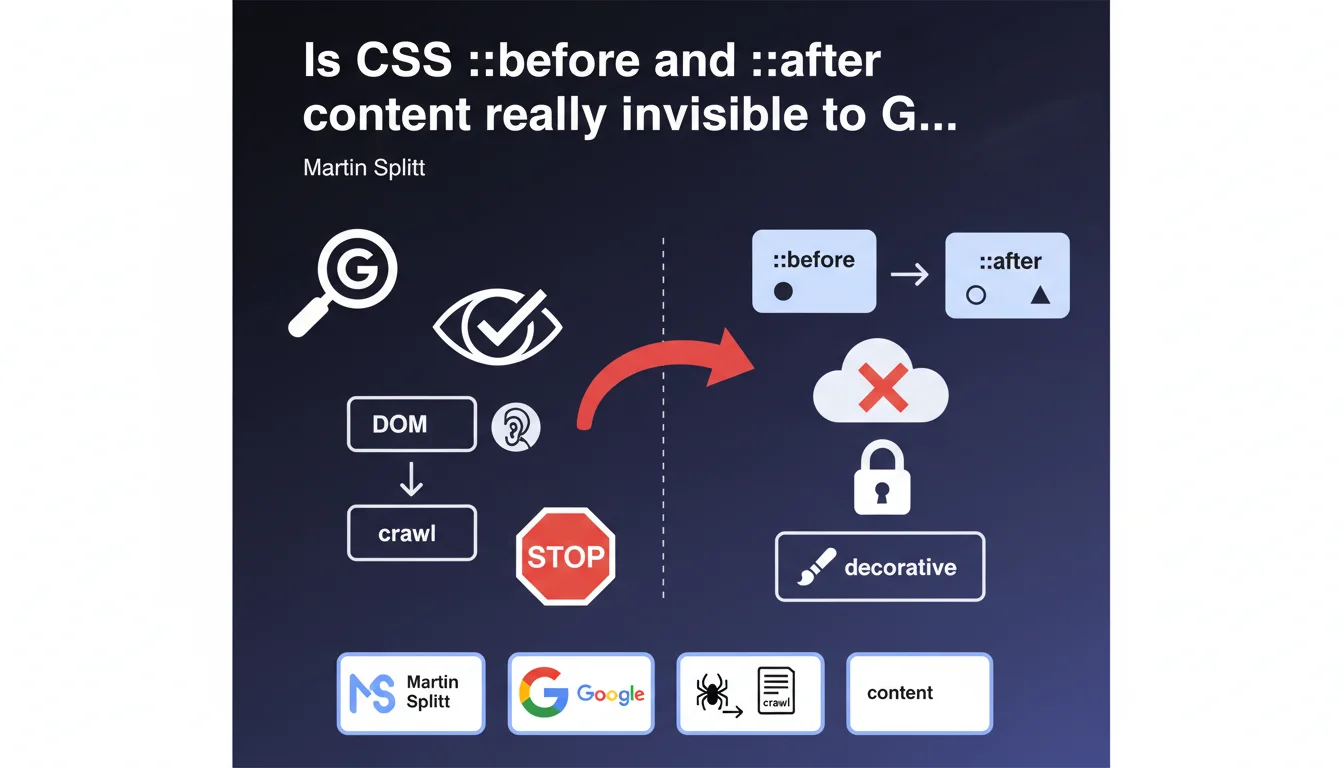
Google confirms that content generated via CSS pseudo-elements ::before and ::after does not appear in the DOM and is therefore not indexed by crawlers. This content should remain purely decorative — any important information inserted this way will be invisible to SEO and accessibility. A clarification that puts an end to certain questionable practices.
What you need to understand
Why does Google clarify that this content is not indexed?
Because CSS pseudo-elements ::before and ::after generate visual content directly via the stylesheet, never passing through the DOM. The Document Object Model is the structure that crawlers read to index a page.
If an element doesn't exist in the DOM, it doesn't exist for Googlebot. It's that simple. Accessibility tools, like screen readers, also ignore this content — which should already be enough to understand that it should never carry useful information.
What exactly does "decorative content" mean?
Decorative content is anything related to visual enrichment without informational value: icons, separators, stylized quotation marks, graphic effects. Elements that enhance user experience but whose absence doesn't change the understanding of the content.
On the other hand, if you add meaningful text — a mention, a label, additional information — via ::before or ::after, this text will be invisible to Google and to users with disabilities.
What are the legitimate use cases for ::before and ::after?
- Adding decorative icons (arrows, stylized bullets, pictograms)
- Inserting visual separators or typographic ornaments
- Creating graphic effects (triangles, shadows, complex backgrounds)
- Displaying stylized quotation marks around quotes
- Generating personalized list numbers for content already present in HTML
SEO Expert opinion
Does this statement put an end to certain practices?
Absolutely. Some have attempted to use ::before and ::after to inject semantic content — sometimes in hopes of manipulating indexation, sometimes through simple lack of knowledge. Labels like "New", "Promo", or worse, entire title supplements hidden in CSS.
Google is crystal clear: what isn't in the DOM doesn't exist for SEO. Period. This clarification should also remind front-end developers that accessibility and SEO often share the same technical requirements.
Are there any exceptions or edge cases to watch out for?
Technically, no — the rule is clear. But in practice, we still see frameworks using ::before to display icons via fonts (like Font Awesome). If these icons are purely decorative, no problem.
The pitfall? When these icons carry meaning (a star to rate a product, a checkmark to validate information) without alternative text in the HTML. There, you lose both in SEO and accessibility — and Google will never see this information.
Could Google change its mind someday?
Unlikely. The very architecture of the web relies on the separation of HTML/CSS/JS. HTML carries structure and content, CSS handles presentation. As long as this logic prevails, pseudo-elements will remain outside the DOM — therefore out of reach for crawlers.
And frankly? That's a good thing. It forces thinking about accessibility from the design stage, instead of hacking CSS workarounds to bypass flawed structural choices.
Practical impact and recommendations
What should you prioritize checking on your site?
Start with a CSS audit to identify all uses of ::before and ::after. Look for occurrences that contain the content: property with text in quotes — that's where potential issues hide.
Next, cross-check with manual inspection of strategic pages: product sheets, landing pages, articles. If content visible on screen disappears when you disable CSS, that's a red flag.
What mistakes should you absolutely avoid?
Never use ::before or ::after to insert critical information: legal notices, availability labels, title supplements, brief descriptions. Anything with informational value must be in the HTML, period.
Also avoid relying on rendering previews from SEO tools. They sometimes simulate a full browser and display CSS content — but that doesn't mean Googlebot indexes it. The only reliable test? Look at the raw source code (Ctrl+U).
How do you fix problematic usages that are detected?
- Migrate all meaningful text content from pseudo-elements into properly structured HTML
- Use appropriate semantic tags (span, strong, em) for content previously injected via CSS
- Add aria-label attributes or visually hidden text (sr-only) for icons that carry meaning
- Audit CSS frameworks (Bootstrap, Tailwind, etc.) to verify their handling of icons and decorative elements
- Test accessibility with screen readers to confirm that key information remains perceptible
- Document legitimate uses of ::before/::after to prevent future regressions
🎥 From the same video 9
Other SEO insights extracted from this same Google Search Central video · published on 24/07/2025
🎥 Watch the full video on YouTube →
💬 Comments (0)
Be the first to comment.