
Official statement
Other statements from this video 9 ▾
- □ Les noms de classes CSS ont-ils un impact sur votre référencement naturel ?
- □ Pourquoi Google exige-t-il que vos fichiers CSS soient crawlables ?
- □ Le contenu CSS ::before et ::after est-il vraiment invisible pour Google ?
- □ Pourquoi Google ignore-t-il les hashtags ajoutés en CSS ::before ?
- □ Pourquoi vos images en background CSS ne sont-elles jamais indexées par Google Images ?
- □ Le 100vh pose-t-il vraiment un problème d'indexation pour vos images hero ?
- □ Pourquoi la capture d'écran de Google Search Console peut-elle vous induire en erreur ?
- □ Pourquoi Google exige-t-il des balises <img> pour les images de stock ?
- □ Le CSS peut-il nuire au SEO comme JavaScript ?
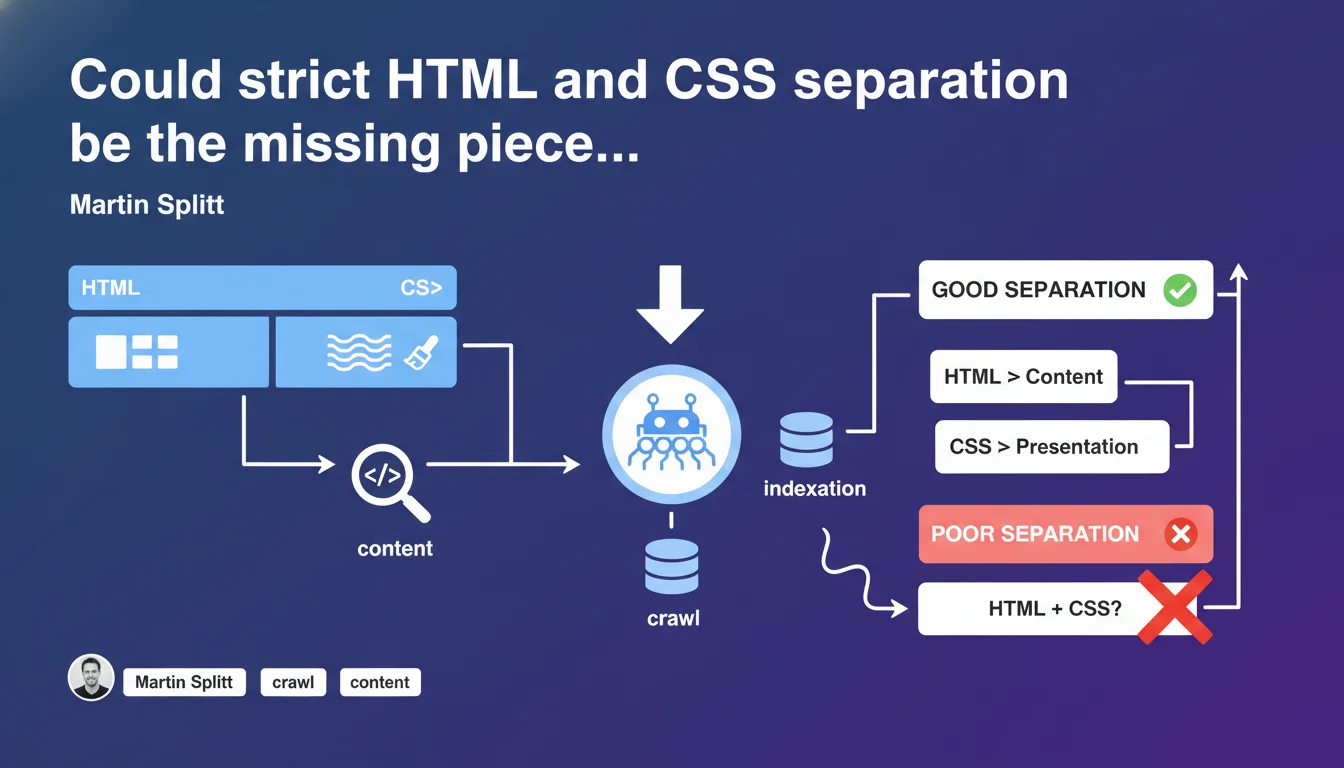
Google emphasizes a fundamental principle often overlooked: content belongs in HTML, presentation in CSS. Crawlers and accessibility tools parse only HTML to extract content. Using CSS to inject content (via ::before, ::after, or content property) can prevent proper indexation of your pages.
What you need to understand
What does this HTML/CSS separation really mean for Googlebot?
Googlebot reads HTML, not CSS. It extracts content from standard HTML tags: paragraphs, headings, lists, tables. CSS is used to format this content, to define colors, positions, spacing.
When you inject text via CSS (content property, pseudo-elements ::before or ::after), this text doesn't exist in the HTML DOM. Googlebot doesn't see it. Screen readers don't either — which also creates an accessibility problem.
Why is this principle so often violated?
Developers sometimes use CSS to add icons, labels, text mentions without modifying HTML. It's convenient for maintenance, but it circumvents fundamental separation.
Result: elements visually present on the page but invisible to crawlers. A title completed by a "New" mention in CSS? Google will never see it.
What are the concrete consequences on indexation?
If essential content is injected via CSS — a complete title, a product description, an important CTA — it won't be indexed. The page will seem incomplete or less relevant to Google.
Accessibility tools encounter the same problem. An inaccessible page sends a negative signal for SEO.
- Content must be in HTML: paragraphs, headings, lists, links.
- CSS is only for presentation: colors, spacing, typography.
- Avoid injecting text via content, ::before, ::after if that text has semantic value.
- Double impact: both indexation AND accessibility compromised.
SEO Expert opinion
Is this rule always respected by Google itself?
Let's be honest: Google has evolved. Googlebot executes JavaScript, renders CSS, understands certain dynamic content. But one principle remains: HTML is the foundation of reference.
Edge cases exist. Tests show that some CSS pseudo-elements can be rendered in Google's cache. But it's not guaranteed — and it remains fragile. [To verify] depending on crawler versions and server configurations.
When does this separation become a real problem?
The problem arises when semantically important content is injected via CSS. A "Promo" label, a decorative icon, a visual separator? Not critical. A complete title, a product description, a main CTA? That's where it breaks.
In practice, we often see e-commerce sites adding badges ("New", "-20%") via CSS. If these badges complete a product title, Google indexes an incomplete version.
Is this directive consistent with observed practices?
Yes. Field audits confirm: pages that respect HTML/CSS separation index better and faster. Crawlers don't have to interpret complex CSS.
Be careful though: this rule doesn't excuse bloated HTML. Clean, well-structured HTML remains the foundation, but stuffing HTML with unnecessary content just to "do SEO" is still bad practice.
Practical impact and recommendations
How to verify your site respects this separation?
First step: disable CSS in your browser. Does the content remain understandable? Are titles, descriptions, CTAs all visible? If not, you have a problem.
Second step: use Google Search Console's inspection tool. Compare the HTML rendering and visual rendering. Do elements injected via CSS appear in the HTML retrieved by Googlebot?
What errors to absolutely avoid?
Never use content in CSS for semantic text. Reserve it for purely decorative elements (icons, visual separators).
Avoid titles or descriptions completed by ::before or ::after. If a text element has meaning for the user, it must be in HTML.
Watch out for CSS frameworks that automatically generate content. Verify their final HTML output.
What should you do concretely?
- Audit key pages to identify content injected via CSS
- Migrate all semantic text (titles, descriptions, CTAs) to HTML
- Use CSS only for visual presentation
- Test accessibility with a screen reader (NVDA, VoiceOver)
- Validate the HTML retrieved by Googlebot via Search Console
- Train developers on this fundamental principle
❓ Frequently Asked Questions
Google indexe-t-il vraiment ZÉRO contenu injecté via CSS ?
Les pseudo-éléments ::before et ::after sont-ils toujours problématiques ?
Comment savoir si mon contenu CSS pose problème pour l'indexation ?
Cette règle s'applique-t-elle aussi aux images de fond CSS ?
Pourquoi cette séparation impacte-t-elle aussi l'accessibilité ?
🎥 From the same video 9
Other SEO insights extracted from this same Google Search Central video · published on 24/07/2025
🎥 Watch the full video on YouTube →
💬 Comments (0)
Be the first to comment.