
Official statement
Other statements from this video 16 ▾
- □ Are Google Search Essentials Really Enough to Rank Well in Google?
- □ Is user-centric content really the ranking factor Google claims it to be?
- □ Is Trust Really the True Central Pillar of E-E-A-T According to Google?
- □ Has first-hand experience become a non-negotiable ranking factor for Google?
- □ Is creator expertise really the game-changing ranking factor Google claims it is?
- □ Is thematic authority really enough to position yourself as a reference source in Google's eyes?
- □ Does Google really penalize you for not specifying timezone information in your structured data dates?
- □ Should you really update your article's publication date every time you make changes?
- □ Does Google really not care how you structure your editorial approach to breaking news?
- □ Should you remove logos and watermarks from your images to boost SEO performance?
- □ Does Google News really consider all websites automatically, or are there hidden criteria you need to know about?
- □ Why does Google News require complete transparency about author identity?
- □ Does Google really penalize websites when ads dominate editorial content?
- □ Are pop-ups and ads really killing your SEO rankings?
- □ Do you really need to tag ALL your outbound links with rel=sponsored or rel=ugc?
- □ Is your paywall triggering Google's cloaking detection without you knowing it?
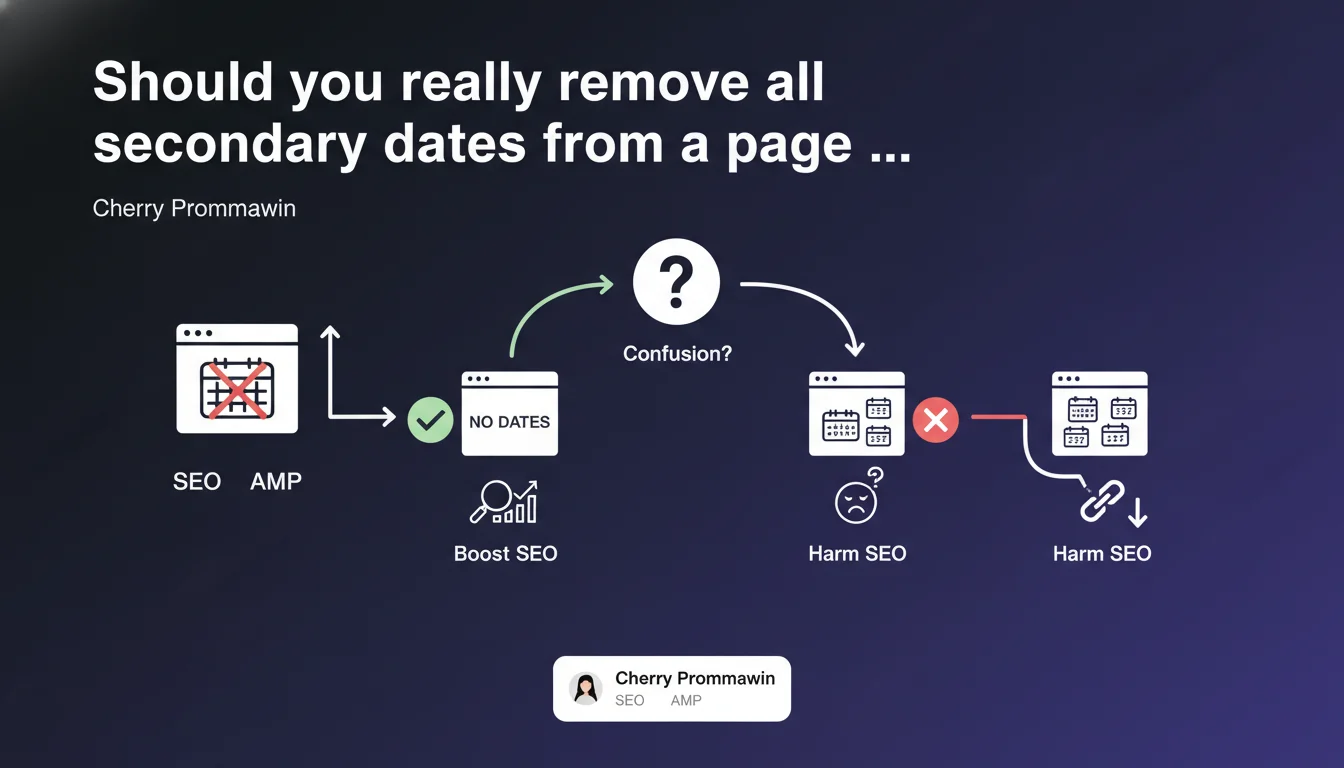
Google recommends avoiding the display of multiple dates on the same page to prevent confusion in identifying the main publication date. In practice: hide dates from related articles, recent widgets, or sidebar elements that could obscure the reference date. The stakes? Enable Google to unambiguously identify the real freshness of your main content.
What you need to understand
Why does Google insist on displaying a single date?
The problem is straightforward: Google's algorithms struggle to distinguish which date actually corresponds to the main content when multiple dates coexist on a page. An article published in 2022 with a "recent articles" widget displaying 2025 dates creates ambiguity.
This confusion directly impacts the freshness signal that Google assigns to your content. In certain queries sensitive to recency (QDF - Query Deserves Freshness), a misinterpretation of the date can cost you rankings.
What are the typical cases where this problem manifests itself?
Related article blocks at the end of a page are the classic case. You finish your article dated March 15th with a list of 5 recent pieces of content, each displaying its own date — Google sees 6 different dates.
Other frequent culprits: sidebar widgets "Latest news", comment threads with visible timestamps, dynamic footers displaying modification dates, or even reassurance blocks like "Updated on..." for other sections.
Does this recommendation apply to all types of websites?
The directive primarily targets news sites, blogs, and media outlets where content freshness plays a role in ranking. For an e-commerce site listing products, the impact remains marginal — unless you have an integrated blog.
SaaS or corporate sites with little date-sensitive content can downplay this guideline. However, any site seeking to rank for current events queries or recent tutorials must take this point seriously.
- Signal ambiguity: multiple visible dates prevent Google from identifying the real freshness of the main content
- QDF impact: on queries sensitive to recency, a misinterpretation can cost you rankings
- Critical cases: related articles, sidebar widgets, timestamped comments, dynamic footers
- Priority target: media outlets, blogs, news sites — less critical for pure e-commerce
- Technical solution: hide secondary dates visually via CSS or remove them from the DOM
SEO Expert opinion
Is this directive consistent with what we observe in the field?
Yes — and it's even a welcome confirmation. A/B tests conducted on media sites regularly show that cleaning up parasitic dates improves performance on QDF queries. Not a miracle, but measurable gains of 5-15% CTR on certain positions.
The paradox? Google itself displays multiple dates in its SERPs (publication, modification, indexing). Yet it asks publishers to simplify. Let's be honest: it's because their parsing algorithms aren't infallible — they prefer you to spoon-feed them the information.
What nuances should be added to this recommendation?
Hiding visually via CSS (`display:none` or `visibility:hidden`) works, but pay attention: schema.org JSON-LD remains the priority. If your structured data markup correctly indicates `datePublished` and `dateModified`, you've already done 80% of the job.
Another nuance: modification dates are valued by Google for certain evergreen content regularly updated. Removing all temporal references in the name of "purity" would be counterproductive — the goal is to eliminate noise, not legitimate signal. [To verify]: Google has never made explicit the tolerance threshold (2 dates? 5 dates?).
In what cases does this rule not apply strictly?
On archive pages or chronological listings, displaying multiple dates is inherent to the format — Google understands this. Same for event timelines or version histories in technical documentation.
Forums and communities are a borderline case. Hiding dates on all posts in a thread would harm UX without obvious SEO gains — here, prioritize clean schema.org markup over aggressive visual cleanup.
Practical impact and recommendations
What should you actually do on your site?
First action: audit all visible dates on your article templates. Open a typical article, press Ctrl+F "202" and count how many dates display. If you find more than 2 (publication + modification), you have cleanup work to do.
Next, hide dates from secondary blocks: related articles, recent widgets, latest comments. Either via CSS (`span.related-date { display: none; }`), or by modifying the template to no longer call this variable. Keep only the date of the main content, prominently displayed.
Finally — and this is the most important — verify your schema.org markup. Make sure `datePublished` and `dateModified` are correctly filled in your Article type JSON-LD. Test with the Google Rich Results validator to confirm these dates are properly detected.
What mistakes should you avoid in this optimization?
Classic mistake: removing the visible date altogether. No. Google (and users) need to know when content was published/updated. The goal is to avoid multiplication, not total absence.
Another trap: retroactively modifying publication dates to make old content appear recent. Google detects these manipulations through crawl history and external archives — you risk a manual penalty for "Thin content with little or no added value".
How do you verify that your site complies with this directive?
Use Screaming Frog or Sitebulb to extract HTML from your pages and search for date patterns (regex `\d{1,2}/\d{1,2}/\d{4}` or `\d{4}-\d{2}-\d{2}`). Count occurrences per URL — anything exceeding 2 deserves investigation.
On the schema.org side, the Schema Markup Validator tool will tell you if your structured dates are properly detected. Then compare with what Google actually displays in the SERPs (the date snippet) — if it doesn't match your `datePublished`, you have a parsing problem.
- Audit visible dates on a representative sample of pages (home, articles, categories)
- Hide dates from secondary blocks: related articles, widgets, comments
- Keep only the date of the main content, prominently displayed and consistent
- Verify schema.org markup: correct
datePublishedanddateModified - Test with Google Rich Results Test to confirm structured date detection
- Compare the date displayed in SERPs with the one declared in JSON-LD
- Never retroactively manipulate dates to simulate artificial freshness
- Prioritize the most crawled templates (blog, news) before static pages
❓ Frequently Asked Questions
Masquer une date en CSS (display:none) est-il considéré comme du cloaking par Google ?
Faut-il supprimer les dates des commentaires pour respecter cette directive ?
Quelle est la différence entre datePublished et dateModified en termes d'impact SEO ?
Les sites e-commerce doivent-ils aussi appliquer cette recommandation ?
Combien de temps faut-il pour observer un impact après nettoyage des dates parasites ?
🎥 From the same video 16
Other SEO insights extracted from this same Google Search Central video · published on 15/05/2023
🎥 Watch the full video on YouTube →
💬 Comments (0)
Be the first to comment.