
Official statement
Other statements from this video 12 ▾
- □ Google suit-il vraiment tous les codes HTTP ou s'arrête-t-il au premier rencontré ?
- □ Un CDN améliore-t-il vraiment votre classement Google ?
- □ Faut-il bloquer le crawl des endpoints API pour optimiser son budget de crawl ?
- □ Faut-il vraiment bannir le nofollow des liens internes ?
- □ Faut-il arrêter de se fier à la commande site: pour mesurer l'indexation ?
- □ Pourquoi Google préfère-t-il les redirections serveur aux redirections JavaScript ?
- □ Faut-il vraiment différencier les redirections 301 et 302 pour le SEO ?
- □ Faut-il vraiment isoler vos contenus archivés pour améliorer votre SEO ?
- □ Peut-on vraiment forcer l'affichage des sitelinks dans Google ?
- □ Faut-il vraiment abandonner les iframes et les PDF pour indexer du contenu textuel ?
- □ Faut-il vraiment bloquer ou masquer les liens externes pour protéger son PageRank ?
- □ Les URLs dans les données structurées sont-elles crawlées par Google ?
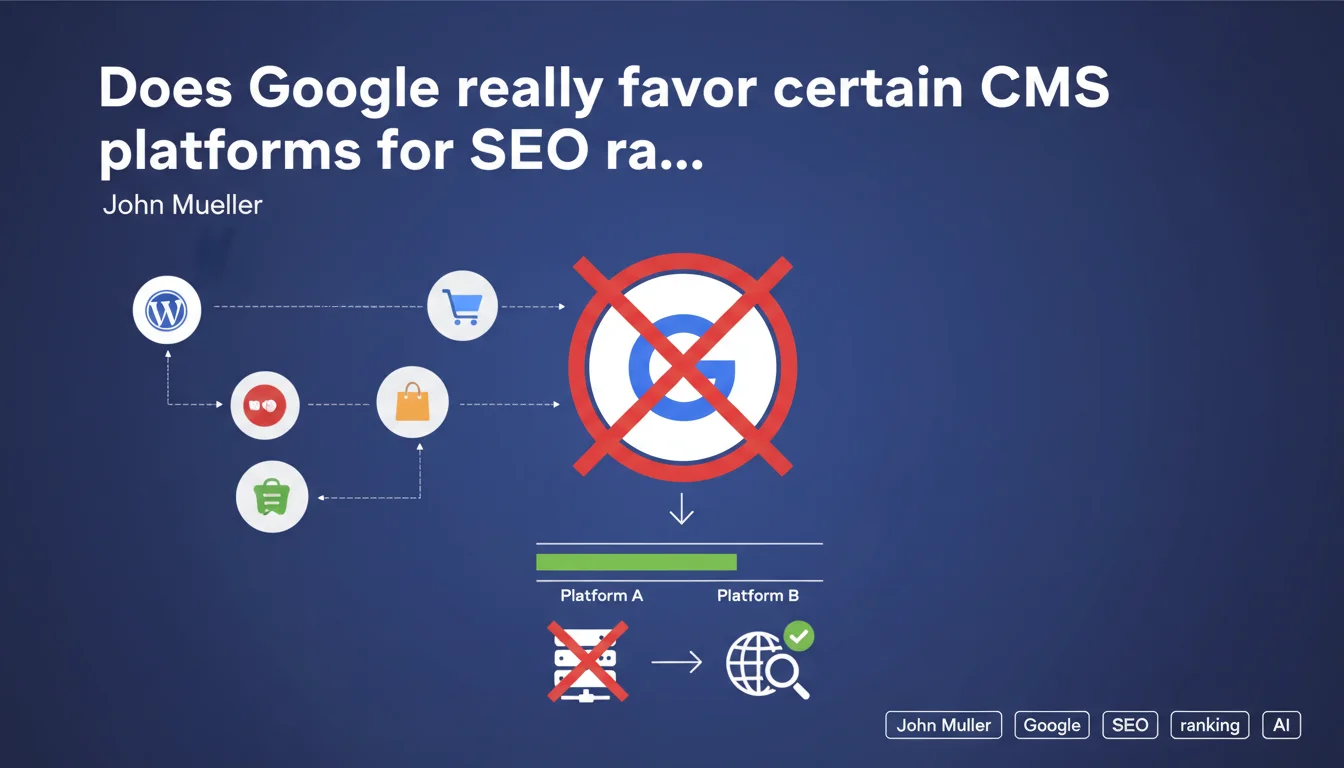
Google states it gives no preferential treatment to WordPress, Shopify, WooCommerce, or any other CMS platform. Google's algorithms completely ignore the site's backend structure and do not identify the technology used to grant any advantage whatsoever. All platforms therefore start on equal footing for SEO.
What you need to understand
Why does Google insist on this technological neutrality?
This statement addresses a persistent belief in the SEO community: some think that Google would favor WordPress or other popular platforms. Mueller's statement is unambiguous — Google's systems do not detect (or do not use) the underlying CMS as a ranking factor.
The underlying message? Technical optimization takes priority over technological choice. It doesn't matter whether you use WordPress, Shopify, Wix, Prestashop, or custom development — what matters is the quality of the generated HTML, loading speed, data structure, and internal linking.
How can Google ignore the platform when it crawls the source code?
Google does indeed crawl the HTML and can technically identify signatures (generator meta tag, file structure, etc.). But Mueller clarifies that this information is not used as a ranking signal. The bots analyze the final render, not the backend technology.
The nuance is important: Google can know that you're on WordPress, but this information doesn't weigh in the algorithm. What matters is whether your WordPress generates clean, fast, and well-structured HTML — exactly like any other solution.
What explains the performance differences between CMS platforms then?
If all platforms are theoretically equal, why do we observe variations in SEO performance? The answer lies in implementation and configuration, not in the platform itself.
A poorly configured WordPress (heavy theme, outdated plugins, no caching) will perform worse than an optimized Shopify. Conversely, custom development can be disastrous if the technical team neglects SEO fundamentals. The CMS is just a tool — everything depends on how you use it.
- Google does not detect (or does not use) the CMS as a ranking signal
- The performance differences observed stem from technical implementation, not the platform
- An "SEO-friendly" CMS simply means it facilitates best practices — it guarantees nothing automatically
- The quality of generated HTML, speed, and architecture matter — not the name of the CMS
- Any platform can achieve excellent results if it is properly configured and optimized
SEO Expert opinion
Is this statement consistent with real-world observations?
Yes and no. In principle, it's consistent: no data suggests that Google gives an intrinsic bonus to WordPress or Shopify. Sites ranking well on these platforms do so because of their optimization, not their technology.
But — and this is where it gets tricky — some platforms objectively facilitate or complicate SEO. Shopify imposes constraints on URL structure, Wix long had JavaScript rendering issues, WordPress offers flexibility that can become a trap if poorly managed. Google doesn't penalize the platform, but the technical limitations of certain CMS indirectly impact SEO.
What nuances should be added to this statement?
Mueller says Google doesn't respond to "backend structure," but that doesn't mean all CMS platforms are equally viable in practice. Some generate cleaner HTML by default, others impose client-side JavaScript that complicates crawling, still others limit control over meta tags.
The real question isn't "Does Google prefer WordPress?" but "Which platform gives me the most control to implement SEO best practices?". And there, the platforms are not equal. WordPress offers maximum flexibility (for better and worse), Shopify imposes a rigid but performant framework, Wix is improving but remains limited on certain technical aspects.
[To verify] — Mueller states that Google's systems "do not respond" to backend structure, but does Google actually identify the CMS for other uses (internal statistics, vulnerability detection)? The wording remains vague on this point.
In what cases does CMS choice indirectly impact SEO?
Let's take concrete examples. On Shopify, you cannot freely modify the structure of collection URLs — they always include "/collections/". This isn't penalizing in itself, but it limits your architecture. On Wix, the history of generating single-page JavaScript sites created crawlability issues for years.
Let's be honest: the CMS doesn't directly influence ranking, but it conditions your ability to optimize. A CMS that doesn't allow fine-tuning of canonical tags, internal linking, or structured data handicaps you — even though technically, Google doesn't "penalize" it.
Practical impact and recommendations
What should you do concretely when choosing a CMS?
Don't choose your CMS thinking "Google prefers this one." Evaluate it on its ability to implement SEO best practices: URL control, meta tag management, loading speed, internal linking flexibility, structured data support.
Test before migrating. Create a staging environment, analyze the generated HTML, measure Core Web Vitals, verify crawlability with Google Search Console. A "popular" CMS isn't necessarily suited to your needs — and a lesser-known CMS can work perfectly if you master its configuration.
What errors should you avoid with your current platform?
The classic mistake: blaming the CMS for implementation problems. "My WordPress site doesn't rank" — but have you optimized speed? Cleaned up unnecessary plugins? Structured your content properly? The CMS is just a tool.
Another trap: multiplying "SEO" plugins or extensions without understanding what they do. Some WordPress plugins generate redundant code, duplicate tags, scripts that slow down performance. Less is often better — focus on fundamentals rather than collecting magical modules.
How do you verify that your current configuration is optimal?
Audit the final HTML render, not the admin interface. Use PageSpeed Insights, Screaming Frog, Google Search Console to identify concrete technical problems: slow pages, missing tags, crawl errors, duplicate content.
Compare your site to competitors ranking well on the same platform. If they perform and you don't, the problem isn't the CMS — it's your configuration. Identify the gaps: URL structure, loading time, linking quality, mobile optimization.
- Verify that your CMS allows full control of meta tags (title, description, canonical, robots)
- Measure Core Web Vitals in production — some themes/templates are disastrous for performance
- Test crawlability with Google Search Console — ensure no important pages are blocked
- Audit the generated HTML: no duplicate content, no duplicate tags, correct semantic structure
- Verify that you can implement structured data (Schema.org) easily and cleanly
- Analyze internal linking flexibility — can you create semantic silos without technical limitations?
- Test redirect management — essential for migrations and architecture overhauls
❓ Frequently Asked Questions
WordPress est-il vraiment meilleur pour le SEO que les autres CMS ?
Google peut-il identifier quel CMS j'utilise ?
Dois-je migrer vers WordPress pour améliorer mon SEO ?
Certains CMS imposent-ils des limitations SEO rédhibitoires ?
Les sites e-commerce doivent-ils privilégier Shopify ou WooCommerce ?
🎥 From the same video 12
Other SEO insights extracted from this same Google Search Central video · published on 08/06/2022
🎥 Watch the full video on YouTube →
💬 Comments (0)
Be the first to comment.