
Official statement
Other statements from this video 8 ▾
- □ La latence tue-t-elle vraiment vos conversions et votre SEO ?
- □ La performance mobile est-elle vraiment un facteur de classement déterminant ?
- □ Faut-il vraiment lancer Lighthouse en boucle pour diagnostiquer la performance de ses pages ?
- □ Les GIF animés plombent-ils vraiment votre SEO et vos Core Web Vitals ?
- □ Le lazy loading d'images est-il vraiment indispensable pour votre SEO ?
- □ Vos bundles JavaScript plombent-ils vraiment vos Core Web Vitals ?
- □ 15% de vitesse mobile en plus = combien d'utilisateurs gardés sur vos pages produits ?
- □ Pourquoi l'optimisation de performance prend-elle autant de temps en SEO ?
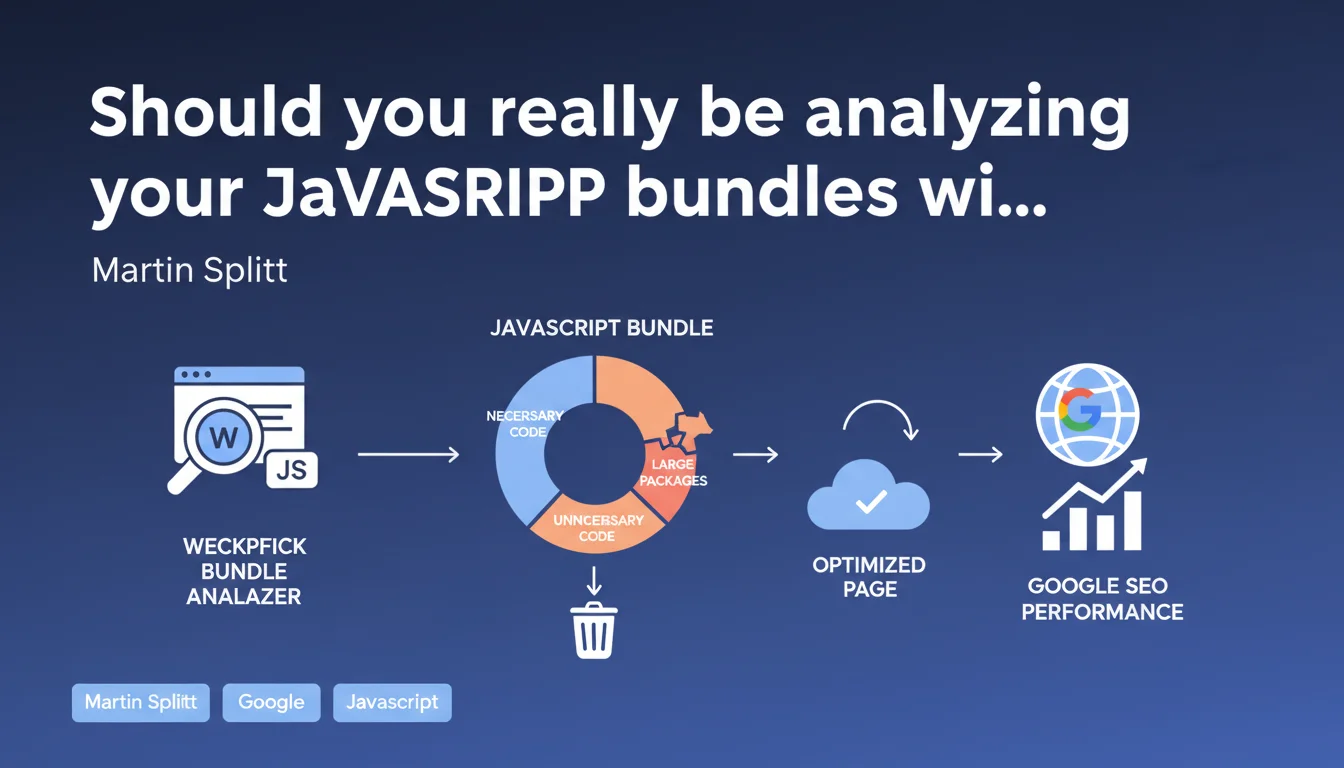
Google explicitly recommends using webpack bundle analyzer to detect unnecessary or oversized JavaScript packages that hurt performance. The goal: reduce bundle sizes to improve Core Web Vitals and user experience. A clear directive for anyone looking to optimize their loading times.
What you need to understand
Why does Google insist on analyzing JavaScript bundles?
JavaScript remains one of the primary culprits behind catastrophic loading times. Modern frameworks (React, Vue, Angular) often bundle heavy dependencies of which only a fraction is actually used. Google is targeting a recurring problem here: developers add packages without measuring their impact.
Webpack bundle analyzer lets you visualize exactly what makes up your bundles. You instantly see which library weighs 200 KB when it's only used to format a date. This transparency changes everything when you need to balance development convenience against actual performance.
How does this directly impact SEO?
The Core Web Vitals, particularly LCP (Largest Contentful Paint) and FID (First Input Delay), are directly affected by JavaScript weight and execution time. An 800 KB bundle requires download, parsing, and execution — all steps that delay displaying the main content.
Google uses these metrics as ranking signals. A slow site on mobile loses visibility. Analyzing bundles isn't a luxury: it's a necessity to stay competitive in SERPs, especially on competitive queries.
Is webpack bundle analyzer the only worthwhile tool?
No, but it's the one Martin Splitt explicitly cites. Other tools exist: rollup-plugin-visualizer for Rollup, source-map-explorer for more generic analysis, or Vite's built-in tools.
The principle remains identical: get a visual map of what makes up your final files. Webpack bundle analyzer has the advantage of being mature, well-documented, and compatible with most modern stacks.
- Webpack bundle analyzer generates an interactive treemap visualization of your bundles
- Allows you to quickly identify large packages and their proportion of total weight
- Facilitates detection of duplicates (same library imported multiple times)
- Compatible with most modern webpack configurations
- Helps prioritize optimizations (code splitting, lazy loading, dependency replacement)
SEO Expert opinion
Is this recommendation consistent with real-world observations?
Absolutely. Technical audits regularly uncover JavaScript bundles of several megabytes on e-commerce sites and SaaS platforms. The classic case: Moment.js bundled in full when only a single formatting function is used (date-fns or day.js would suffice).
What's interesting is that Google doesn't just say "reduce your JavaScript". Pointing to a specific tool shows they understand the technical complexity involved. Webpack bundle analyzer isn't generic advice — it's an actionable entry point.
What limitations should you keep in mind?
Analyzing your bundles doesn't solve everything. You can have a perfectly optimized 150 KB bundle that remains render-blocking if you inject it synchronously in the head. Loading architecture (defer, async, ES modules) matters as much as raw weight.
Another point: webpack bundle analyzer shows *what*, but not always *why*. A large package may be a transitive dependency (imported by another library). You then need to dig deeper with npm ls or yarn why to identify the dependency chain.
[To verify] Google doesn't specify a numerical threshold for JavaScript bundles. We know Lighthouse penalizes above certain values, but official recommendations remain vague on what constitutes a "large package".
In what cases does this optimization become secondary?
If your site primarily serves static content with little interactivity, bundle analysis isn't your top priority. A classic WordPress blog with a few tracking scripts doesn't need webpack bundle analyzer.
However, once you use a modern JavaScript framework, develop a PWA, or have rich interfaces (dashboards, product configurators), it becomes an essential step. The complexity of modern stacks makes manual optimization virtually impossible without the right tools.
Practical impact and recommendations
What concrete steps should you take to analyze your bundles?
Install webpack bundle analyzer via npm or yarn: npm install --save-dev webpack-bundle-analyzer. Add the plugin to your webpack.config.js file, then run a production build. The tool generates an interactive HTML report that opens automatically.
Identify packages occupying more than 10-15% of total bundle size. Ask yourself: is this package truly essential? Is there a lighter alternative? Can I load this code only when the user needs it (lazy loading)?
What mistakes should you avoid when optimizing?
Don't remove a package without understanding its role. Some heavy polyfills are necessary for older browser support. Check your compatibility matrix before removing anything.
Also avoid the "magical tree shaking" trap. Tree shaking only works well with ES6 modules and proper webpack configuration. If your imports use CommonJS, dead code won't be eliminated automatically.
How can you verify that optimizations are working?
Measure before/after with Lighthouse and PageSpeed Insights tools. Pay special attention to Total Blocking Time (TBT) and Time to Interactive (TTI). A significant JavaScript reduction should improve these metrics.
Also use Chrome DevTools, Coverage tab, to see what proportion of unused code executes on load. The goal: get under 30% unused code on your homepage.
- Install webpack bundle analyzer and generate a report of your current bundles
- Identify packages over 50 KB and verify their necessity
- Replace heavy libraries with lighter alternatives (e.g., Moment.js → day.js)
- Implement code splitting to load heavy dependencies on demand
- Enable tree shaking and verify imports use ES6 syntax
- Configure Brotli or Gzip compression on the server for JS files
- Measure impact with Lighthouse before/after optimization
- Monitor Core Web Vitals in production via Search Console
❓ Frequently Asked Questions
Webpack bundle analyzer fonctionne-t-il avec d'autres bundlers comme Vite ou Parcel ?
Quel est le poids maximum acceptable pour un bundle JavaScript en SEO ?
L'optimisation des bundles améliore-t-elle vraiment le classement Google ?
Faut-il analyser les bundles à chaque déploiement ?
Le tree shaking suffit-il à éliminer le code inutile ?
🎥 From the same video 8
Other SEO insights extracted from this same Google Search Central video · published on 29/12/2022
🎥 Watch the full video on YouTube →
💬 Comments (0)
Be the first to comment.