
Official statement
Other statements from this video 8 ▾
- □ La latence tue-t-elle vraiment vos conversions et votre SEO ?
- □ La performance mobile est-elle vraiment un facteur de classement déterminant ?
- □ Faut-il vraiment lancer Lighthouse en boucle pour diagnostiquer la performance de ses pages ?
- □ Le lazy loading d'images est-il vraiment indispensable pour votre SEO ?
- □ Vos bundles JavaScript plombent-ils vraiment vos Core Web Vitals ?
- □ Faut-il vraiment analyser ses bundles JavaScript avec webpack pour performer en SEO ?
- □ 15% de vitesse mobile en plus = combien d'utilisateurs gardés sur vos pages produits ?
- □ Pourquoi l'optimisation de performance prend-elle autant de temps en SEO ?
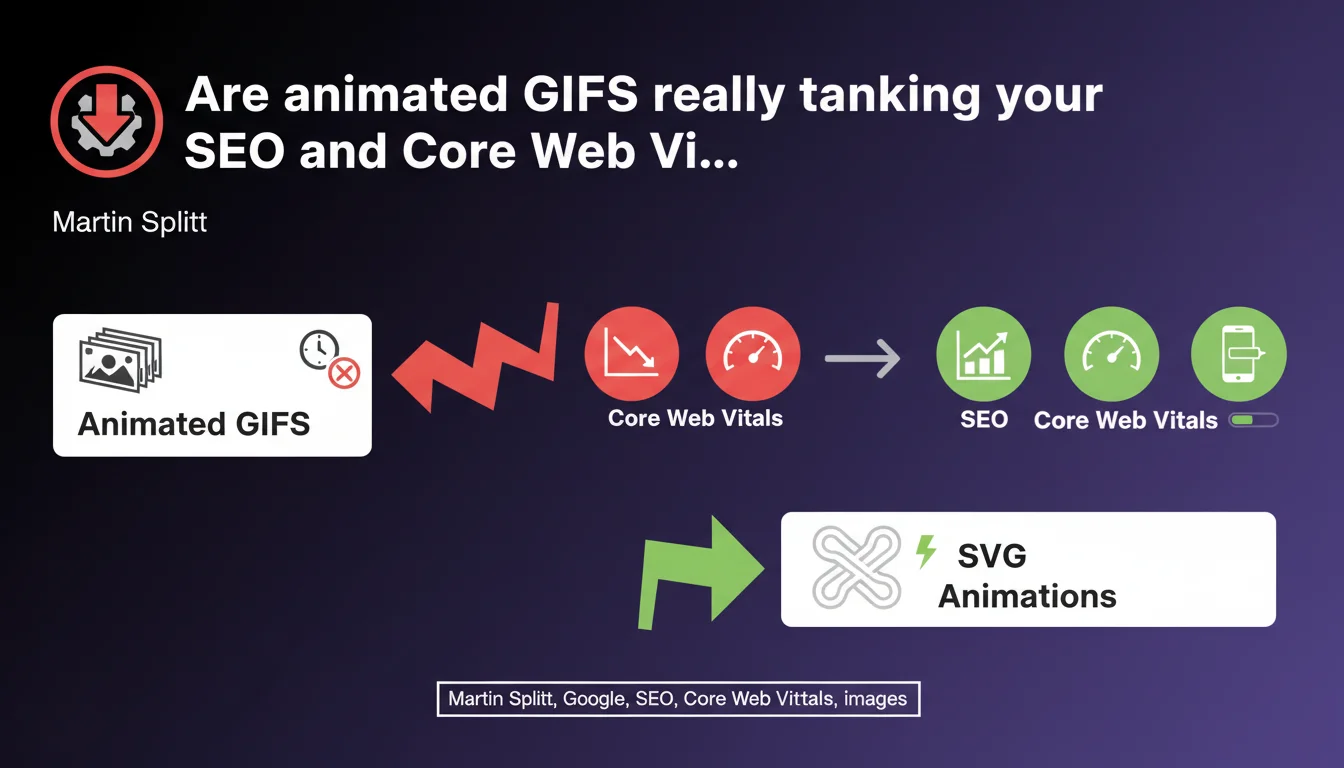
Animated GIFs drastically slow down page loading due to their excessive file size (thousands of stacked images). Google recommends replacing them with SVG animations, which are significantly lighter. This has a direct impact on your performance metrics and therefore your search rankings.
What you need to understand
Why do GIFs pose a performance problem?
An animated GIF is technically a sequence of bitmap images stacked in a single file. Each frame is stored in full, which generates files of several megabytes for just a few seconds of animation. A 3-second GIF at 30 fps contains 90 complete images.
This excessive weight directly impacts LCP (Largest Contentful Paint) and overall loading time. The browser must download, decode, and display all these frames. On mobile with average connectivity, it bogs down.
What does Google mean by SVG animations?
SVG (Scalable Vector Graphics) is a vector format that describes mathematical shapes rather than pixels. An SVG animation is code that modifies these shapes over time — via CSS or JavaScript.
Result: a file of a few kilobytes versus several megabytes for an equivalent GIF. The ratio can reach 1:100 or more. And as a bonus, SVG remains crisp on all screens, regardless of resolution.
Does this recommendation apply to all GIFs?
Google is primarily targeting decorative or illustrative animations — moving icons, loaders, micro-interactions. Less relevant for photo/video content where GIF remains a questionable choice but where other formats (animated WebP, MP4) are already better.
Static GIFs (a single frame) obviously pose no performance issues of this type, even if WebP is often lighter.
- An animated GIF = thousands of images stacked, so massive file size
- Direct impact on LCP and Core Web Vitals metrics
- Animated SVG: ultra-lightweight vector alternative (ratio often 1:100)
- Mainly concerns decorative animations, not photo/video content
- Also valid alternatives: animated WebP, short MP4
SEO Expert opinion
Is this recommendation new or surprising?
Not really. Front-end developers have been pointing fingers at GIFs for years. What's interesting is that Google explicitly states it in an SEO context. It finally legitimizes the argument with clients and decision-makers who think that "it's just a funny little GIF."
The timing aligns with the growing importance of Core Web Vitals in ranking. A site loaded with heavy GIFs will systematically fail on LCP, and Google makes it clear without ambiguity.
Is SVG always the best alternative?
It depends. For simple geometric animations (loaders, icons, flat design illustrations), animated SVG is unbeatable: lightweight, scalable, accessible. Combined with minimal CSS or JavaScript, it's 10-20 KB max.
But for photo or video content, SVG makes no sense. There, prioritize animated WebP (browser support now solid) or outright a short MP4 with autoplay muted, which compresses infinitely better than a GIF and remains compatible everywhere.
What about editorial context and user engagement?
Google remains silent on a crucial aspect: certain GIFs (memes, reactions) generate engagement and time spent. On a blog, a media outlet, a social network, removing all GIFs dogmatically can impoverish the experience.
The real question is the trade-off between technical performance and editorial value. A relevant GIF that keeps users on the page 30 seconds longer might compensate for its LCP cost. [To verify] case by case with A/B testing.
Practical impact and recommendations
What should you audit first on your site?
Start by identifying all animated GIFs present on your strategic pages — homepage, landing pages, high-traffic articles. Use DevTools (Network tab, Images filter) or a crawler like Screaming Frog to list them.
Measure their individual weight and real impact on LCP via PageSpeed Insights. A 5 MB GIF that loads early in the viewport is an obvious performance killer. A small 200 KB GIF at the bottom of the page is much less critical.
How do you migrate to lighter alternatives?
For simple animations (loaders, icons), switch to animated SVG with CSS or SMIL. Tools like SVGOMG optimize SVG code. If you're not skilled in this, libraries like Lottie (After Effects animations exported as JSON) offer a good compromise between weight and rendering.
For photo/video content, convert your GIFs to animated WebP (via ffmpeg or online services) or short MP4s. The MP4 with <video autoplay muted loop playsinline> perfectly mimics a GIF while reducing the file size by 10x or more.
- Audit all animated GIFs present on key pages (crawler + DevTools)
- Measure real impact on LCP with PageSpeed Insights
- Replace geometric animations with SVG + CSS/SMIL
- Convert photo/video GIFs to animated WebP or MP4
- Test rendering on mobile and verify browser compatibility
- Re-measure Core Web Vitals after migration to validate gains
- Implement lazy loading on non-critical animations
What mistakes should you avoid during migration?
Don't blindly replace all GIFs without testing the final rendering. A poorly optimized SVG with heavy JavaScript can degrade TBT instead of improving LCP. Always validate on mobile with 3G throttling.
Another trap: forgetting the fallback for older browsers or screen readers. A complex SVG animation without a text alternative poses accessibility issues.
❓ Frequently Asked Questions
Le WebP animé est-il mieux supporté que le SVG animé ?
Un MP4 en autoplay compte-t-il comme une vidéo pour Google ?
Les GIF impactent-ils le crawl budget ?
Faut-il supprimer tous les GIF d'un site e-commerce ?
Le lazy loading des GIF suffit-il à résoudre le problème ?
🎥 From the same video 8
Other SEO insights extracted from this same Google Search Central video · published on 29/12/2022
🎥 Watch the full video on YouTube →
💬 Comments (0)
Be the first to comment.