
Official statement
Other statements from this video 9 ▾
- □ Faut-il vraiment doubler les données produits entre Schema et Merchant Center ?
- □ Faut-il vraiment empiler trois couches de données produits pour plaire à Google ?
- □ Pourquoi Google veut-il que vous affichiez des prix plus élevés dans vos données structurées ?
- □ Faut-il vraiment utiliser une requête site: pour vérifier vos données de prix ?
- □ Faut-il vraiment surestimer les frais de port pour plaire à Google Shopping ?
- □ Pourquoi Google exige-t-il des identifiants produits GTIN, MPN ou marque pour le référencement marchand ?
- □ Les identifiants produits sont-ils vraiment la clé du matching multi-marchands dans Google Shopping ?
- □ Faut-il abandonner Merchant Center au profit des données structurées pour le e-commerce ?
- □ Pourquoi limiter Schema.org à Google alors que d'autres moteurs l'exploitent déjà ?
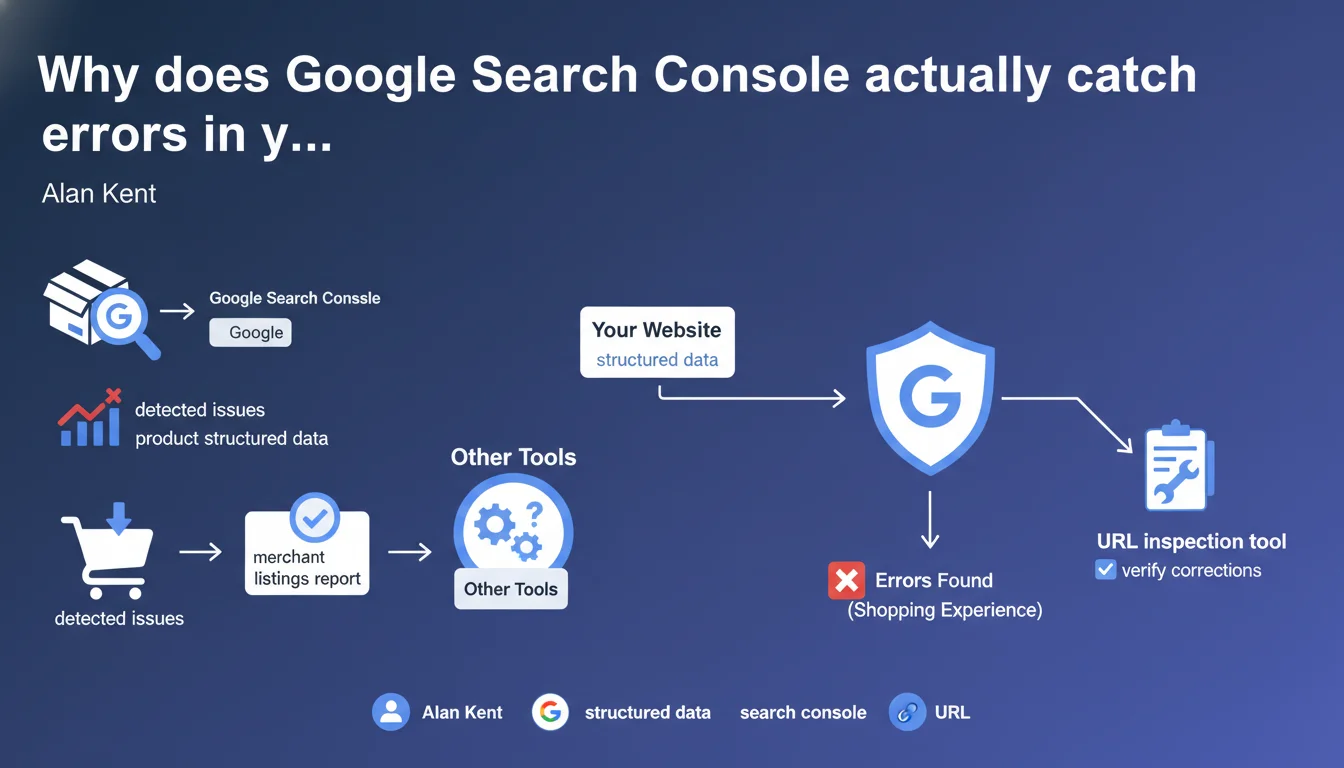
Google confirms that Search Console includes a dedicated merchant listings report that identifies issues in product structured data relevant to shopping experiences. The URL inspection tool lets you verify these errors have been resolved. An official resource often underutilized for optimizing e-commerce visibility.
What you need to understand
Why does Google emphasize this specific report?
The merchant listings report in Search Console isn't just a nice-to-have feature. It specifically targets shopping experiences — Google Shopping, rich product snippets, price annotations.
This report detects errors that the rich results testing tool sometimes misses, because it focuses on the commercial relevance of structured data rather than mere syntactic validity.
How does this differ from other validation tools?
The rich results test validates Schema.org markup. The Search Console report goes further: it analyzes whether your structured data is exploitable for Google's shopping features.
Concretely? Your Schema Product can be technically valid but lack essential properties to appear in Google Shopping or trigger a price snippet. The GSC report flags this for you.
Is URL inspection really sufficient to fix errors?
Google says yes. After correction, URL inspection allows you to validate in real time that the problem is resolved, without waiting for the next full crawl.
Theoretically faster than requesting full reindexing through the console. But watch out: the tool doesn't guarantee Google will immediately apply the correction in the SERPs.
- The GSC report identifies errors specific to shopping experiences
- URL inspection validates corrections without waiting for a crawl
- These tools complement the Schema.org validator, they don't replace it
- Resolving an error doesn't guarantee immediate SERP display
SEO Expert opinion
Does this claim actually reflect what we see in the field?
Yes, but with variable timelines. URL inspection does detect corrections, but the impact on search results can take anywhere from hours to days — sometimes weeks on infrequently crawled sites.
Multiple clients have corrected Schema Product errors validated by inspection without seeing snippet changes for 2-3 weeks. Google makes no timeline promises, and that's where the friction lies.
What are the unspoken limitations of this report?
The merchant listings report doesn't cover all product types. If you sell services, subscriptions, or atypical digital products, certain errors might slip through the cracks. [To verify] depending on your vertical.
Another point: the report flags errors but doesn't rank their criticality. A missing property can be blocking for Google Shopping but secondary for organic rich snippets. No clear guidance on priorities.
Should you fix all reported errors immediately?
No. Some errors are cosmetic. If Google flags a warning on an optional field (e.g., missing GTIN), but your snippets display correctly, you can defer the fix.
Prioritize critical errors — those blocking price, availability, or rating display. Everything else can wait for a redesign or planned maintenance.
Practical impact and recommendations
What should you prioritize checking in this report?
Start by filtering errors by issue type. Most critical: missing price, missing currency, availability not specified, invalid URL. These fields are essential for Google Shopping and rich snippets.
Then check warnings on recommended fields — high-resolution image, GTIN, MPN, brand. They don't block display, but improve the perceived quality of your product listings.
How do you efficiently fix detected errors?
Don't correct manually. If you have 50+ products, automate via your CMS or data feed. Most e-commerce platforms (Shopify, PrestaShop, WooCommerce) generate Schema Product — check your module configuration first.
Once fixed, use URL inspection on 3-4 representative products. If the issue persists, either your implementation is broken or Google's cache hasn't refreshed yet.
- Access the "Merchant listings" report in Search Console
- Filter by error type and prioritize critical fields (price, availability)
- Fix via your CMS or data feed, never manually
- Test with URL inspection on multiple representative products
- Monitor the report over 2-3 weeks to confirm resolution
- Verify actual snippet display in private browsing — don't trust tools alone
❓ Frequently Asked Questions
Le rapport GSC remplace-t-il le validateur Schema.org ?
Combien de temps après correction les snippets produits s'affichent-ils ?
Dois-je corriger tous les avertissements, même non critiques ?
Pourquoi mes snippets ne s'affichent pas malgré l'absence d'erreurs GSC ?
Le rapport fonctionne-t-il pour tous les types de produits ?
🎥 From the same video 9
Other SEO insights extracted from this same Google Search Central video · published on 17/01/2023
🎥 Watch the full video on YouTube →
💬 Comments (0)
Be the first to comment.