
Official statement
Other statements from this video 9 ▾
- □ Pourquoi Googlebot signale-t-il des soft 404 sur vos pages géolocalisées vides ?
- □ Le cloaking géolocalisé est-il vraiment acceptable pour Google ?
- □ Afficher du contenu national par défaut est-il considéré comme du cloaking par Google ?
- □ Le cloaking est-il vraiment un problème si l'utilisateur n'est pas trompé ?
- □ Googlebot crawle-t-il vraiment votre site depuis plusieurs pays ?
- □ Faut-il attendre avant de juger l'impact d'une mise à jour algorithmique Google ?
- □ Pourquoi l'analyse des fichiers logs est-elle indispensable pour les gros sites ?
- □ Comment garantir une expérience cohérente avec les attentes utilisateur sans risquer une pénalité pour cloaking ?
- □ Faut-il vraiment comparer l'état réel des pages avant et après une baisse de trafic ?
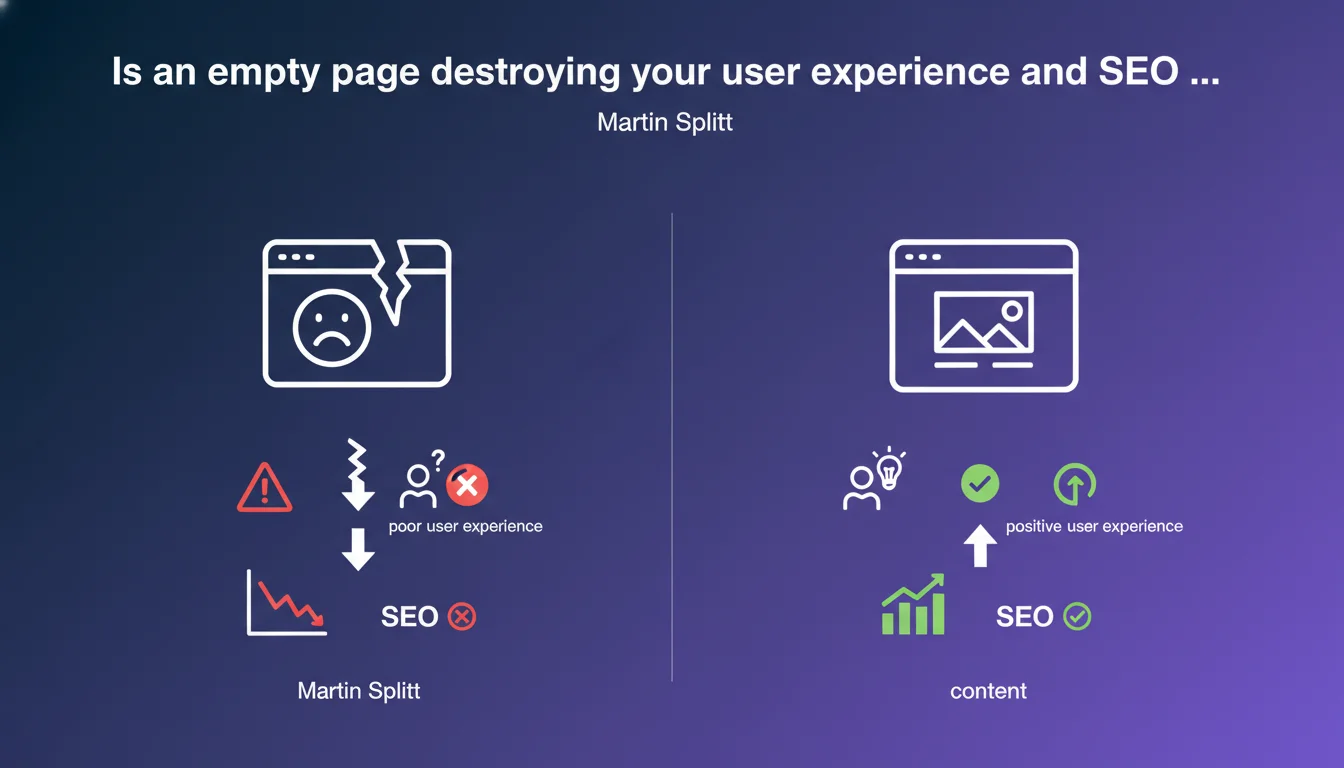
Google considers displaying an empty page to users who refuse geolocation sharing to be poor user experience. It's always better to offer default content rather than leaving a blank page. This position directly impacts the perceived quality of your site by crawlers and users.
What you need to understand
What is the context behind Martin Splitt's statement?
Many websites condition their content display on accepting geolocation. Some push this logic to the extreme by showing a completely empty page if the user refuses to share their location.
This practice creates a double problem. First on the user side: a blank page provides no information about what the site offers, giving no reason to stay. On the crawl side: Googlebot does not share geolocation — it therefore potentially sees the same empty page as reluctant users.
What does "poor user experience" really mean to Google?
When Google talks about user experience, it first thinks about observed behavior. An empty page mechanically generates a high bounce rate, zero visit duration and zero engagement. These signals are interpreted as a lack of relevance.
Google's concept of UX is inseparable from Core Web Vitals and behavioral metrics. An empty page may technically load quickly — but it fails on all qualitative criteria: usefulness, relevance, satisfaction.
Why display default content instead of nothing?
Offering default content maintains minimum value for all visitors, regardless of their consent level. This could be a generic product list, a national map, an editorial selection that isn't geolocation-based.
This approach preserves indexation. If Googlebot arrives on your page and finds content to crawl, it can evaluate and rank it. An empty page is indexed void — essentially wasting your crawl budget and sending a negative signal.
- An empty page causes immediate bounce and no engagement
- Googlebot does not share geolocation and will see the empty version
- Providing default content maintains minimum value for indexation
- User experience is also measured by behavior: time, interactions, satisfaction
- A technically fast but empty page fails on qualitative criteria
SEO Expert opinion
Is this statement consistent with real-world observations?
Yes, absolutely. Sites that block content access through aggressive consent mechanisms (geolocation, cookies, push notifications) systematically see their SEO performance degrade. The geolocation case is even more critical than cookies: browsers and crawlers reject it by default.
I've seen e-commerce sites lose 40% of their organic traffic after conditioning product page display on geolocation activation. Googlebot indexed empty pages, ranked them poorly, then progressively demoted them. The signal was crystal clear: no visible content = no relevance.
In what cases can this rule be nuanced?
There are edge cases — for example a hyper-local classifieds site where geolocation is intrinsic to the service. But even then, it's better to display an explanatory message, a clickable national map, or a postal code search than total emptiness.
Some developers think they can work around this by displaying a permanent spinner or loader. Bad idea: it's technically content, but it's even worse for UX and behavioral signals. [To verify] — Google has never explicitly stated how it handles infinite loaders, but user metrics speak for themselves.
What are the implications for multilingual or multi-region sites?
Many international sites use geolocation to automatically redirect to the correct language or regional version. If this redirect fails (geolocation refused), you absolutely must display a default landing page with manual selection.
Google favors sites that let users choose — and that display content even without automatic detection. It's a balance between personalization and accessibility. Never sacrifice accessibility for hyper-personalized experience that excludes part of your visitors.
Practical impact and recommendations
What should you do concretely to avoid empty pages?
First step: audit all pages that depend on geolocation. Use your browser's developer tools to manually block geolocation access and browse your site. Note all pages that appear empty or blocked.
Next, implement fallback content: a default, generic version accessible to everyone. For an e-commerce site, that could be the entire catalog without geographic filtering. For a local services site, an interactive map with manual city search.
Also test with Google Search Console and the URL inspection tool. See how Googlebot renders your pages — if you see emptiness while your browser shows content, you have a JavaScript rendering or server-side detection problem.
What technical errors must you absolutely avoid?
Never condition HTML display on a client-side JavaScript variable that depends on geolocation. Content must be present in the initial DOM, even if you hide or adjust it later if the user consents.
Avoid blocking pop-ups or modals that prevent content access until geolocation is accepted. Google may consider them intrusive interstitials — a practice that's already been penalized for years, especially on mobile.
Don't rely on temporary 302 redirects based on geolocation to manage multiple versions of a page. Google may misinterpret these redirects and index the wrong version. Prefer unique content with progressive personalization.
How do you verify that your site meets Google's expectations?
Use the mobile compatibility test and URL inspection tool in Search Console. Compare rendering with and without geolocation consent. Analyze your Core Web Vitals: an empty page loads fast technically but will have catastrophic LCP if content never appears.
Monitor your behavioral metrics in Google Analytics: bounce rate, time on page, pages per session. A sudden spike in bounces on certain pages may signal a conditional display problem.
Finally, test on multiple browsers and devices. Chrome, Safari and Firefox handle geolocation permissions differently — what works on one may fail on another.
- Audit all pages depending on geolocation by manually blocking access
- Implement generic fallback content visible by default
- Verify Googlebot rendering via Search Console and URL inspection tool
- Never condition initial HTML display on a client-side JavaScript variable
- Avoid blocking pop-ups requesting geolocation before accessing content
- Test your site on multiple browsers and devices with geolocation disabled
- Monitor behavioral metrics: bounce rate, time, engagement
- Analyze Core Web Vitals, particularly LCP, on affected pages
❓ Frequently Asked Questions
Googlebot partage-t-il des données de géolocalisation lors du crawl ?
Peut-on utiliser une détection IP côté serveur pour contourner ce problème ?
Une page vide impacte-t-elle le crawl budget ?
Les Core Web Vitals sont-ils affectés par une page vide ?
Faut-il utiliser un code HTTP spécifique si l'utilisateur refuse la géoloc ?
🎥 From the same video 9
Other SEO insights extracted from this same Google Search Central video · published on 13/12/2022
🎥 Watch the full video on YouTube →
💬 Comments (0)
Be the first to comment.